 EN
EN IT Italiano
 ES Español
 FR Français
 DE Deutsch
Description
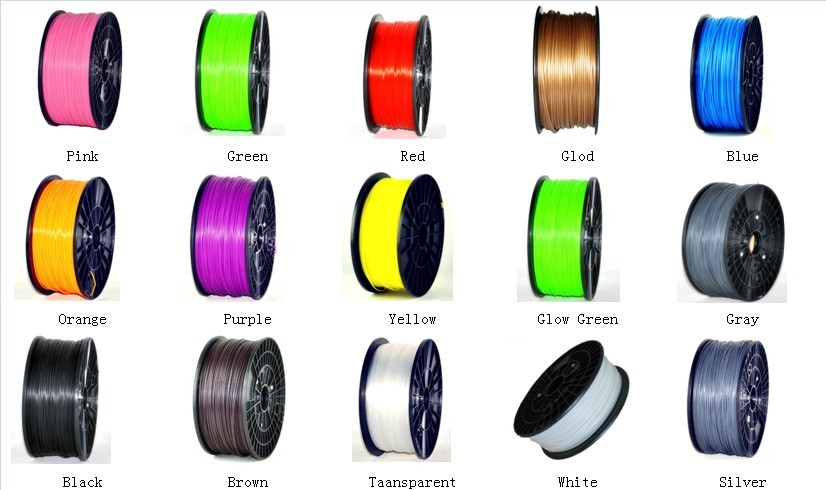
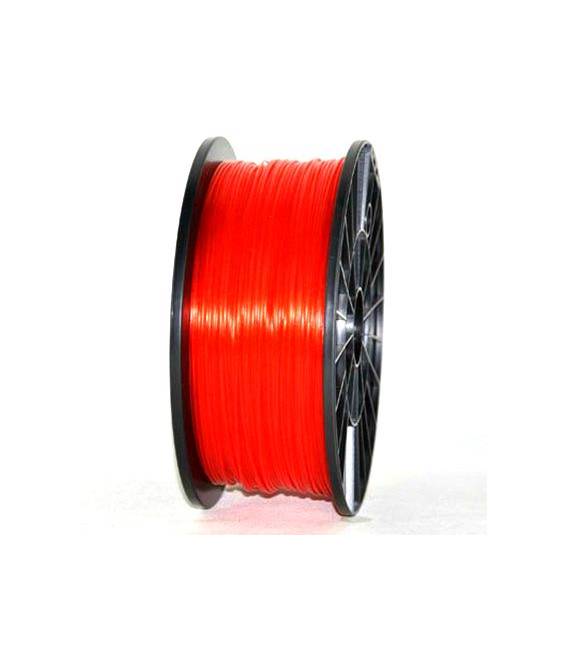
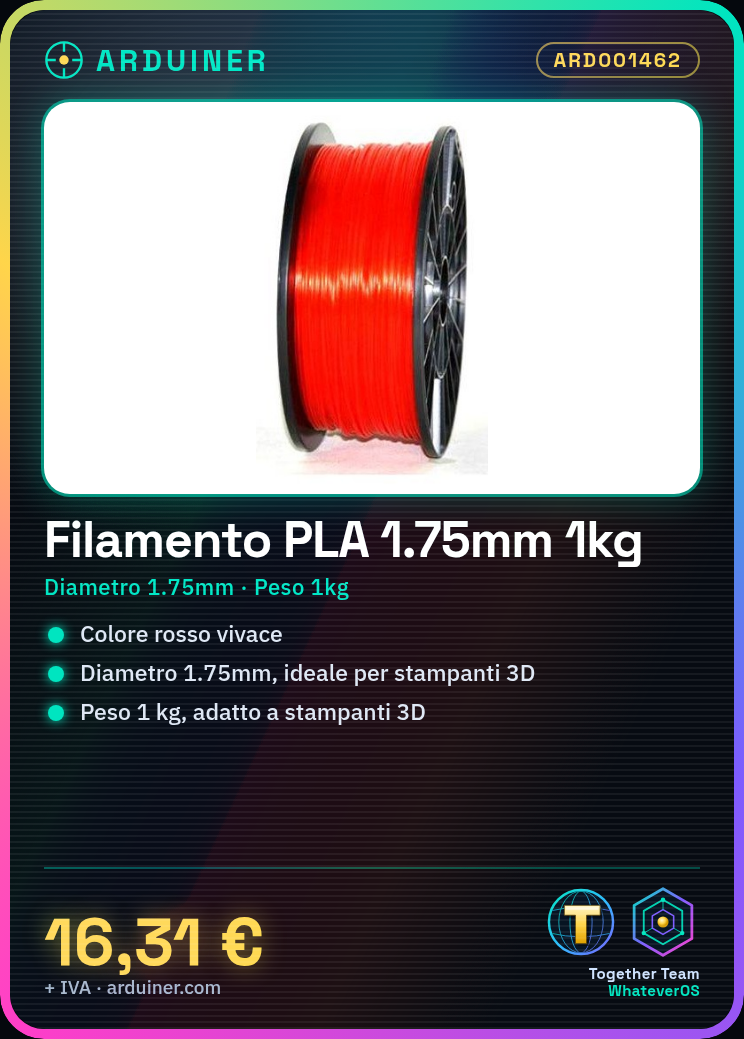
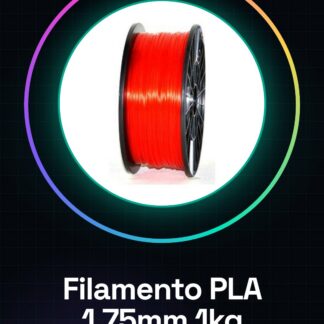
What is the Arduiner Red PLA Filament? The Arduiner Red PLA Filament is a consumable for 3D printers suitable for a wide range of models and projects. With a weight of 1 kg, this filament offers a vibrant color choice that can be used on various types of 3D printers. Features Diameter: 1.75mm Weight: 1kg Category: PLA Consumables, 3D Printers, CNC, Laser What is it for? This PLA filament is ideal for starting with 3D printing or for more advanced projects. It is compatible with various brands of 3D printers such as MakerBot and Ultimaker, making it an excellent choice for both beginners and experts. Tutorial: How to Use 1.75mm Red PLA Filament 1kg The red PLA filament is perfect for starting with 3D printing, offering high-quality results on a wide range of 3D printers. This filament is particularly suitable for beginners and those looking for a safe and eco-friendly material. What is needed? A 3D printer compatible with PLA A filament feeder for the printer Gloves to protect your hands Steps Install the filament in the filament feeder of your 3D printer. Check that the printer’s default temperature is suitable for PLA (generally 190-230°C). Insert the G-code file parameters into your 3d printer. Start the print and observe the process. If necessary, adjust the temperature or speed settings. Once the print is complete, cool down the object before removing any support material. Check that the object meets your expectations. Store it in a cool and dry place to maintain its properties. Mini-project Create a simple geometric sculpture or a table container using free online models. Common errors Too high temperature causing filament dripping. Filament blocked in the feeder due to impurities. Incorrect settings in the printer. Objects not well connected or lacking details. Recommended accessories Compatible 3d printer Filament feeder for the printer Gloves to protect hands during installation Frequently asked questions What is the ideal temperature for PLA? The ideal temperature varies from 190°C to 230°C, check the datasheet of your printer model. How can I properly store this filament? Keep it in a cool and dry place to prevent moisture.
Reviews
There are no reviews yet.