 EN
EN IT Italiano
 ES Español
 FR Français
 DE Deutsch
Description
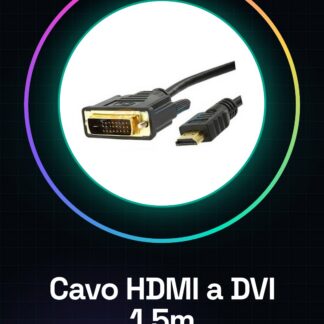
Tutorial: How to use the HDMI to DVI 1.5M Converter Cable
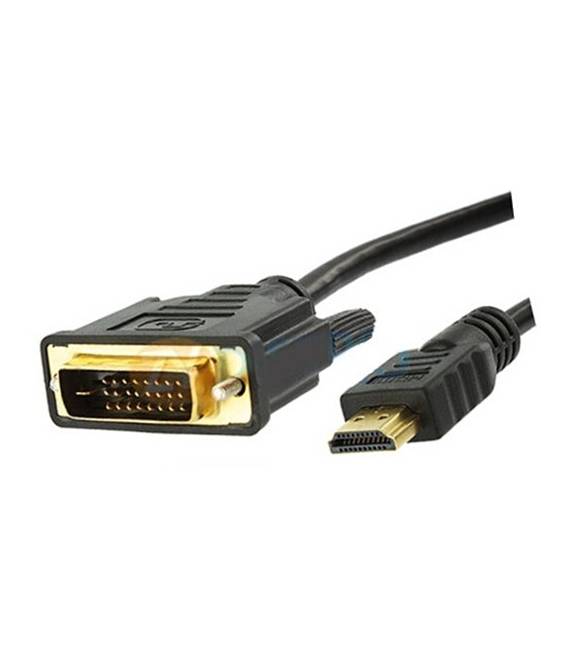
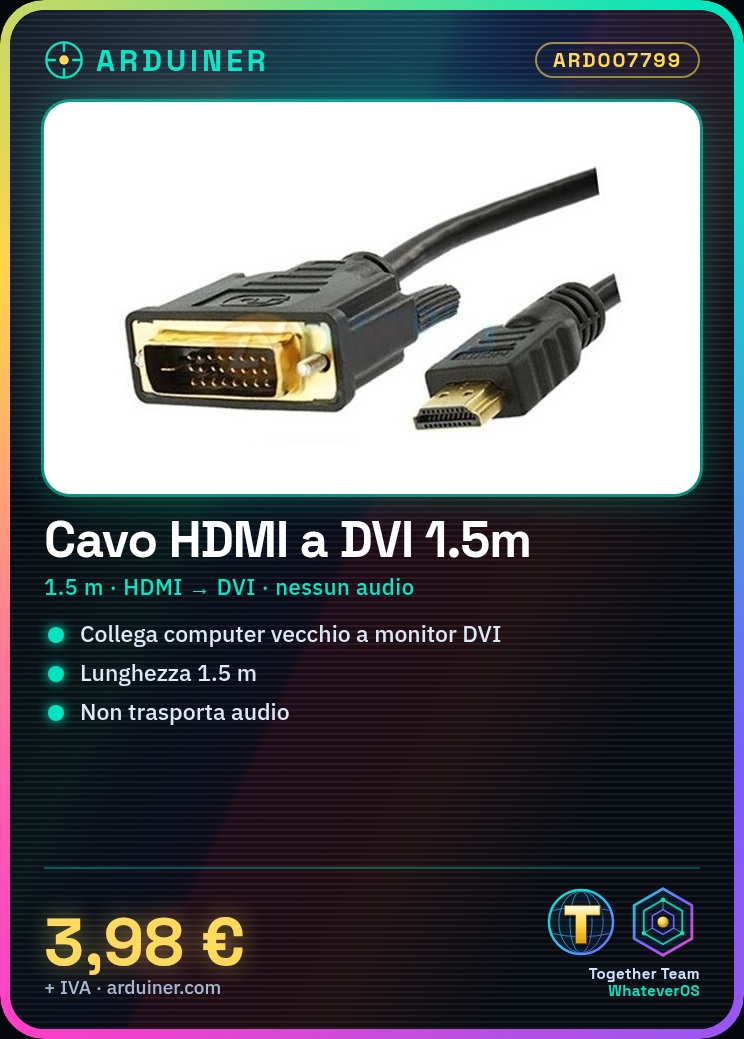
This cable allows you to connect HDMI devices to DVI monitors or screens, ideal for vintage setups or connecting an old computer to a new monitor. What you need: HDMI device (like a computer), DVI monitor or screen, DVI adapter if your monitor only has VGA input. Steps: 1. Ensure your HDMI device and DVI monitor are compatible. 2. Turn off your monitor. 3. Connect one end of the cable to the HDMI port of your device. 4. Connect the other end of the cable to the DVI port of your monitor. 5. Turn on your monitor. 6. Configure your system to use the DVI monitor. 7. Check that the image is displayed correctly on the monitor. 8. If necessary, adjust the resolution and refresh rate. Mini-project: Connect an old computer to a DVI monitor and ensure the image is displayed correctly. Common errors: If you don’t see the image, check that the cable is properly connected. If the monitor doesn’t turn on, check that it is properly powered. If the resolution is too low, check your system settings. If the cable heats up, stop using it and refer to the datasheet for correct usage. Recommended accessories: DVI adapter if your monitor only has VGA input, HDMI adapter if your device only has DVI output, USB cable to update your monitor’s software. Frequently asked questions: Does the cable work with all HDMI devices? Check the datasheet for specific compatibility. Does the cable support all audio formats? The cable does not support audio, check the datasheet for more details. Can I use this cable with a modern computer? Check the datasheet for specific compatibility. Does the cable have a fast response time? The response time depends on your device and monitor, check the datasheet for more details.
Reviews
There are no reviews yet.