 EN
EN IT Italiano
 ES Español
 FR Français
 DE Deutsch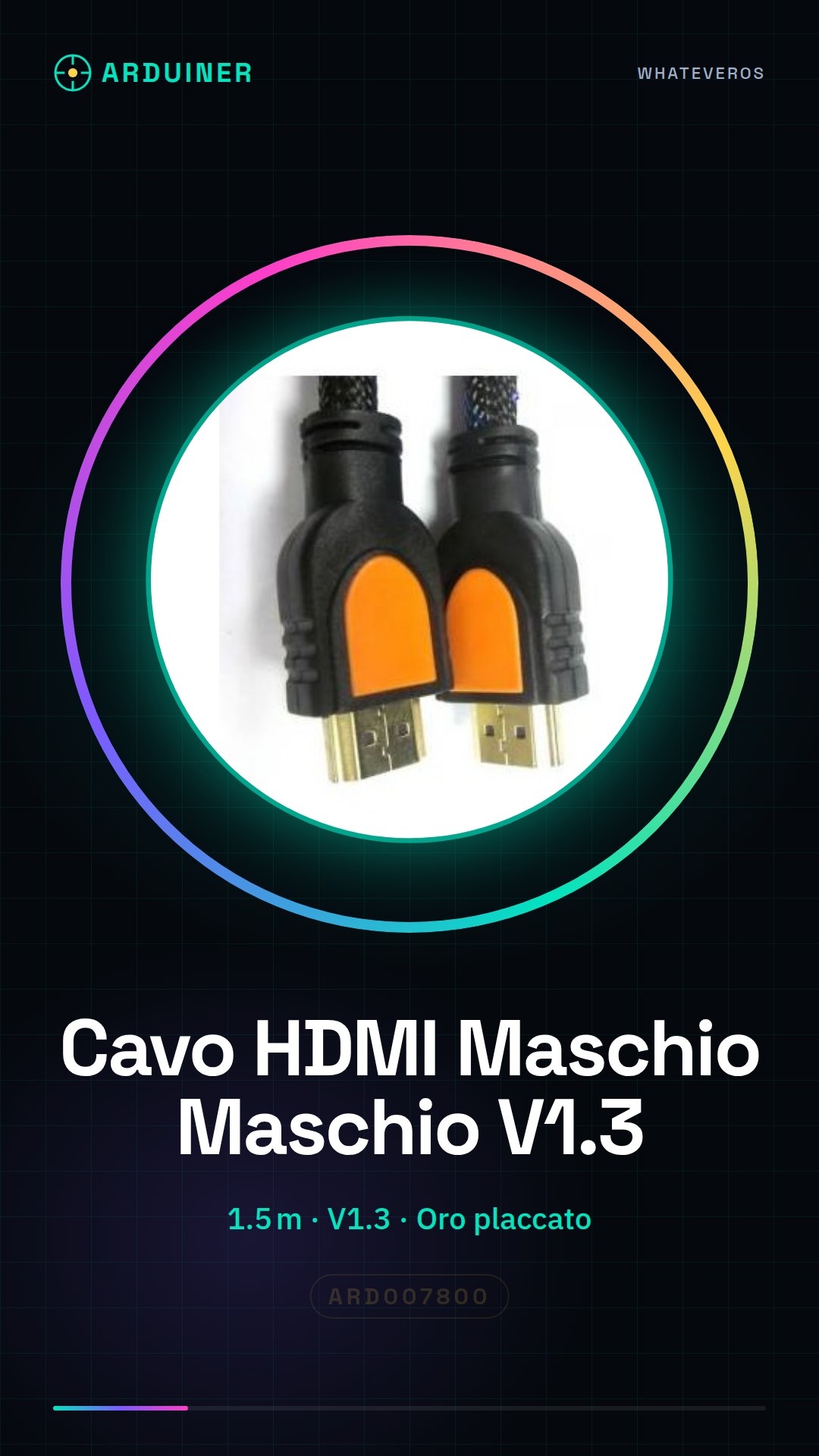
Description
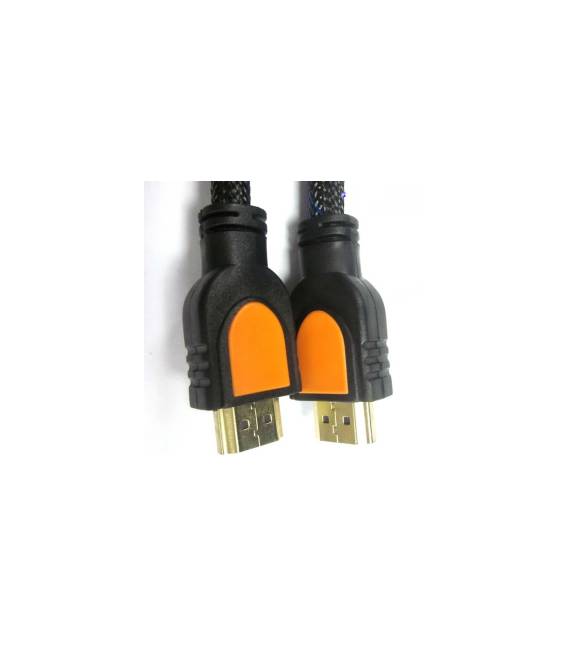
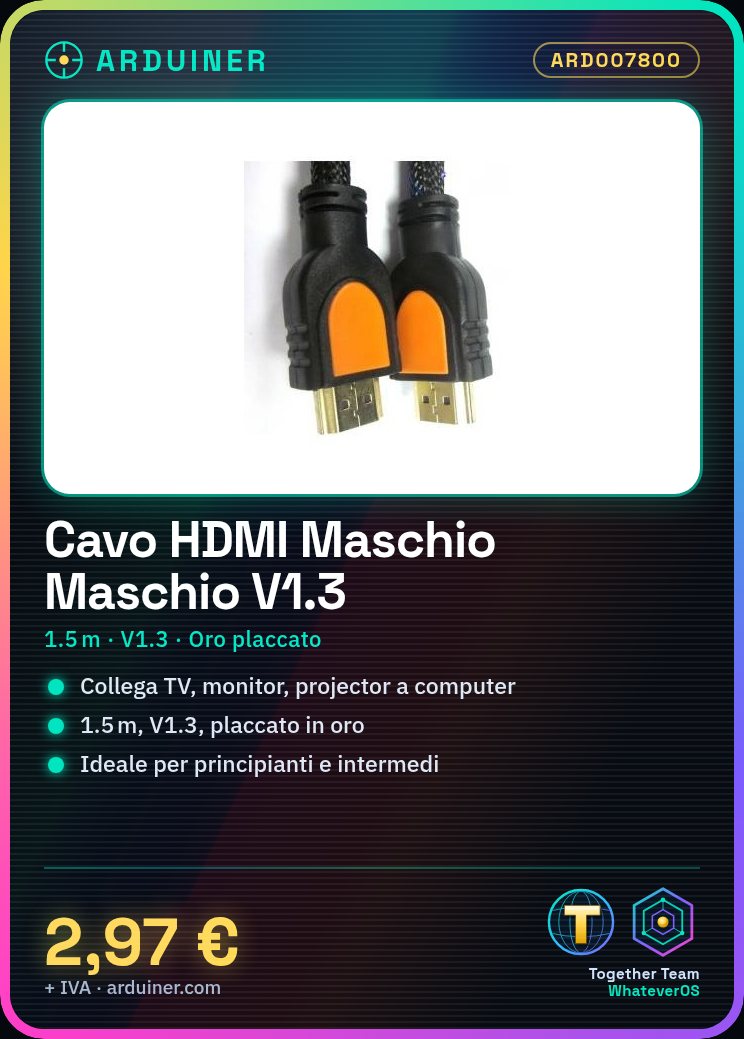
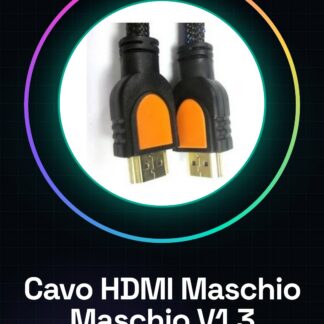
Tutorial: How to use the Male HDMI to Male HDMI V1.3 1.5m Cable. This HDMI cable is ideal for connecting devices such as TVs, monitors, or projectors to video sources like computers or consoles. Perfect for beginners and intermediate users. What you need: Source device (computer, console, etc.) Destination device (TV, monitor, projector, etc.) Steps: Check that the HDMI cable is compatible with the source and destination devices. Turn off the destination device. Connect the male end of the HDMI cable to the HDMI port of the source device. Connect the male end of the HDMI cable to the HDMI port of the destination device. Verify on the datasheet if the cable supports HDCP technology. Turn on the destination device. Select the correct input on the destination device. Check that the image and sound are correctly displayed. Mini-project: Connect a computer to a TV using this HDMI cable. Set the video resolution and audio on the TV. Common errors: Incorrectly connecting the cable (reversing the ends). Not verifying compatibility between source and destination. Not selecting the correct input on the destination device. Ignoring any error messages visible on the screen. Recommended accessories: HDMI to USB Adapter (to connect an HDMI device to a computer) USB Power Cable (if needed) External Audio Cable (to connect the computer’s audio cable to the TV) Frequently asked questions: Does the cable support HDCP? Check the datasheet to see if the cable supports HDCP. Can I use this cable with 4K devices? Check the datasheet for compatibility with 4K devices. Does the cable support audio? Check the datasheet to see if the cable supports audio transmission.
Reviews
There are no reviews yet.