 EN
 IT Italiano
 ES Español
 FR Français
 DE Deutsch
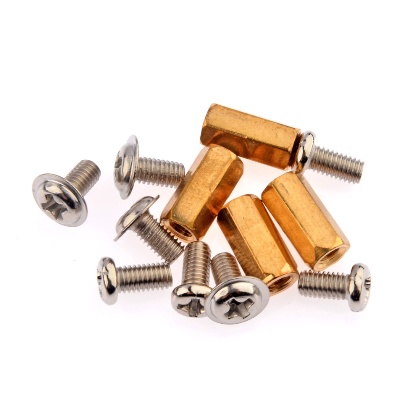
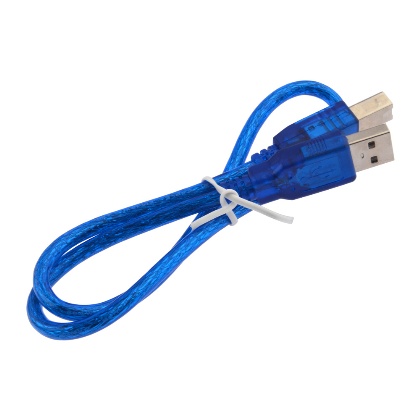
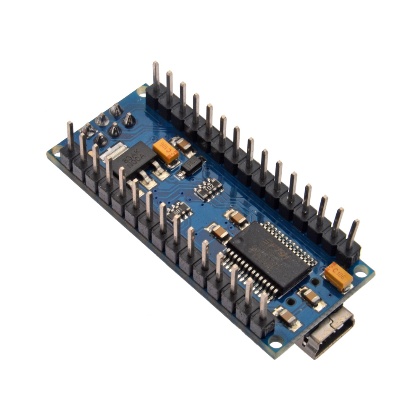
Description
What it is
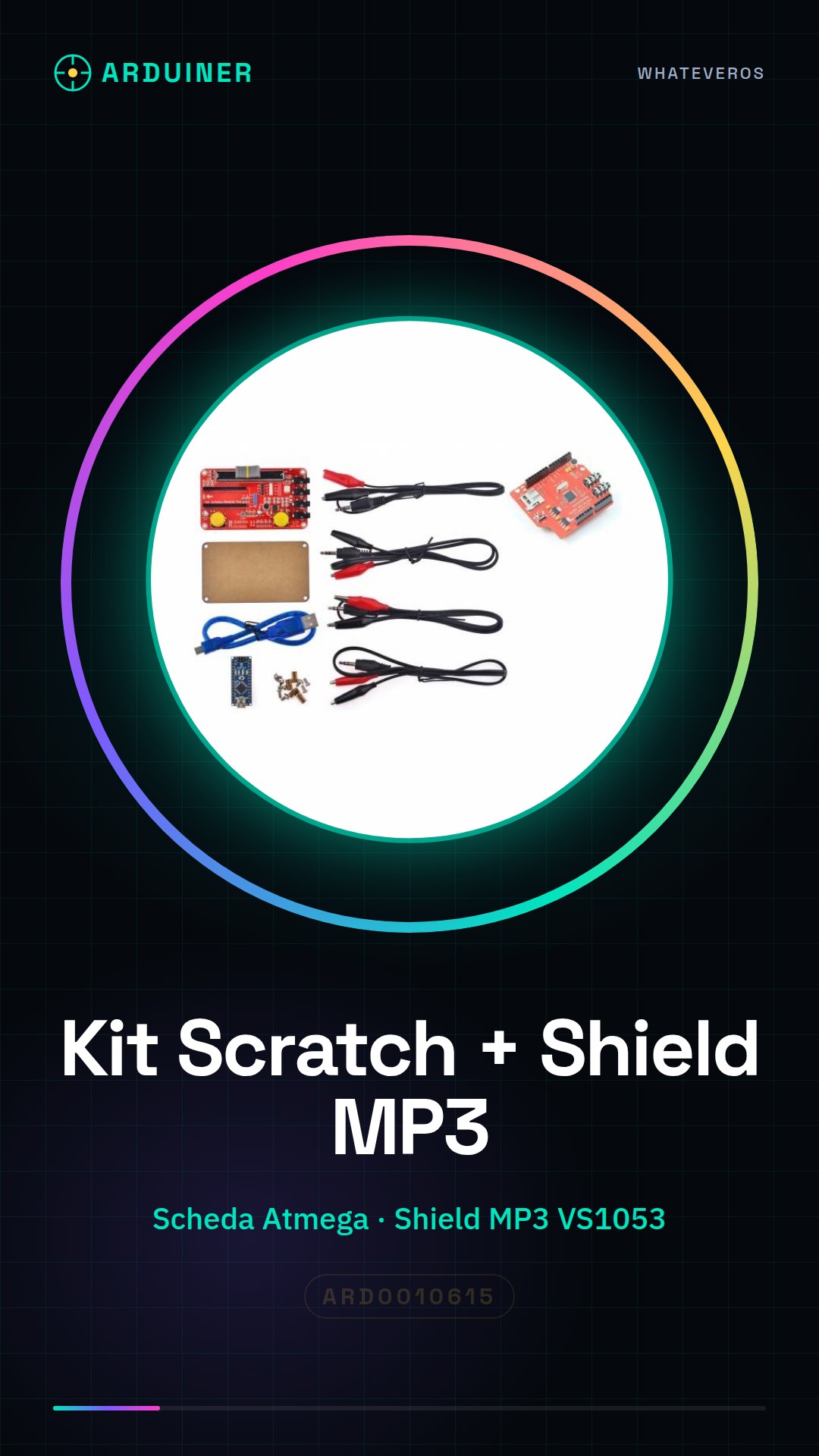
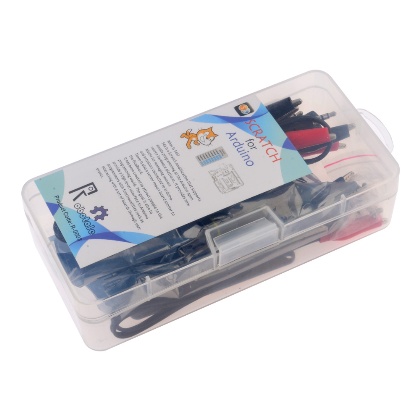
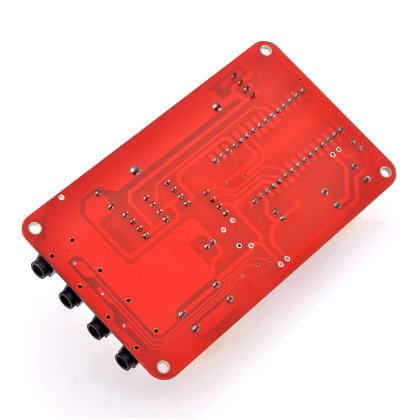
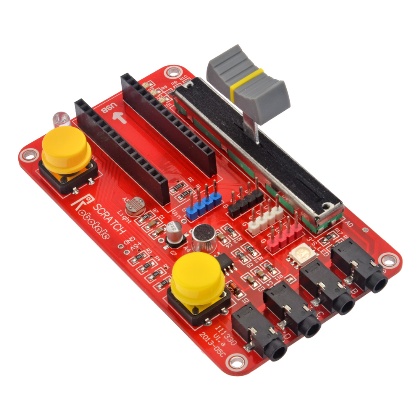
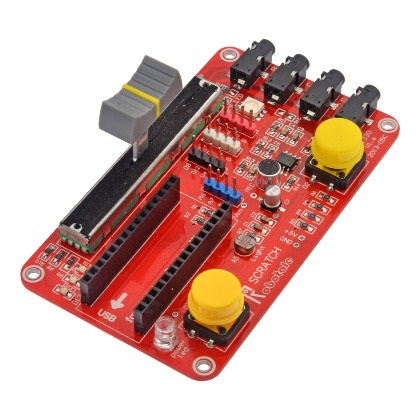
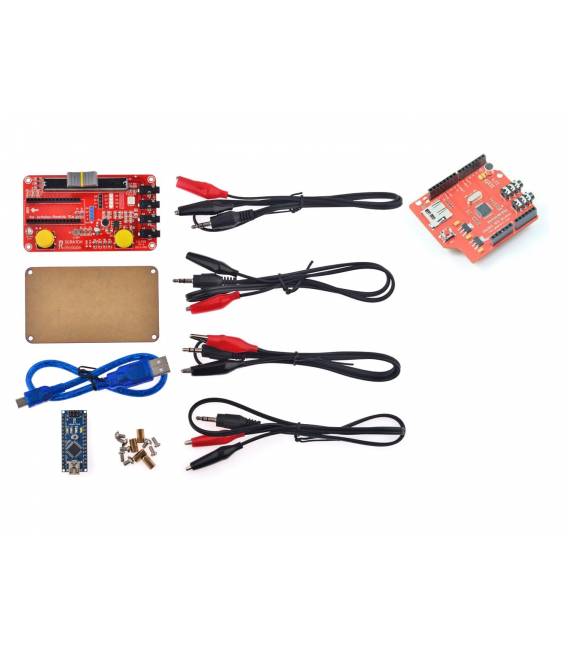
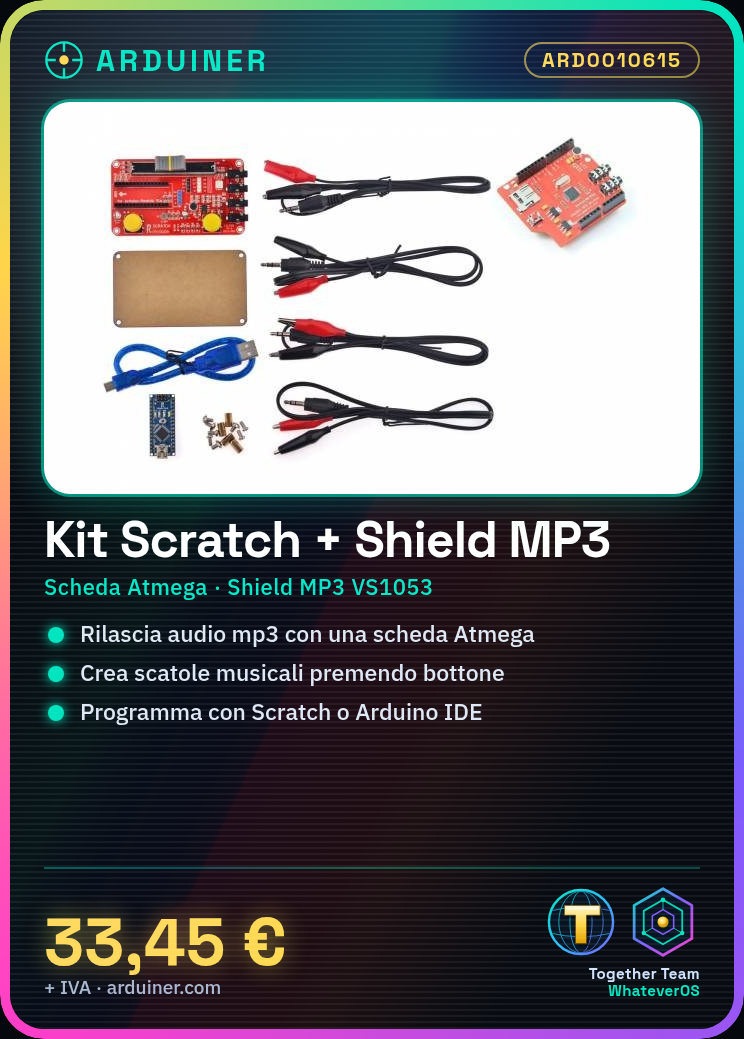
The Arduino Learning Kit H014 includes an Atmega board and an MP3 VS1053 Shield, which allows for mp3 audio playback and recording. This kit is designed to facilitate learning programming on Arduino through the visual language Scratch.
Features
- Atmega board compatible with Arduino
- MP3 VS1053 Shield for mp3 audio playback and recording
- Includes learning kit for beginners
What it is for
Subscribers can use this kit to create projects such as musical boxes that play songs when a button is pressed. The kit is compatible with Arduino and allows the use of Scratch or the Arduino IDE to control the MP3 Shield.
Tutorial: How to use Scratch Learning Kit + MP3 VS1053 Shield
The Learning Kit for Arduino with MP3 Shield and Atmega Board allows you to start programming Arduino using the visual language Scratch. This kit is perfect for beginners who want to learn the basics of electronics and programming without having to worry about complicated technical details.
What you need
- Arduino Uno or compatible
- Scratch Learning Kit
- MP3 Shield VS1053
- USB A-MicroB cable
- 5V power supply
Steps
- Connect the Arduino Uno to your computer using the USB cable.
- Upload the sketch provided in the Scratch Learning Kit to the Arduino.
- Connect the MP3 Shield VS1053 to the Arduino following the instructions in the datasheet.
- Check that the 5V power supply is correctly connected to the system.
- Open the example library provided in the kit and select an MP3 example project.
- Compile and run the code on the Arduino to test audio playback.
- If necessary, modify the sketch based on your needs using Scratch or Arduino IDE.
- Try to record an MP3 file and verify that it can be played back correctly.
Example code
//Esempio di codice per testare la Shield MP3 VS1053
#include <SoftwareSerial.h>
SoftwareSerial mp3(2, 3);
void setup() {
  mp3.begin(9600);
}
void loop() {
  //Inserire qui il comando per riprodurre un file MP3
}
Mini project
Create a small music box that plays songs when a button is pressed. Use Scratch or Arduino IDE to control the MP3 VS1053 Shield and manage the button input.
Common mistakes
- Make sure the connection between Arduino and Shield is correct.
- Check that the MP3 file is in the format supported by the Shield.
- Check if the USB drivers are installed correctly for communication with the Arduino.
- Ensure that Scratch or Arduino IDE is configured correctly to interact with the Shield.
Recommended accessories
- RS232 Serial Cable
- 5V Power Divider
- Momentary Push Button
- External Speaker
Frequently asked questions
How can I upload the sketch to Arduino?
Use the Arduino IDE and select the correct device in the ‘Device’ section. Compile and run the code.
Which MP3 files are supported by the VS1053 MP3 Shield?
Check the datasheet for supported audio formats.
Reviews
There are no reviews yet.