 EN
 IT Italiano
 ES Español
 FR Français
 DE Deutsch
Description
What it is
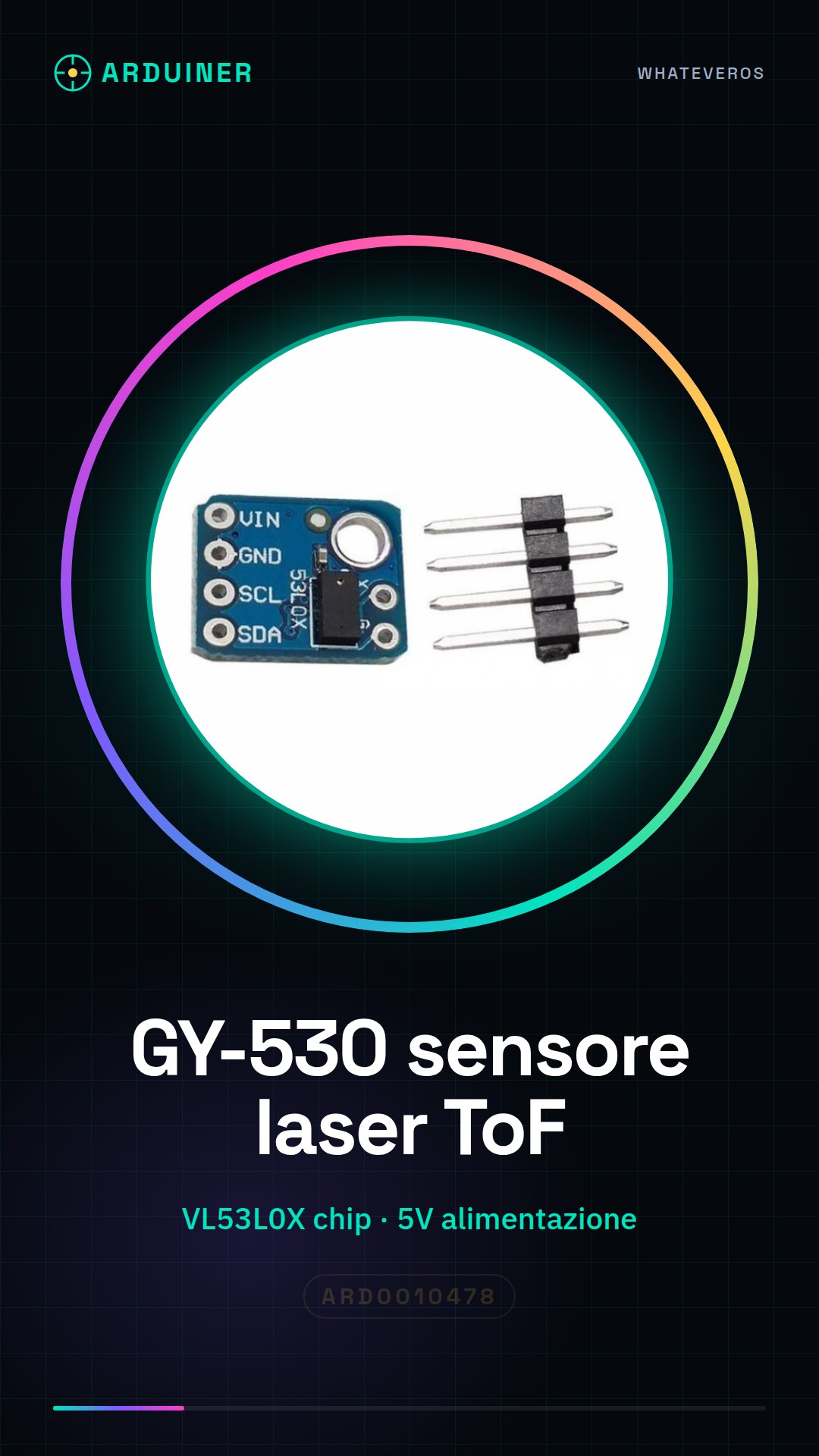
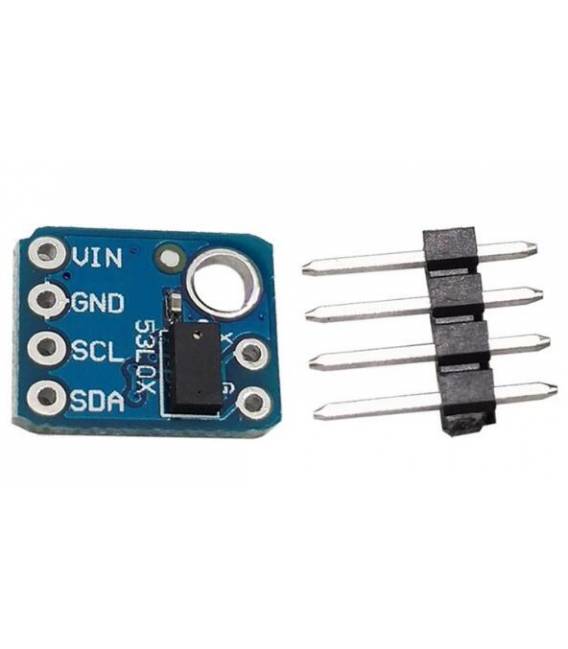
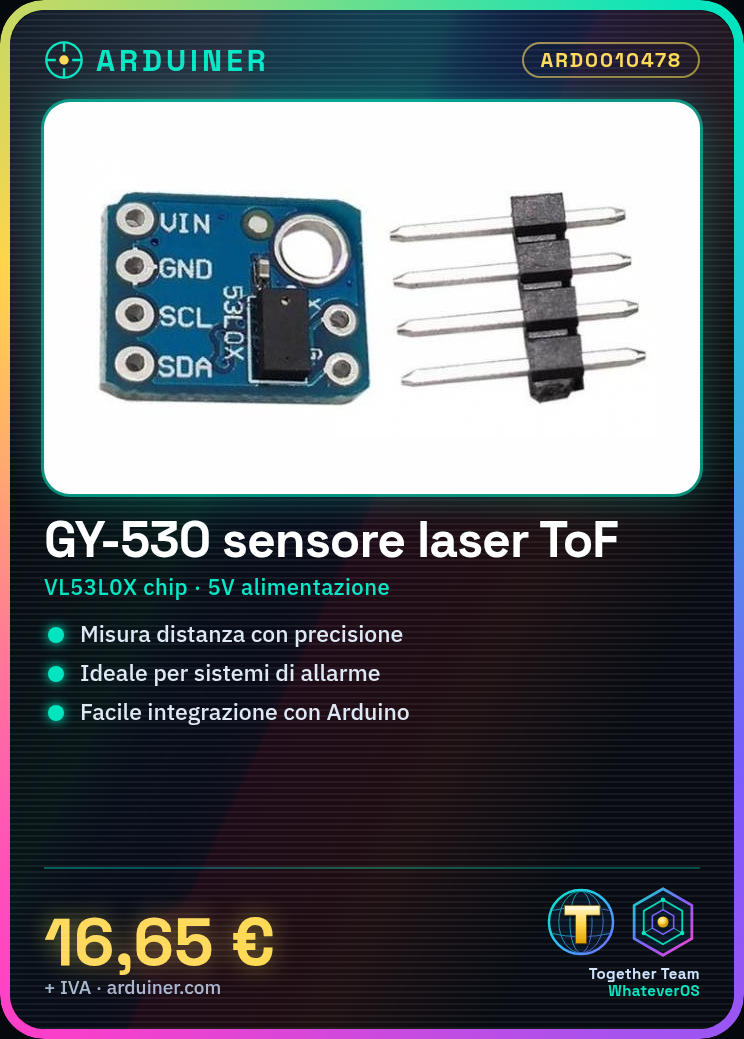
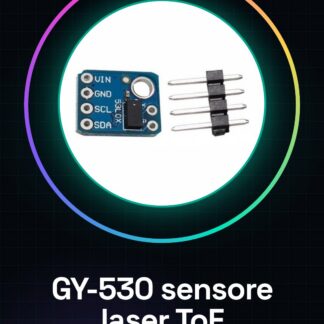
The GY-530 is a laser measurement sensor based on the VL53L0X chip, designed for precise distance measurement. This device is ideal for applications requiring accurate position or distance detection.
Features
- Laser ToF VL53L0X Sensor
- Measures distance with precision
What it is for
The GY-530 is usable in various Arduino projects, such as distance alarm systems or human-robot interfaces. It is compatible with Arduino microcontrollers and ESP.
Tutorial: How to use GY-530 laser measurement ToF sensor
The GY-530 is a laser ToF (Time of Flight) sensor that measures distance with precision. Useful for distance detection projects and human-robot interfaces.
What you need
- GY-530 GY-530
- Arduino or compatible
- 5V power cable
- 10kΩ resistor (for pull-up)
Steps
- 1. Connect the GY-530 to the Arduino using the following pins: VCC to 5V, GND to GND, SCL to SCL pin, SDA to SDA pin, VDD to 5V, GND to GND, GND to GND, 10kΩ pull-up to VCC.
- 2. Download and install the VL53L0X library on Arduino IDE.
- 3. Insert the following code to initialize the sensor: `VL53L0X sensor; sensor.begin();`
- 4. Use `sensor.getDistance()` to obtain the distance.
- 5. Check the datasheet for further details.
- 6. Add measurement error handling with `if (sensor.getDistance() > 1000) { Serial.println(“Distance exceeds 1 meter”); }`
- 7. Check the datasheet for further details.
- 8. Test the sensor with a simple sketch that prints the distance on the Serial Monitor.
Example code
```
#include <VL53L0X.h>

VL53L0X sensor;

void setup() {
  Serial.begin(9600);
  sensor.begin();
}

void loop() {
  Serial.println(sensor.getDistance());
}
```
Mini project
Create a distance alarm system. Connect the GY-530 to the Arduino and write a sketch that turns on an LED when the distance exceeds 1 meter.
Common mistakes
- Forget to connect the pins correctly.
- Do not use the wrong library.
- Power the sensor with a voltage other than 5V.
- Omit initializing the sensor.
Recommended accessories
- LED
- Resistor for LED
- 5V power supply rail
Frequently asked questions
How can I check if the sensor is working?
Check that the distance value printed on Serial Monitor changes when you move the object in front of the sensor.
Can I use this sensor with a microcontroller other than Arduino?
Yes, but it may require modifying the code and specific configuration for the chosen microcontroller.
Does the sensor work well in low-light conditions?
The sensor works well in a variety of lighting conditions, but accuracy may decrease in very dark environments.
Reviews
There are no reviews yet.