 EN
 IT Italiano
 ES Español
 FR Français
 DE Deutsch
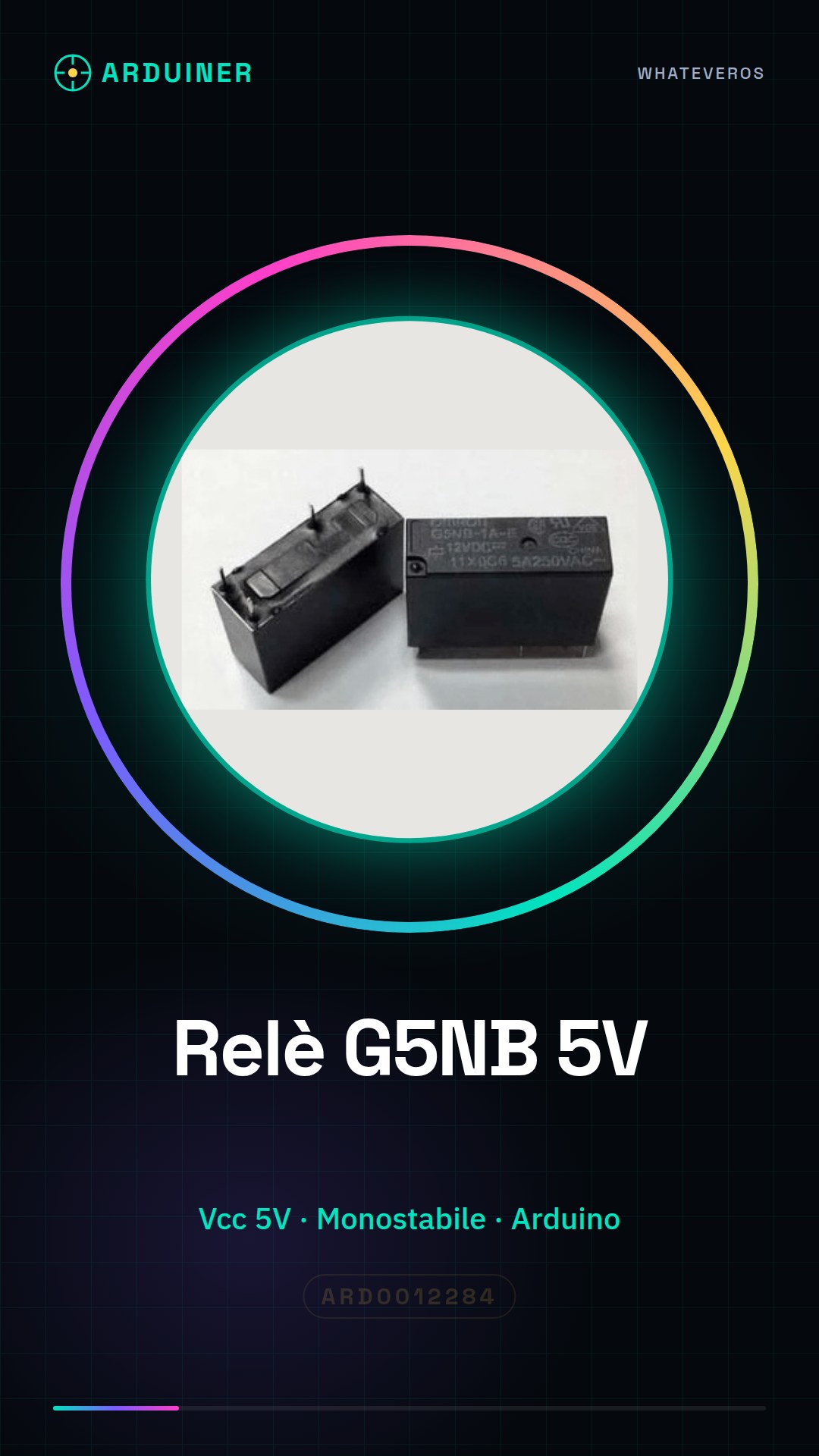
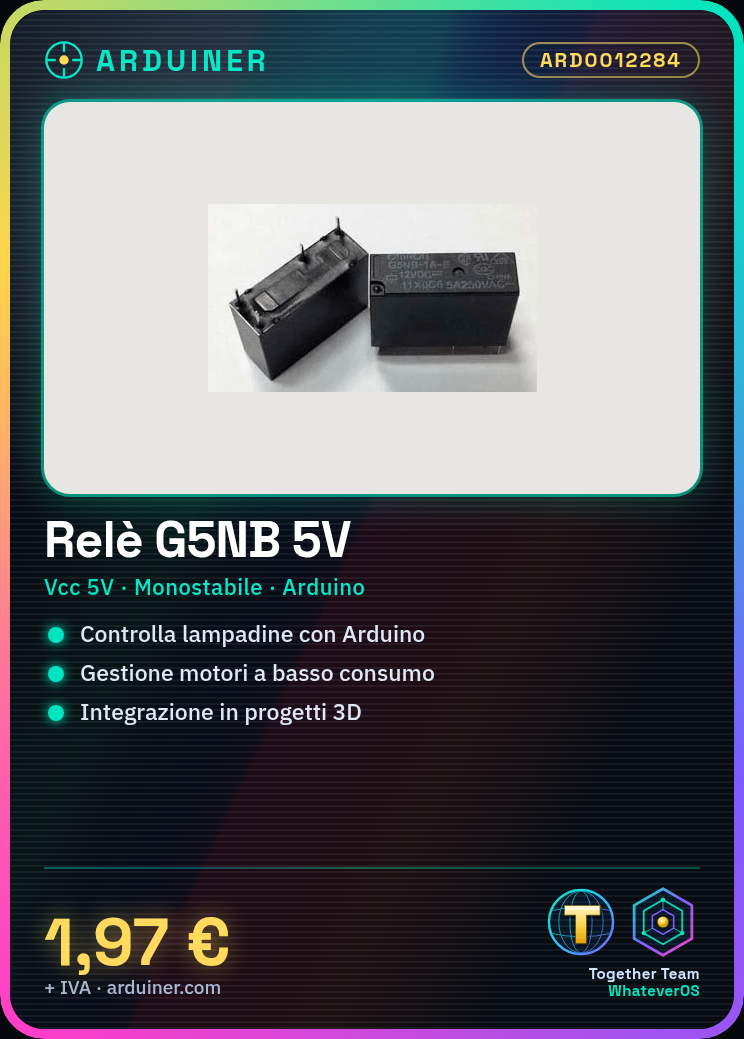
Description
What it is
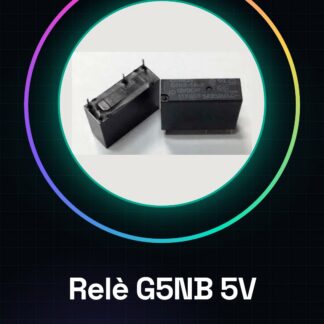
The G5NB-1A-E-5VDC monostable relay is an electronic device that allows controlling electrical devices from a low-power logic circuit. It is ideal for beginner and intermediate makers who want to control devices such as light bulbs, motors, and other electrical loads directly from a microcontroller like Arduino.
Features
- Monostable Relay
- Vcc: 5V
- Check the datasheet
What it is for
The G5NB-1A-E-5VDC relay can be used to create automatic lighting systems or to control motors and other electrical loads. It is compatible with microcontrollers like Arduino and can be integrated into 3D printing projects, drones, and other electronic devices.
Tutorial: How to Use Monostable Relay G5NB-1A-E-5VDC
The G5NB-1A-E-5VDC monostable relay is an electronic device that allows controlling electrical devices from a low-power logic circuit. It is ideal for beginner and intermediate makers who want to control devices such as light bulbs, motors, and other electrical loads directly from a microcontroller like Arduino.
What you need
- Arduino Uno or compatible
- Header connections
- Power connection
- Ground connection
Steps
- Connect the relay ground to the Arduino ground.
- Connect the relay command line to an Arduino output pin.
- Connect the relay power to 5V of the Arduino.
- Check the relay power supply on the datasheet.
- Write the Arduino code to activate the relay.
- Upload the code to the microcontroller.
- Test the relay by pressing the Arduino reset button.
- Verify that the relay activates and deactivates correctly.
Example code
void setup() {
  pinMode(2, OUTPUT);
}

void loop() {
  digitalWrite(2, HIGH);
  delay(1000);
  digitalWrite(2, LOW);
  delay(1000);
}
Mini project
Create an automatic lighting system with the relay that turns on a light bulb for 10 seconds every time the Arduino reset button is pressed.
Common mistakes
- Do not verify the relay power supply.
- Do not connect the ground correctly.
- Use an input pin instead of an output pin to activate the relay.
- Do not test the relay before using it in a more complex project.
Recommended accessories
- Arduino Uno
- Header connections
- Resistor
- LED
Frequently asked questions
How can I control the relay from another device?
Use a wireless communication module such as XBee or Wi-Fi.
What devices can I control with the relay?
You can control any electrical device that requires a ground contact and a separate power supply.
Reviews
There are no reviews yet.