 EN
 IT Italiano
 ES Español
 FR Français
 DE Deutsch
Description
What it is
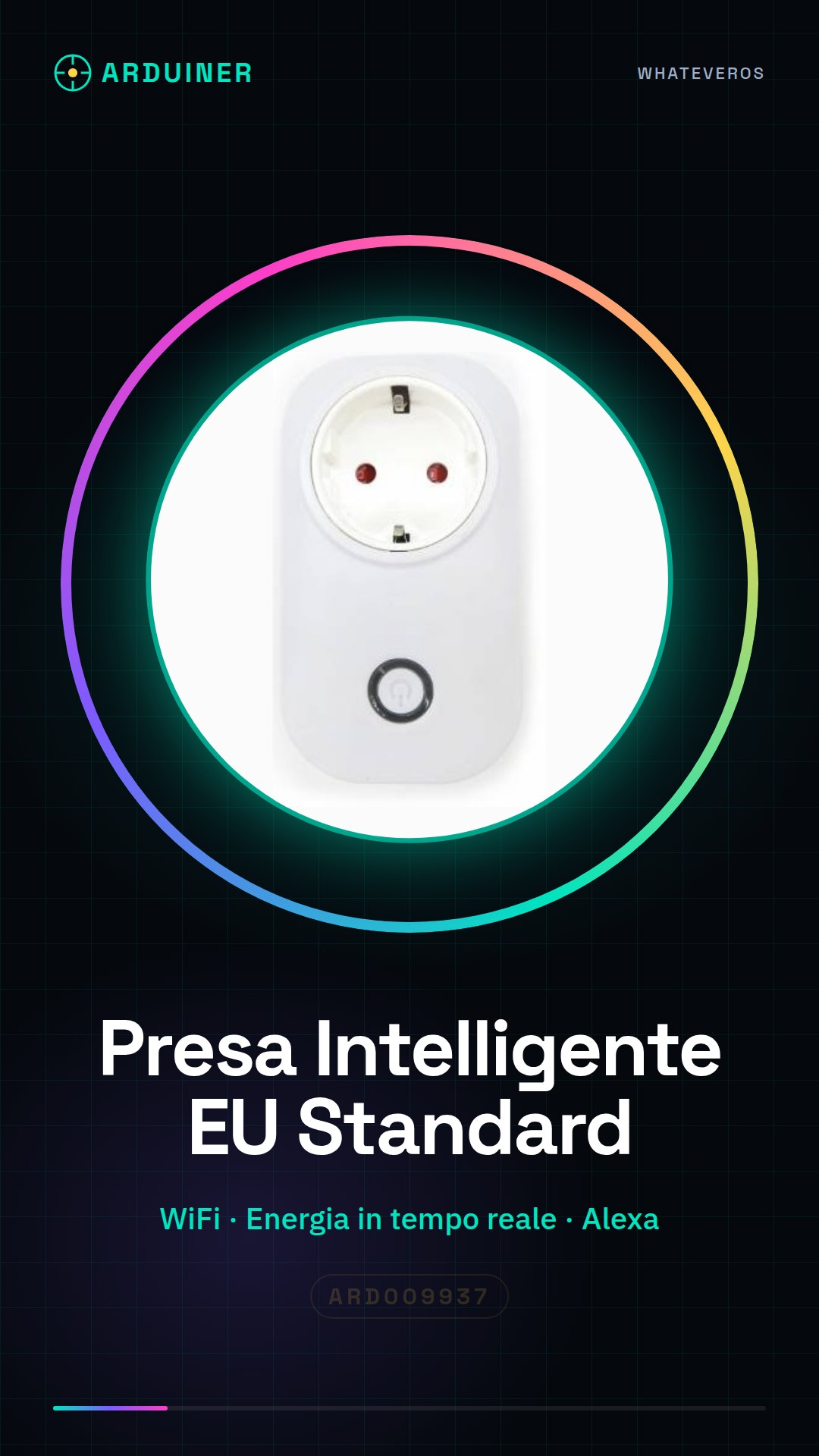
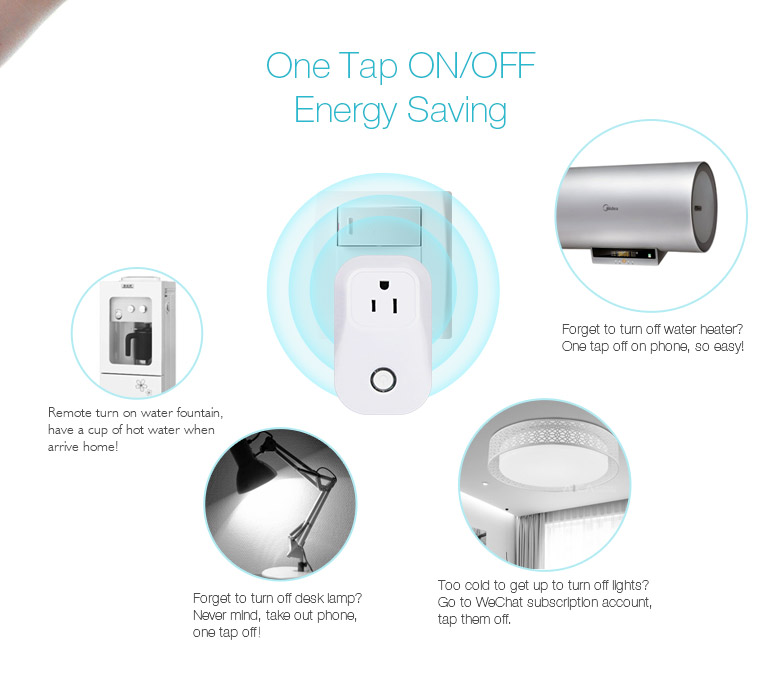
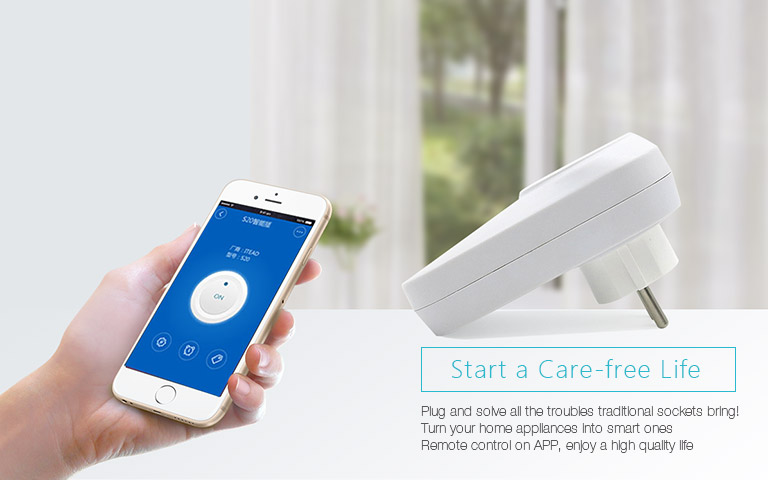
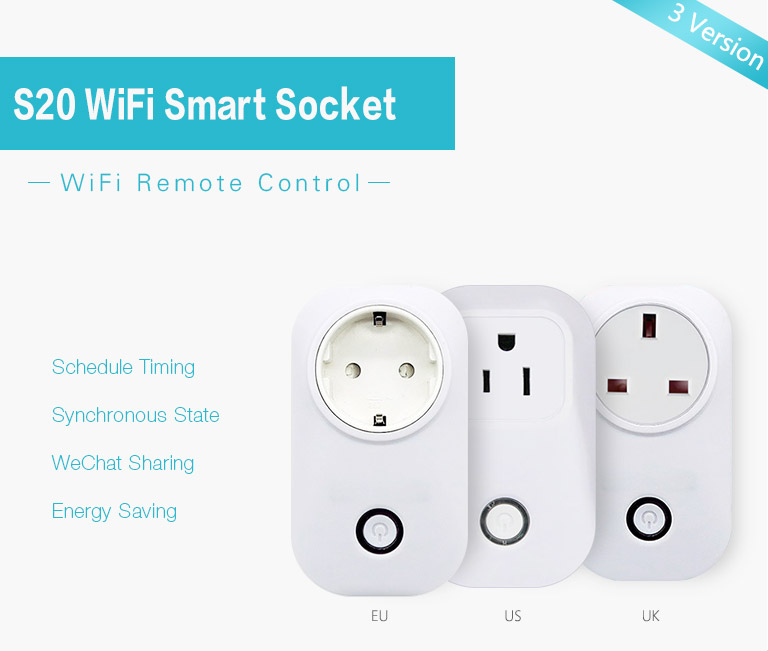
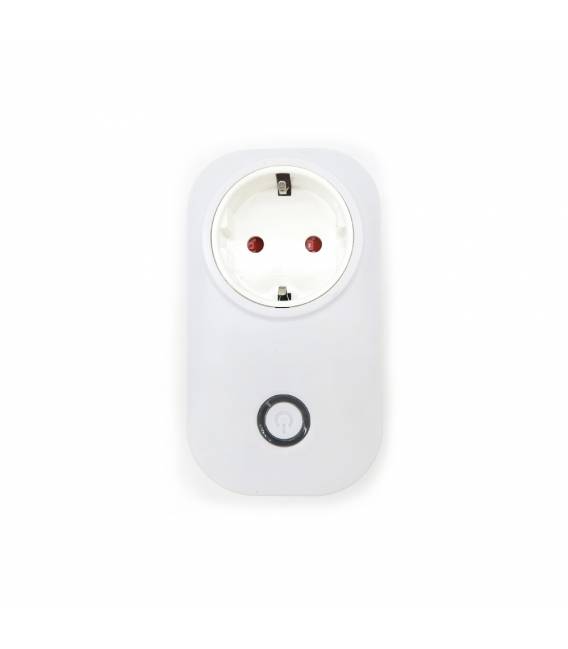
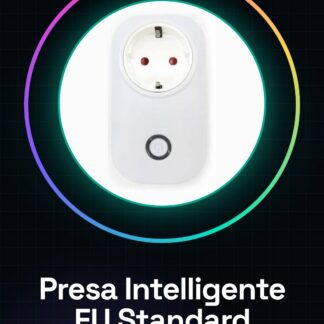
The EU Standard Smart Plug is a WiFi-enabled device that allows you to monitor and control the power usage of connected electrical appliances. This tool offers the ability to manage energy consumption efficiently, integrating with voice assistants like Google Home and Amazon Alexa.
Features
- EU Standard Smart Plug compatible with WiFi
- Real-time energy usage monitoring
- Compatibility with Google Home, Amazon Alexa and IFTTT
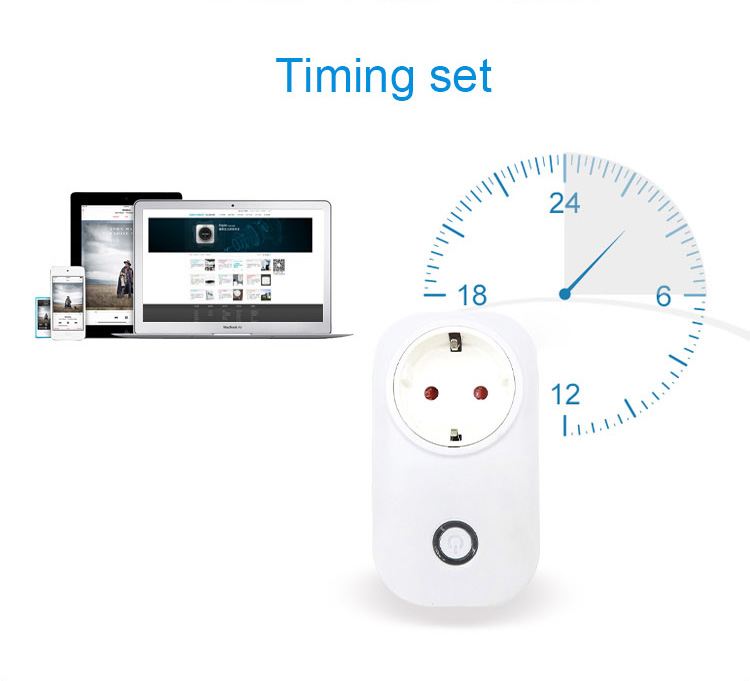
- Timer function for automatic control of appliances
What it is for
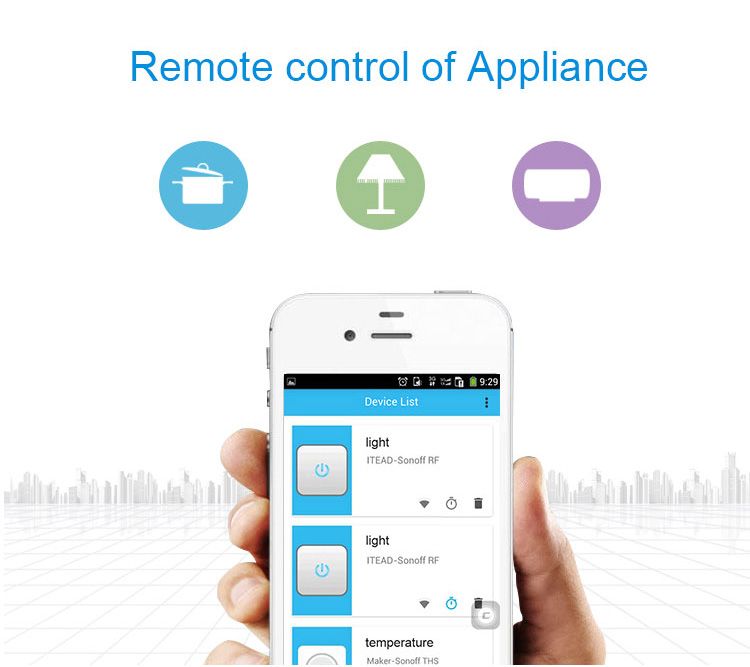
Ideally suited for those who want to start exploring home automation or improve the energy efficiency of their home. It can be used to create a smart lighting system, configuring a light bulb through an app to turn the light on or off automatically based on specific conditions.
Tutorial: How to Use EU Standard Smart Plug
The EU Standard smart plug is a WiFi device that allows you to monitor and control the energy used by any connected appliance. Ideal for those who want to start with home automation or improve energy control in their homes.
What you need
- Smartphone/tablet
- Dedicated application
- Home WiFi network
Steps
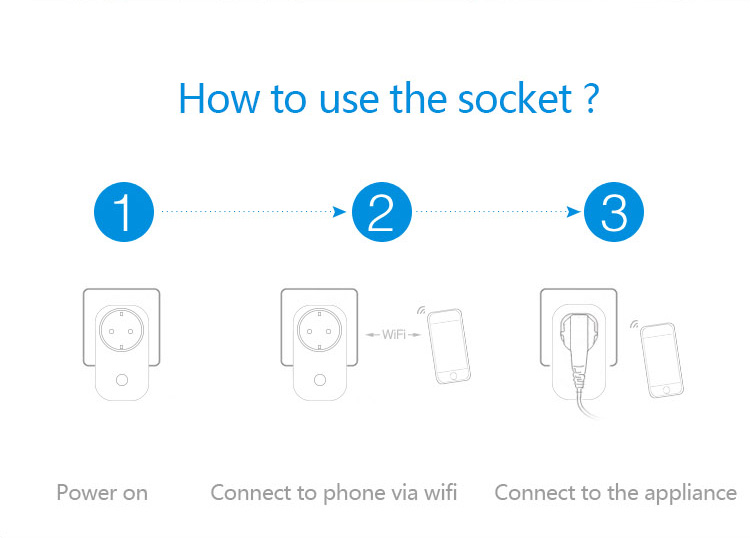
- Download the application from the Google Play Store or Apple App Store.
- Connect the smart plug to an electrical outlet.
- Open the app, access the ‘Add new device’ menu, and follow the instructions to connect to WiFi.
- Configure the basic settings of the plug (name, WiFi password, etc.).
- Check the connectivity between the smart plug and your smartphone/tablet.
- Use the application to monitor real-time energy usage.
- Program timers or activation conditions via app or voice assistants (Google Home, Amazon Alexa).
- Explore additional functions such as creating scenarios with IFTTT.
Mini project
Create a smart lighting system by connecting a lamp to the smart plug and configuring it through the app to turn the light on or off automatically based on specific conditions.
Common mistakes
- Difficulty connecting to WiFi
- Device recognition issues from the application
- Incorrect settings causing suboptimal performance
Recommended accessories
- Google Home Mini
- Amazon Echo Dot
- Raspberry Pi Kit with light and motion sensors
- Arduino board for custom interfaces
Frequently asked questions
How can I connect the smart plug to Google Home?
Open the Google Home app, add a new device and follow the instructions for connection.
What are the advantages of using IFTTT with this smart plug?
Allows you to create automated scenarios based on specific conditions between various smart devices.
Reviews
There are no reviews yet.