 EN
EN IT Italiano
 ES Español
 FR Français
 DE Deutsch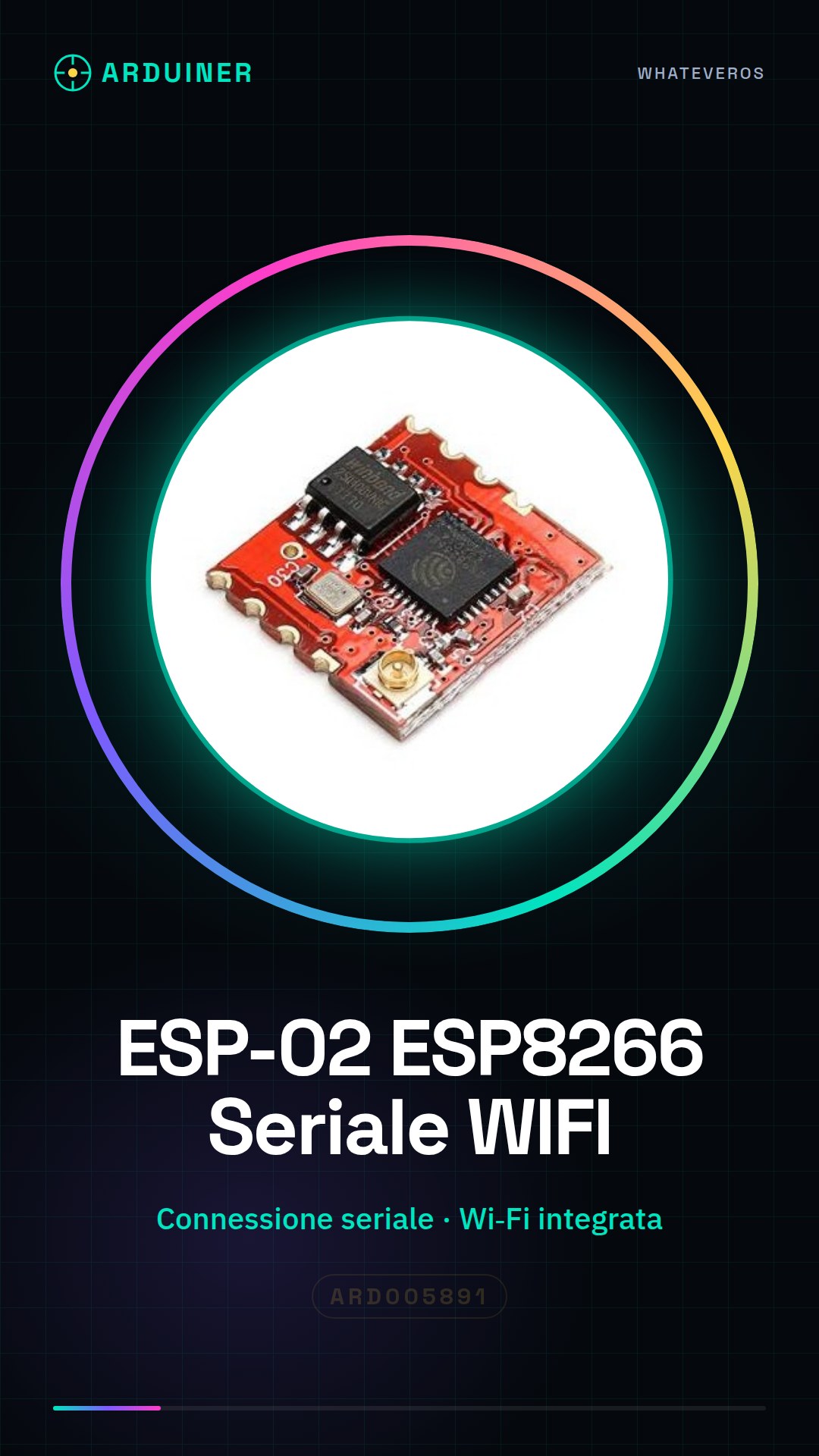
Description
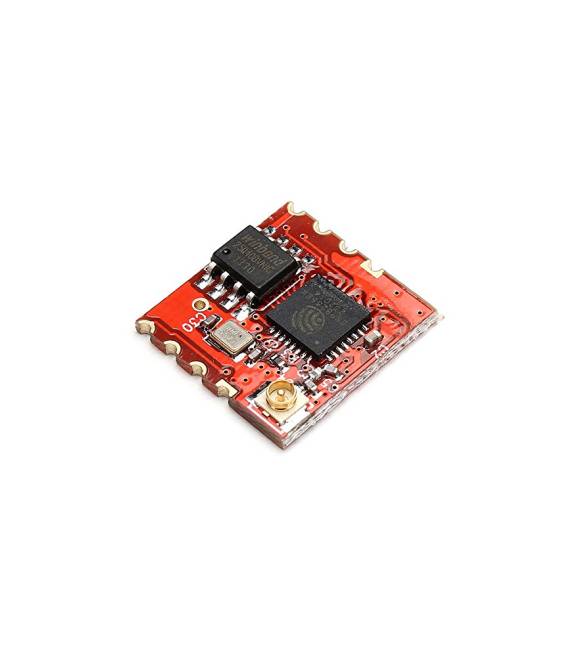
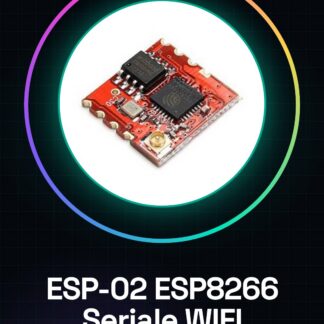
What is the ESP-02 ESP8266 Serial WIFI? The ESP-02 ESP8266 Serial WIFI is a wireless communication module that enables serial and Wi-Fi connectivity for Internet of Things (IoT) projects. This device allows your Arduino or other microcontrollers to interact with existing Wi-Fi networks. Features – Based on the ESP-8266 ESP-02 module – Integrated serial and Wi-Fi connection – Easy to use for beginners and experts What is it used for? The ESP-02 is ideal for projects requiring Wi-Fi connectivity, such as simple web servers, remote sensor monitoring or remote control. It is compatible with Arduino and other microcontrollers. Tutorial: How to Use ESP-02 The ESP-02 module allows you to connect your projects to the Internet using WiFi. Useful for beginners and those who want to integrate WiFi connectivity into their own projects. What do I need? – ESP-02 – Arduino – USB cable – FTDI cable (optional for testing without Arduino) Steps 1. Connect the ESP-02 to the Arduino using the following pins: TX-RX, RX-TX, GND-GND, 3.3V-5V (or 3.3V). 2. Install the ESP8266WiFi library in Arduino IDE. 3. Upload the ‘ESP8266WiFi’ example code to Arduino. 4. Configure WiFi name and password in the code. 5. Upload the code to Arduino. 6. Check if the ESP-02 connects correctly to Wi-Fi. 7. Refer to the datasheet for pull-up requirements on CH_PD pin, if necessary. 8. Try sending a message using the Serial library. 9. Refer to the datasheet for decoupling capacitor usage, if needed. 10. Disconnect the ESP-02 from Arduino. Example Code “` #include const char* ssid = “your_wifi_name”; const char* password = “your_wifi_password”; void setup() { Serial.begin(115200); WiFi.begin(ssid, password); while (WiFi.status() != WL_CONNECTED) { delay(1000); Serial.println(“Connecting…” + String(WiFi.status())); } Serial.println(“WiFi connection established!”); } void loop() {} “` Mini-project Create a simple web server using the ESP-02 and an LCD display to show information. Common errors Check that pins are correctly connected. Ensure the ESP8266WiFi library is installed. Verify WiFi configuration in the code. Refer to the datasheet for decoupling capacitor usage, if needed. Recommended accessories – LCD Display – Sensors – Arduino UNO – FTDI Cable Frequently Asked Questions How can I control the ESP-02 without an Arduino? Use an FTDI cable to connect it directly to your computer.
Reviews
There are no reviews yet.