 EN
EN IT Italiano
 ES Español
 FR Français
 DE Deutsch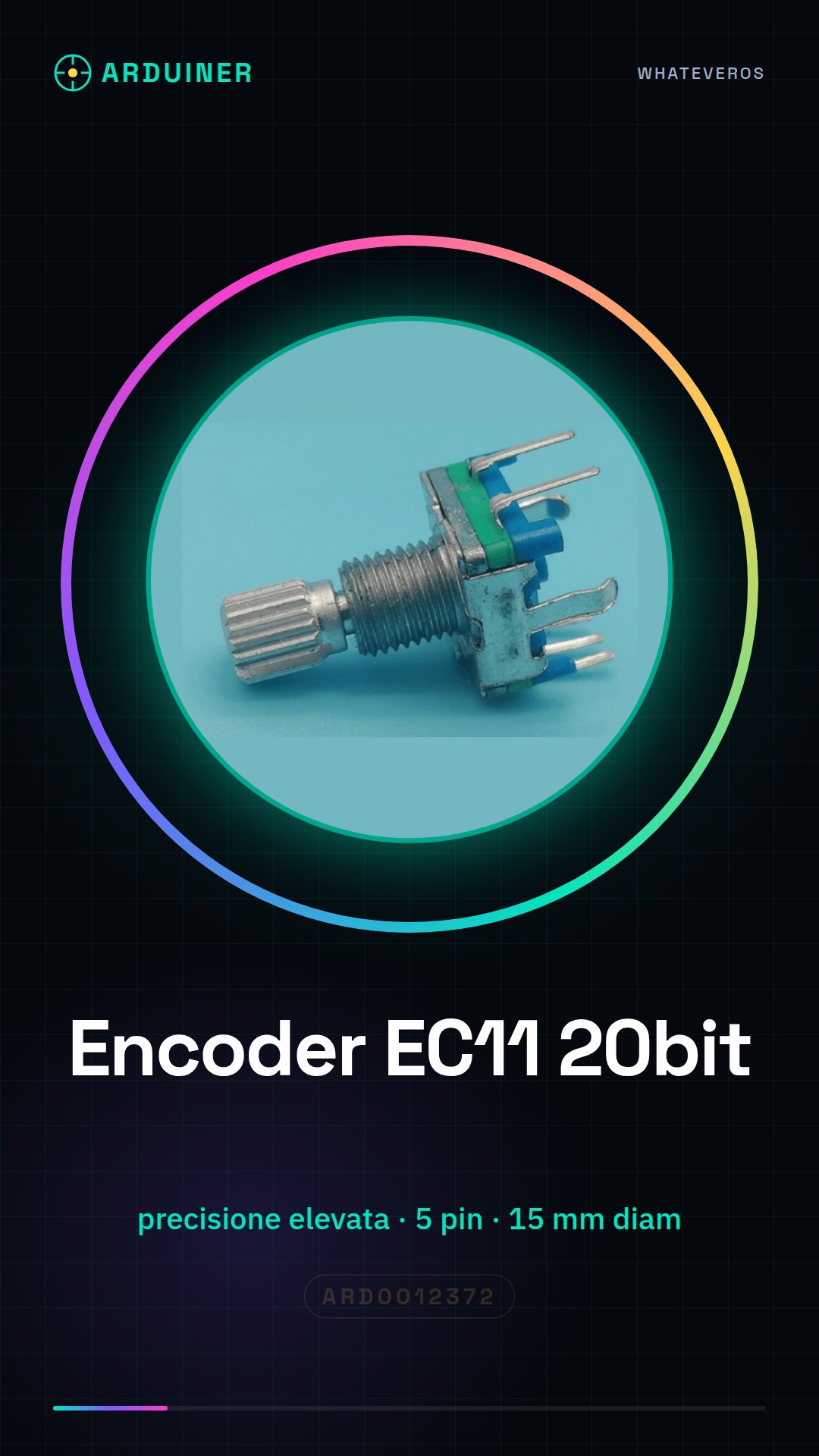
Description
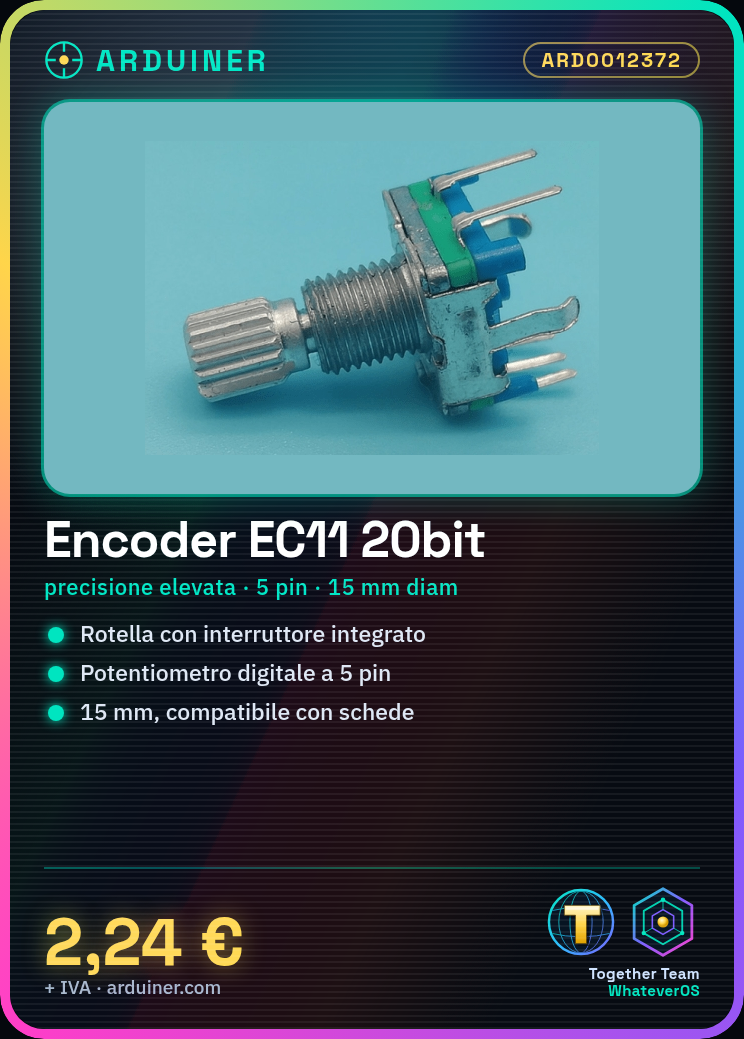
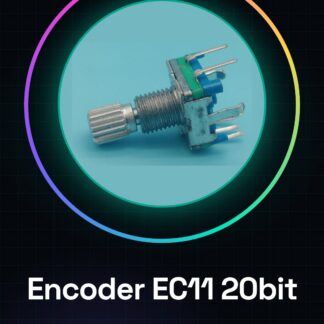
What is the EC11 Encoder? The EC11 Encoder is an electronic component that integrates the functionality of a rotary encoder, switch, and digital potentiometer into a single device. This 20-bit encoder offers high precision in input operations and can be used in various Arduino projects. Features: 20-bit pulse encoder with 5-pin digital potentiometer (quincunx), 15mm diameter. What is it used for? The EC11 Encoder is ideal for applications requiring precise control, such as digital counters or user interfaces with rotary encoders. It can be easily integrated into Arduino-based projects. How to use the EC11 Encoder: Arduino Uno or compatible USB Type B cable JST connections Connect pin A (A0) of the encoder to digital pin 2 of Arduino Connect pin B (B0) of the encoder to digital pin 3 of Arduino Connect pin SW (SW0) of the encoder to digital pin 4 of Arduino Connect GND and VCC pins of the encoder to the respective microcontroller pins Open the Arduino IDE and upload the following sketch Monitor the serial console to see encoder information Test the integrated digital potentiometer Test the integrated switch Example code: void setup() { Serial.begin(9600); } void loop() { int encoderValue = analogRead(A0); // Check the datasheet for the correct pin Serial.println(encoderValue); } Mini-project: Create a simple digital counter that increments or decrements based on the rotation of the encoder and closes the circuit when the switch is pressed. Common errors: Connect pins incorrectly. Not verify the correct connection of digital potentiometers. Ignore the importance of the integrated switch in the project. Not read the power supply specifications in the datasheet. Recommended accessories: JST connectors USB Type B cable ESD protection LCD display compatible with Arduino Frequently asked questions: What is the resolution of the EC11 Encoder? The resolution of the EC11 Encoder is 20 bits. Check the datasheet for additional specifications. Can I use the switch as a click button? Yes, the integrated switch can be used as a click button in your Arduino project.
Reviews
There are no reviews yet.