 EN
 IT Italiano
 ES Español
 FR Français
 DE Deutsch
Description
What it is
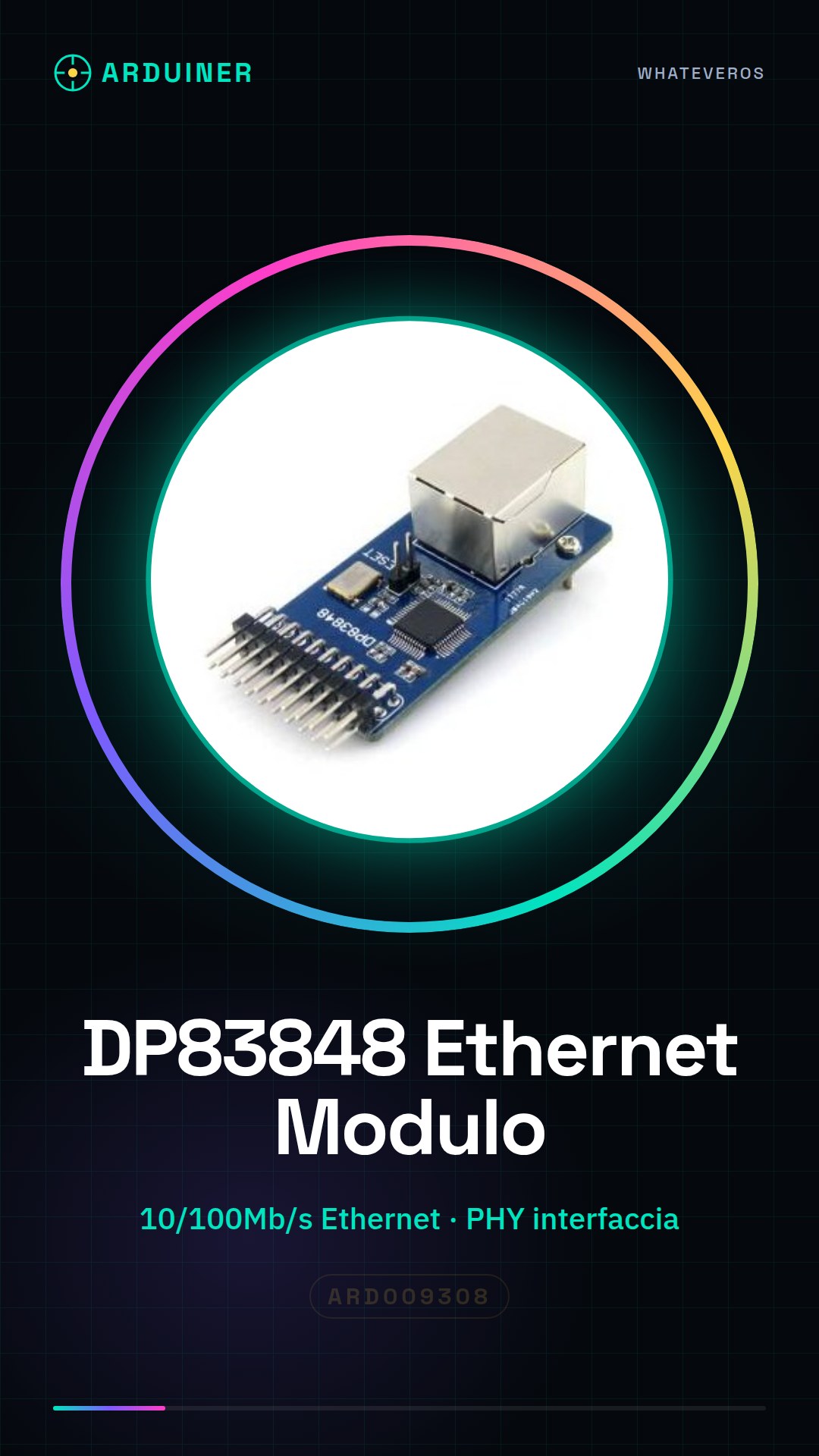
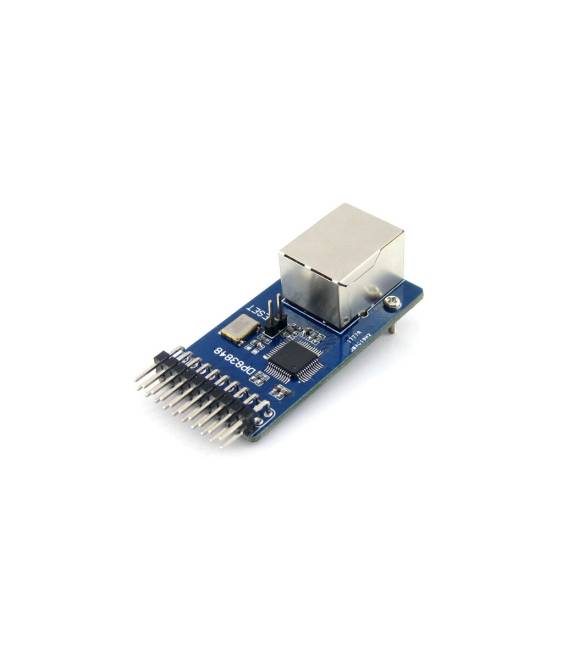
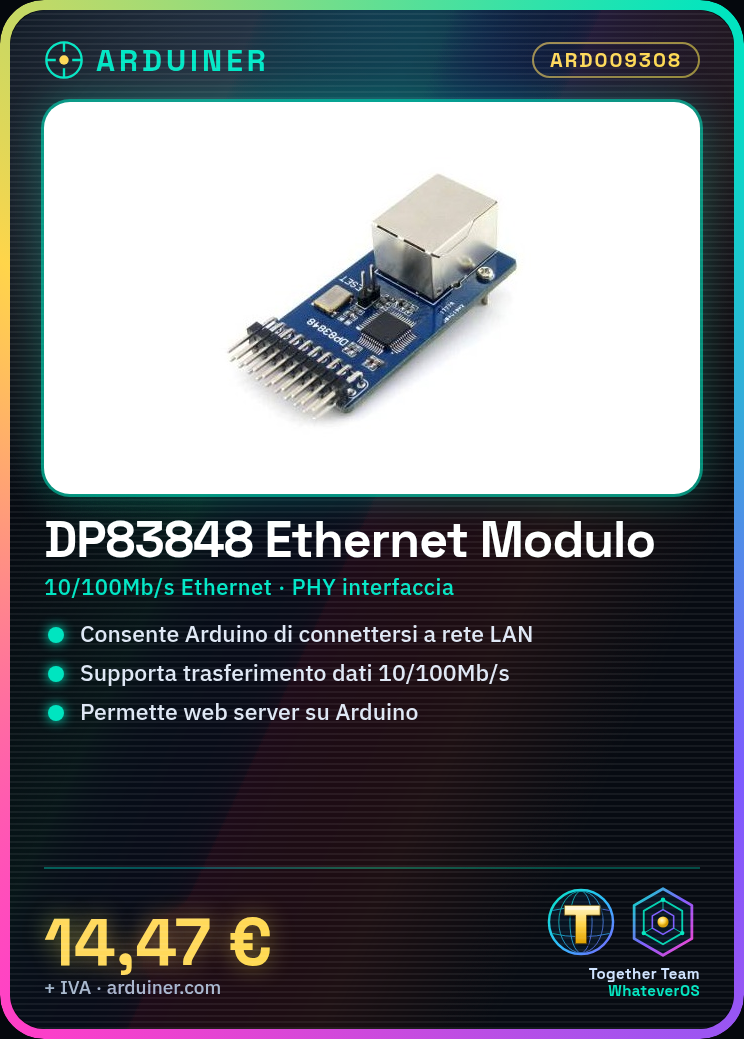
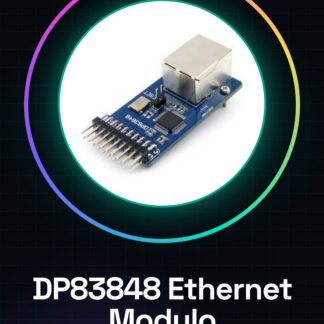
The DP83848 Ethernet module is a device that allows Arduino devices to connect to a LAN in a simple and direct manner. This module supports data transfer speeds up to 10/100Mb/s, providing a flexible solution for projects requiring internet or LAN connectivity.
Features
- 10/100 Mb/s Ethernet support
- Network physical interface (PHY)
- Web server interface control
What it is for
DP83848 modules are ideal for creating web servers with Arduino that can receive commands from a browser and execute them on the device. Additionally, it is useful for any project that requires a stable and fast network connection between Arduino devices and the local LAN.
Tutorial: How to use DP83848 Ethernet Module
The DP83848 Ethernet module allows you to connect Arduino devices to a LAN network to send and receive data. It is ideal for projects that require internet or LAN connectivity without complications.
What you need
- Arduino Uno or compatible
- Computer with Arduino IDE installed
- Ethernet cable
Steps
- Connect the DP83848 module to your Arduino using the pins specified in the datasheet.
- Install the Ethernet Shield Library from the Arduino library manager.
- Configure the module settings such as IP address, subnet mask, and gateway in the setup() function.
- Insert the code to establish a TCP or UDP connection.
- Verify that the data is sent and received correctly using the Arduino serial console.
Example code
#include <Ethernet.h>

byte mac[] = { 0xDE, 0xAD, 0xBE, 0xEF, 0xFE, 0xED }; // verifica sul datasheet per i valori MAC corretti
IPAddress ip(192,168,1,177); // verifica sul tuo rete LAN per l'indirizzo IP
EthernetServer server(80);

void setup() {
  Ethernet.begin(mac, ip);
  server.begin();
}

void loop() {
  EthernetClient client = server.available();
  if (client) {
    while(client.connected()) {
      if (client.available()) {
        char c = client.read();
        Serial.write(c); // invia i dati alla console seriale di Arduino
      }
    }
    client.stop();
  }
}
Mini project
Create a web server with the DP83848 module that receives commands from a browser and executes them on the Arduino.
Common mistakes
- Cannot establish an Ethernet connection: check the reset pin setting.
- Authentication error during connection: check your LAN network access settings.
- Module not responding: ensure the module is properly powered and connected.
Recommended accessories
- Arduino Uno
- Ethernet cable
- Firewalled networks
Frequently asked questions
How can I check if the module is connected correctly?
Check the serial communication to see if there are error messages or confirmation of the connection.
What other modules can be used with this one?
You can add temperature and humidity sensors to send data to the LAN network.
Reviews
There are no reviews yet.