 EN
 IT Italiano
 ES Español
 FR Français
 DE Deutsch

Description
What it is
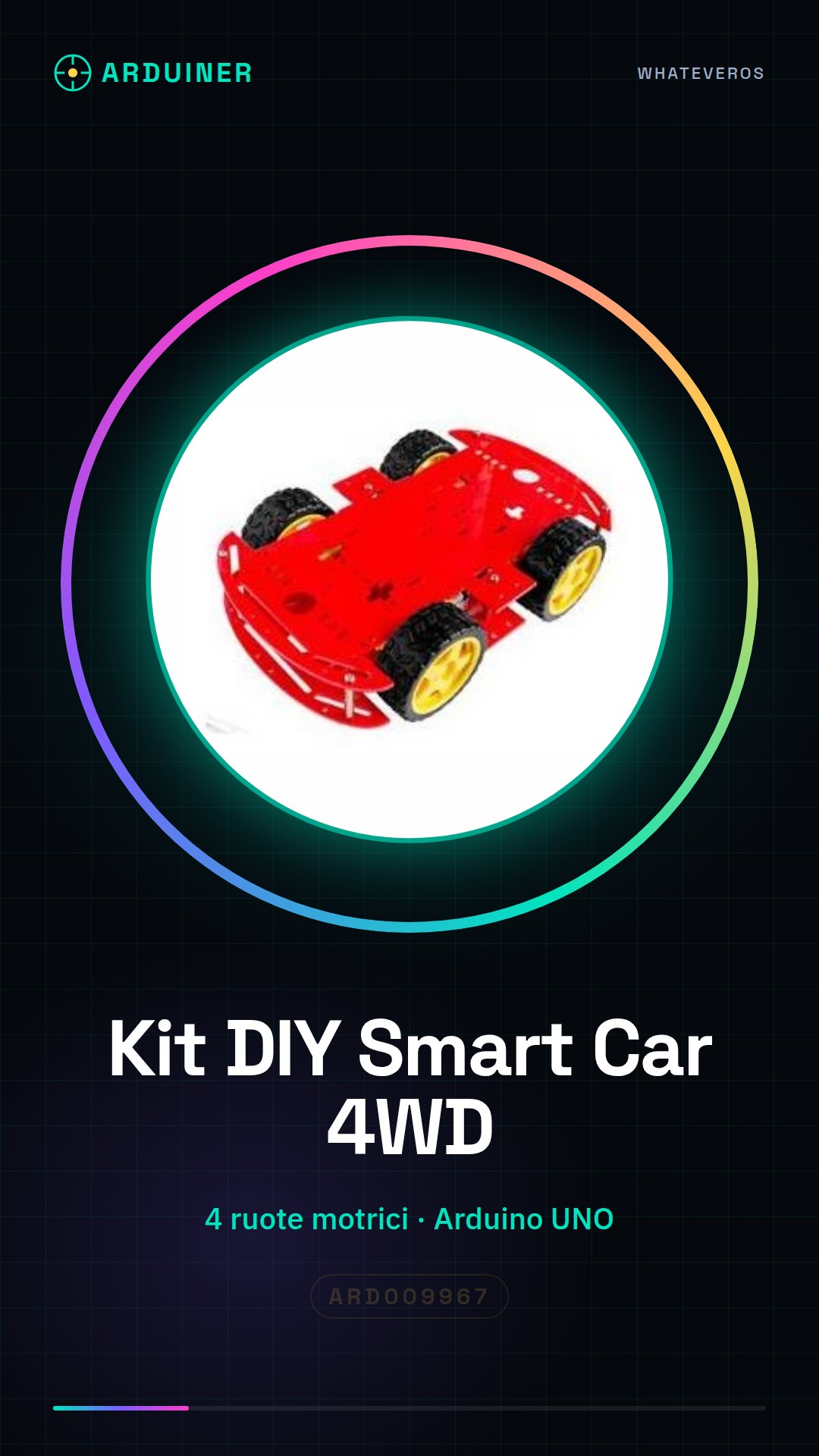
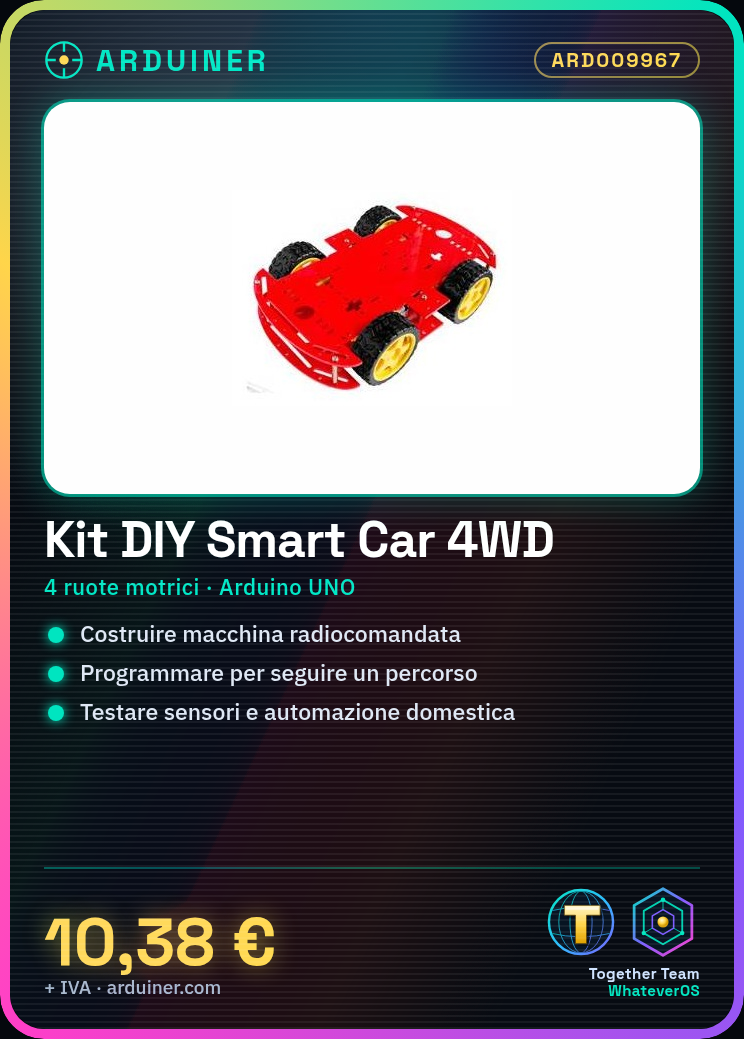
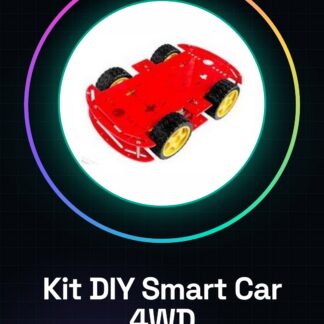
The DIY Smart Car 4WD Red Arduino Kit is a set of components for building a 4-wheel drive remote-controlled car. The kit is designed for makers and electronics enthusiasts who want to experiment with robotics and programming.
Features
- 4-wheel drive car
- Red color
- Integrated Arduino
What it is for
The kit can be used to build an autonomous vehicle with customizable features. It can be programmed to perform simple tasks such as following a path or reacting to sensor stimuli. It is ideal for robotics projects, home automation, and learning.
Tutorial: How to use DIY Smart Car 4WD Red Arduino Kit
The DIY Smart Car 4WD Red Arduino Kit is perfect for makers who want to create an advanced autonomous vehicle. Great for robotics and home automation projects.
What you need
- Arduino UNO
- 4 DC motors
- 4 potentiometers
- LiPo Battery 3S
- USB Cable
Steps
- 1. Check that all components are present in the kit.
- 2. Connect the DC motors to the potentiometers.
- 3. Mount the potentiometers on the motors.
- 4. Connect the potentiometers to the Arduino UNO.
- 5. Connect the LiPo battery to the Arduino.
- 6. Upload the Arduino code to the Arduino UNO.
- 7. Check connections and batteries.
- 8. Turn on the vehicle and check its operation.
Example code
```void setup() { // Inizializza i pin dei motori pinMode(2, OUTPUT); pinMode(3, OUTPUT); pinMode(4, OUTPUT); pinMode(5, OUTPUT);}void loop() { // Avvia i motori digitalWrite(2, HIGH); digitalWrite(3, LOW); delay(2000); // Arresta i motori digitalWrite(2, LOW); digitalWrite(3, HIGH); delay(2000);}```Mini project
Build a simple car alarm system for the 4WD vehicle. Connect an infrared sensor to the Arduino and program it to stop the vehicle when the sensor is triggered.
Common mistakes
- Do not carefully check connections before starting.
- Ignore battery charge.
- Do not program the Arduino code correctly.
- Connect components incorrectly.
Recommended accessories
- Infrared Sensors
- Extra LiPo Batteries
- Connection Cables
- Electrical protections
Frequently asked questions
How can I control the motors manually?
Connect a button to a digital pin of the Arduino and write a code that checks the state of the button to turn the motors on and off.
The vehicle locks up during operation. What could cause this?
Check the connections and the Arduino code. Make sure the battery is fully charged.
Can I use a battery other than LiPo?
Check the datasheet to see if the battery is compatible with your Arduino and your project.

Reviews
There are no reviews yet.