 EN
 IT Italiano
 ES Español
 FR Français
 DE Deutsch
Description
What it is
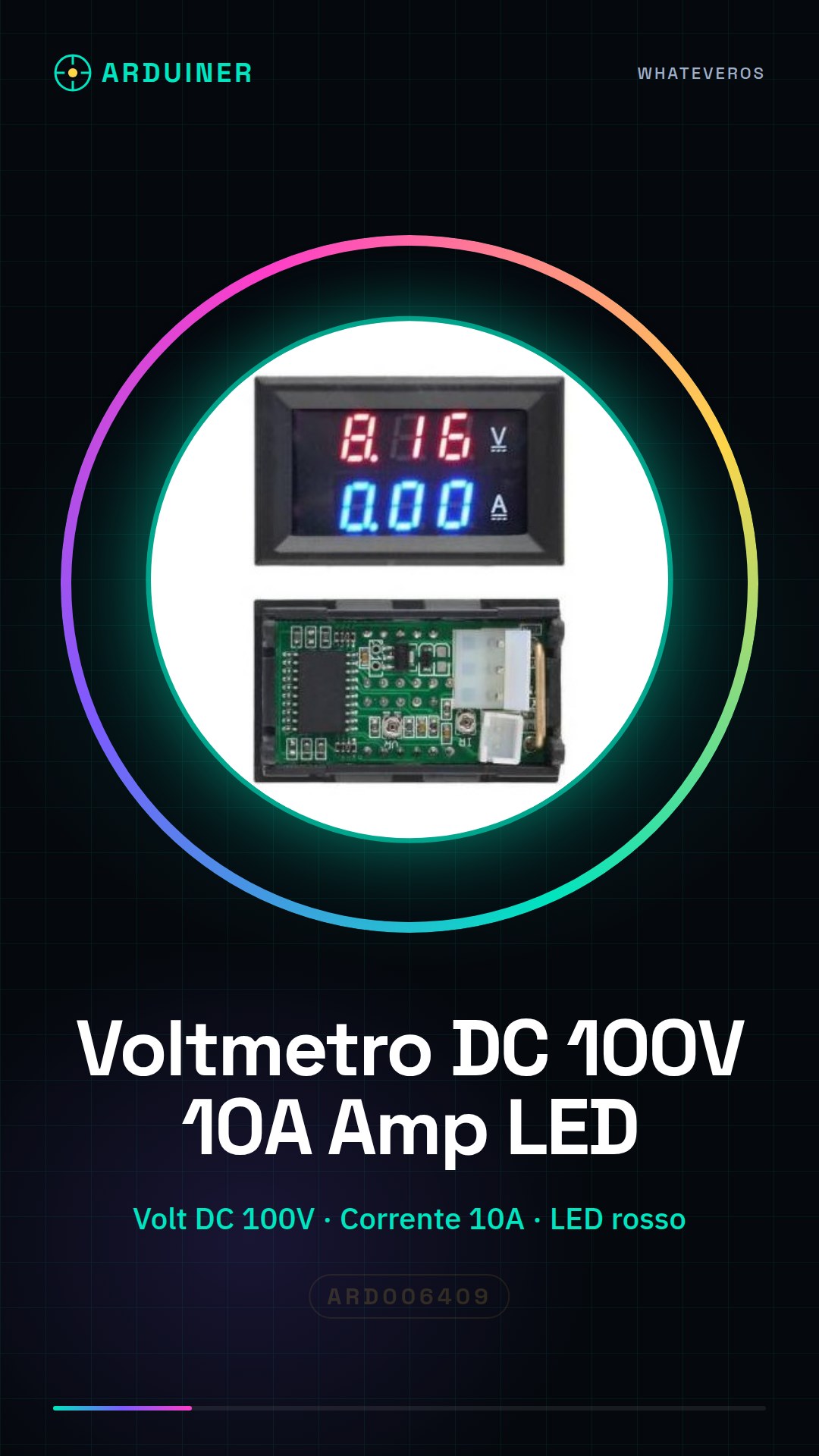
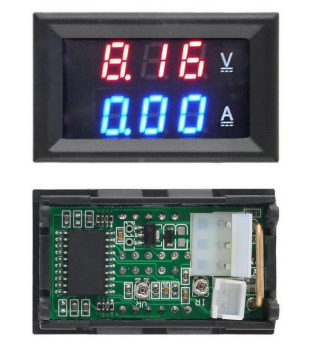
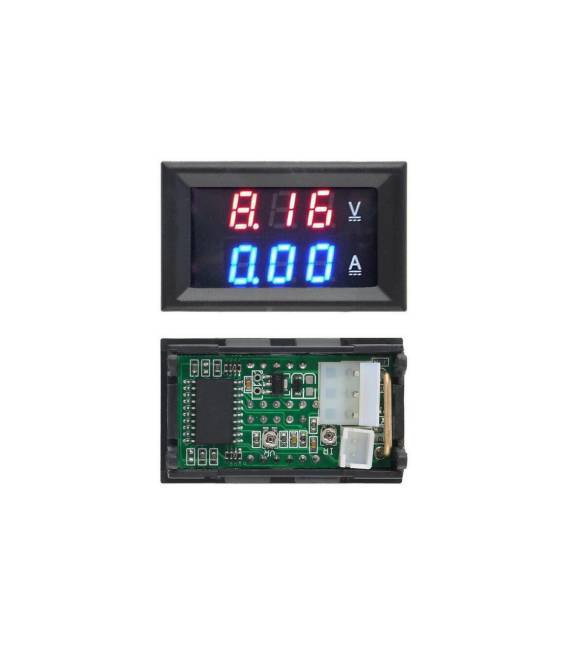
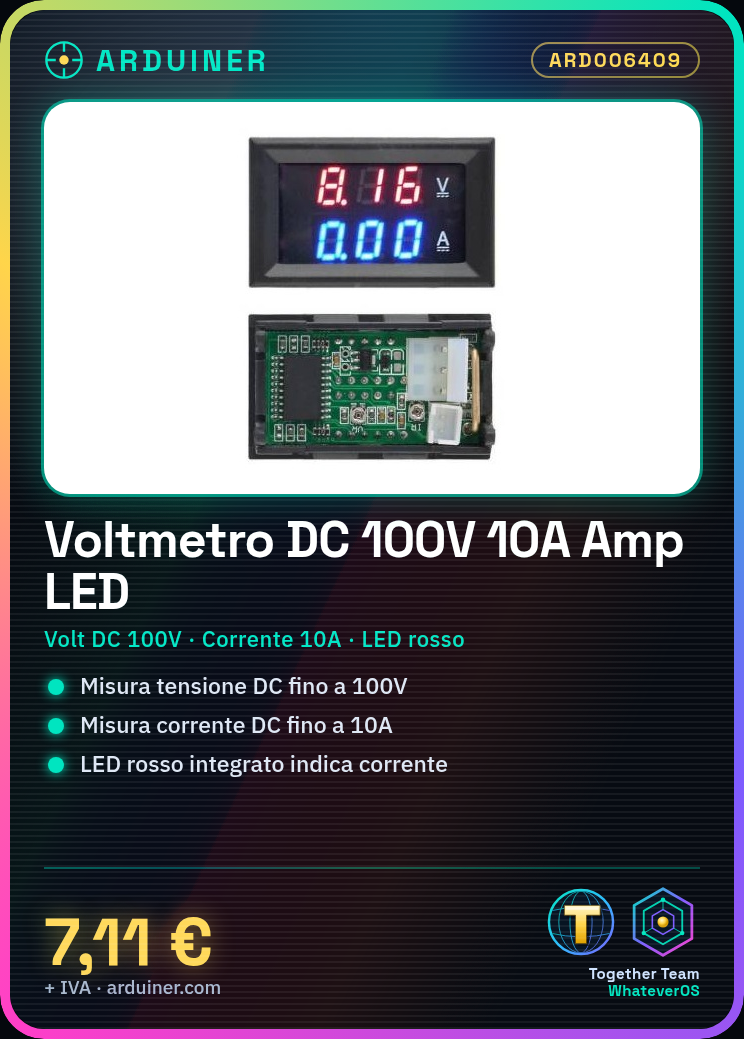
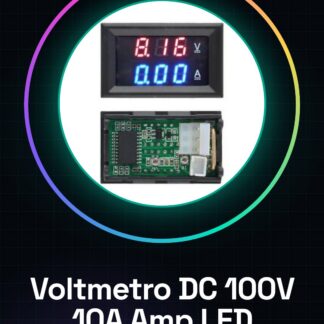
The Arduiner DC 100V 10A Amp Voltmeter is a digital device that allows for precise measurement of voltage and current in electronic circuits. Featuring an integrated red LED, it offers a clear reading of amplitude values.
Features
- Measures DC voltage up to 100V
- Measures DC current up to 10A
- Includes red LED to indicate current
What it is for
This voltmeter and ammeter is ideal for monitoring voltage and current levels in electronic prototypes. It can be used to create energy consumption monitoring systems, displaying real-time voltage and current values.
Tutorial: How to use DC 100V 10A Voltmeter with Red LED
This digital voltmeter and ammeter is ideal for monitoring voltage and current levels in electronic circuits. It is perfect for both beginners and experts, offering a clear and precise reading.
What you need
- Arduino Uno
- USB A-Micro B Cable
- Protoboard Connections
- Battery or External Power Supply
Steps
- Connect the voltmeter to the circuit between the power source and the element you want to monitor.
- Connect the Vcc, GND, COM and AMP pins of the voltmeter to the power supply and desired current signals.
- If necessary, connect the voltmeter to an Arduino for digital reading of voltage and current values.
- Install the required software on the Arduino (see code below).
- Check that the red and blue LEDs light up in response to current levels.
- Adjust the switch to select voltage or amperage mode.
- Monitor the digital display for current and voltage readings.
Example code
void setup() {
  Serial.begin(9600);
}

void loop() {
  int val = analogRead(A0); // Leggi dal voltmetro collegato ad A0
  float voltage = (val / 1024.0) * 5;
  Serial.println(voltage);
}
Mini project
Create an energy consumption monitoring system for a small electronic device, showing real-time voltage and current levels.
Common mistakes
- Connect the voltmeter to the circuit without first verifying voltage compatibility.
- Do not connect the Vcc and GND pins of the voltmeter incorrectly.
- Use a current intensity higher than the maximum capacity of the voltmeter (10A).
- Ignore the importance of the switch to select the voltage or current mode.
Recommended accessories
- Arduino Uno R3
- USB A-Micro B cable
- Protoboard 830 point
- External 5V power supply
Frequently asked questions
What is the measurement range?
The voltmeter can measure voltages up to 100V DC and currents up to 10A.
How can I connect it to the Arduino?
Connect the Vcc, GND, COM and AMP pins of the voltmeter to the appropriate connectors of the Arduino.
Reviews
There are no reviews yet.