 EN
EN IT Italiano
 ES Español
 FR Français
 DE Deutsch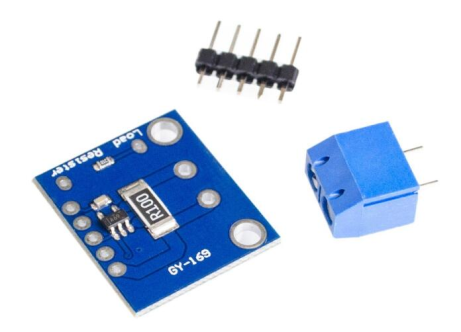
Description
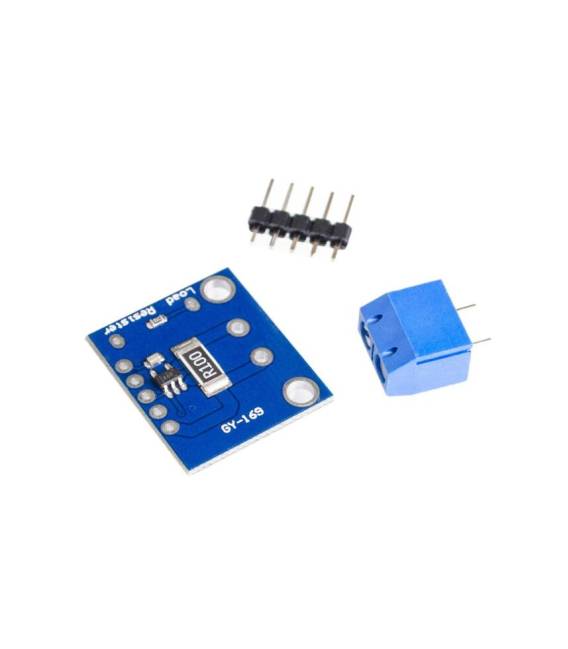
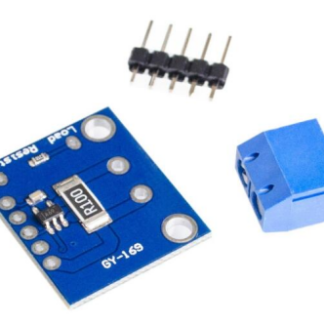
The GY-169 current meter is an electronic module that enables the monitoring and measurement of currents in electronic circuits. It relies on the INA169 chip, an analog current converter. Features: Chip – INA169 Analog Current Converter SKU: ARD0010979 Price: £5.82 (converted from €6.24) What is it for? The GY-169 current meter is useful for building a current monitor for an electronic device, allowing the monitoring of power consumption in specific circuits or components. Suitable for beginner and intermediate makers. Tutorial: How to use the GY-169 Analog Current Converter 1. Connect the power supply to the GY-169 using a power cable. 2. Connect the VCC pin of the GY-169 to the Arduino’s 5V pin. 3. Connect the GND pin of the GY-169 to the Arduino’s GND pin. 4. Connect the IOUT pin of the GY-169 to the A0 pin of the Arduino. 5. Insert a 10 kΩ resistor between the IOUT and GND pins. 6. Upload the provided Arduino code. 7. Check the datasheet for the maximum power supply current. 8. Test measuring currents with different devices. Example Code: void loop() { int current = analogRead(A0); Serial.println(current);} Mini-project Build a current monitor for an electronic device. Common mistakes Not verifying the maximum power supply current. Connecting the GY-169 directly to VCC without a resistor. Using non-compatible Arduino boards. Directly connecting IOUT to A0 without a resistor. Recommended accessories Multimeter 1 kΩ Resistor Test Device at 100 mA Power Cable 5V Frequently Asked Questions Can any type of Arduino be used? Yes, but ensure it has an A0 pin. How long does the Arduino battery last? This depends on your device’s current consumption. Can I measure currents above 100 mA? Check the datasheet for maximum power supply current. Does GY-169 work only with positive currents? Yes, it works with positive currents.
Reviews
There are no reviews yet.