 EN
 IT Italiano
 ES Español
 FR Français
 DE Deutsch
Description
What it is
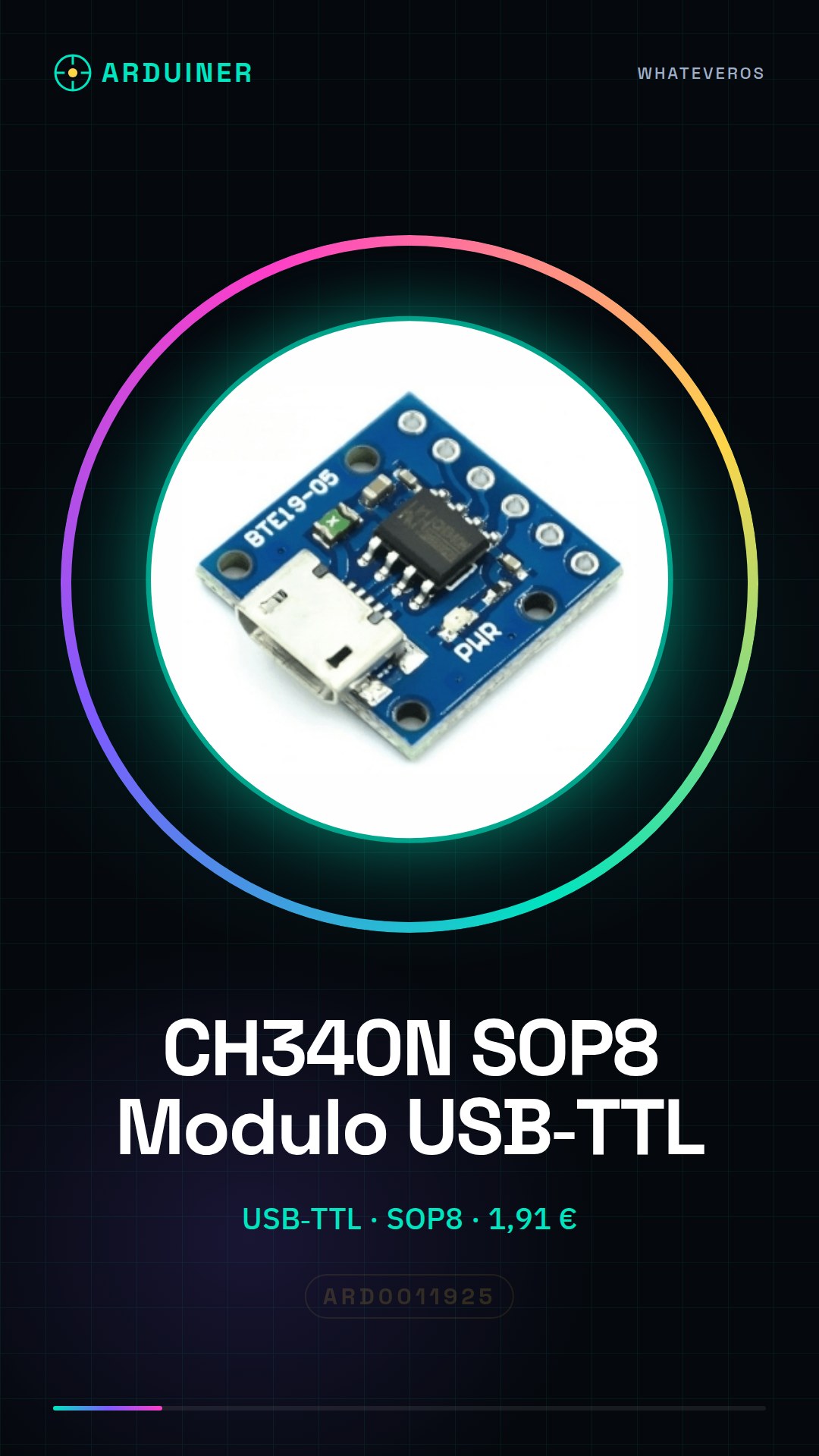
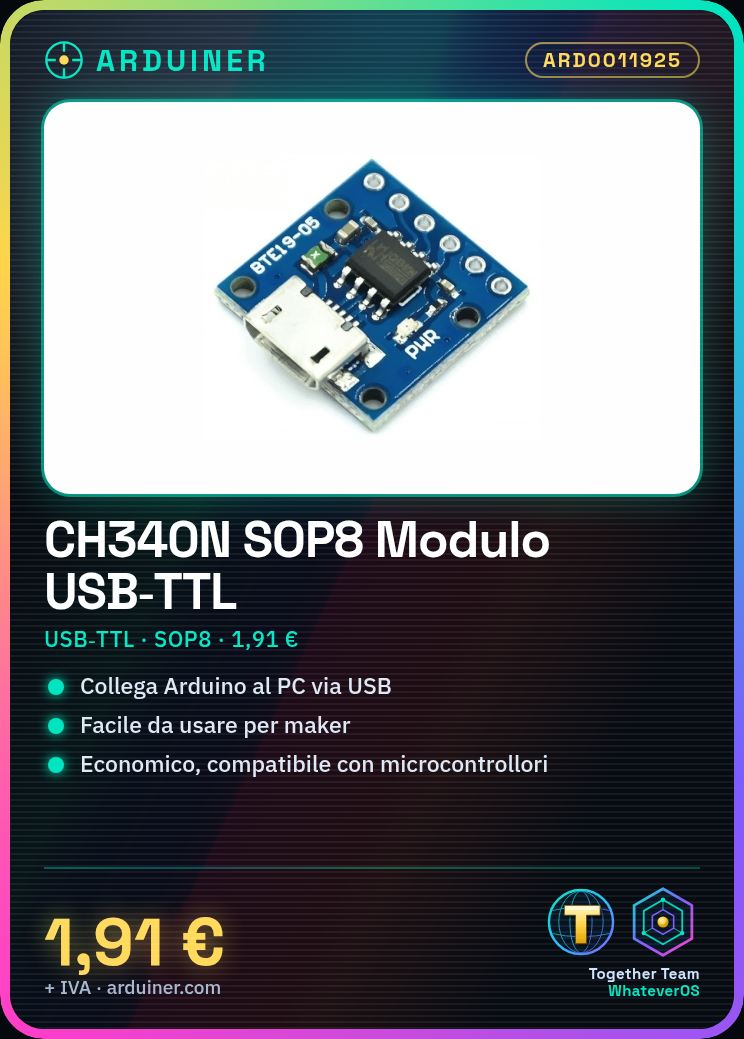
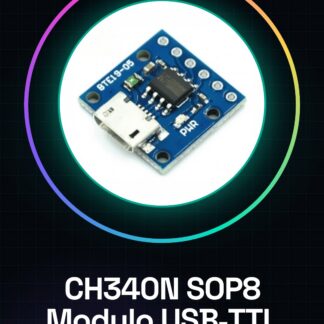
The CH340N SOP8 is a USB-TTL module that allows connecting serial devices, such as Arduino, to a computer.
Features
- USB-TTL Connection
- SOP8 Form Factor
- SKU: ARD0011925
- Price: 1.91 €
What it is for
The CH340N SOP8 module is ideal for downloading code onto Arduino. It can also be used to communicate with other serial devices. It’s an economical and easy-to-use solution for makers working with microcontrollers.
Tutorial: How to Use CH340N SOP8 USB to TTL Module
The CH340N SOP8 is a USB to TTL device that allows connecting serial devices such as Arduino to a computer. It is ideal for beginners who are starting to program microcontrollers and want an economical and easy-to-use solution.
What you need
- Arduino Uno or compatible
- Computer with USB port
- USB A to micro-B cable
Steps
- Connect the CH340N SOP8 module to the computer via the USB cable
- Open the Arduino IDE and select the correct board (e.g., Arduino Uno)
- In the ‘Tools’ menu, select the correct USB port
- Check the datasheet for the transmission settings (baud rate, protocol)
- Load a test sketch onto the Arduino
- Verify that the CH340N SOP8 module is functioning correctly
Example code
void setup() {
  Serial.begin(9600);
  Serial.println("Benvenuto al modulo CH340N SOP8!");
}

void loop() {}
Mini project
Create a simple LED display with Arduino and CH340N SOP8. Connect 8 LEDs to an Arduino and use the CH340N SOP8 module to send commands from the computer to turn the LEDs on or off.
Common mistakes
- USB port not recognized
- Incorrect serial settings
- Sketch not loadable
- Power supply issues
Recommended accessories
- Arduino Uno
- LED
- Resistor
- USB A to micro-B cable
Frequently asked questions
What baud rates does the CH340N SOP8 module support?
Check the datasheet for transmission specifications.
How do I resolve the issue of the USB port not being recognized?
Verify that the CH340 driver is installed correctly.
Reviews
There are no reviews yet.