 EN
 IT Italiano
 ES Español
 FR Français
 DE Deutsch
Description
What it is
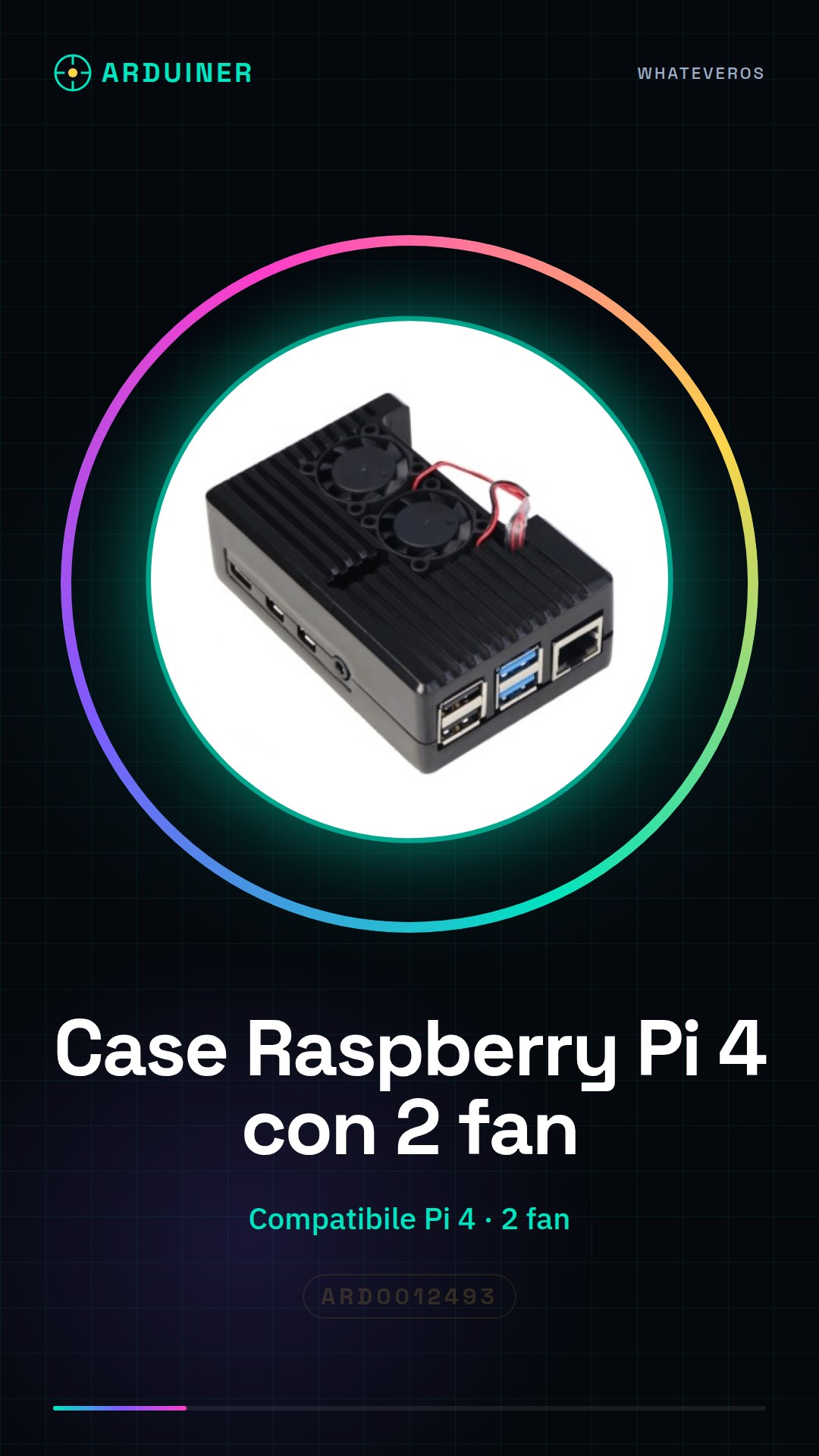
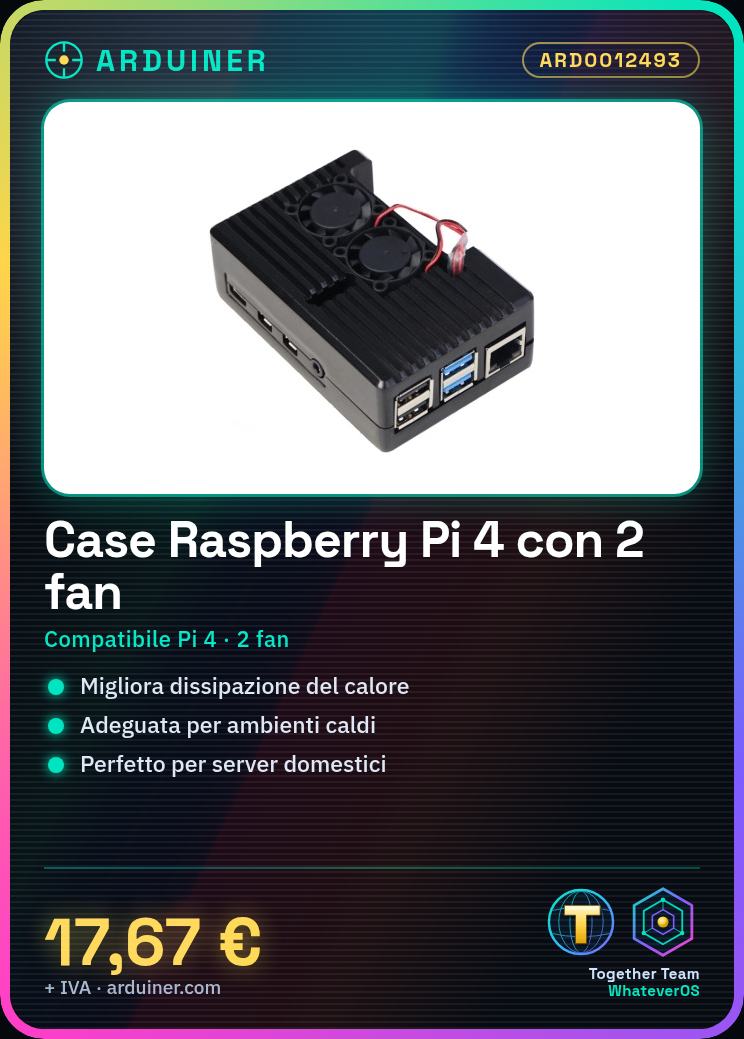
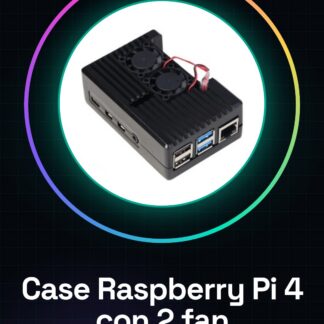
The Raspberry Pi 4 case with 2 fans is a cooling solution for your Raspberry Pi 4, designed to improve heat dissipation and ensure safe and efficient use of the device. This article will guide you step by step through the installation of the case to ensure optimal performance of the Raspberry Pi 4 in warm environments or for projects that require effective cooling.
Features
- Compatible with Raspberry Pi 4
- 2 integrated fans for improved cooling
- Check the datasheet for detailed technical specifications
What it is for
The case with 2 fans is ideal for electronic projects, home servers, and applications that require effective cooling. You can use it to create a weather monitoring system or any other project that requires a well-cooled Raspberry Pi 4.
Tutorial: How to use the case with two fans for Raspberry Pi 4
The two-fan case for Raspberry Pi 4 is ideal for makers using the Raspberry Pi 4 in warm environments or for projects requiring excellent heat dissipation. This article will guide you step-by-step through the installation of the case to ensure safe and efficient use of your Raspberry Pi 4.
What you need
- Raspberry Pi 4
- Screwdrivers
- USB and Ethernet connections (if necessary)
- USB-C power supply
- Product accessories (often included in the case)
Steps
- Completely disconnect the Raspberry Pi 4 from power
- Open the case with the appropriate tools
- Insert the Raspberry Pi 4 into the case, ensuring that all connectors are perfectly aligned
- Check that the two fans are correctly positioned and connected to the Raspberry Pi 4 power supply
- Connect the USB and Ethernet connectors if necessary
- Check that the Raspberry Pi 4 powers on correctly and that the fans are spinning
- Configure any necessary drivers or additional software for optimal case performance
- Check the temperature of the Raspberry Pi 4 during use to ensure the case is functioning correctly
Mini project
Create a weather monitoring system with the Raspberry Pi 4 and the ventilated case. Connect temperature and humidity sensors and display the data in real-time on a web page.
Common mistakes
- Do not check that the Raspberry Pi 4 is completely powered off before installing the case
- Do not properly position the fans
- Do not verify the correct power supply of the fans
- Do not properly configure any necessary drivers or software
Recommended accessories
- Temperature and humidity sensors
- LCD screen for the Raspberry Pi
- SD card with pre-installed operating system
- Ethernet cable
Frequently asked questions
Does the case prevent access to the Raspberry Pi 4 connectors?
No, the case is designed to allow access to the main connectors such as USB, Ethernet, and HDMI.
Can I use the case with other Raspberry Pi models?
Check the datasheet to confirm compatibility with other Raspberry Pi models.

Reviews
There are no reviews yet.