 EN
 IT Italiano
 ES Español
 FR Français
 DE Deutsch
Description
What it is
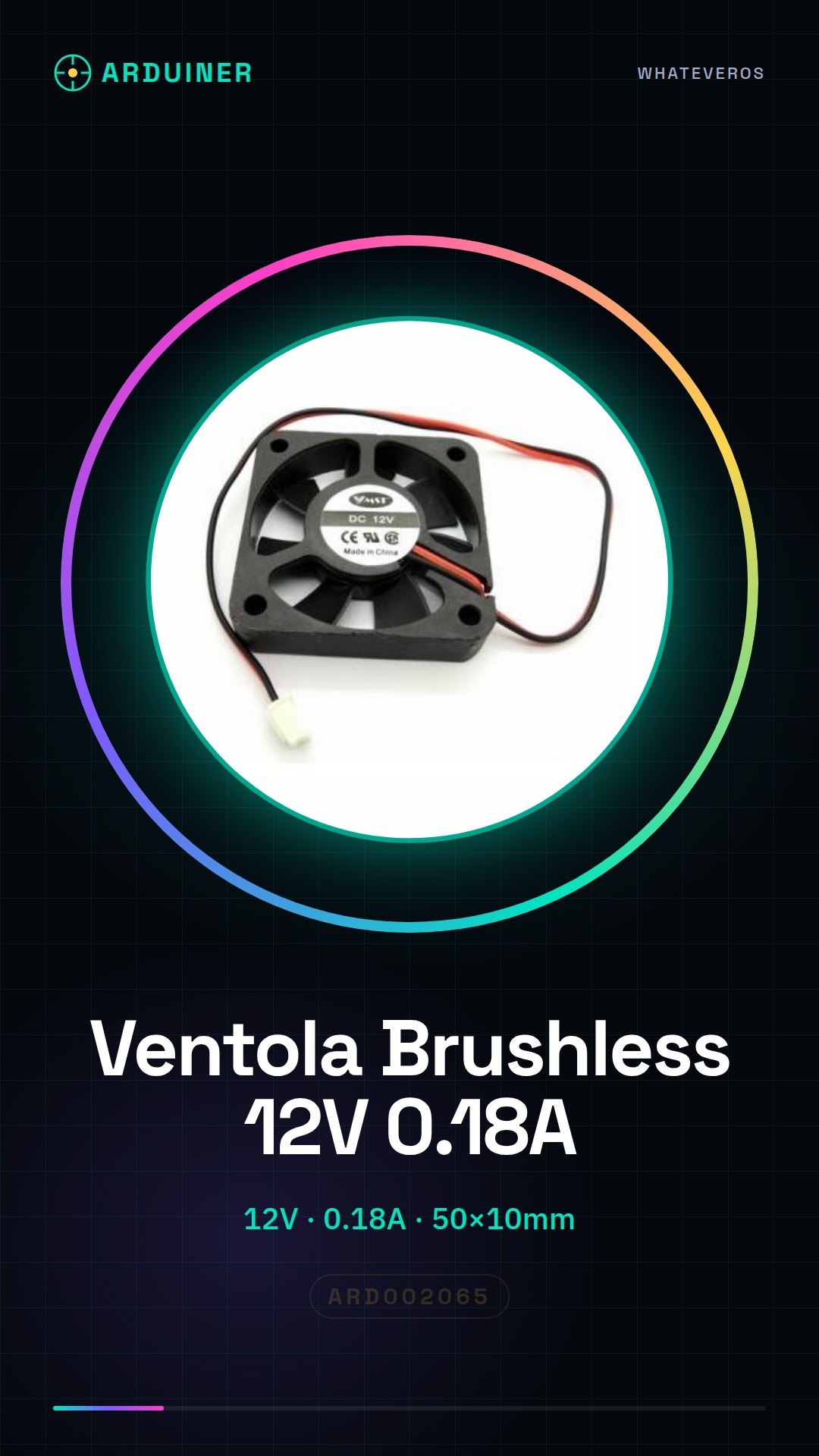
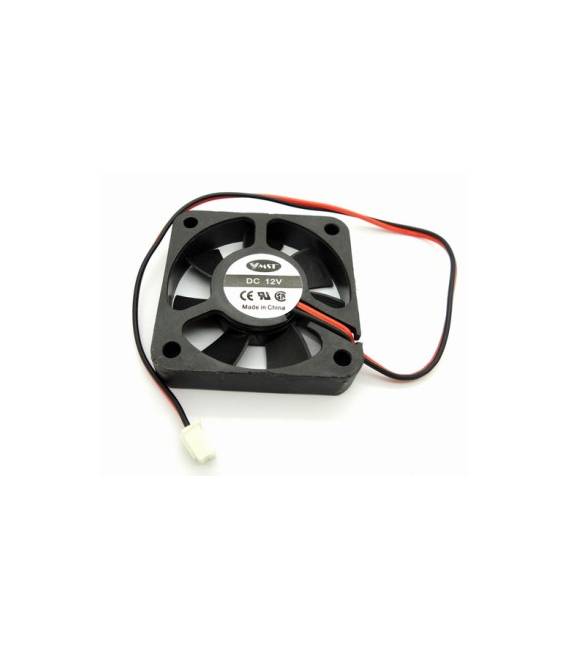
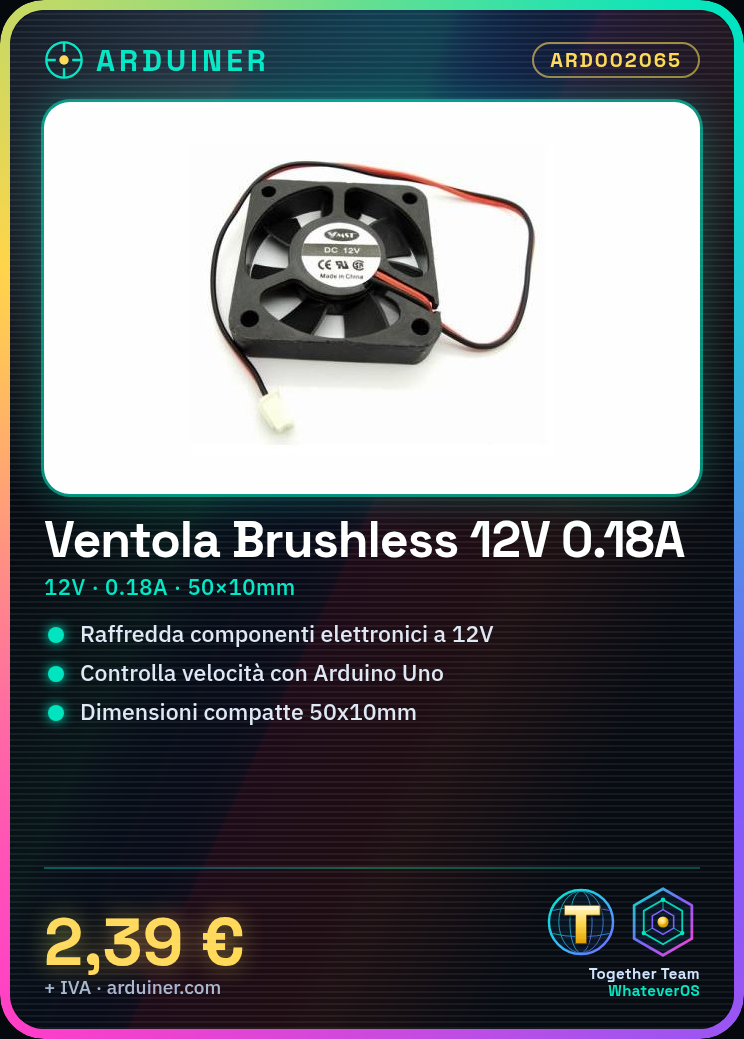
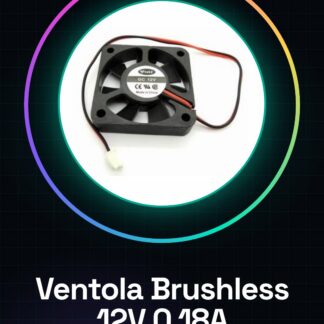
The Brushless DC Fan 12V Dia. 50×10 is an electronic cooling device designed to maintain the temperatures of electronic components at optimal levels.
Features
- Brushless DC Fan with nominal voltage of 12V;
- Operating Voltage: 12V;
- Maximum Current: 0.18A (check datasheet);
- External Dimensions: 50x10mm.
What it is for
The fan is ideal for cooling electronic components such as 3D printers, computers, or CNC systems. It can be used in both DIY projects and small industrial applications. For example, a cooling system for a 3D printer can be created by mounting the fan above the motor of the extruder and controlling its speed via Arduino.
Tutorial: How to use Brushless DC Fan 12V
The brushless fan is ideal for cooling electronic components such as 3D printers, computers, or CNC systems. It is suitable for both DIY projects and small industrial applications.
What you need
- Arduino Uno
- Connection Wire
- 12V Power Supply
Steps
- Connect the red wire of the fan to the positive output of the 12V power supply
- Connect the black wire of the fan to the negative terminal of the 12V power supply
- If necessary, connect a current limiter between the power supply and the fan to protect the circuit
- Check that the connectors are securely engaged without short circuits
- Program the Arduino with a sketch that controls the fan speed (see code below)
- Check the datasheet to properly set the current limiter if necessary
- Test the fan by turning the power on and off
- Optimize the fan position relative to the component to be cooled
Example code
void setup() {
  pinMode(9, OUTPUT);
}

void loop() {
  analogWrite(9, 128); // Imposta velocità della ventola a metà potenza
}
Mini project
Create a cooling system for a 3D printer by building a support and securing the fan above the motor of the extruder. Connect the fan power supply through Arduino to regulate the speed.
Common mistakes
- Do not check that the connectors are securely engaged
- Omit a current limiter, risking damage to the circuit
- Set the fan speed too high without thermal protection
- Connect the fan to a voltage higher or lower than specified
Recommended accessories
- Arduino Uno – SKU: ARD001234
- Power Supply 12V – SKU: ARD007895
- Current Limiter 1A – SKU: ARD006789
Frequently asked questions
What is the maximum speed of the fan?
Check the product datasheet.
How can I adjust the activation temperature of the fan?
Use a temperature sensor and program the Arduino to turn on the fan at a certain temperature.

Reviews
There are no reviews yet.