 EN
 IT Italiano
 ES Español
 FR Français
 DE Deutsch
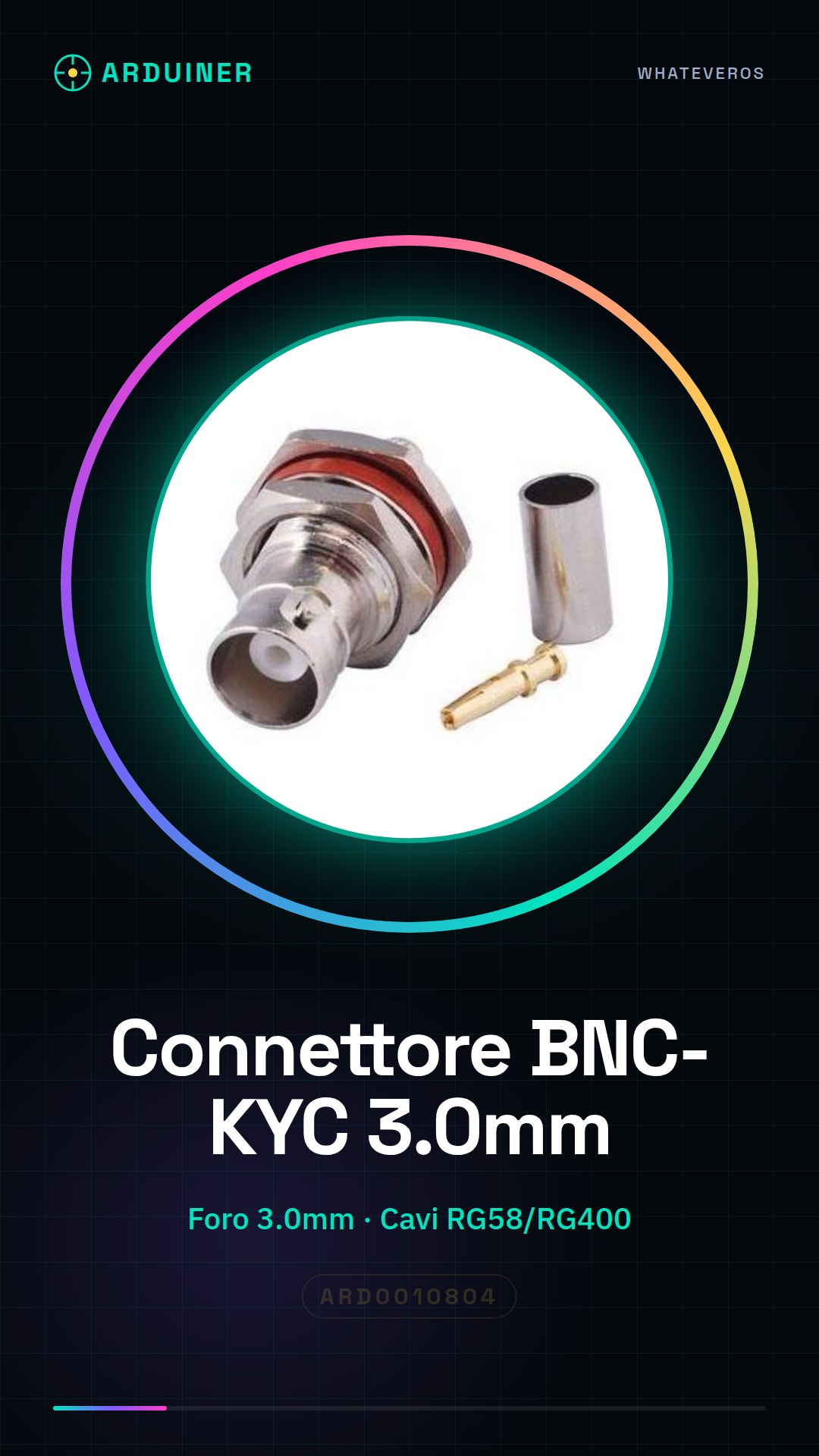
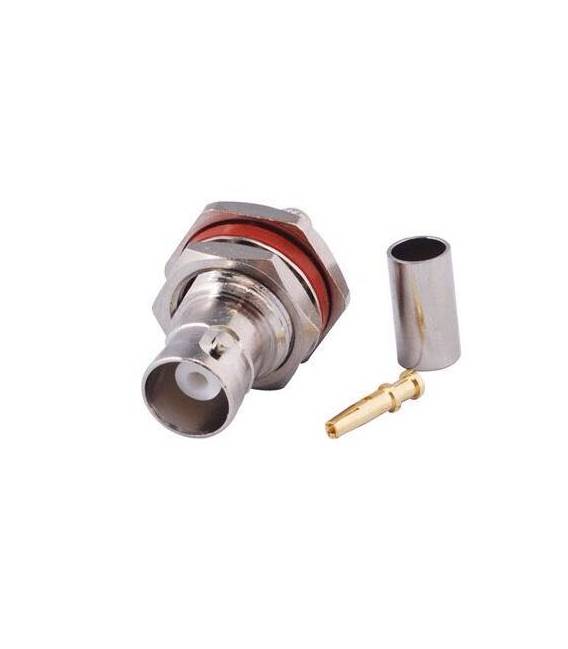
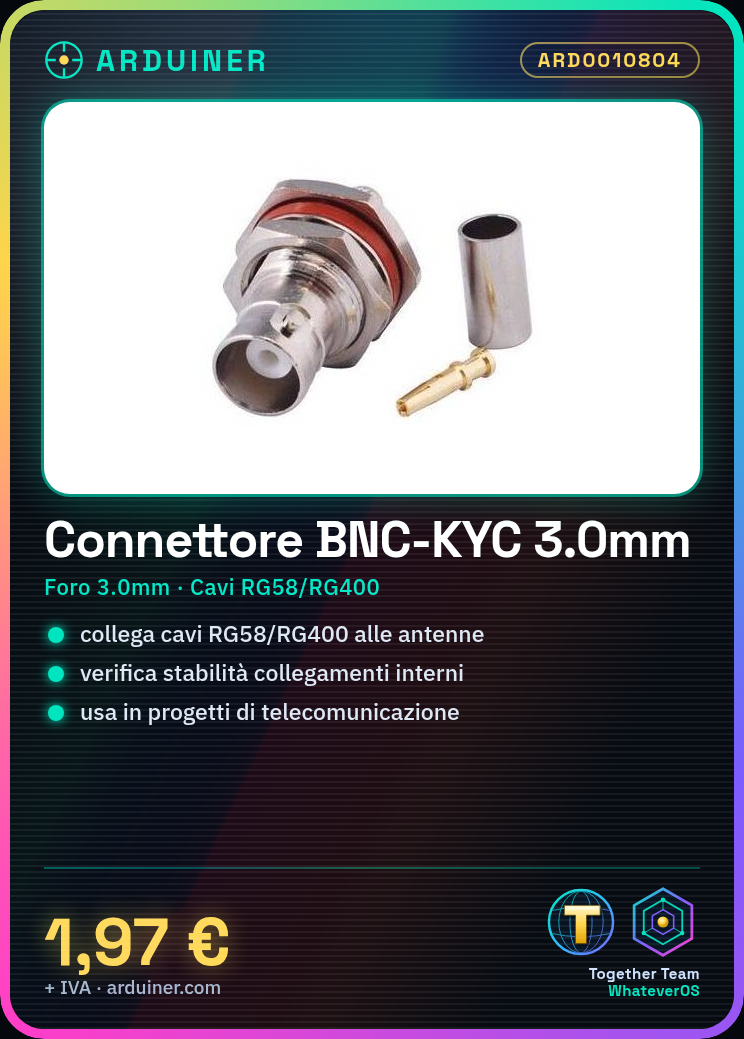
Description
Tutorial: How to Use BNC-KYC Connector 3.0mm Thread for RG58/RG400
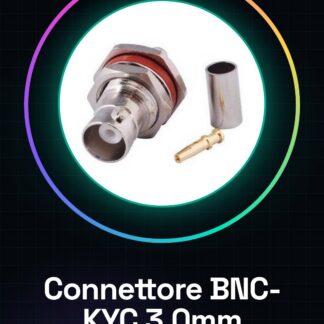
The BNC-KYC connector is ideal for connecting RG58 or RG400 cables to antennas or radio receivers. It is particularly useful for makers working on telecommunications and radio communication projects.
What you need
- RG58 or RG400 cable
- wire stripper
- screwdriver
Steps
- Cut the RG58 or RG400 cable to the desired length.
- Gently unwind the outer cable sheath, up to 3-4 cm.
- Remove the inner cable sheath, keeping the central insulator intact.
- Insert the inner conductor into the BNC-KYC connector and secure it with the screwdriver.
- Introduce the outer conductor into the back of the connector and ensure it is properly positioned.
- Check the installation by verifying the stability of the internal connections.
Mini project
Build a radio reception system using the RG58 or RG400 cable and this BNC-KYC connector to connect the antenna to the receiver.
Common mistakes
- Insert the inner conductor into the wrong pin of the connector.
- Do not properly secure the conductors with cotton, causing weak contact or breaks.
- Cut the outer jacket of the cable too short, making installation difficult.
Recommended accessories
- RG58 Cable
- Electronic Tool Kit
- UHF SMA Antenna
Frequently asked questions
How can I check if the connector has been installed correctly?
Check that the conductors are securely locked into the connector and there is no room for movement.
Can I use this connector with other types of cable?
Check the cable datasheet to see if it is compatible with the BNC-KYC connector.
Reviews
There are no reviews yet.