 EN
 IT Italiano
 ES Español
 FR Français
 DE Deutsch
Description
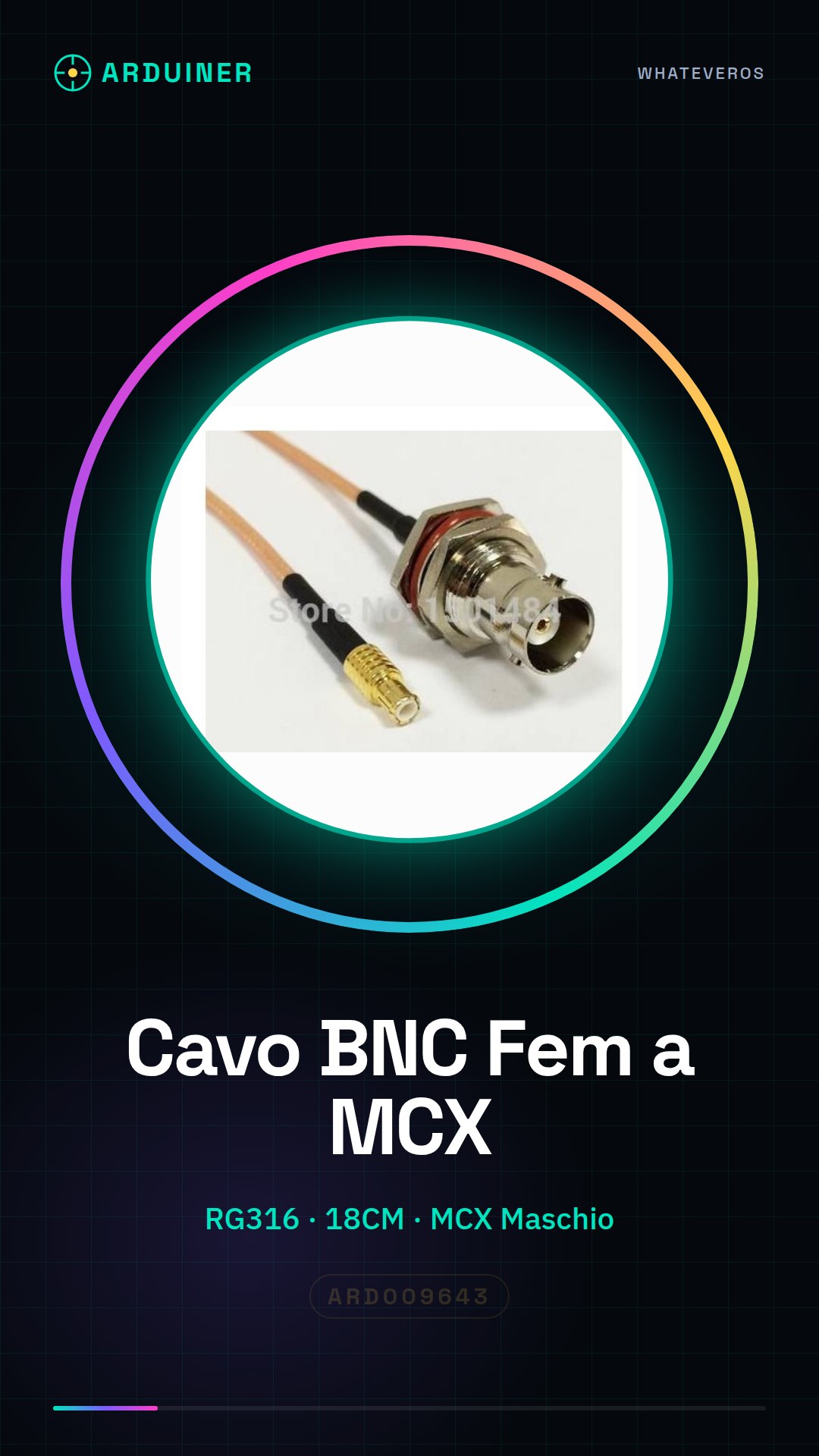
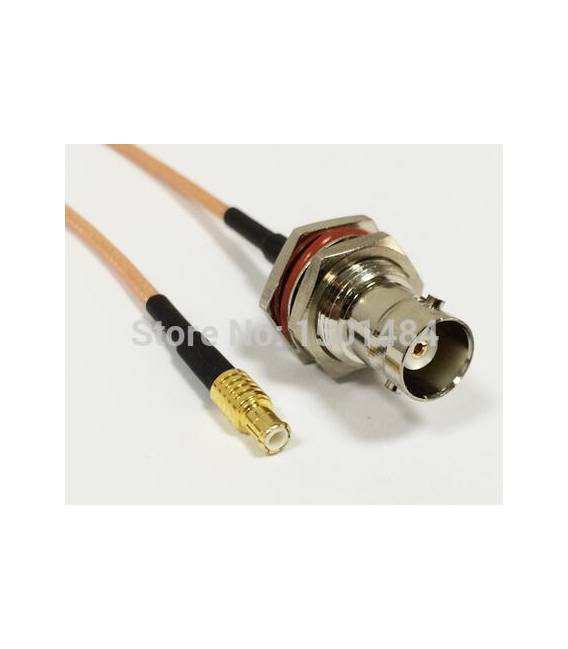
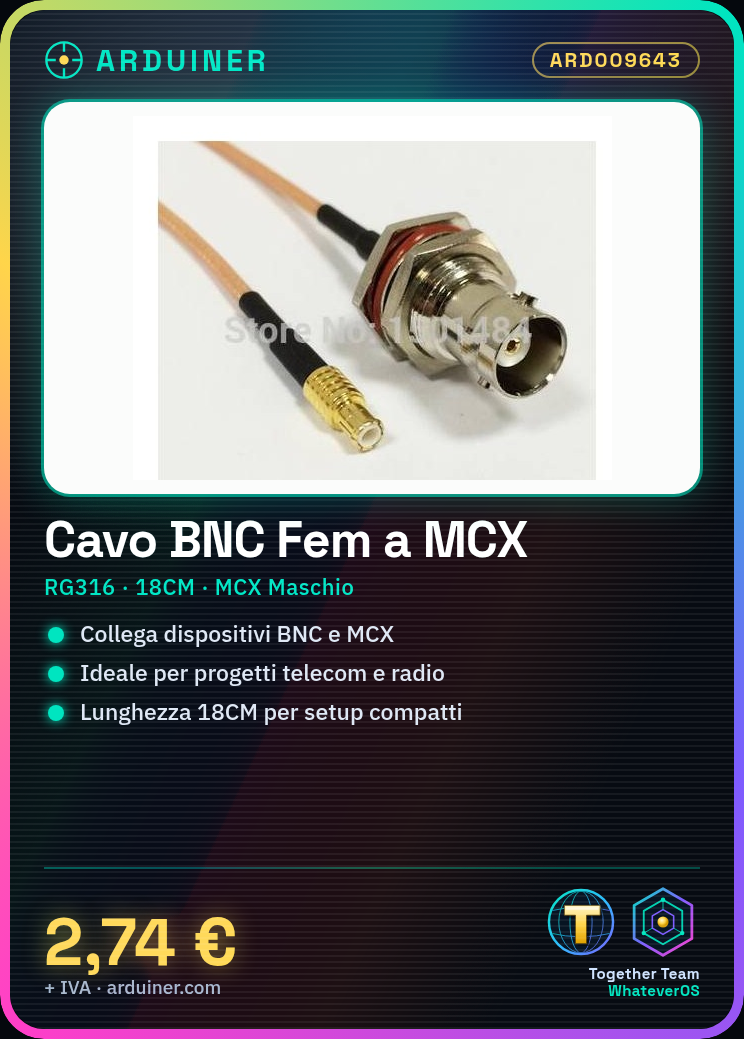
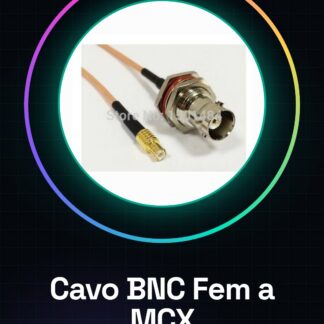
BNC Female to MCX Male Connector Cable RG316 Length 18CM
Tutorial: How to Use BNC to MCX Connector Cable
This cable is ideal for connecting devices with BNC and MCX inputs or outputs. It is particularly useful for makers working on telecommunications, radio communication, or sensing projects.
What you need
- MCX Antenna
- Device with BNC Input
Steps
- Check the compatibility of your device’s connectors with those of the cable (BNC female and MCX male).
- Take the device that has the BNC input or output.
- Gently insert the BNC connector of the cable into the device, ensuring it is securely inserted.
- Proceed in the same way with the MCX end of the cable and your antenna or other compatible device.
- Verify the installation by checking if the signals are transmitted correctly.
Mini project
Create a radio reception system using an MCX antenna connected to a BNC receiver to monitor local communications.
Common mistakes
- Forced insertion of connectors, which can damage them.
- Unstable connection due to a cable being too long or too short for the project’s requirements.
- Use of a device incompatible with the types of connectors.
Recommended accessories
- MCX Antenna
- BNC Receiver
- Multimeter Text
- RG316 Network Cable
Frequently asked questions
Is the cable weather-resistant?
Check the datasheet for specific information on material durability and environmental resistance.
Can I use this cable with any MCX antenna?
Ensure the antenna has a male MCX connector for a proper connection.
Reviews
There are no reviews yet.