 EN
EN IT Italiano
 ES Español
 FR Français
 DE Deutsch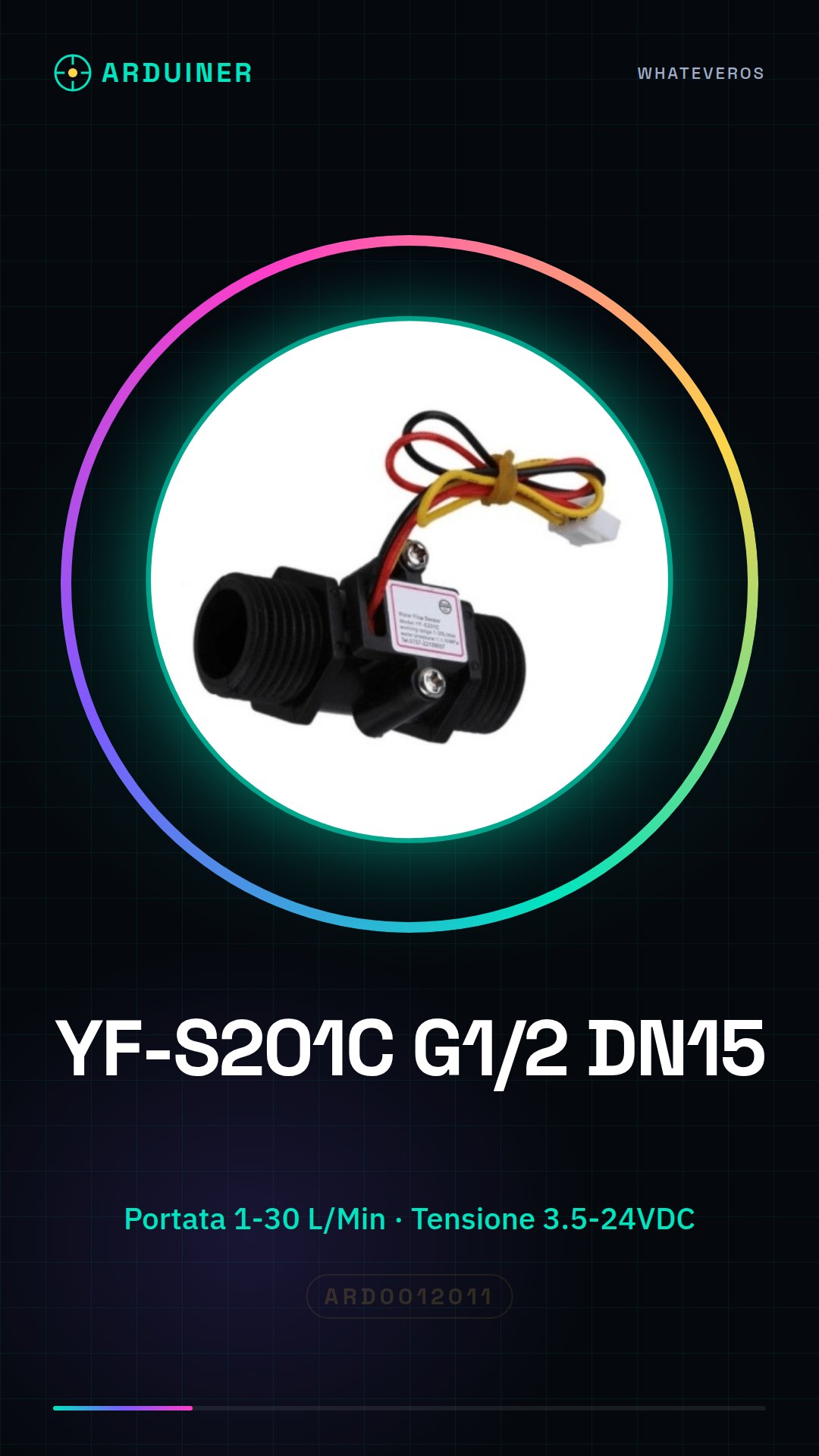
Description
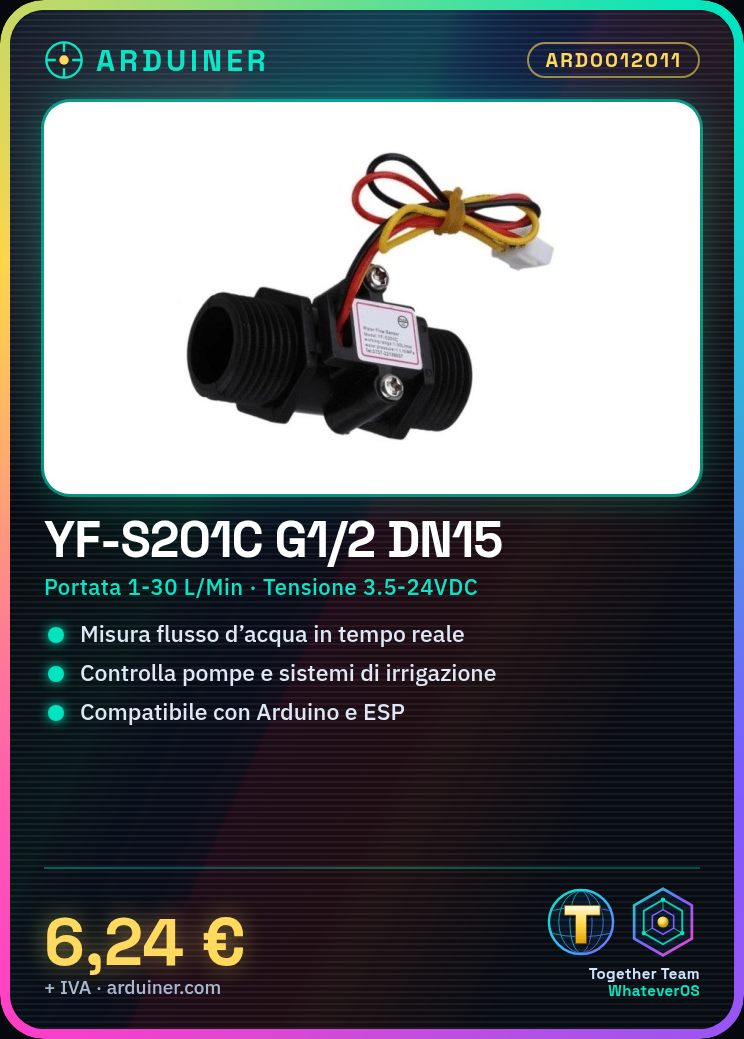
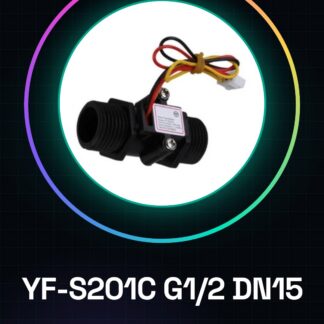
{‘What is it?’: ‘The YF-S201C G1/2 DN15 water flow sensor is designed to measure the volume of water flowing through a pipe. Features: Type – Water Flow Sensor, Model – YF-S201C G1/2 DN15, Range – 1-30 L/min, Supply Voltage – 3.5-24VDC.’, ‘What does it do?’: ‘The sensor is ideal for monitoring water flow in domestic and industrial plumbing systems. It can be used to control electric pumps, manage irrigation systems, and monitor real-time water consumption. Its compatibility with Arduino and ESP makes it a versatile solution for automation and monitoring projects.’, ‘How to use Water Flow Sensor YF-S201C’: ‘The YF-S201C is useful for measuring water flow in plumbing systems, suitable for beginner and intermediate maker projects. Required: Arduino Uno or compatible, USB connection cable, 3.5-24VDC power supply, physical pipe connection.’, ‘Steps’: [‘Connect the water flow sensor to digital pins on the Arduino’, “Verify the sensor’s power supply voltage (3.5-24VDC)”, ‘Write an Arduino sketch to read data from the sensor’, ‘Install the sensor physically in the pipe’, ‘Monitor water flow through the Arduino IDE software’], ‘Example Code’: ‘void setup() { Serial.begin(9600); pinMode(A0, INPUT); } void loop() { int sensorValue = analogRead(A0); Serial.println(sensorValue); delay(1000); }’, ‘Mini Project’: ‘Build a real-time water flow monitoring system that sends data to a cloud platform.’, ‘Common Mistakes’: [‘Connecting the sensor with voltage outside the 3.5-24VDC range’, ‘Not calibrating the sensor before use’, ‘Incorrectly installing the sensor in the pipe’, ‘Failing to update the sketch for sending data to a cloud platform’], ‘Recommended Accessories’: [‘Arduino Uno’, ‘LCD Display’, ‘Power Supply’, ‘USB Connection Cable’], ‘FAQ’: {‘What is the supply voltage of the sensor?’: ‘Check the datasheet for the correct voltage.’, ‘How can I send water flow data to a cloud platform?’: ‘Add MQTT or HTTP data sending functionality in your sketch.’}}
Reviews
There are no reviews yet.