 EN
EN IT Italiano
 ES Español
 FR Français
 DE Deutsch
Description
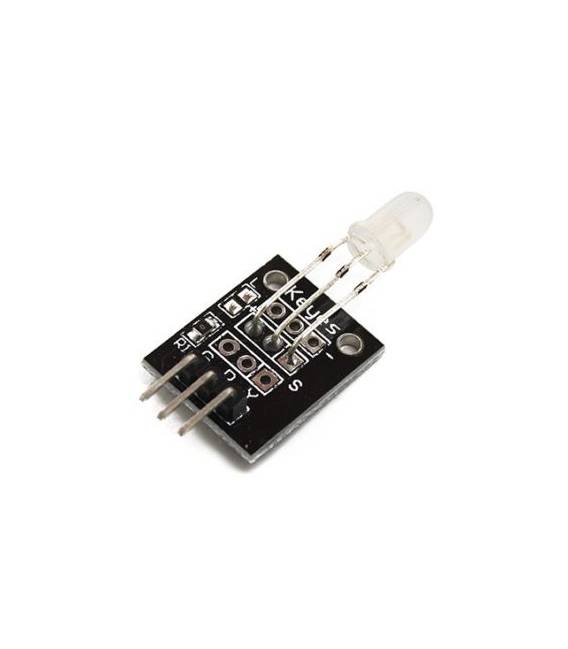
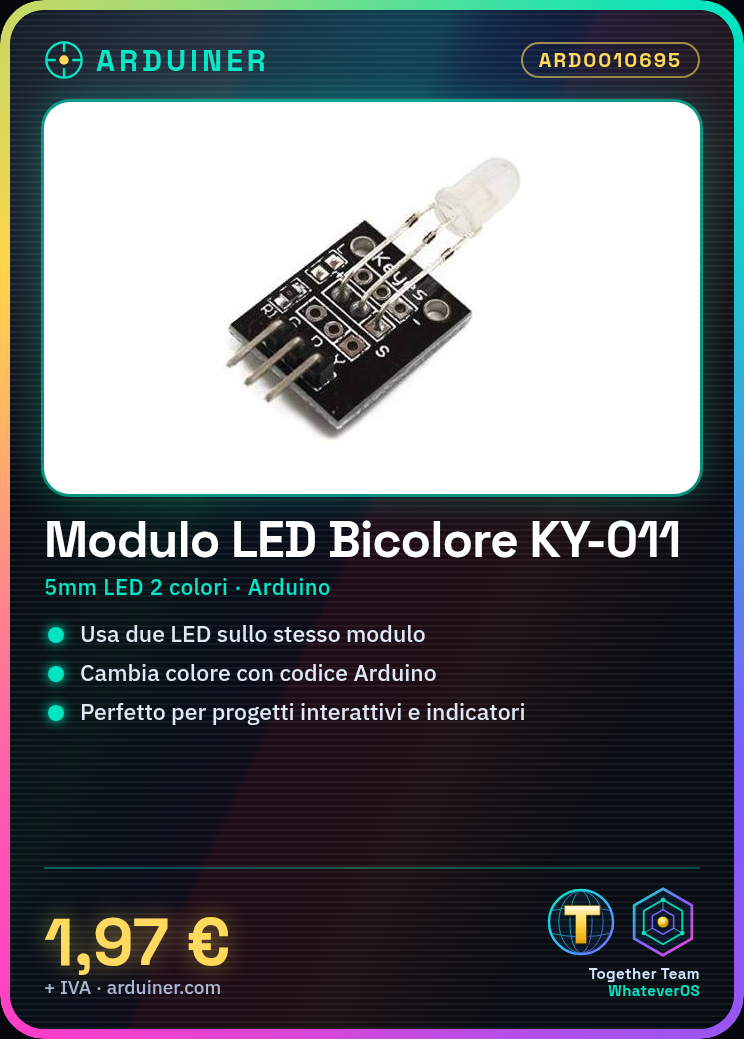
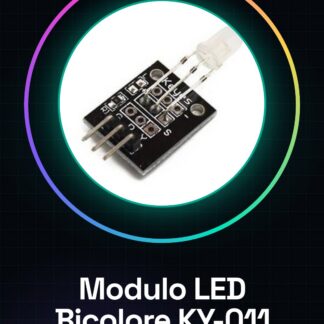
What is it The bicolor LED module KY-011 is an electronic component compatible with Arduino that allows the use of two desired colors on a single unit. This module can be easily integrated into interactive lighting projects or indicators. Features Bicolor LED module compatible with Arduino KY-011 Ideal for changing the lighting color in electronic projects Suitable for beginners and experienced makers What is it used for The bicolor LED module KY-011 is ideal for interactive lighting projects that change color based on the time of day. It is compatible with Arduino and is perfect for both beginners and experienced makers. Tutorial: How to use Bicolor LED Module KY-011 The bicolor LED module KY-011 is ideal for interactive lighting projects or indicators. It is perfect for beginners and makers who want to add a visual element to their Arduino projects. What do you need Arduino Uno USB Type B cable Connection to PC Steps Connect the bicolor LED module KY-011 to the Arduino using the provided connection pins. Configure the LED pins in the Arduino code, checking the datasheet specifications if necessary. Write a simple sketch to alternate the LED on and off. Upload the sketch to the Arduino via USB. Verify that the LED changes color as expected in the code. Example code void setup() { pinMode(ledPin, OUTPUT); } void loop() { digitalWrite(ledPin, HIGH); delay(1000); digitalWrite(ledPin, LOW); delay(1000); } Mini-project Create an interactive light clock that changes color based on the time of day. Common errors Not checking the pin specifications in the datasheet. Using the LED without protection, potentially damaging the Arduino. Swapping power and data connectors. Recommended accessories 220 Ohm Resistor DS3231 Real-Time Clock (RTC) Light Dependent Resistor (LDR) Frequently asked questions The LED does not turn on. Check the pin connections and power. What is the lifespan of the bicolor LED? Check the datasheet for specific details.
Reviews
There are no reviews yet.