 EN
 IT Italiano
 ES Español
 FR Français
 DE Deutsch
Description
What it is
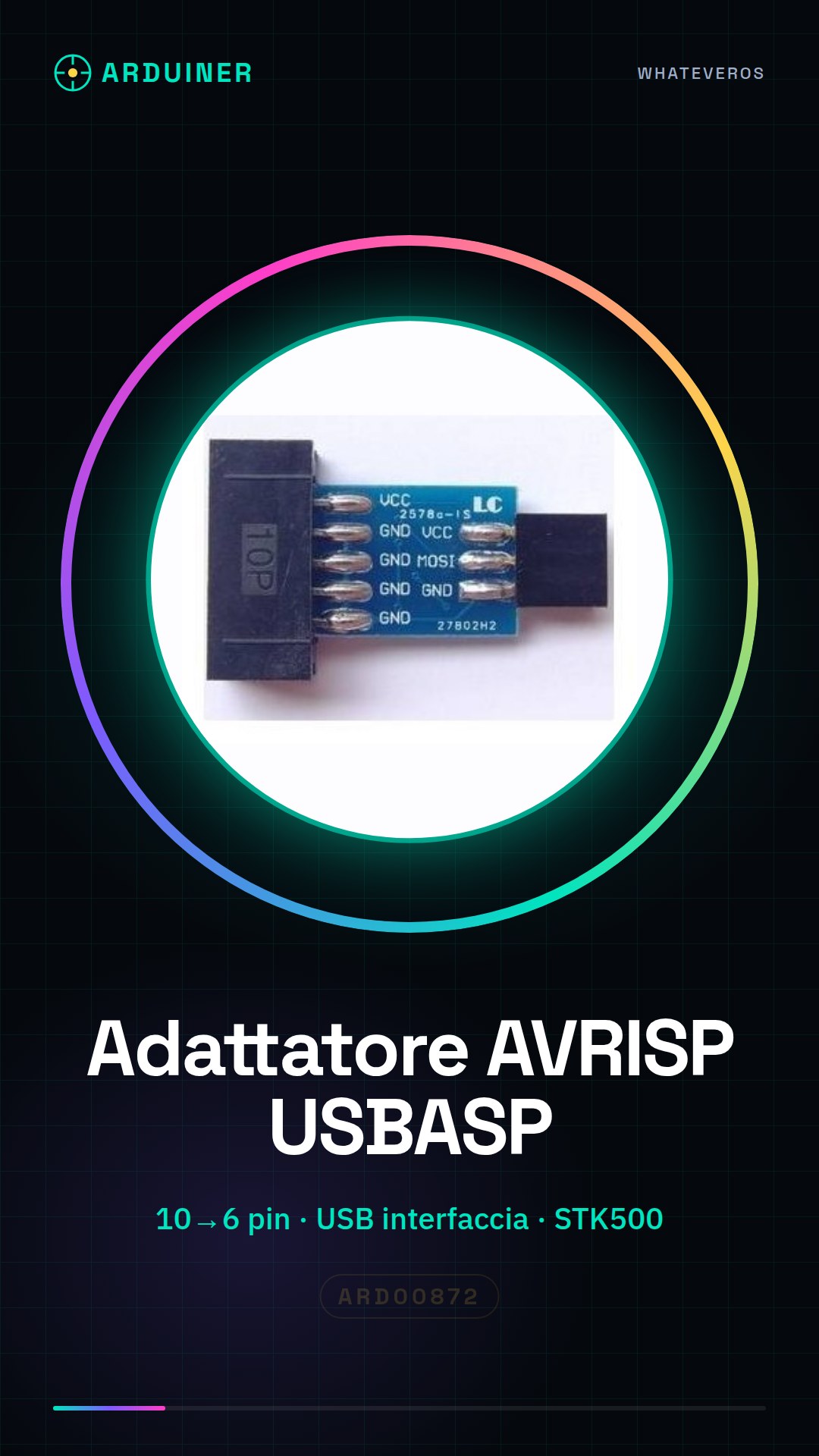
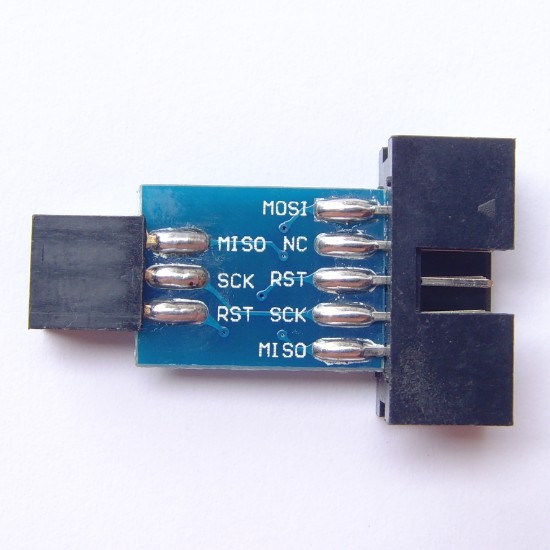
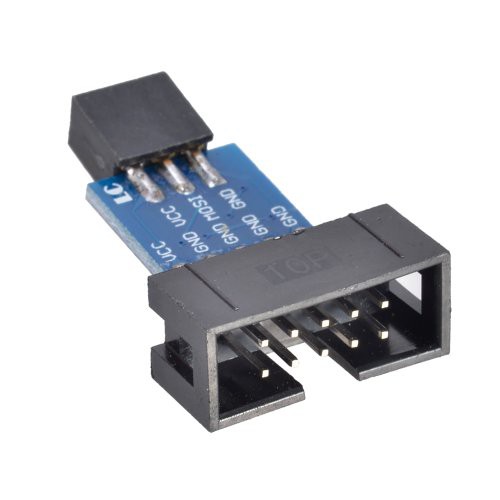
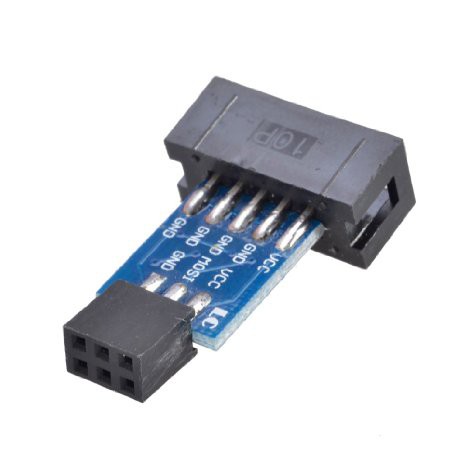
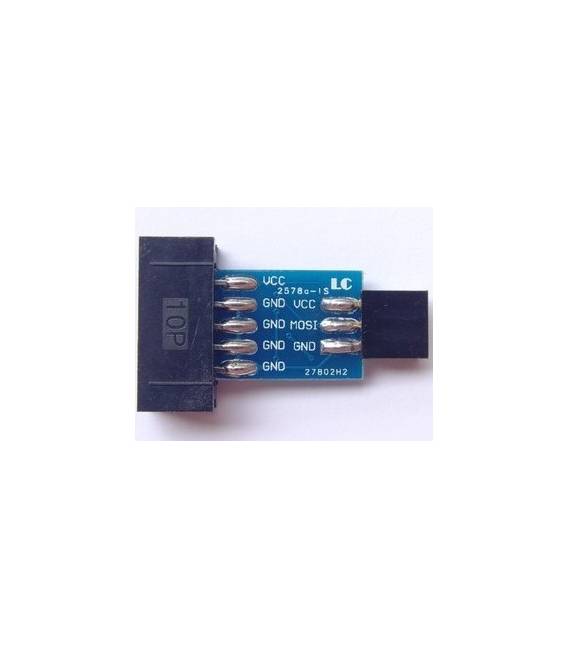
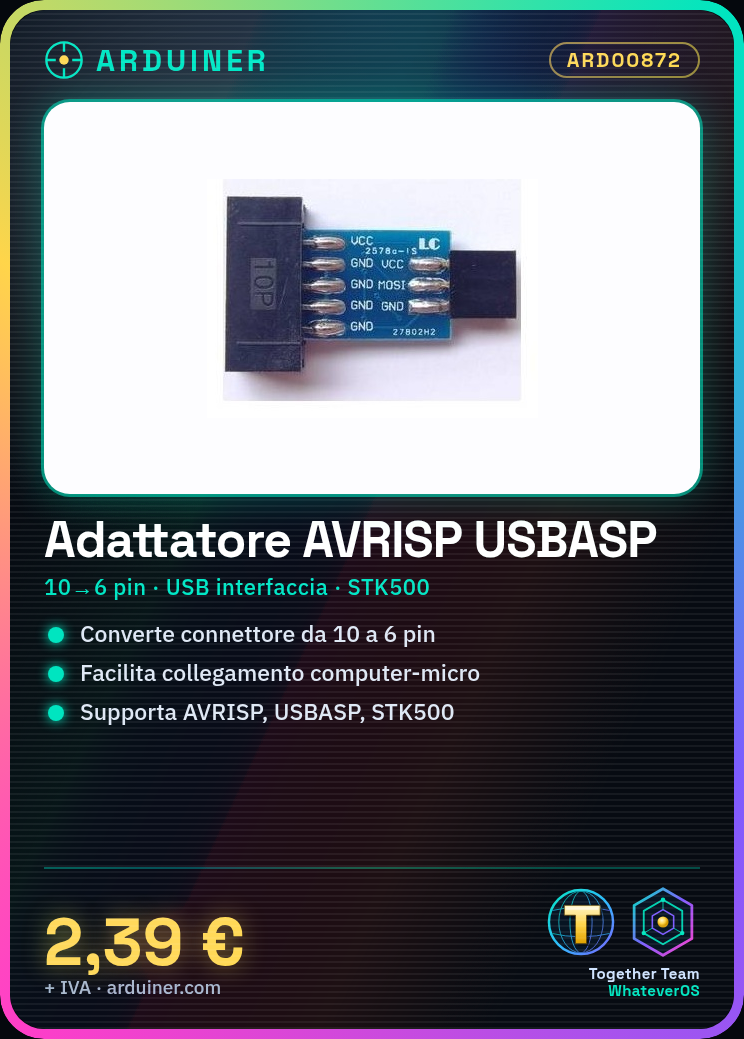
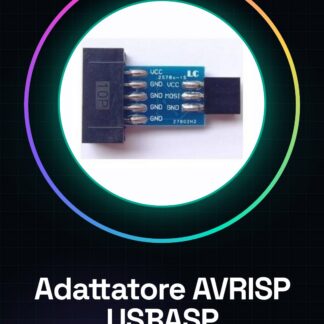
The AVRISP USBASP STK500 adapter is a device that converts a 10-pin connector to a 6-pin connector, facilitating the programming of Arduino and other ATMEL microcontrollers.
Features
- 10-pin to 6-pin connector
- Ideally used with AVRISP, USBASP, and STK500
What it is for
It is used to connect the computer to the microcontroller via the USB interface. It is useful for Arduino programmers such as the Arduino Uno and other ATMEL microcontrollers.
Tutorial: How to use AVRISP USBASP STK500 Adapter Board
The AVRISP USBASP STK500 adapter board is a fundamental device for Arduino programmers and other ATMEL microcontrollers. With it, you can easily connect your computer to the microcontroller via the USB interface.
What you need
- Computer with Windows/Linux/MacOS operating system
- USB A-MicroB cable
- Programming software (e.g., Arduino IDE)
Steps
- Install the avrdude library in your development environment.
- Connect the USB cable to the computer and the adapter.
- Configure the Arduino IDE to use the AVRISP/USBASP as the programming device (check the datasheet).
- Open an existing Arduino project or create a new one.
- Compile the project code.
- Select the correct board and port in the Tools -> Boards -> Board Selector menu.
- Click on ‘Upload’ to transfer the code from the computer to the microcontroller via the AVRISP/USBASP.
Mini project
Program an Arduino Uno with a simple application that makes an LED connected to pin 13 blink.
Common mistakes
- USB device not recognized
- Error during code compilation
- The microcontroller does not respond to uploading
Recommended accessories
- Arduino Uno R3
- USB A-MicroB power supply cable
- Spiral printed circuit prototyping kit (breadboard)
- Various sensors for Arduino projects
Frequently asked questions
How can I tell if my computer recognizes the AVRISP/USBASP correctly?
Check the list of connected devices via ‘Device Manager’ on Windows or ‘lsusb’ from terminal on Linux/MacOS.
What is the difference between AVRISP and USBASP?
They are both ATMEL programmers, but they have different methods of communication with the microcontroller (check the datasheet).
Reviews
There are no reviews yet.