 EN
EN IT Italiano
 ES Español
 FR Français
 DE Deutsch
Description
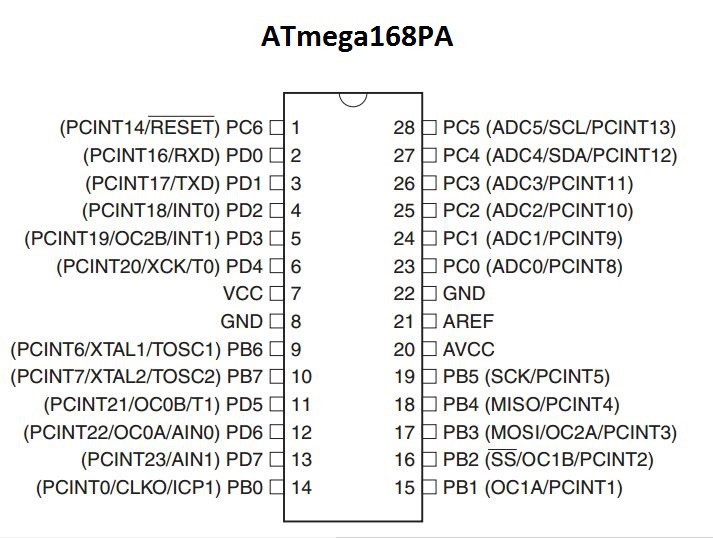
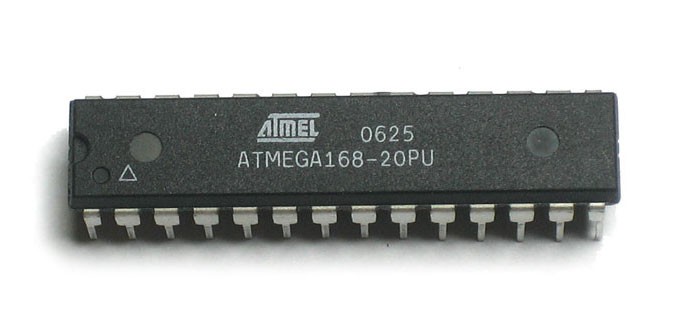
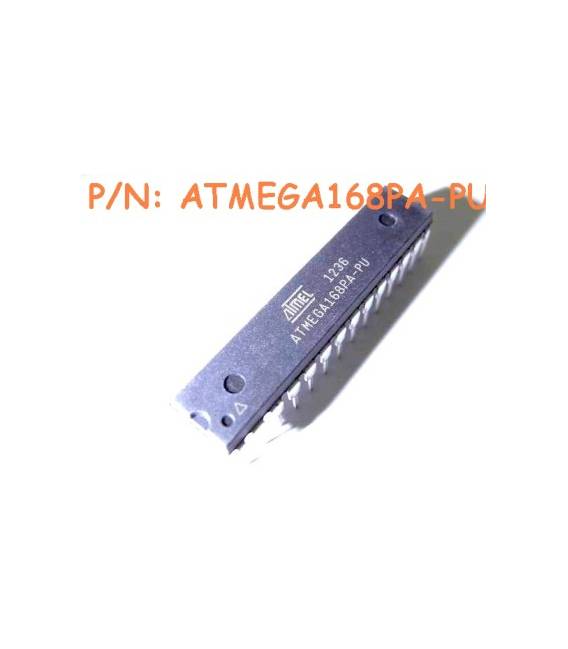
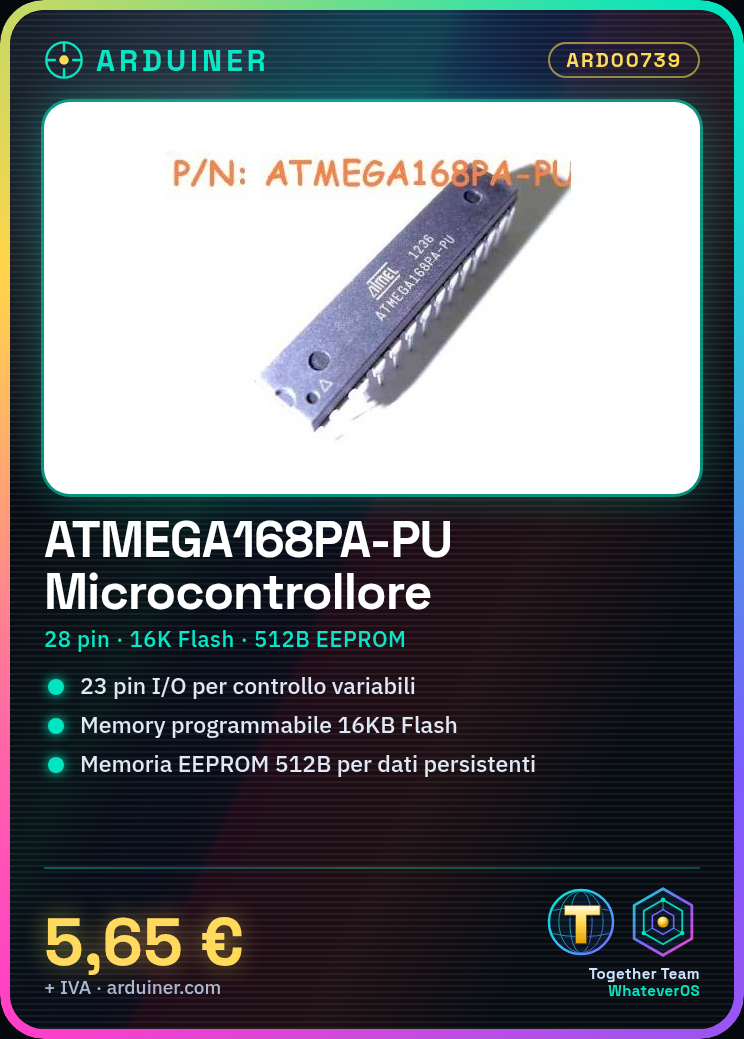
ATMEGA168PA-PU 8-Bit Microcontroller with 512B EEPROM High Performance IC, 8BIT, AVR, 16K FLASH, 28PDIP Family / Series: Atmega Core Size: 8bit Number of I/O: 23 Minimum Supply Voltage: 1.8 V Maximum Supply Voltage: 5.5V Package Type: DIP Number of Pins: 28 Program Memory Size: 16KB EEPROM Memory Size: 512Byte RAM Memory Size: 1KB CPU Speed: 20MHz Peripherals: ADC, comparator, PWM, timer Operating Temperature Range: Not specified Operating Voltage Range: 1.8 V to 5.5 V We have technical data sheets available for all components, if not present in the product download sheet, please send us a message through the contact form and we will publish it as soon as possible on our website. Tutorial: How to use ATMEGA168PA-PU The ATMEGA168PA-PU microcontroller is a central component for Arduino and open-source electronics projects. It is ideal for beginner and intermediate makers who want to create autonomous devices with advanced features. What you need: Arduino Uno or compatible USB A-MicroB cable (optional) 3D Printer (optional) Arduino IDE Software Steps: Download and install the Arduino IDE from the official website. Connect the ATMEGA168PA-PU microcontroller to the Arduino Uno via the serial port. Open a new sketch in the Arduino IDE software. Insert the necessary libraries for the microcontroller (check the datasheet). Write a simple example sketch that turns on and off an LED connected to pin 13 of the microcontroller. Compile the sketch in the Arduino IDE. Upload the sketch to the microcontroller via the Arduino Uno. Check the example operation by observing the LED connected to pin 13. Example Code void setup() { pinMode(13, OUTPUT); } void loop() { digitalWrite(13, HIGH); // Turn on the LED delay(1000); // Wait for one second digitalWrite(13, LOW); // Turn off the LED delay(1000); // Wait for one second } Mini-project Create a small control center with the ATMEGA168PA-PU microcontroller. Connect sensors such as temperature and humidity, and use the integrated EEPROM to store data. Common Errors Compilation error during sketch compilation. Unstable USB connection between Arduino Uno and microcontroller

Reviews
There are no reviews yet.