 EN
 IT Italiano
 ES Español
 FR Français
 DE Deutsch
Description
What it is
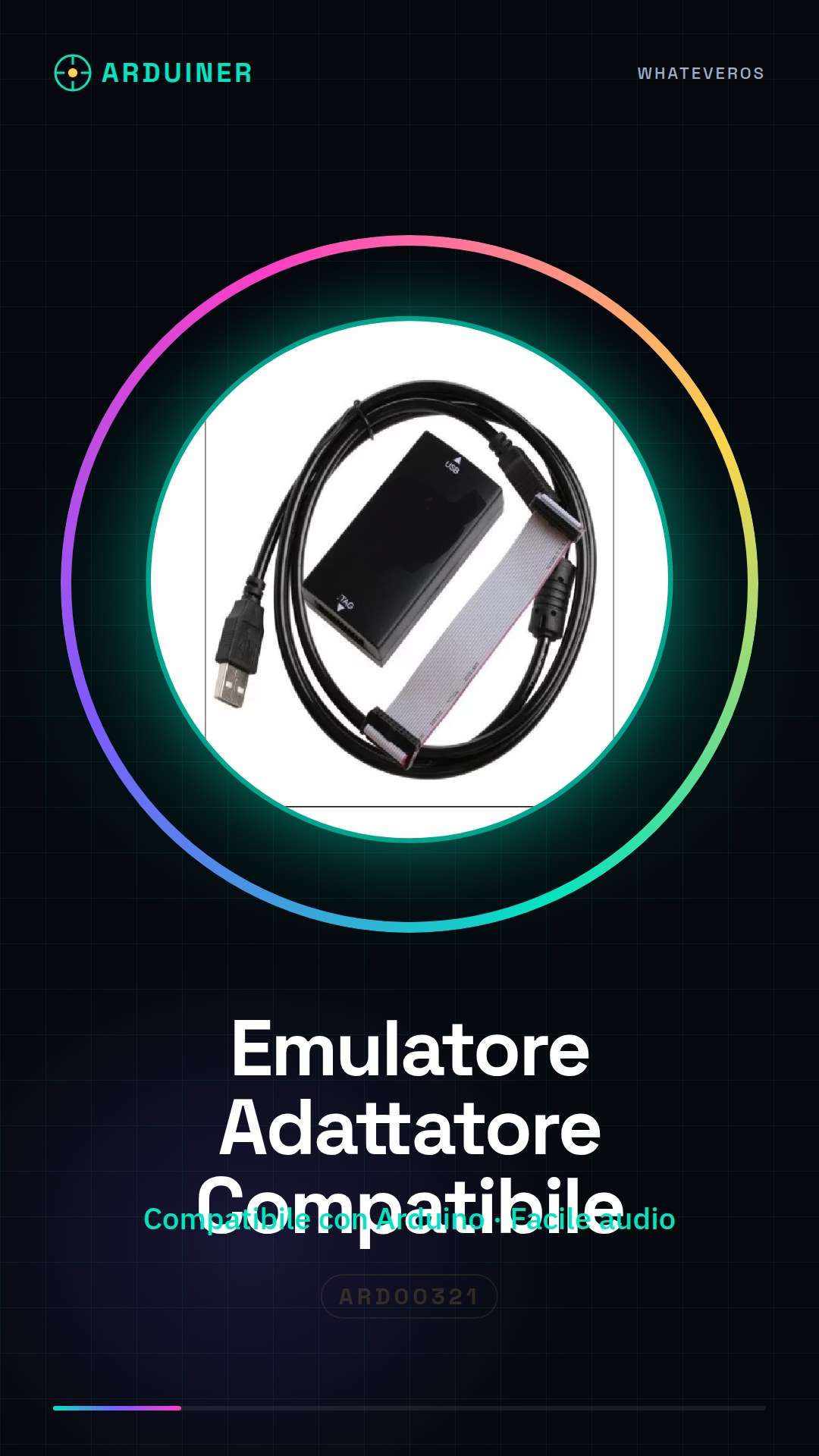
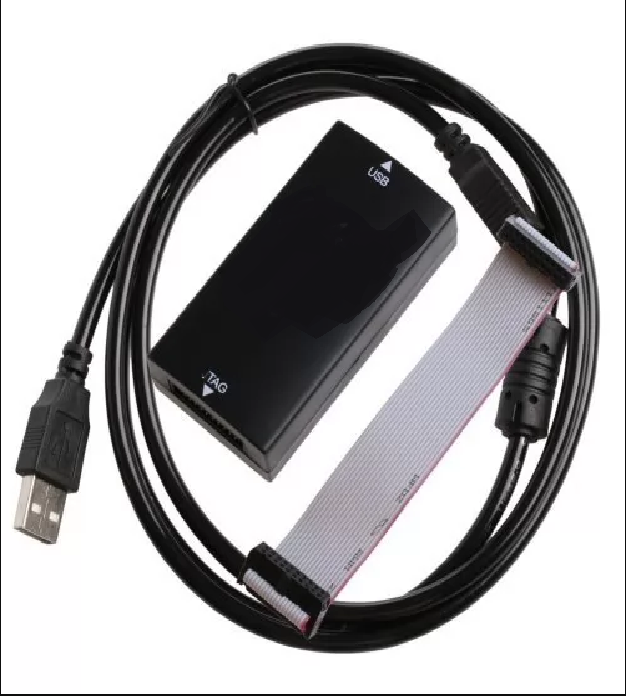
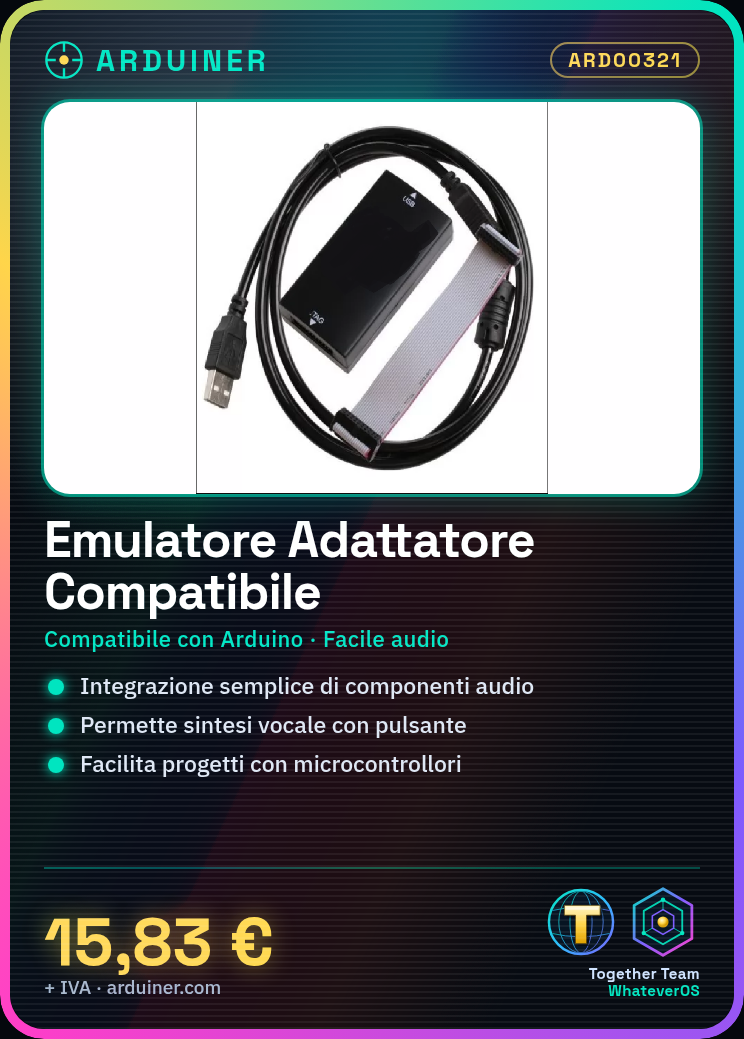
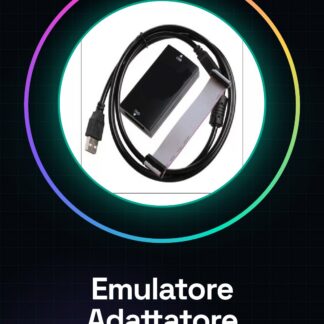
The compatible emulator adapter for Arduino is a device designed to facilitate the integration of audio components into microcontroller-based projects. This component allows developers and makers to create applications that require manipulation of audio or voice signals.
Features
- Compatible with Arduino and similar microcontrollers;
- Easy connection possibility for audio components;
What it is for
The compatible emulator adapter is ideal for projects that require voice reproduction or synthesis, such as creating a simple voice synthesizer that emits a predefined word when a button is pressed. The device integrates easily with various microcontrollers, making audio application creation more flexible and convenient.
Tutorial: How to use Compatible Emulator Adapter
The compatible emulator adapter is a useful device for those working with audio and voice systems in their Arduino projects. It allows for easy connection of audio components to a wide range of microcontrollers, making the creation of applications such as voice synthesizers or MP3 players simpler and more flexible.
What you need
- Arduino Uno
- USB cable for Arduino
- Soldering iron
Steps
- Connect the compatible emulator adapter to the Arduino expander (shield) using the appropriate pins.
- Check the proper power supply of the module through the power connector.
- Download and upload the provided Arduino sketch to test the basic features.
- Configure the desired audio or voice in the code.
- Test the audio or voice emission from the connected device.
Example code
// Includi la libreria necessaria
#include <Audio.h>

// Configura i pin per il modulo adattatore
void setup() {
  Serial.begin(9600);
}

void loop() {
  // Aggiungi qui le istruzioni per riprodurre audio o voce
}
Mini project
Create a simple voice synthesizer that emits a predefined word when a button is pressed. The project should take approximately 30 minutes.
Common mistakes
- Do not verify the correct power supply for the module.
- Use non-compatible audio wiring with the emulator adapter.
- Configure the Arduino pins incorrectly.
- Forget to upload the necessary sketch to activate the adapter’s features.
Recommended accessories
- Arduino Uno
- USB cable for Arduino
- Button
Frequently asked questions
How can I verify compatibility with other microcontrollers?
Check the module’s datasheet for connectivity and power supply specifications.
Which audio files does it support?
Check the datasheet for supported formats.
Reviews
There are no reviews yet.