 EN
EN IT Italiano
 ES Español
 FR Français
 DE Deutsch
Description
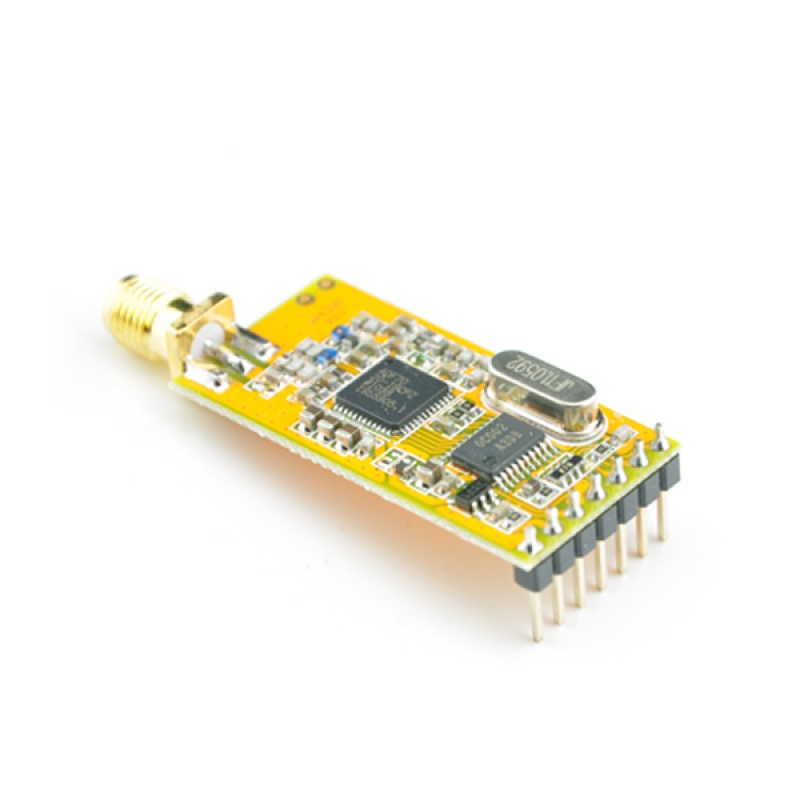
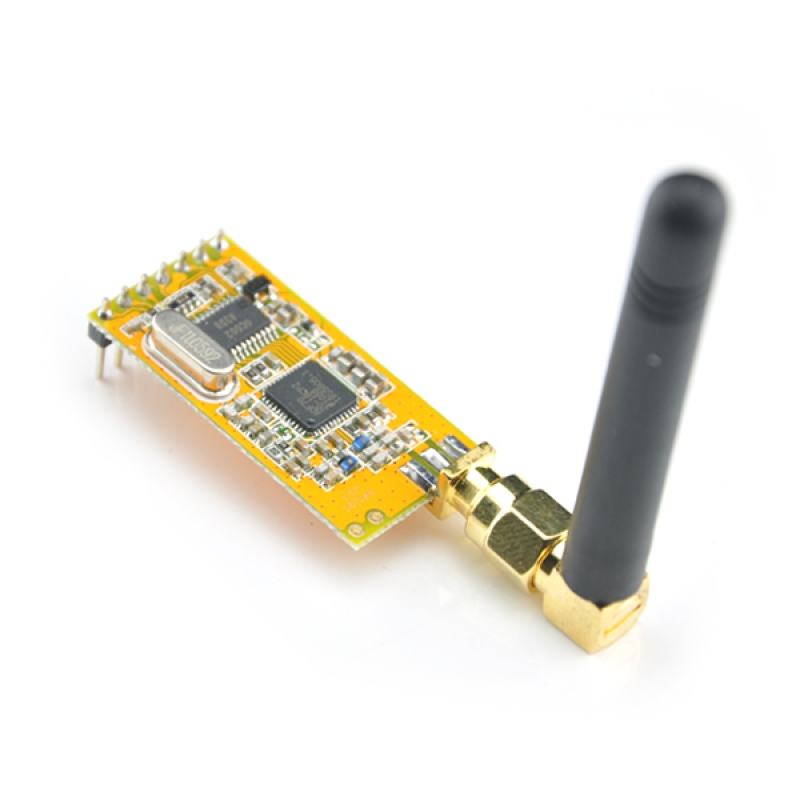
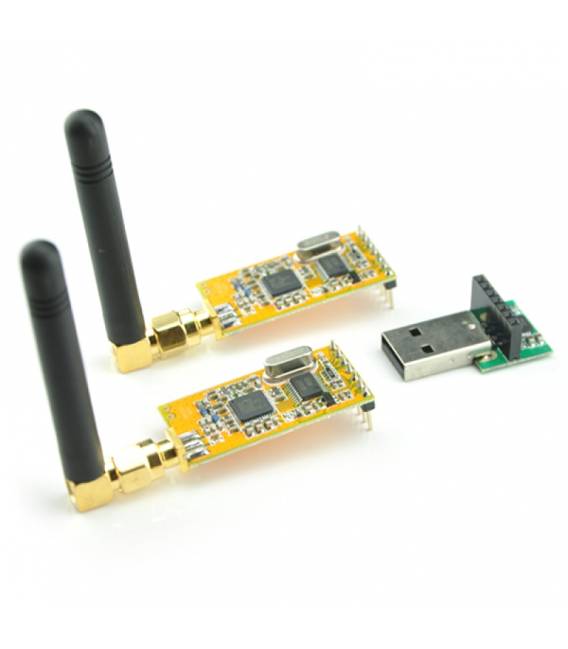
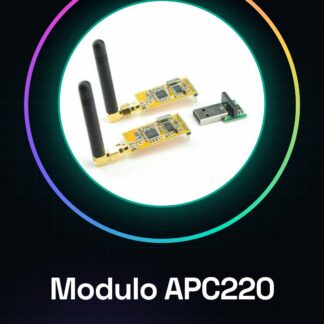
What is the APC220 Module? The APC220 module is a wireless device that allows data transmission between Arduino boards and computers via USB connection. This component facilitates mobile or long-distance project development. Features Compatible with Arduino Wireless USB communication Ideal for innovative projects such as 3D printers and drones What does it serve? The APC220 module can be used in various contexts, including creating a home alarm system that sends alerts to the computer when triggered. Additionally, it can be integrated with Arduino to monitor conditions like open doors and communicate information wirelessly. Tutorial: How to Use Wireless USB APC220 Module The APC220 is a wireless device enabling data transmission between Arduino boards and computers without a USB cable, ideal for remote or long-distance projects. This component is perfect for makers who want to create remote connections between Arduino devices and computers. What you need Arduino Uno Computer with USB port External antenna (optional) Serial communication software like PuTTY or Tera Term Steps Connect the USB part of the APC220 module to the Arduino’s USB port. Connect the other end of the APC220 module to the Arduino’s TX and RX ports (refer to the datasheet for specific pins). If necessary, connect an external antenna to the APC220 module to improve reception. Install serial communication software like PuTTY or Tera Term on a computer. Configure the serial communication software with correct settings (baud rate, etc.). Write and upload an Arduino sketch that sends data to the APC220 module via the serial port. Open the serial communication software and verify that data is received by the computer. Test bidirectional communication by sending data from the computer to the Arduino through the APC220 module. Example Code void setup() { Serial.begin(9600); } void loop() { if (Serial.available()) { String receivedData = Serial.readString(); // Process received data and send a response } } Mini-project Create a home alarm system that sends alerts to the computer when triggered. The Arduino monitors conditions such as open doors and communicates with the APC220 module to send an alert message.
Reviews
There are no reviews yet.