 EN
 IT Italiano
 ES Español
 FR Français
 DE Deutsch
Description
What it is
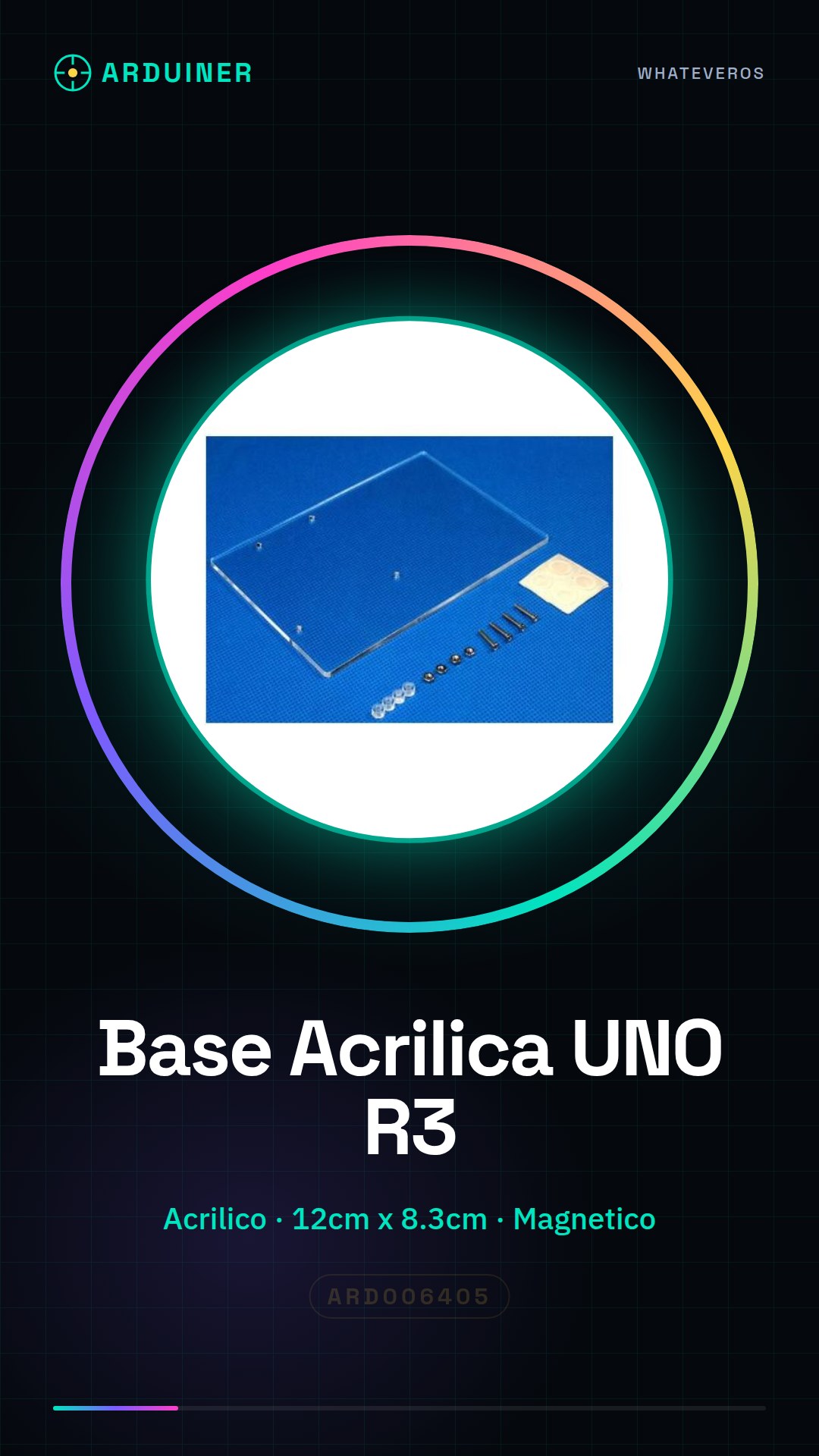
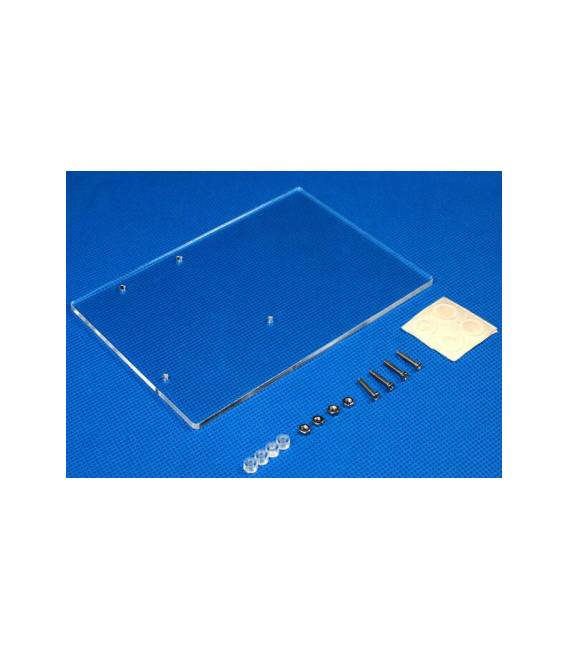
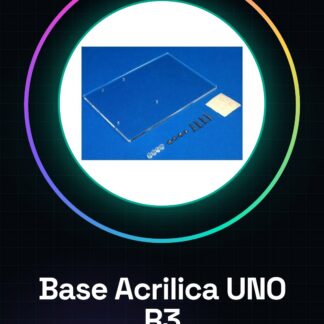
The acrylic base for UNO R3 board is a protective and organizational support specifically designed for the Arduino UNO R3 board. This component offers solid protection against mechanical damage, making the circuit more manageable and safe during use.
Features
- Material Type: Acrylic
- Dimensions: 12cm x 8.3cm
- Product SKU ID: ARD006405
What it is for
The acrylic base for UNO R3 board is ideal for both beginners and more experienced makers, offering a simple and practical solution for circuit protection. You can use it to create various project prototypes such as a simple lighting circuit based on a button.
Tutorial: How to Use Acrylic Base for UNO R3 Board
The acrylic base for UNO R3 board is perfect for prototyping and protecting your circuit. Useful for beginners and intermediate makers.
What you need
- Acrylic Base ARD006405
- Arduino UNO R3 Board
- Electronic Connections
- Cutting Tools
Steps
- 1. Check that the acrylic base has dimensions compatible with the UNO R3 board.
- 2. Ensure that the base does not contain protrusions that could interfere with the board connectors.
- 3. Connect the UNO R3 board to the base using its magnetic support.
- 4. Check that the board connectors are fully inserted into the base.
- 5. If necessary, cut the base with a laser cutter or a utility knife.
- 6. Verify the outline of the base against the datasheet to see if the cut has modified it.
- 7. Place the base on a stable support.
- 8. Ensure that the base is not in direct contact with other metallic materials.
Mini project
Create a simple lighting circuit based on a button. Connect an LED and a button to the UNO R3 board and mount the base to protect the circuit.
Common mistakes
- Do not check the compatibility of the base with the UNO R3 board.
- Do not use tools unsuitable for cutting the base.
- Connect the UNO R3 board without using the magnetic support.
- Ignore the contour verification after cutting the base.
Recommended accessories
- Electronic connections
- Laser cutting
- Saw
- Stable support
Frequently asked questions
Can I use the base with other Arduino boards?
Check the datasheet for compatibility of dimensions and connectors.
How long does it take to assemble the base?
A little more than 10 minutes.
Can I cut the base with a heat cut?
Use a laser cut or saw to avoid damaging the material.
Does the base protect the UNO R3 board?
The base serves to protect the connectors and circuit, but it does not have electrical protection functions.
Reviews
There are no reviews yet.