 EN
 IT Italiano
 ES Español
 FR Français
 DE Deutsch
Description
What it is
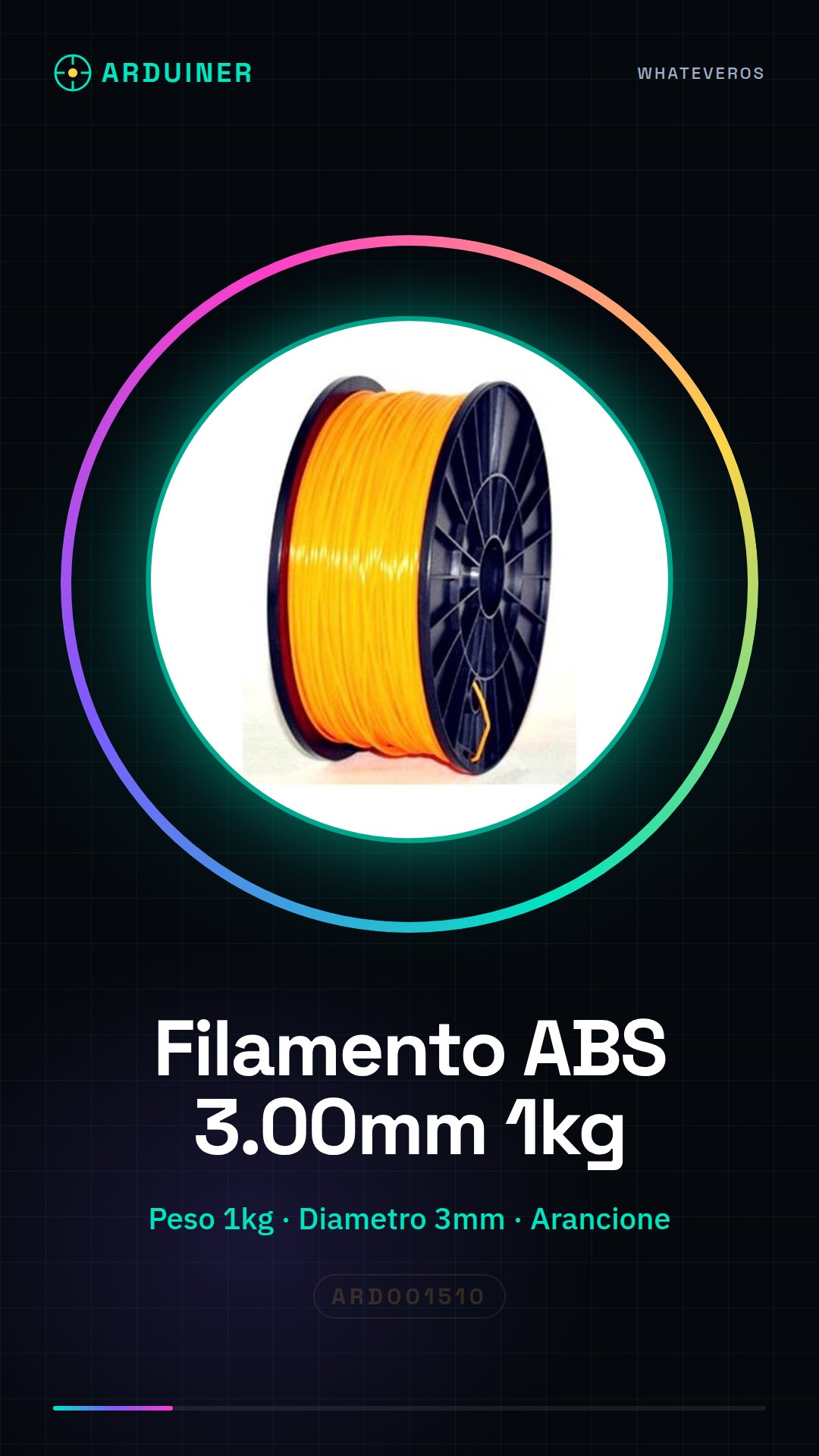
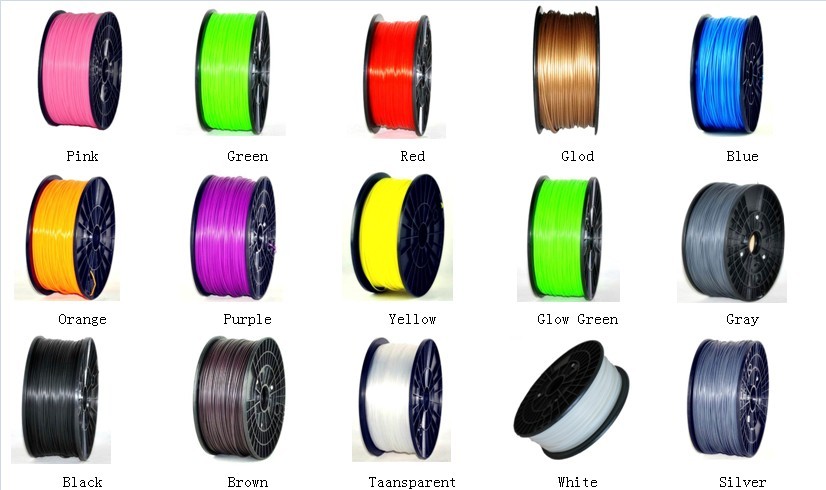
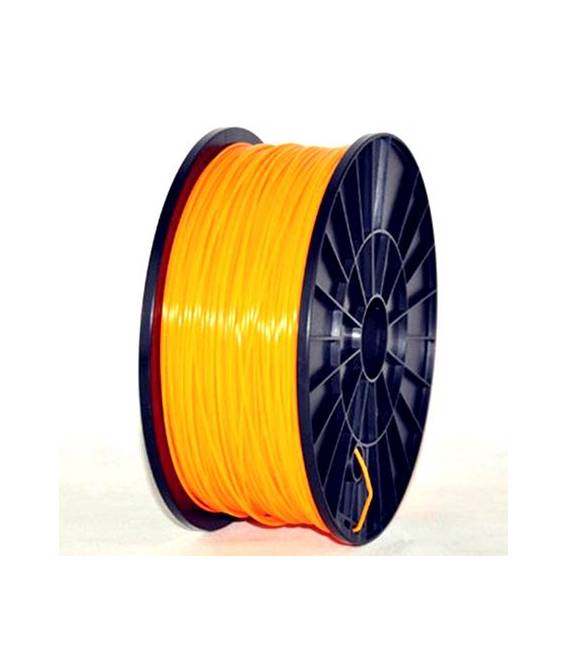
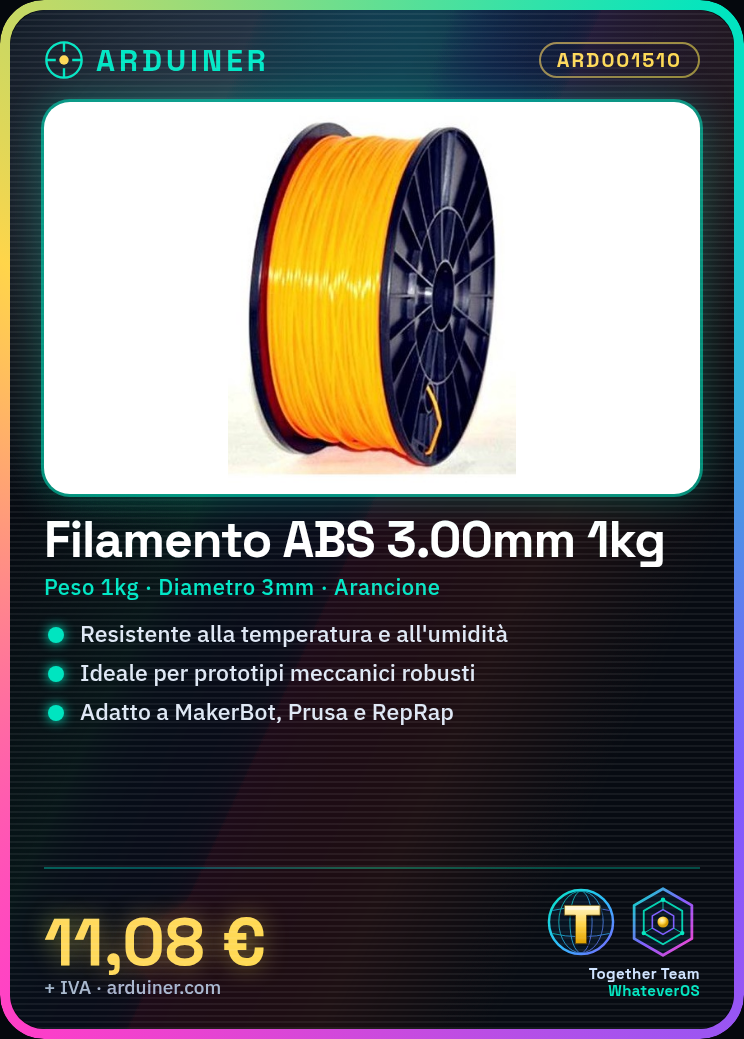
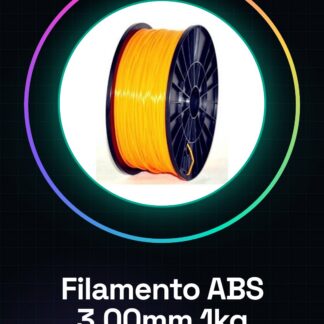
Arduiner’s ABS filament is a high-quality consumable for 3d printers, available in a range of colors and quantities. This specific item is the 1kg orange ABS filament with a 3mm diameter.
Features
- ABS Filament 3.00mm
- Weight: 1kg
- Color: Orange
- Ideally suited for MakerBot, Ultimaker, Prusa, and RepRap 3d printers
What it is for
ABS filament is used to create temperature and humidity resistant objects. It is ideal for making robust mechanical prototypes or box prototype parts.
Tutorial: How to Use 1kg Orange ABS Filament
ABS filament (Acrylonitrile Butadiene Styrene) is a durable and resistant material, ideal for 3D printing mechanical parts and robust prototypes. This tutorial will guide you through the necessary steps to use the Arduiner ABS filament in your 3D printer.
What you need
- Compatible 3D Printer (MakerBot, Ultimaker, Prusa, RepRap)
- High quality ABS filament
- Filament feeder for the printer
- Slicing software to convert CAD files into GCODE files
- Insulating paper or suitable support for the printer bed
Steps
- Check that your 3d printer is compatible with ABS filament.
- Install the filament feeder correctly and check that there are no jams or knots in the filament.
- Configure the slicing software settings for ABS filament (temperature, speed, etc.) by consulting the product documentation or the filament datasheet.
- Prepare the printer bed with insulating paper or a suitable support to prevent ABS from adhering too rigidly to the bed.
- Load the GCODE file into your 3d printer’s control system.
- Start the print and closely monitor the first layers to ensure there are no adhesion or filament deformation issues.
- Once the print is complete, carefully remove the piece from the printer bed using release paper or an appropriate tool.
- Work manually on the underside of the piece to remove any residual ABS.
Mini project
Create a robust prototype box with ABS filament, using a predefined CAD model or one designed personally.
Common mistakes
- The filament jams in the filament feeder.
- The printer temperature is not adequate for ABS, causing adhesion or deformation issues with the piece.
- ABS adheres too rigidly to the printer bed, making removal difficult after printing.
- The slicing software does not have the correct settings for ABS.
Recommended accessories
- Release paper for the printer bed
- ABS compatible filament feeder
- 3D printer cleaning and maintenance kit
Frequently asked questions
What is the ideal temperature for ABS?
Check the filament datasheet.
How can I clean the filament reader?
Use a soft brush or a toothbrush to remove any debris.
Reviews
There are no reviews yet.