 EN
 IT Italiano
 ES Español
 FR Français
 DE Deutsch
Description
What it is
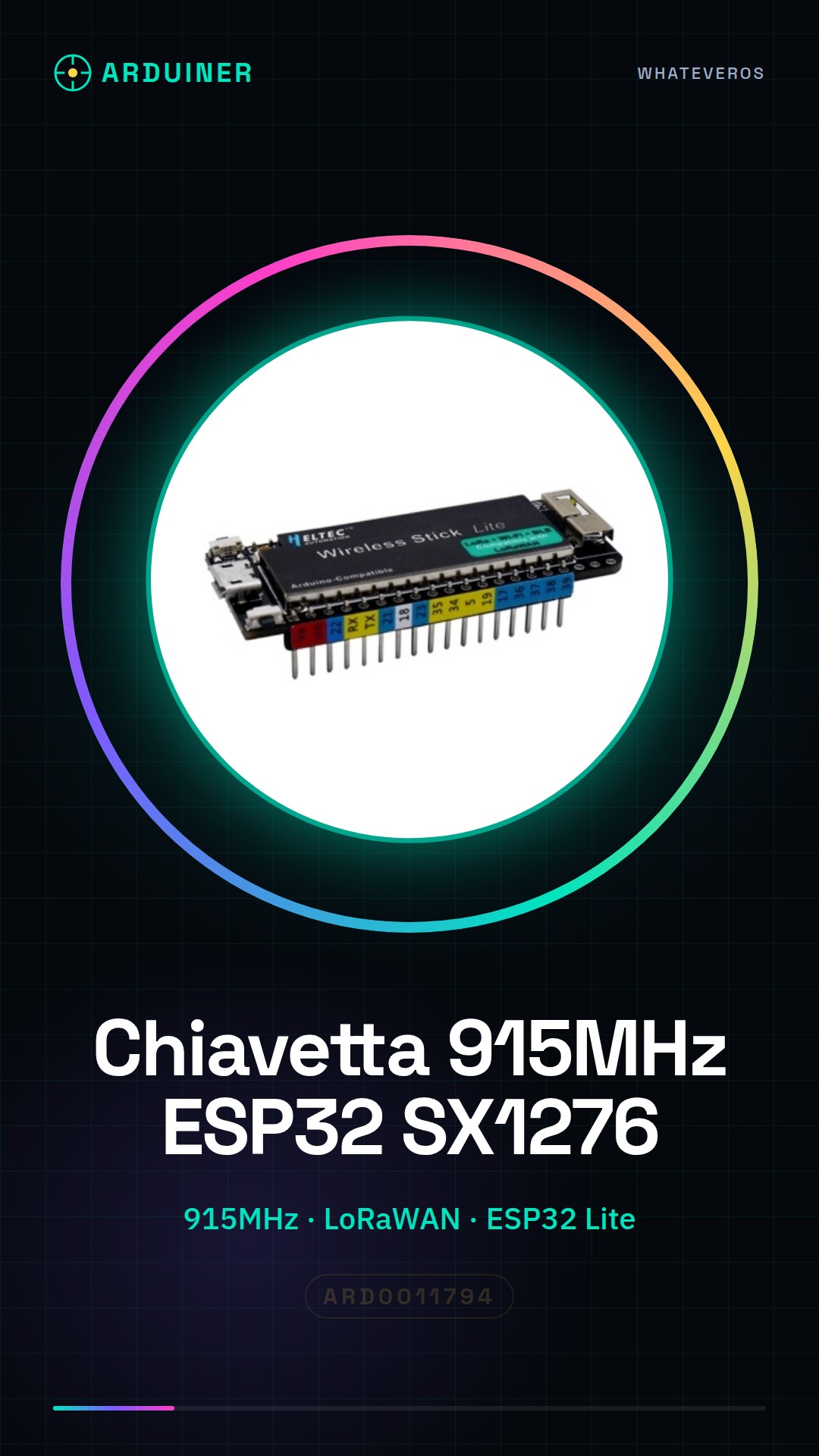
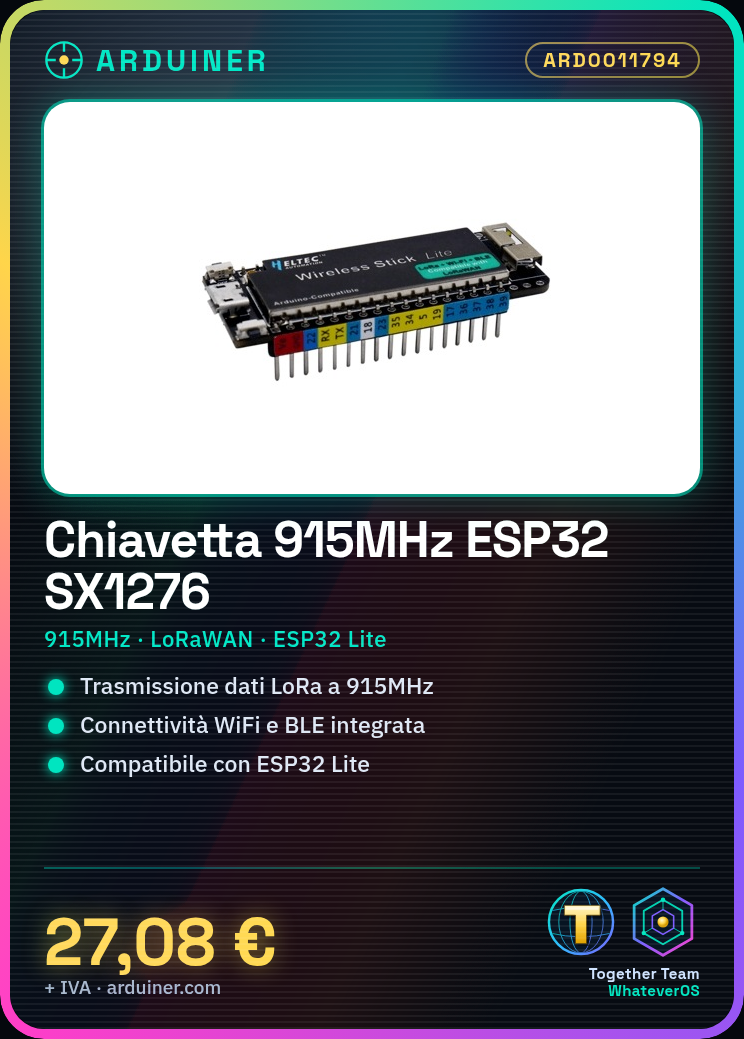
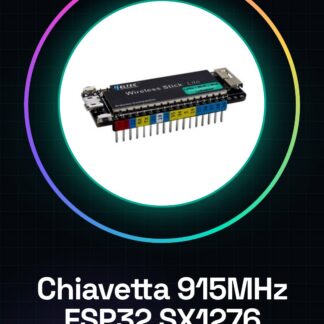
The ESP32 SX1276 915MHz wireless key is a connectivity module designed for IoT projects. It integrates an ESP32 Lite processor, a LoRaWAN SX1276 transmitter, and a WiFi BLE module.
Features
- Frequency: 915MHz
- Technology: LoRaWAN, WiFi, BLE
- Microcontroller: ESP32 Lite
- Transmitter: SX1276
What it is for
This key is ideal for connecting your projects to the Internet wirelessly using LoRaWAN technology. It can be used to create environmental monitoring systems, IoT sensors, and wireless communication applications. Compatibility with Arduino and ESP32 allows for easy integration into projects of varying complexity.
Tutorial: How to use 915MHz ESP32 Lite SX1276 LoRaWAN WiFi BLE Wireless Key
This key is ideal for connecting your projects to the Internet wirelessly using LoRaWAN technology. Useful for beginner and intermediate makers.
What you need
- Arduino IDE
- PC with Windows 10 or Mac OS
- USB cable
- Sample project with sensors
Steps
- 1. Download and install Arduino IDE.
- 2. Connect the key to the ESP32 board with the USB cable.
- 3. Open a new project in Arduino IDE.
- 4. Insert the provided sample code.
- 5. Configure the LoRaWAN parameters (check the datasheet).
- 6. Upload the code to the ESP32.
- 7. Configure the key with a LoRaWAN gateway.
- 8. Verify the connection with a monitoring software.
Example code
```cpp
#include <LoRa.h>

void setup() {
  Serial.begin(9600);
  LoRa.setPins(5, 19, 23);
  if (!LoRa.begin(915E6)) {
    Serial.println("LoRa init failed");
    while (1);
  }
}

void loop() {
  Serial.println("Sending packet");
  LoRa.send("Hello World");
  delay(5000);
}
```
Mini project
Build an environmental monitoring system with a temperature and humidity sensor. Connect the sensor to the ESP32 and send data to a LoRaWAN gateway.
Common mistakes
- Forget to correctly configure the LoRaWAN parameters.
- Incorrectly connect the key to the ESP32 board.
- Lack of a stable connection with the LoRaWAN gateway.
- Insert incorrect or incomplete code.
Recommended accessories
- Temperature and humidity sensors
- LoRaWAN gateway
- LoRaWAN monitoring software
- High-quality USB cable
Frequently asked questions
How to configure LoRaWAN parameters?
Check the datasheet or consult the official documentation.
Why doesn’t the key fob connect to the gateway?
Verify the parameter configuration and ensure you have an operational gateway.
What are the minimum requirements for the PC?
Windows 10 or Mac OS with Arduino IDE installed.
Reviews
There are no reviews yet.