 EN
 IT Italiano
 ES Español
 FR Français
 DE Deutsch
Description
What it is
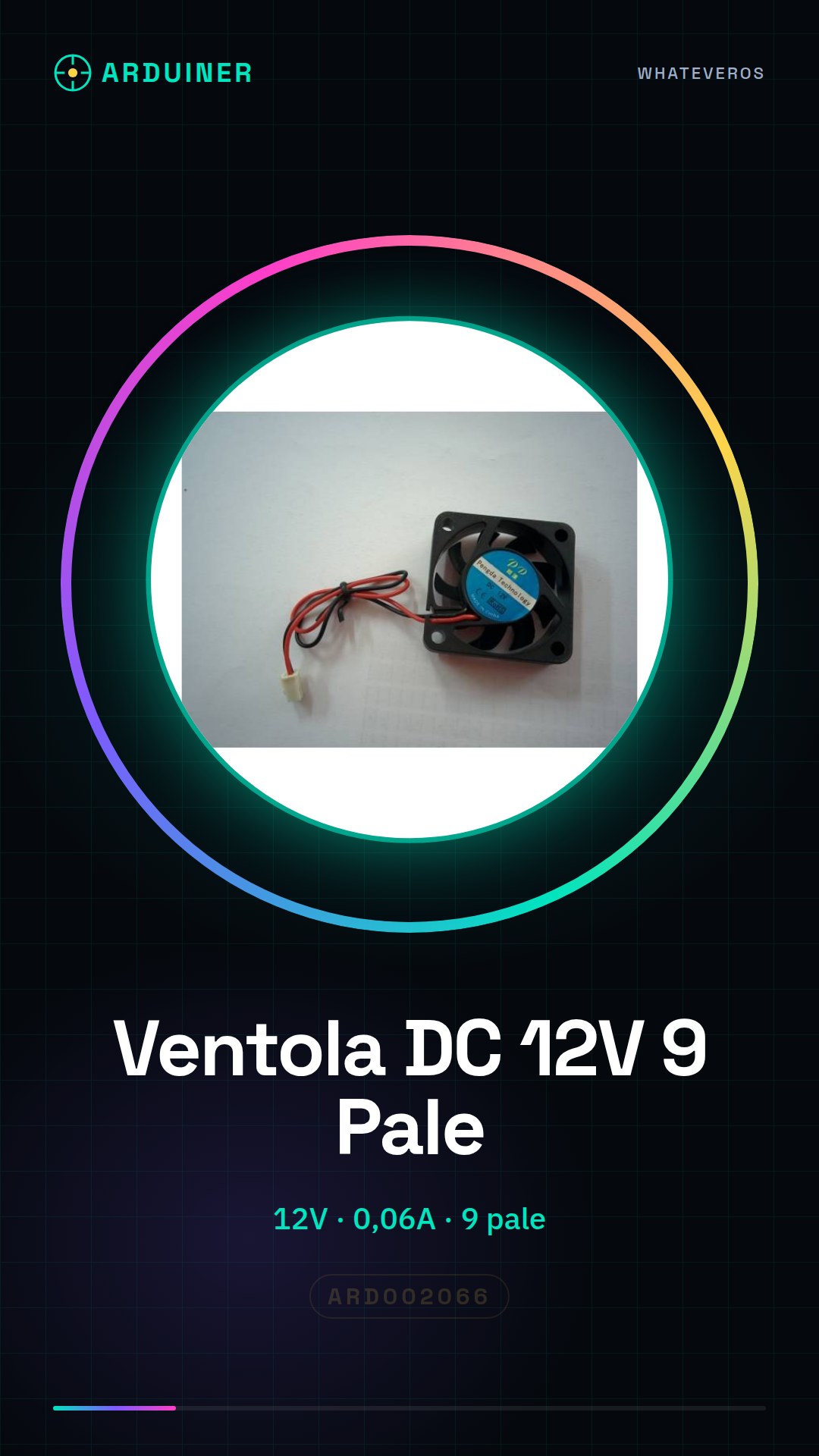
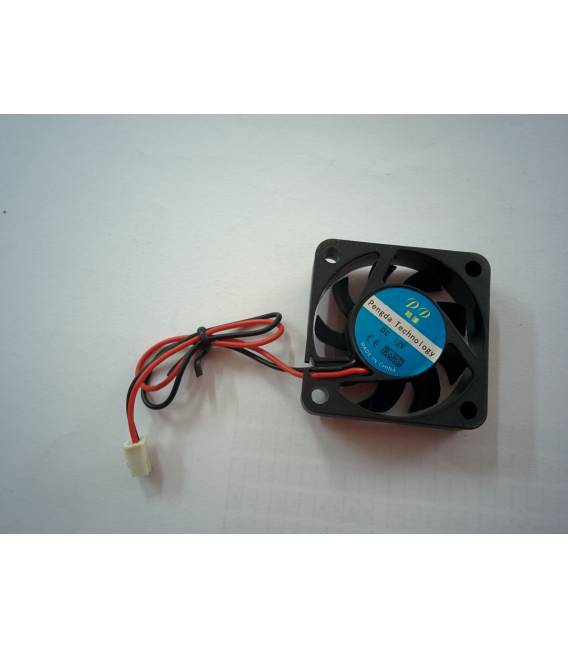
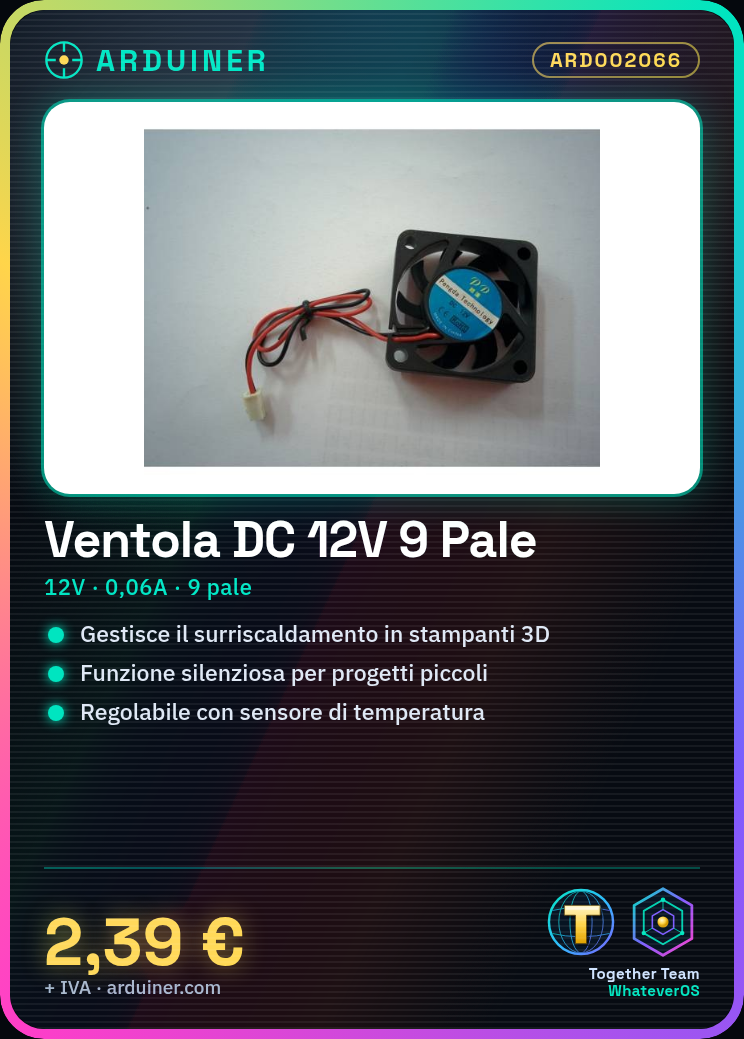
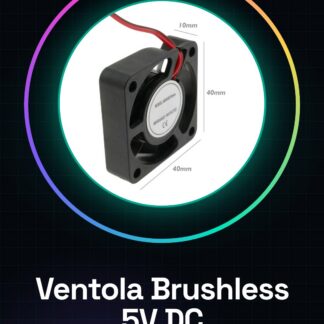
The 4010S brushless DC cooling fan is an essential component for managing overheating in small electronic projects, such as 3D printers or CNC systems. With a power supply of 12V at 0.06A, this fan offers an efficient and quiet solution.
Features
- Type: Brushless DC Fan
- Power Supply: 12V
- Maximum Current: 0.06A
- Dimensions: 40x40x10mm
- Number of Blades: 9
What it is for
Installing this fan can improve the performance and longevity of your devices, such as 3D printers or CNC systems. You can use a temperature sensor and Arduino to automatically regulate its operation.
Tutorial: How to use 9-blade 12V DC Cooling Fan
The brushless DC cooling fan is ideal for managing overheating in small electronic projects, such as 3D printers or CNC systems. This tutorial will guide you through the installation and configuration of your new fan.
What you need
- Arduino Uno
- 12V DC power supply / power adapter / adapter
- Molex connectors
- fan mounting bracket
Steps
- Check if your project requires additional cooling and choose an appropriate location to install the fan.
- Connect the Molex connectors to the 12V DC power supply.
- Connect the fan power to the positive terminal of the 12V DC power supply.
- Connect the fan negative terminal to the ground terminal of the 12V DC power supply.
- If necessary, connect a potentiometer between the Arduino’s digital output pin and the power supply to regulate the fan speed.
- Write an Arduino sketch that controls the fan operation.
- Check the datasheet specifications for the fan to calibrate the activation temperature correctly.
- Test your configuration and ensure that the fan turns on and off automatically based on temperature.
Example code
//Esempio sketch Arduino
int ventola = 9;
void setup() {
pinMode(ventola, OUTPUT);
}
void loop() {
analogWrite(ventola, 255); //Imposta la velocità della ventola al massimo
}
Mini project
Create an automatic cooling system for a 3D printer. Connect the fan to a temperature sensor and use the Arduino to regulate its operation.
Common mistakes
- Do not connect the fan directly to the power supply without protection.
- Use a different voltage than the specified one (12V).
- Omit the necessary temperature sensor for automatic speed control.
- Ignore the datasheet instructions regarding the orientation of the connections.
Recommended accessories
- Temperature Sensor DS18B20 SKU: ARD002075
- Arduino Uno R3 SKU: ARD002069
- DC Power Supply 12V SKU: ARD002070
- Component Mounting Support Bracket SKU: ARD002080
Frequently asked questions
Does the fan work with voltages below 12V?
Check the datasheet to see if the fan can be powered by a lower voltage.
How can I adjust the fan speed?
Use a potentiometer or write an Arduino sketch that controls the PWM output level.
Is the fan quiet during use?
Check the datasheet for specifications regarding the noise emitted by the fan.
Reviews
There are no reviews yet.