 EN
 IT Italiano
 ES Español
 FR Français
 DE Deutsch
Description
What it is
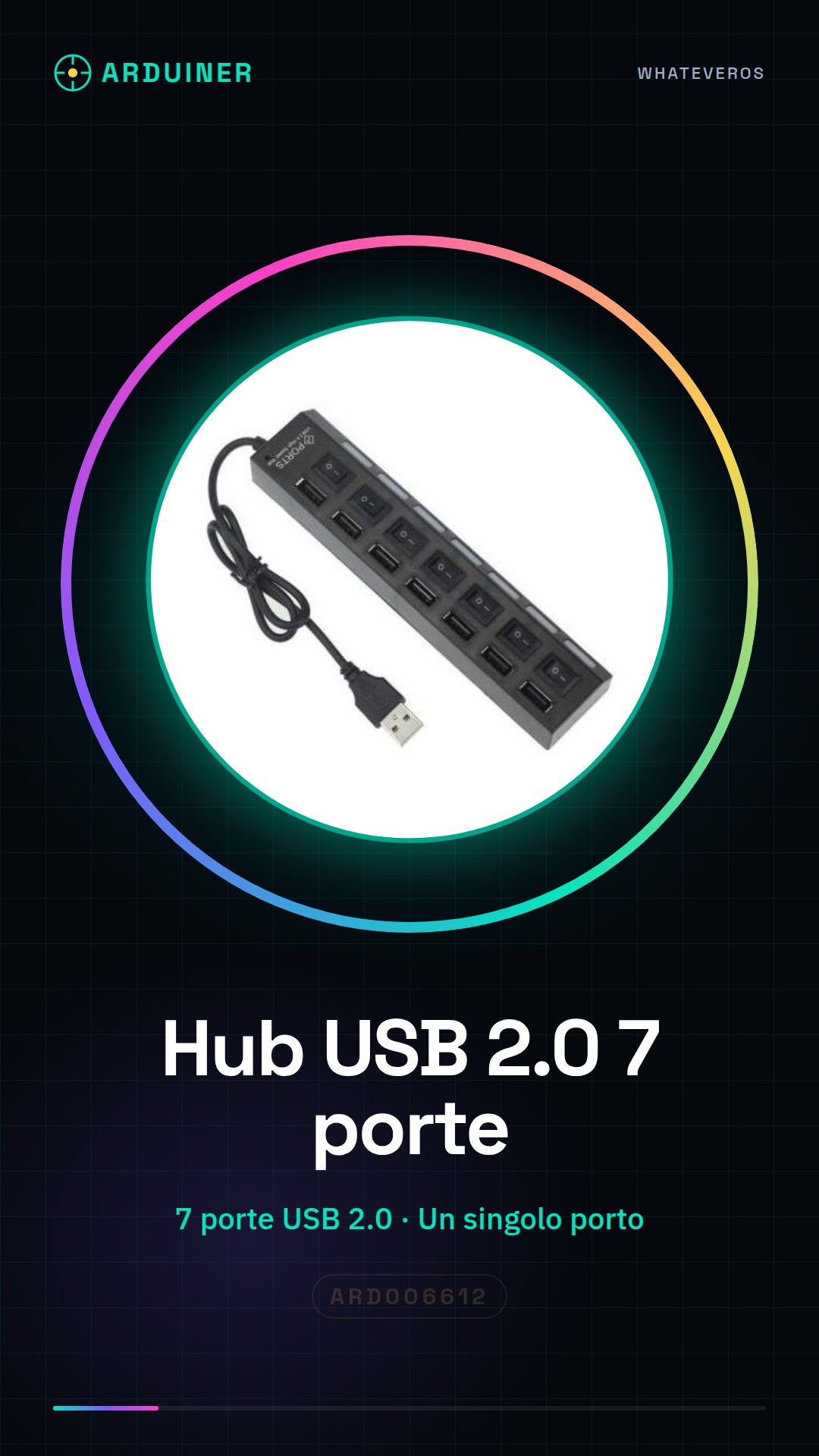
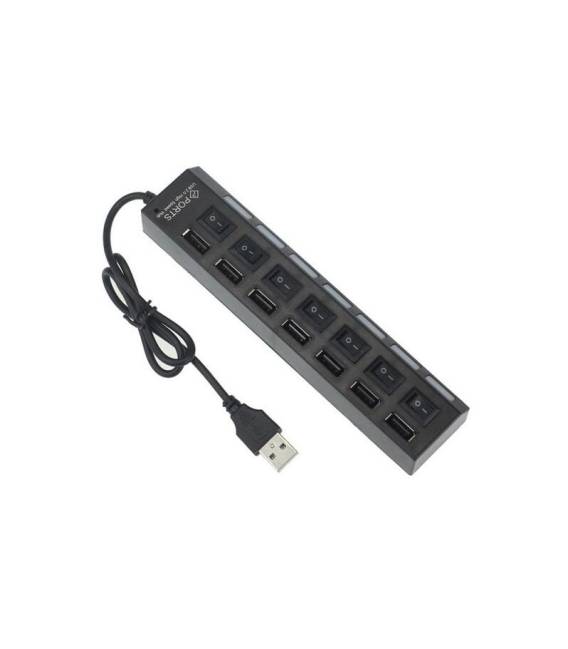
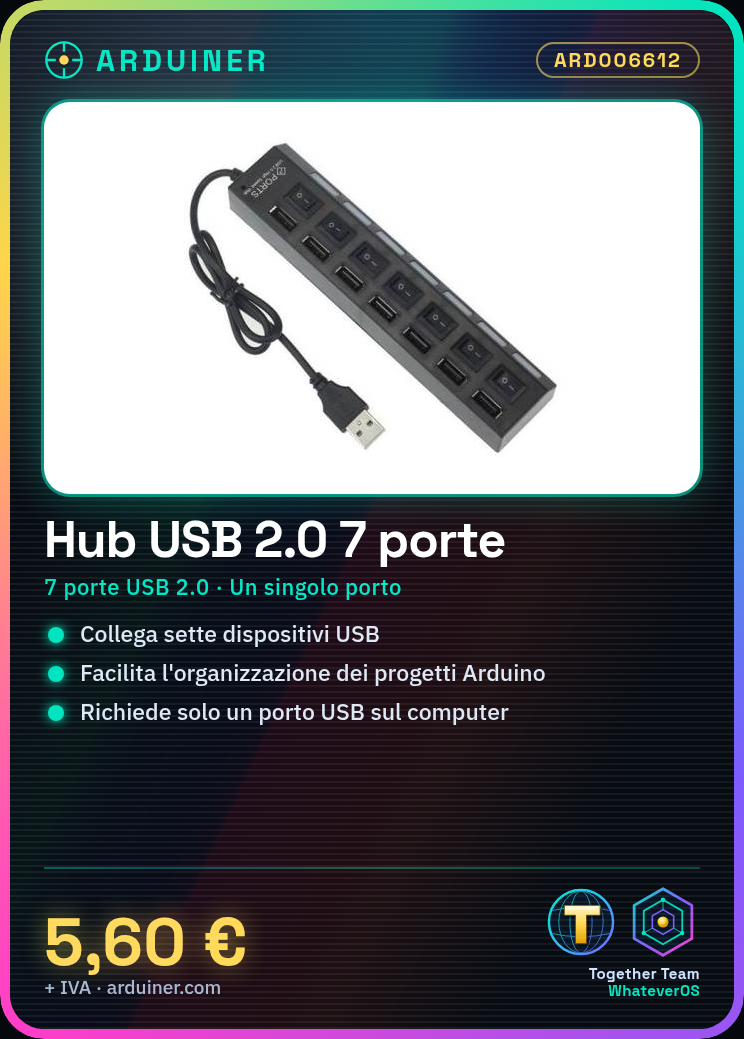
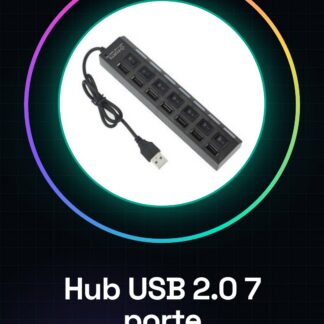
The USB 2.0 7-port hub is a device that allows you to increase the connection capacity of your devices, enabling simultaneous connection of seven USB devices through a single port.
Features
- 7-port USB 2.0 hub;
- Ideally suited for Arduino and electronics projects;
What it is for
The USB 2.0 7-port hub allows you to connect multiple devices such as mice, keyboards, USB readers, or other compatible USB devices to a computer using a single USB port. It is particularly useful for organizing and easily accessing various electronic devices during Arduino projects or other electronics work.
Tutorial: How to use a 7-port USB 2.0 hub
The 7-port USB 2.0 hub allows you to connect multiple USB devices to a single port, ideal for organizing and easily accessing various electronic devices.
What you need
- 7-port USB 2.0 hub
- USB cables
Steps
- 1. Check the datasheet for the specifications of your Hub.
- 2. Turn off all USB devices you intend to connect.
- 3. Connect the USB 2.0 Hub to a USB port on your computer.
- 4. Connect the USB cables to the various ports on the Hub.
- 5. Turn on the USB devices.
- 6. Verify that all devices are recognized by the computer.
- 7. Configure the devices if necessary.
- 8. Use the Hub to access the USB devices.
Mini project
Connect a mouse, a keyboard, and a USB reader to a computer using the 7-port USB 2.0 Hub. Verify that all devices work correctly.
Common mistakes
- Do not connect the Hub to a USB port with limited power.
- Ensure that the USB cables are compatible with your Hub.
- Verify that the computer correctly recognizes all devices.
- Do not use the Hub for devices that require a high power flow.
Recommended accessories
- High-quality USB cables
- USB cable holders
- USB cable drawers
Frequently asked questions
How can I check if my computer has a limited power USB port?
Check your computer’s documentation or visit the manufacturer’s website.
Can I connect various USB devices (such as a mouse and a USB drive) to the same Hub?
Yes, but make sure the Hub supports the total number of devices and that the computer recognizes all the devices correctly.
Does the 7-port USB 2.0 Hub consume power even when no devices are connected?
Check the datasheet to see if the Hub consumes power even in idle mode.
Can I connect USB devices that require a high power flow?
No, do not use the Hub for devices that require a high power flow.
Reviews
There are no reviews yet.