 EN
 IT Italiano
 ES Español
 FR Français
 DE Deutsch
Description
What it is
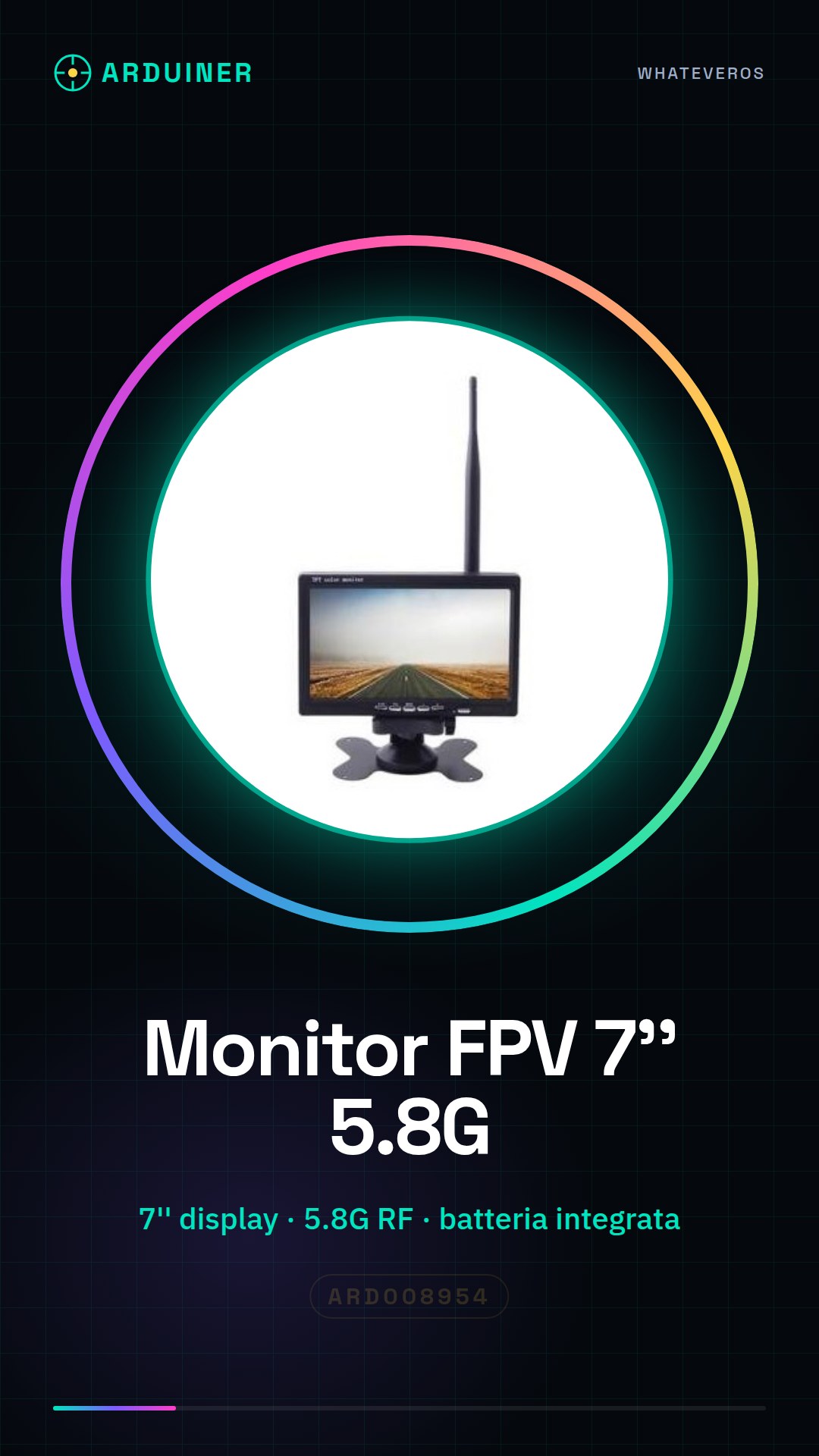
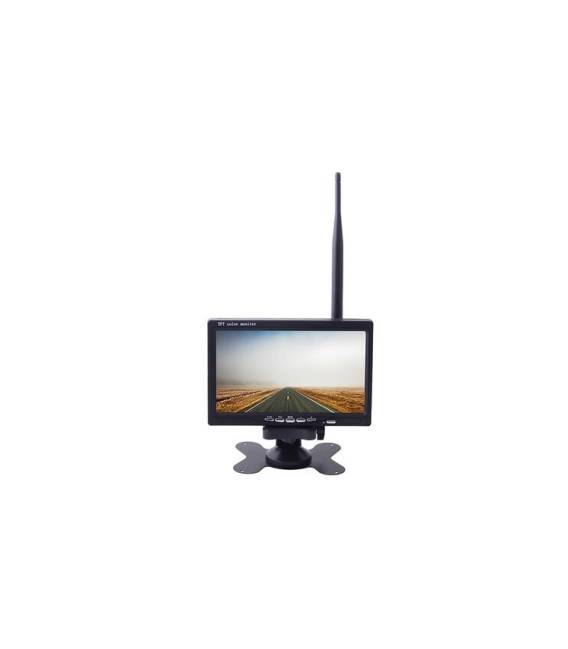
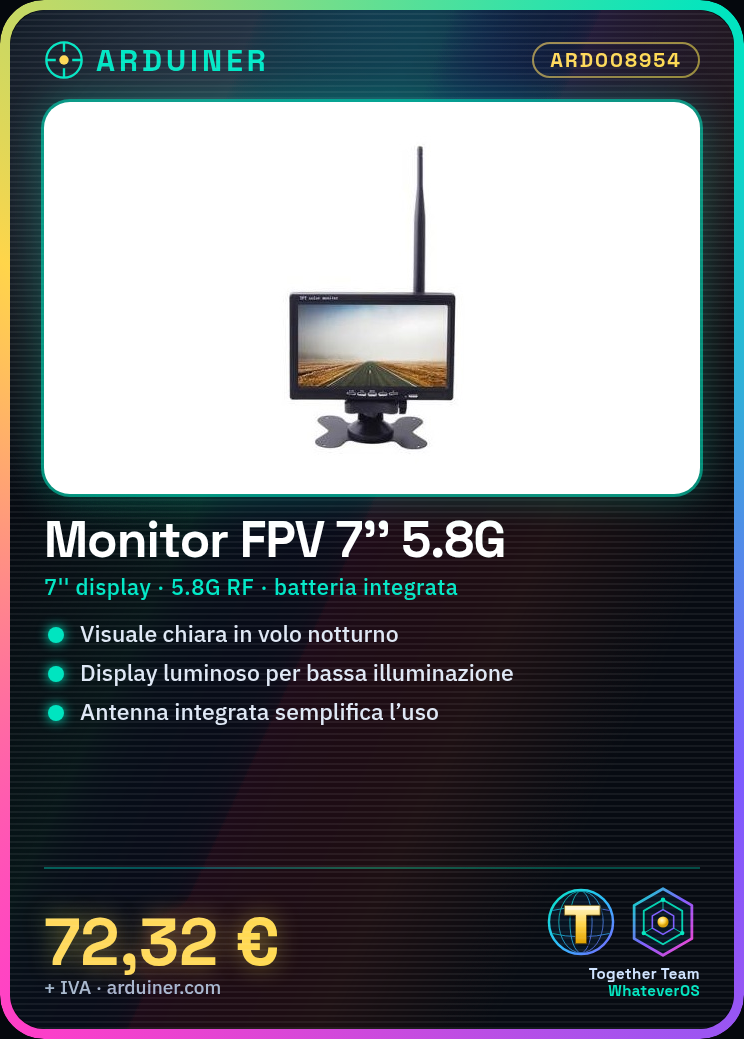
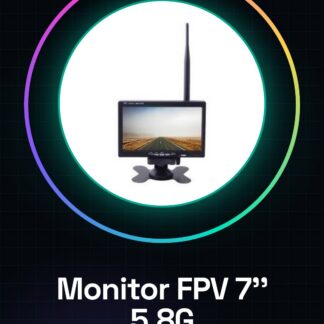
The 7 inch FPV 5.8G Display Monitor is a device designed to provide a clear and bright view during nighttime or low-light flight sessions, thanks to its high brightness.
Features
- Screen size: 7 inches
- Transmission frequency: 5.8G
- Integrated battery
- Built-in antenna
What it is for
This monitor is ideal for drone pilots who want a clear and bright view during FPV flight sessions. It can be used with 5.8G video transmission systems to offer a safe flying experience.
Tutorial: How to use 7 inch FPV Display Monitor with Built-in Antenna
The 7 inch FPV display monitor is ideal for drone pilots who want a clear and bright view during flight sessions. With its built-in antenna and integrated battery, it makes everything more convenient to use without complications.
What you need
- FPV Drones
- TX 5.8G
- RCA cable
Steps
- Check that your TX 5.8G drone is compatible with this display monitor.
- Connect the RCA cable from the TX to the receiver monitor.
- Access the monitor menu and set preferences such as brightness, volume, and channels.
- Position the integrated antenna to achieve the best video reception quality.
- Check that the display shows a stable and clear video transmission signal.
- If necessary, adjust the TX or monitor settings until you get a good display.
- Use the integrated battery to power the monitor during FPV flights.
- Try flying in different lighting conditions and check that the display maintains high quality.
Mini project
Configure this monitor to clearly display the video transmission of your FPV drone during a night flying session.
Common mistakes
- Incorrect TX settings causing a weak or unreliable signal.
- The distance between TX and RX is too large for the 5.8G frequency.
- Integrated antenna not positioned correctly, compromising video reception.
Recommended accessories
- TX 5.8G
- RCA cable
- FPV Drones
- Lighting lamp for night testing conditions
Frequently asked questions
Does the monitor support multiple channels?
Yes, check the datasheet for available options.
Can I connect this monitor to another type of drone?
Check the compatibility of TX and RX before connecting.
Reviews
There are no reviews yet.