 EN
 IT Italiano
 ES Español
 FR Français
 DE Deutsch
Description
What it is
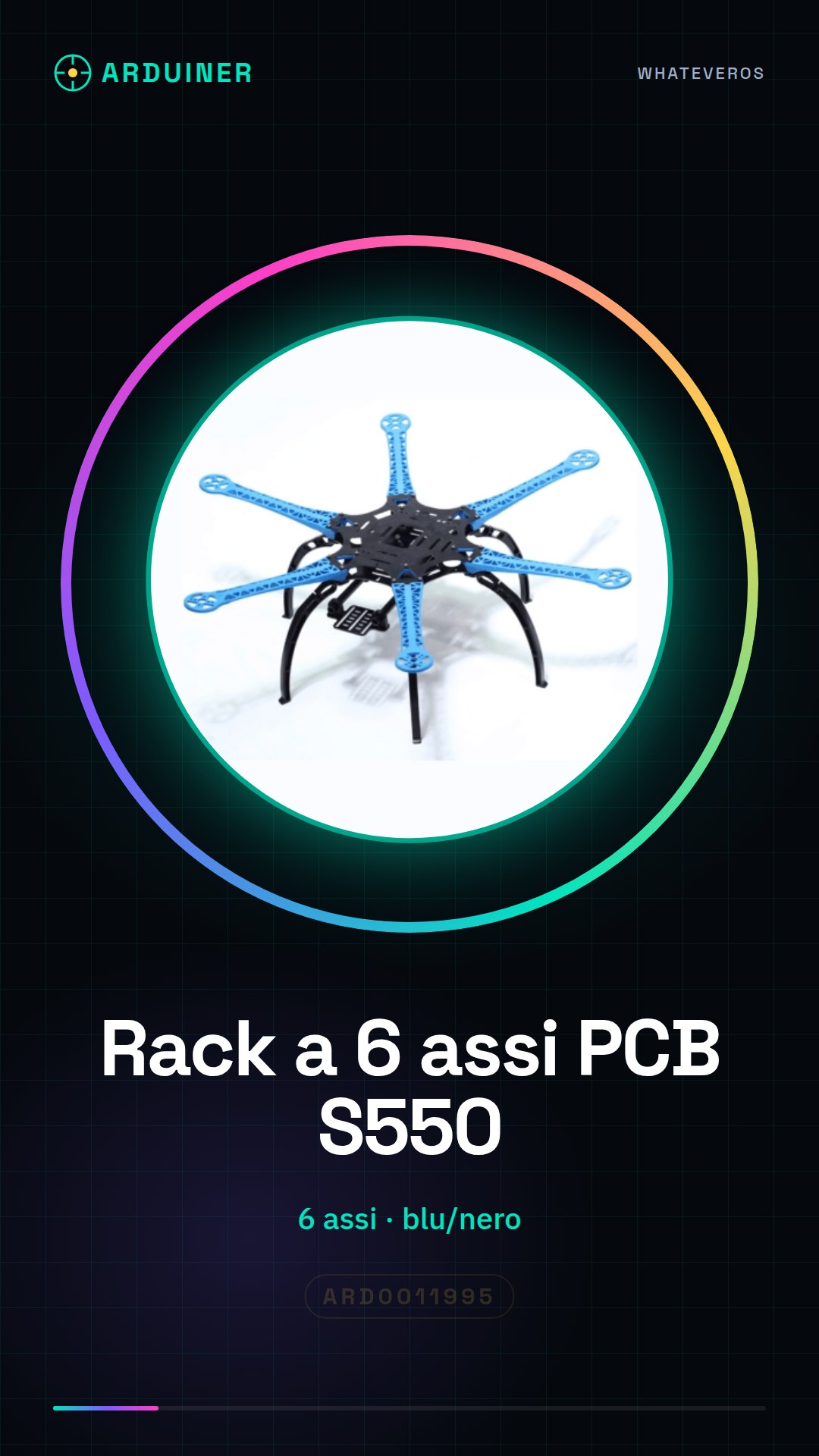
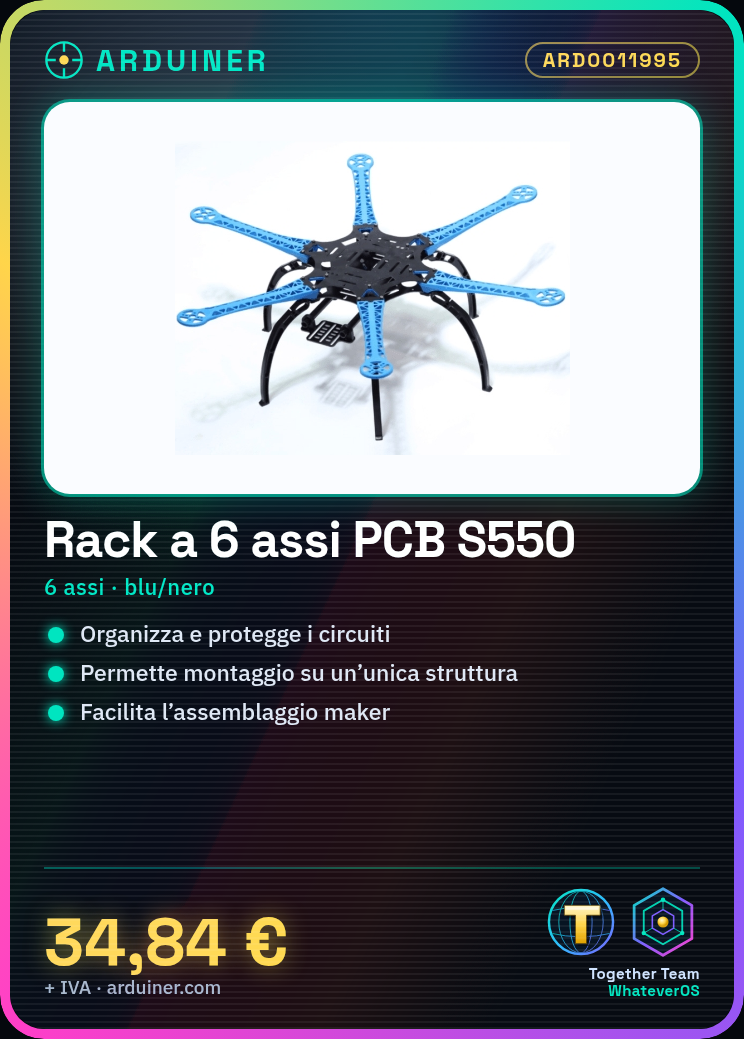
The S550 6-axis PCB rack in blue/black is a support for assembling and protecting electronic circuits. Made of plastic, it is available in two colors: blue and black.
Features
- 6-axis for PCB
- Color: blue / black
- Material: plastic
What it is for
Ideal for organizing and protecting your Arduino projects. It allows mounting sensors, electronic components, and circuits on a single structure, simplifying assembly and project management. Useful for beginner and intermediate makers.
Tutorial: How to use the S550 6-axis PCB rack
This S550 6-axis PCB rack in blue/black is ideal for mounting sensors and electronic components on an Arduino project. Useful for beginner and intermediate makers.
What you need
- S550 6-axis PCB rack
- Electronic components (sensors, LEDs, etc.)
- Soldering tools
- Caliper
Steps
- Check the datasheet for the dimensions and specifications of the PCB.
- Draw the position of the components on the PCB.
- Connect the electronic components to the mounting points.
- Use the soldering iron to solder the components.
- Check the connections to ensure they are correct.
- Mount the 6-axis rack on the PCB.
- Verify the installation of the components and the rack.
- Test the project and correct any errors.
Mini project
Mount a temperature sensor and an LED on an environmental monitoring project in 30 minutes.
Common mistakes
- Solder the components without first checking the position.
- Omit the connection check.
- Do not mount the 6-axis rack correctly.
- Do not test the project before using it.
Recommended accessories
- Electronic components
- Soldering irons
- Regulator
- Multimeter
Frequently asked questions
How can I verify the position of the components before soldering them?
Draw the position on the components and compare with the PCB.
Which electronic components can I mount on this rack?
Any electronic component with dimensions compatible with the PCB.
Is the 6-axis rack necessary for every project?
No, it depends on the project specifications.
Can I use this rack with another type of PCB?
Check if the dimensions and specifications of the PCB match.

Reviews
There are no reviews yet.