 EN
 IT Italiano
 ES Español
 FR Français
 DE Deutsch
Description
What it is
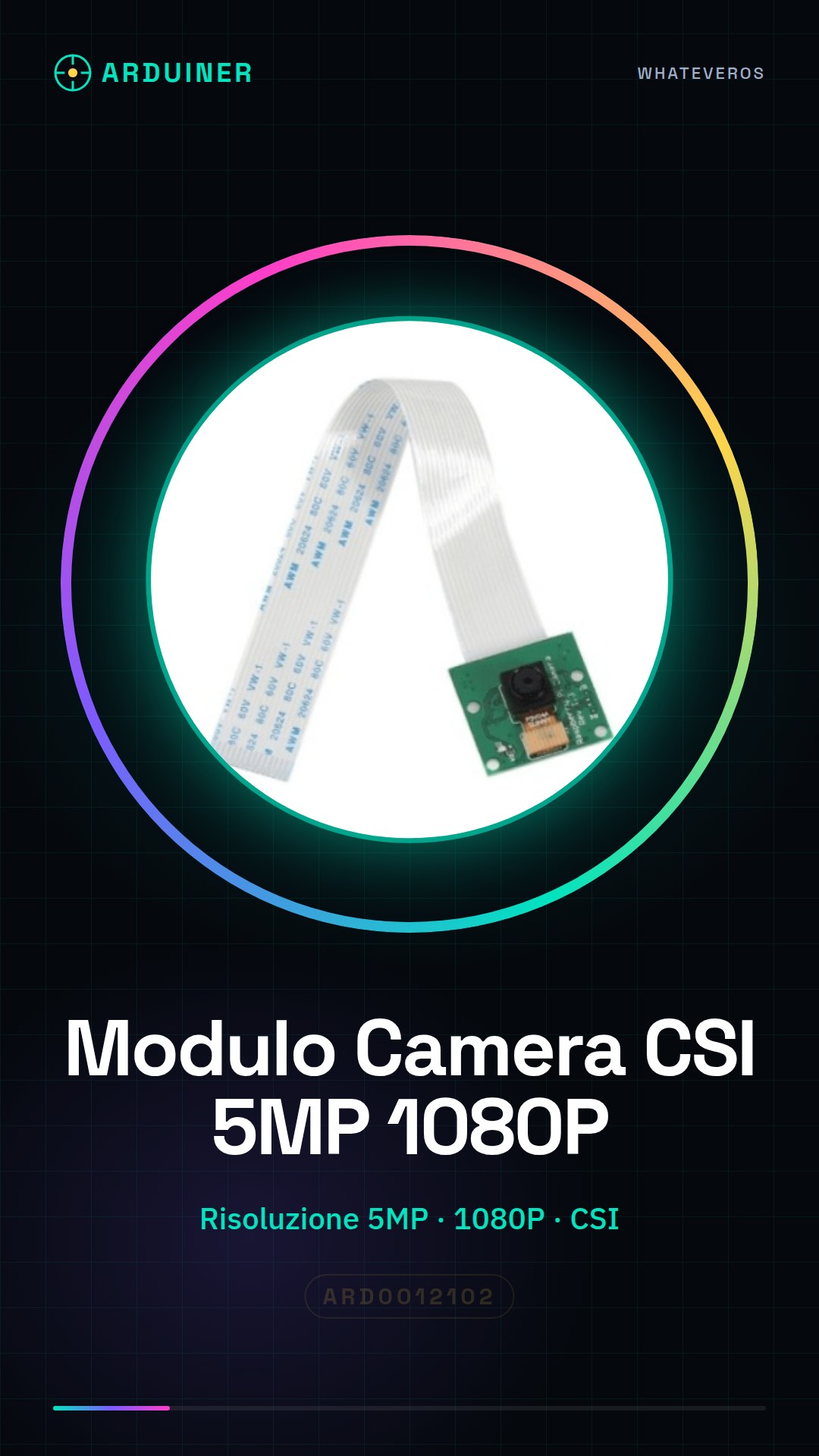
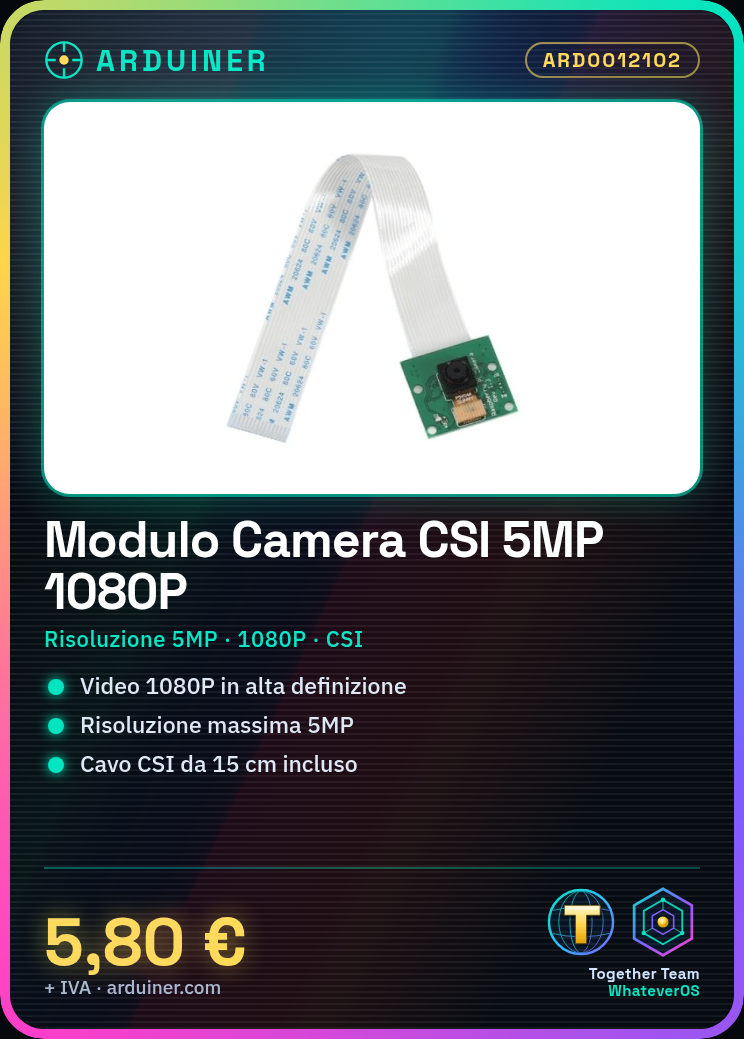
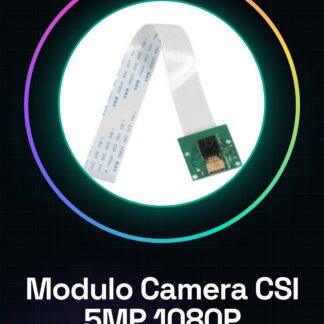
The CSI Camera Module 5MP 1080P is a device for Raspberry Pi that allows the acquisition of high-definition video. Includes a 15cm connection cable.
Features
- Maximum resolution 5MP
- Supports 1080P
- Compatible with Raspberry Pi 3 Model B+/3/2/B
- CSI Connection
- 15cm connection cable
What it is for
This module is ideal for home monitoring projects, smart cameras, and vision systems. It can be used by beginners and intermediate makers to integrate vision functionality into a Raspberry Pi.
Tutorial: How to use the CSI Camera Module 5MP 1080P for Raspberry Pi
The CSI Camera Module 5MP 1080P for Raspberry Pi is ideal for projects that require high resolution and excellent video quality. It is suitable for beginner and intermediate makers who want to add vision functionality to a Raspberry Pi.
What you need
- Raspberry Pi 3 Model B+/3/2/B
- MicroSD card with Raspbian installed
- CSI Camera Module 5MP 1080P
- CSI Connection Cable
- Monitor or Remote SSH Connection
- Image and Video Management Software (e.g., VLC, gstreamer)
Steps
- Install Raspbian operating system on a microSD card and connect it to the Raspberry Pi.
- Connect the CSI camera module to the Raspberry Pi using the CSI cable.
- Access the Raspberry Pi via monitor or remote SSH connection.
- Install the necessary drivers for the camera with the command: sudo apt-get install raspberrypi-ui-mods
- Verify the camera configuration with the command: vcgencmd get_camera
- Configure resolution and frame rate with the command: sudo raspi-config -> advanced interface -> camera -> set resolution and frame rate
- Verify the camera functionality with the command: raspistill -o photo.jpg
- Try to stream video live with the command: raspivid -t 0 -o – | cvlc -vvv stream:///dev/stdin :sout=#rtp{sdp=rtsp://:8554/} :sout-keep
Example code
raspivid -t 0 -o - | cvlc -vvv stream:///dev/stdin :sout=#rtp{sdp=rtsp://:8554/} :sout-keepMini project
Create a home monitoring system in 30 minutes using the CSI camera to stream live video to a web platform.
Common mistakes
- Camera recognition issues: check the physical connection and drivers.
- Video resolution issues: check the Raspberry Pi settings.
- Video streaming issues: ensure the streaming software is correctly configured.
- Lighting issues: the quality of the image can be affected by ambient light.
Recommended accessories
- Raspberry Pi Camera V2
- CSI cable
- Raspberry Pi cases
- Home monitoring kit
Frequently asked questions
How can I access the Raspberry Pi?
You can access the Raspberry Pi via a connected monitor or using SSH from another computer.
What resolutions does the camera support?
Check the datasheet for supported resolutions.
How can I stream the video live?
Use the raspivid command to start video streaming.
Reviews
There are no reviews yet.