 EN
EN IT Italiano
 ES Español
 FR Français
 DE Deutsch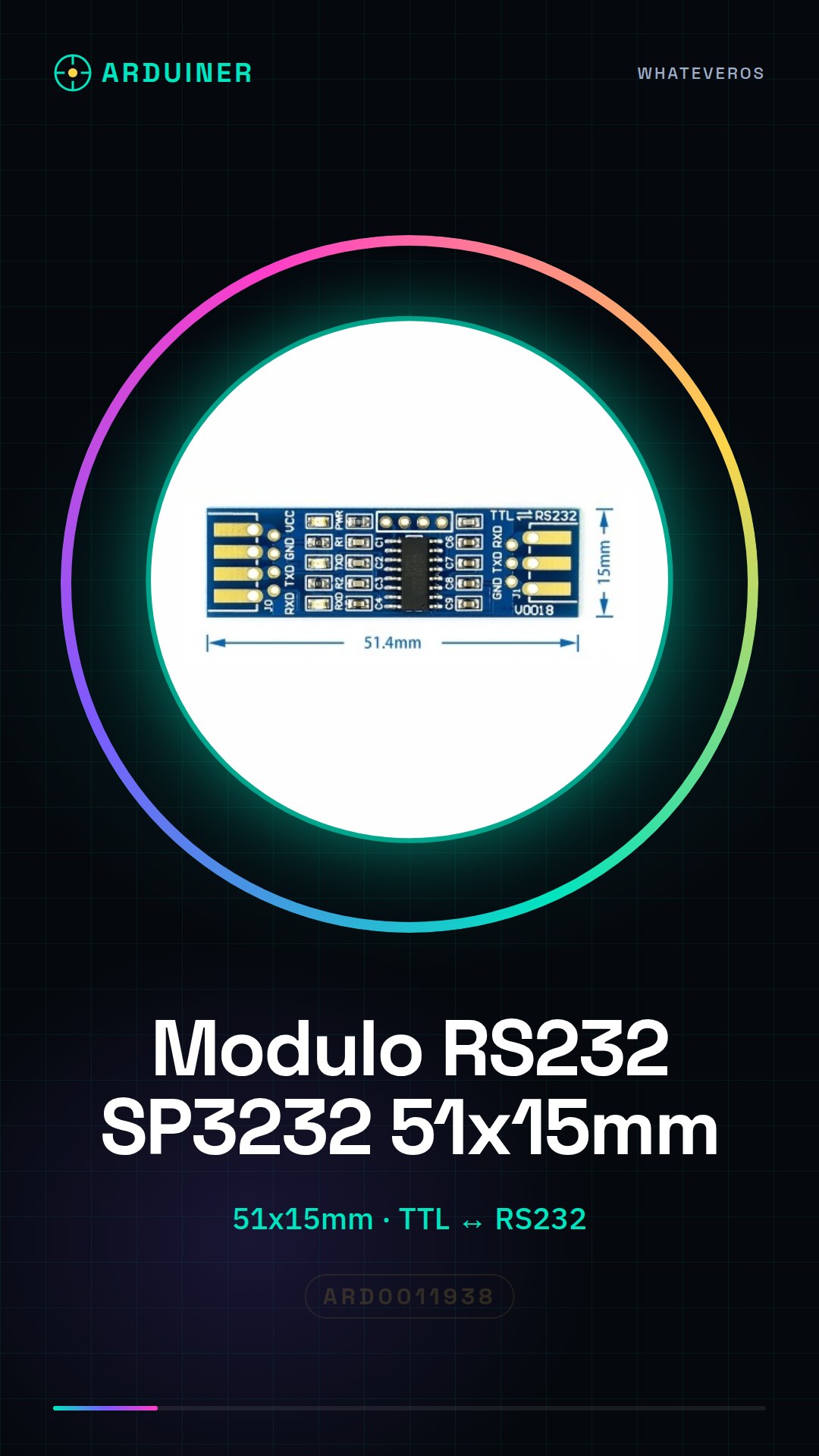
Description
What it is
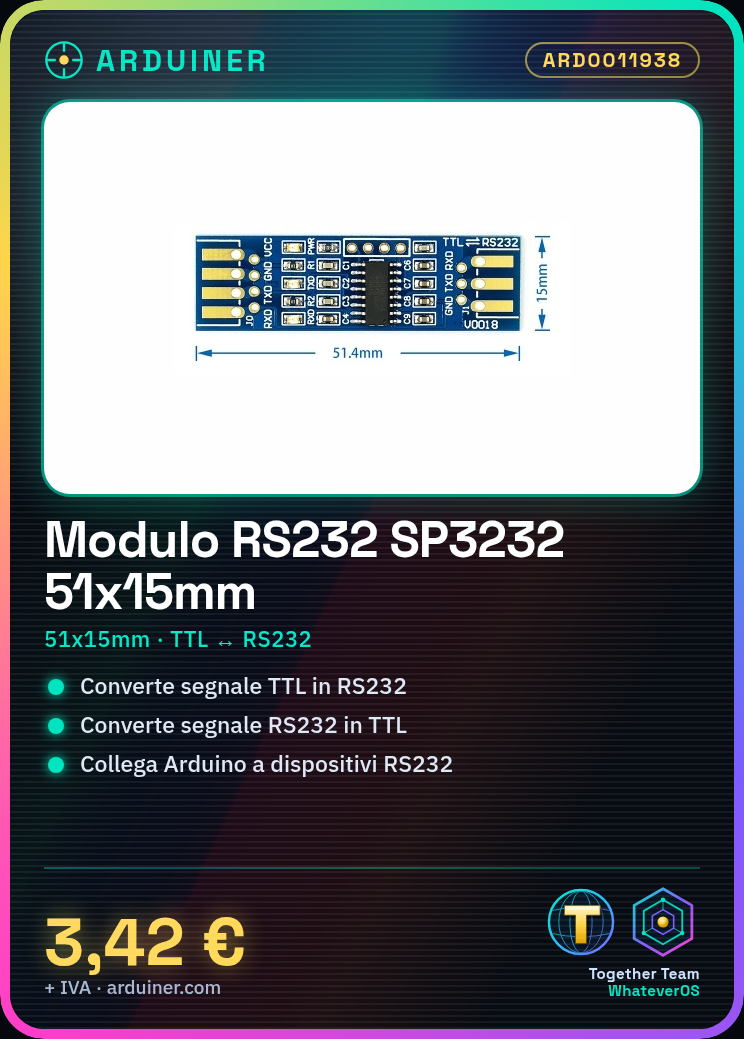
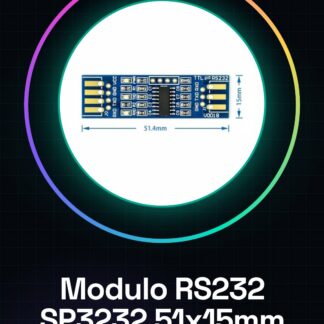
The RS232 SP3232 51x15mm module is a device that allows converting TTL (True TTL) signals to RS232 signals and vice versa. This type of conversion is necessary when communicating between devices that use different communication protocols, such as an Arduino using TTL and an industrial device using RS232.
Features
- Dimensions: 51x15mm
- Integrates the SP3232 circuit
- Converts TTL to RS232 and vice versa
What it is for
The RS232 SP3232 module is useful for connecting RS232 interface devices to microcontrollers like Arduino or systems that use TTL communication. It can be used in electronics and robotics projects for communication with industrial devices, modems, or other RS232 devices.
Tutorial: How to use RS232 SP3232 Module
The RS232 SP3232 module is a crucial component for serial communication between electronic devices. It is ideal for makers who want to connect RS232 interface devices to microcontrollers or systems that use TTL communication.
What you need
- Arduino Uno
- USB cable
- Arduino development software
- Header pin
Steps
- Connect the RS232 SP3232 module to the Arduino using the USB cable.
- Check the connections between the TX and RX pins of the module and those of the Arduino.
- Install the Arduino development software and upload a sample sketch.
- Test the serial communication between the module and the Arduino.
- Verify the correct configuration of the RS232 communication parameters in the Arduino development software.
- Configure the RS232 SP3232 module for bidirectional communication.
- Verify the interfacing between the module and other RS232 devices.
- Test data transfer between the module and other RS232 devices.
Example code
void setup() {
  Serial.begin(9600);
}

void loop() {
  if (Serial.available()) {
    Serial.println(Serial.read());
  }
}
Mini project
Create a remote monitoring system for an RS232 device using Arduino and the RS232 SP3232 module. Set up the module to receive data from the device and send it to the Arduino for display.
Common mistakes
- Incorrect connection between TX and RX
- Incorrect RS232 communication configuration
- Power supply error
- Data synchronization issues
Recommended accessories
- USB cable
- Arduino Uno
- Header pin
- RS232 device
Frequently asked questions
What is the communication speed of the RS232 SP3232 module?
Check the datasheet.
How can I configure the RS232 SP3232 module?
Use the Arduino development software and configure the RS232 communication parameters.
Is the RS232 SP3232 module compatible with other microcontrollers besides Arduino?
Yes, it is compatible with any device that supports serial communication.

Reviews
There are no reviews yet.