 EN
EN IT Italiano
 ES Español
 FR Français
 DE Deutsch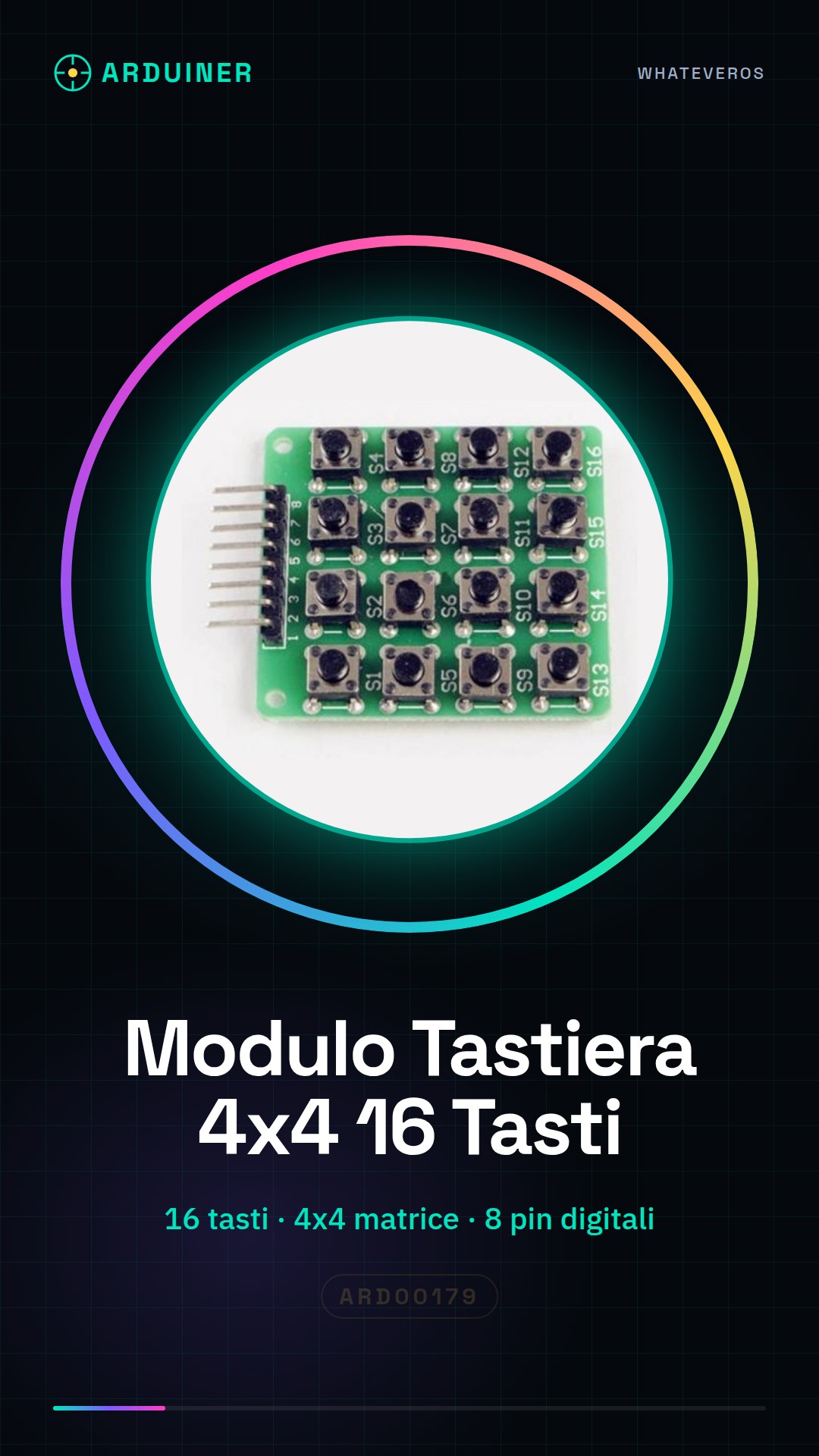
Description
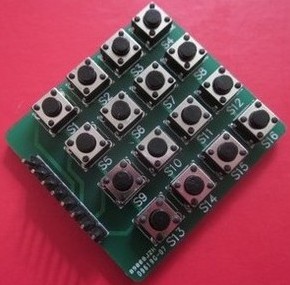
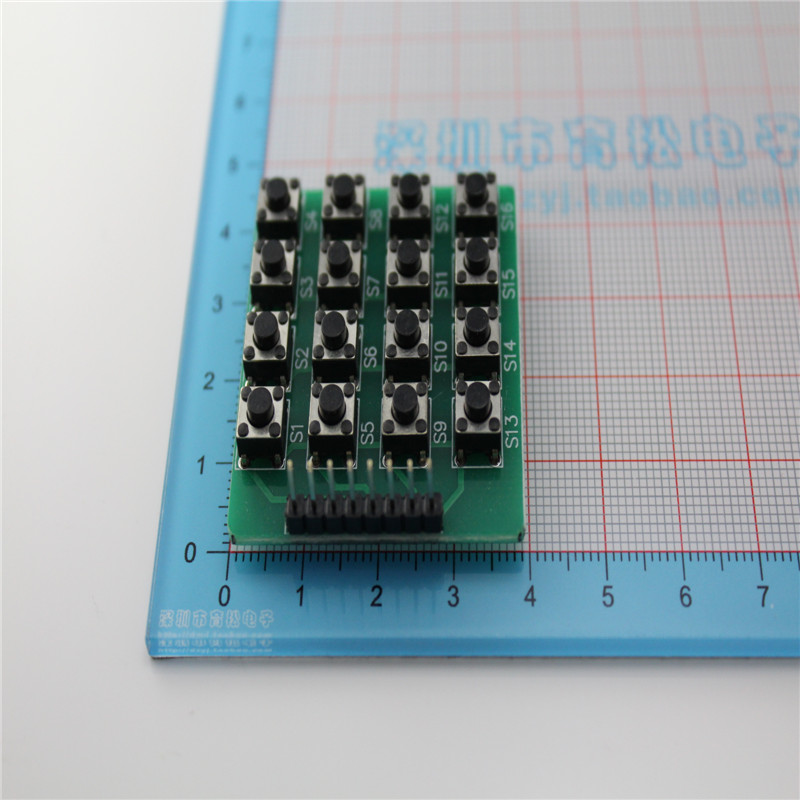
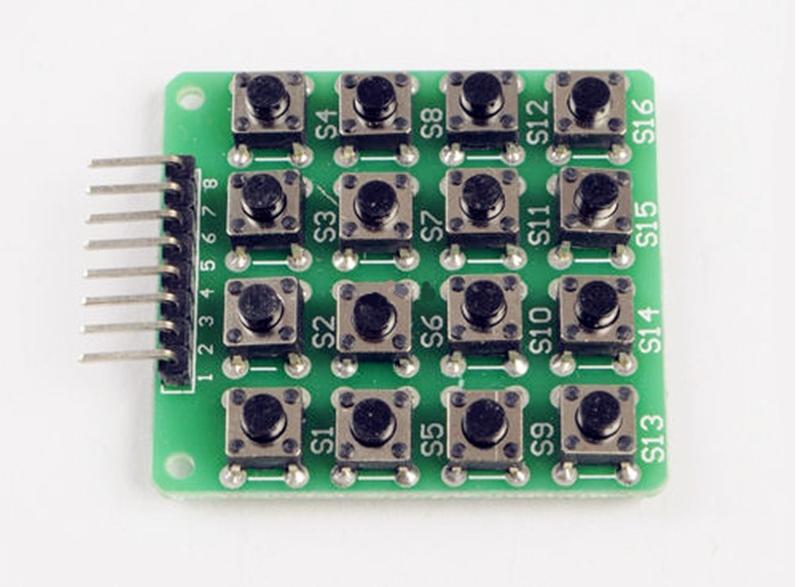
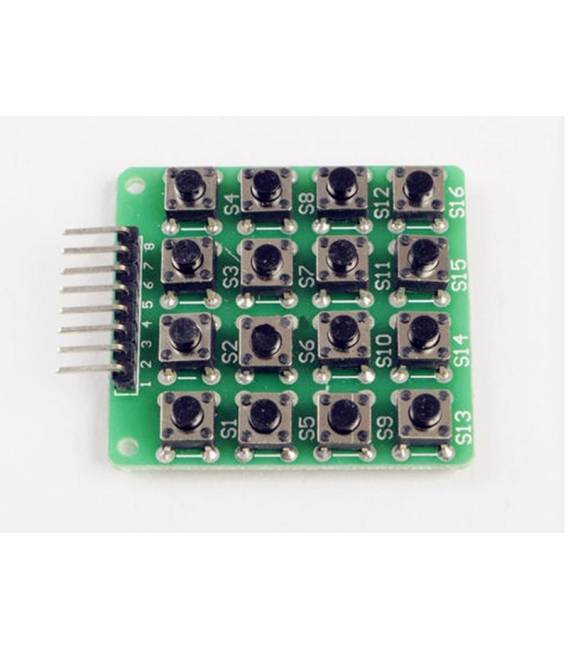
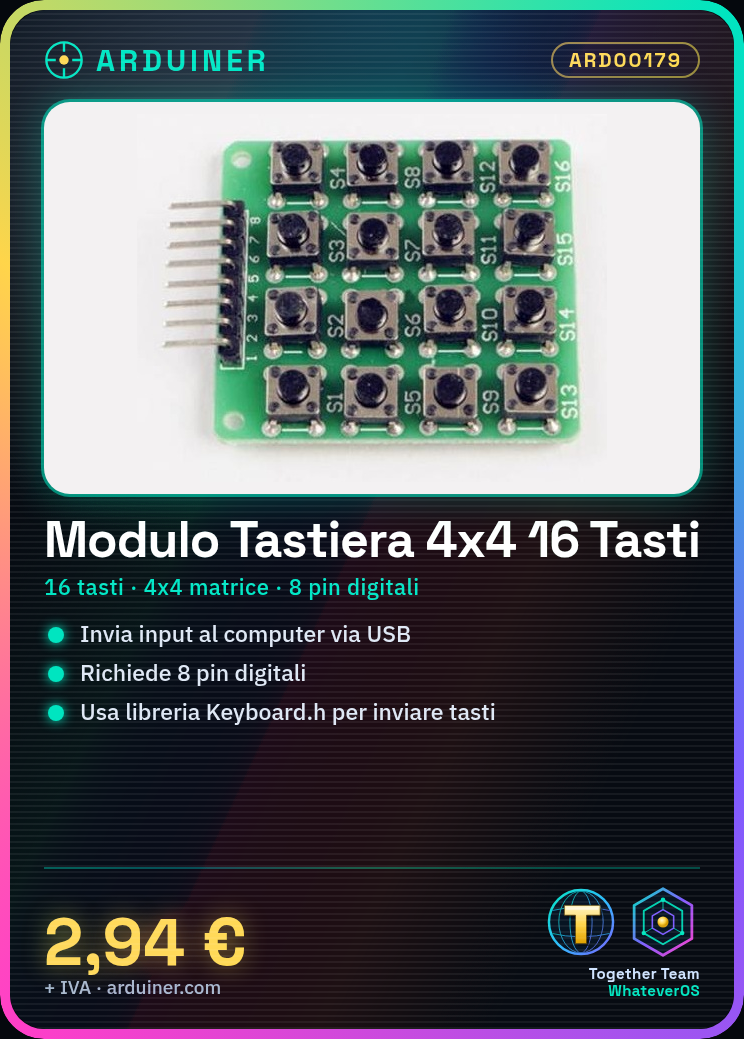
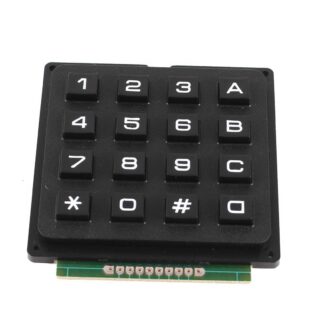
The 4×4 key matrix keyboard module is an electronic component designed for integration into Arduino projects. This component allows you to add a simple user interface to your devices, making them more interactive. Features: Ideal for Arduino and maker projects. What it’s used for: This module is ideal for creating small games, custom user interfaces, or any device that requires keyboard input. It is compatible with a wide range of Arduino microcontrollers and can be used in various projects where user interaction is needed. Tutorial: How to use the 16-key keyboard module Connect the keyboard module to digital pins 2-5 of the Arduino. Download and install the Keyboard.h library in your Arduino IDE. Insert the provided sketch into the IDE and run the code. Pressing the keys should send signals to the connected computer or device via USB. Example code: const int ROW_PINS[4] = {2, 3, 4, 5}; const int COL_PINS[4] = {6, 7, 8, 9}; void setup() { for (int i=0; i<4; i++) { pinMode(ROW_PINS[i], INPUT); pinMode(COL_PINS[i], OUTPUT); } } void loop() { int key = readKeypad(); if (key != NO_KEY) { Keyboard.write(key); } } Mini-project: Create a small quiz game using the keyboard module. The device displays a question, and the user responds by pressing the corresponding keys. Common errors: Incorrectly connected ROW and COL pins. Keyboard.h library not installed or configured correctly. Keyboard module not receiving sufficient power. Recommended accessories: Micro-B USB cable, 3D printed case for Arduino Uno, RGB LED. Frequently asked questions: How many digital pins are needed? 4 pins for rows and 4 for columns, totaling 8. Can I use this module with a Raspberry Pi? Yes, but an adapter or specific library for the Raspberry Pi may be required.

Reviews
There are no reviews yet.