 EN
EN IT Italiano
 ES Español
 FR Français
 DE Deutsch
Description
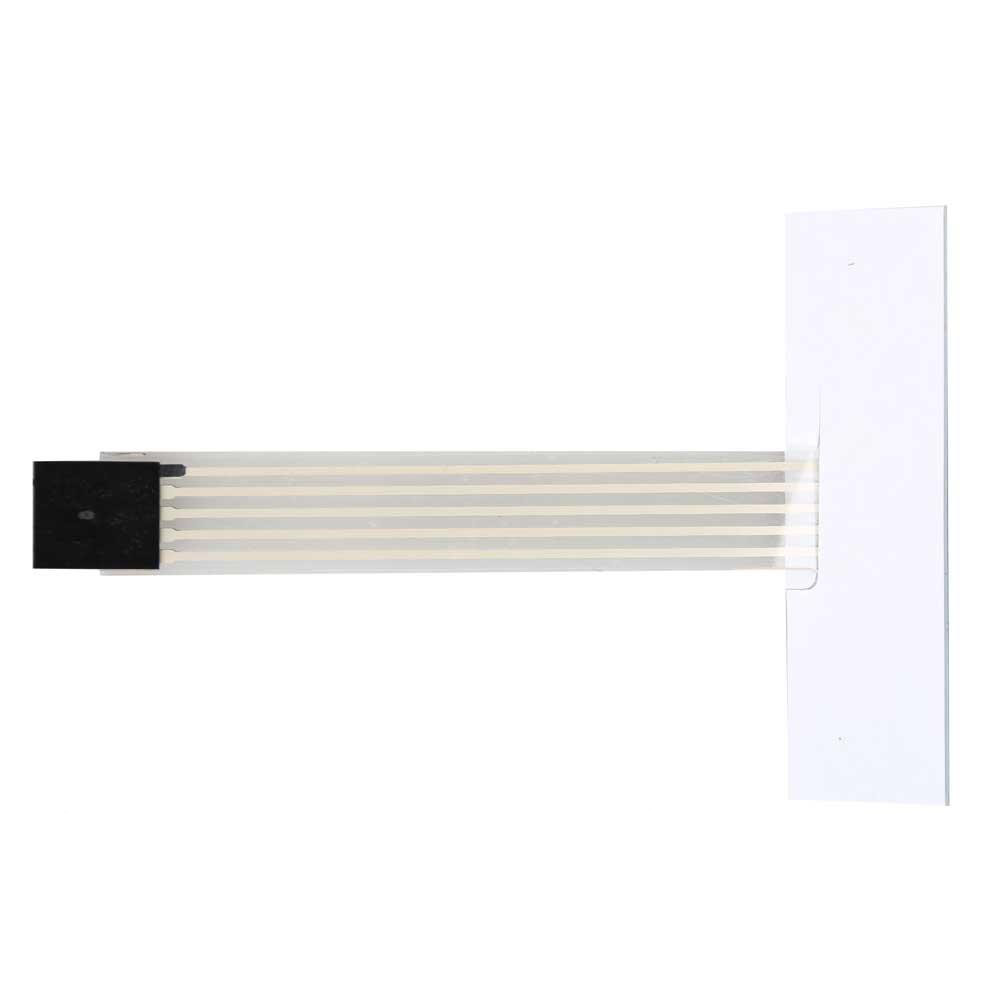
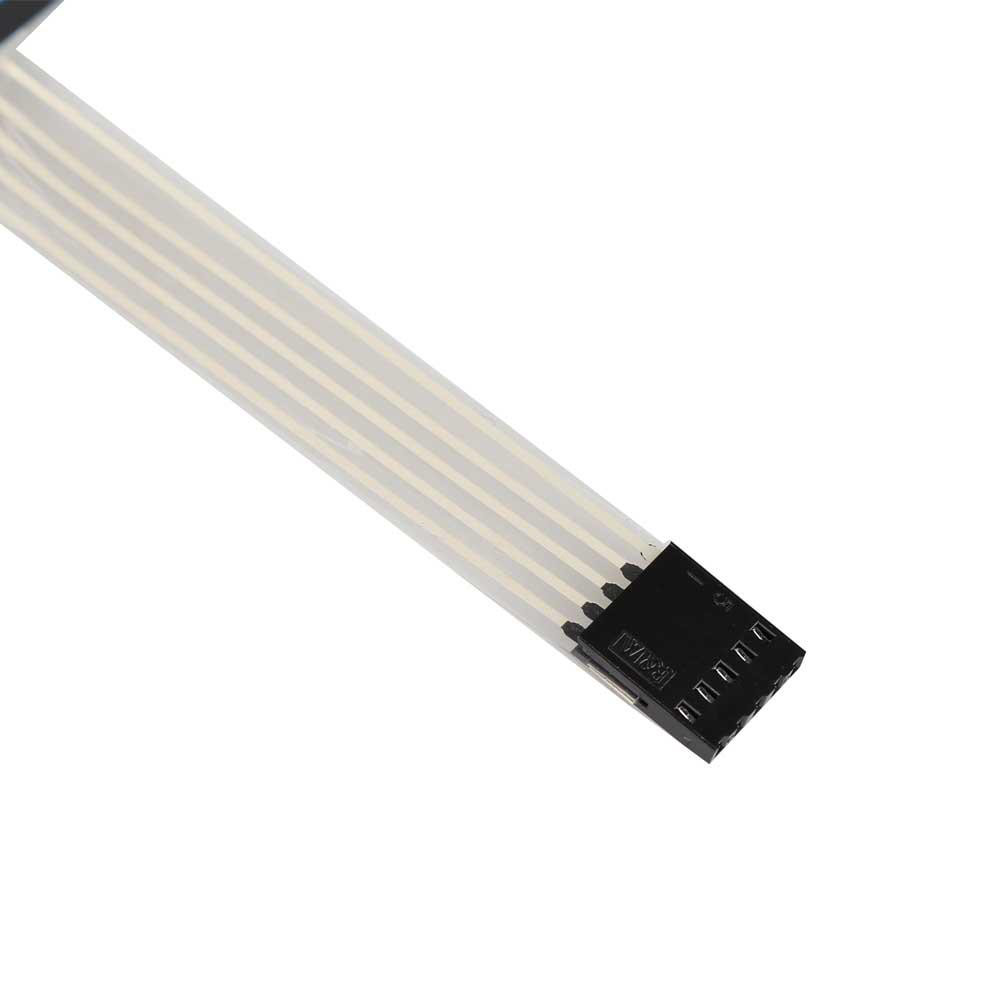
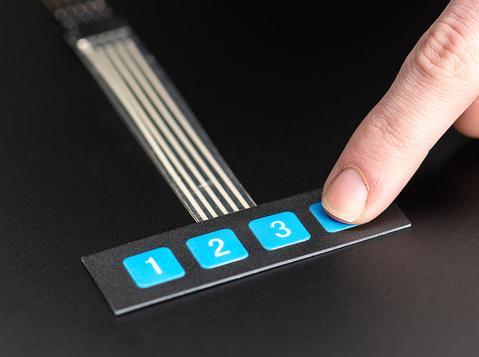
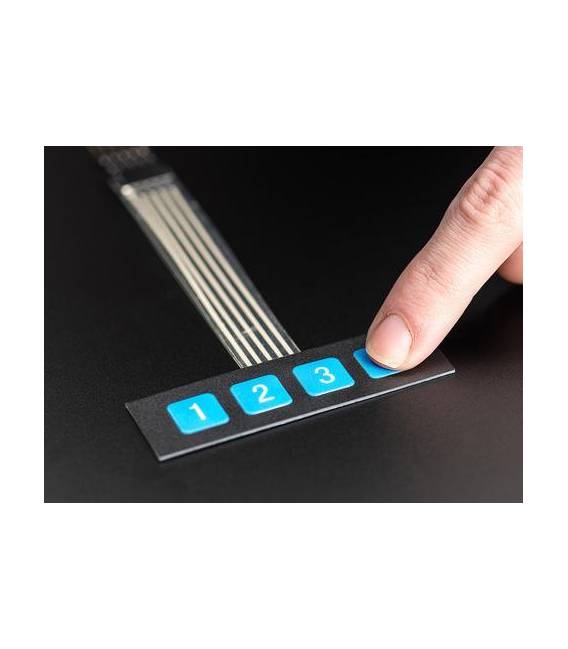
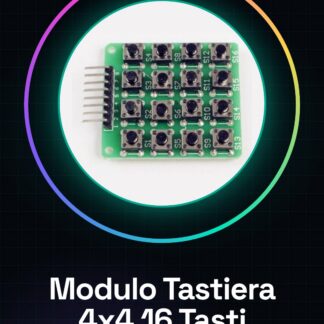
The adhesive membrane keypad with 4 buttons for Arduino is a simple and practical component for electronic projects. This keypad offers an elegant and cost-effective solution for integrating tactile inputs into various devices. Features – Membrane keypad with 4 numeric buttons – Adhesive for direct mounting on flat surfaces – Compatible with Arduino and other compatible microcontrollers – Ideal for home automation, alarm systems, and small interactive applications – Can be integrated into 3D printing systems, drones, or any device requiring a simple user interface. Tutorial: How to Use the 1×4 Adhesive Membrane DC 12V 4-Button Keypad This adhesive membrane keypad is a simple and practical component for Arduino projects requiring button input. Ideal for beginners and small automation projects. What you need – Arduino Uno or compatible – USB type B cable – Connection to PC Steps – Connect the button to a digital pin on the Arduino (check the datasheet) – Write the Arduino sketch to read the buttons – Upload the sketch to the Arduino – Verify that the button reading is correct – Modify the sketch based on project requirements Example code const int button = 2; // Check the datasheet void setup() { pinMode(button, INPUT_PULLUP); } void loop() { if(digitalRead(button) == LOW){ Serial.println(“Button pressed!”); } } Mini-project – Create a home alarm system that sends a notification when a button is pressed. Common errors – Incorrect button connection – Incorrect digital pin setting in Arduino code – Ignoring the built-in pull-up resistor Recommended accessories – Arduino Uno R3 – 3D printing for protecting the Arduino and connectors – PIR motion sensors Frequently asked questions – How can I connect multiple buttons? Use a separate digital pin for each button or use a multiplexer. – What is the operating voltage of the button? The keypad operates at 12V DC, check the datasheet for specific details.

Reviews
There are no reviews yet.