 EN
 IT Italiano
 ES Español
 FR Français
 DE Deutsch
Description
What it is
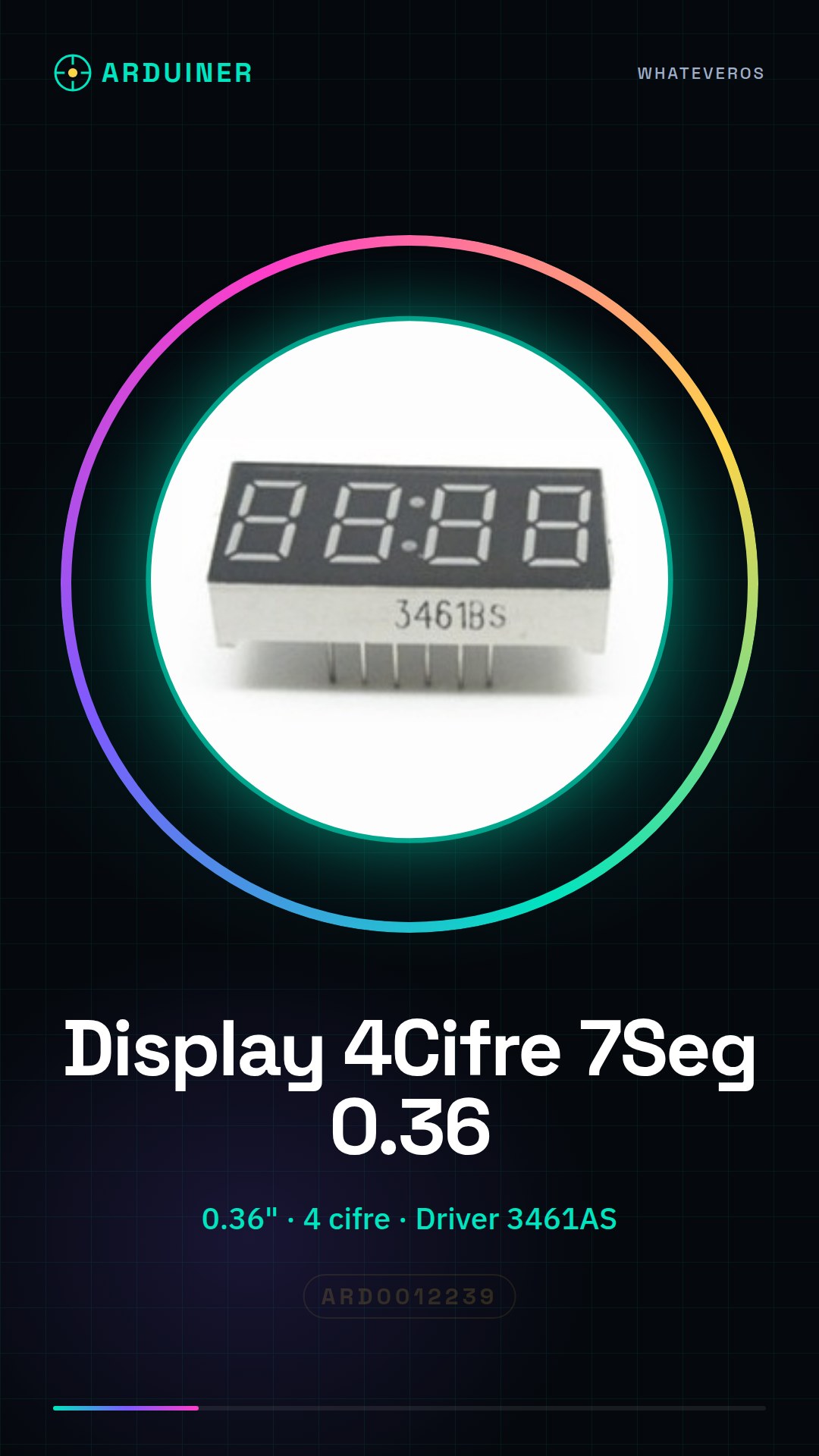
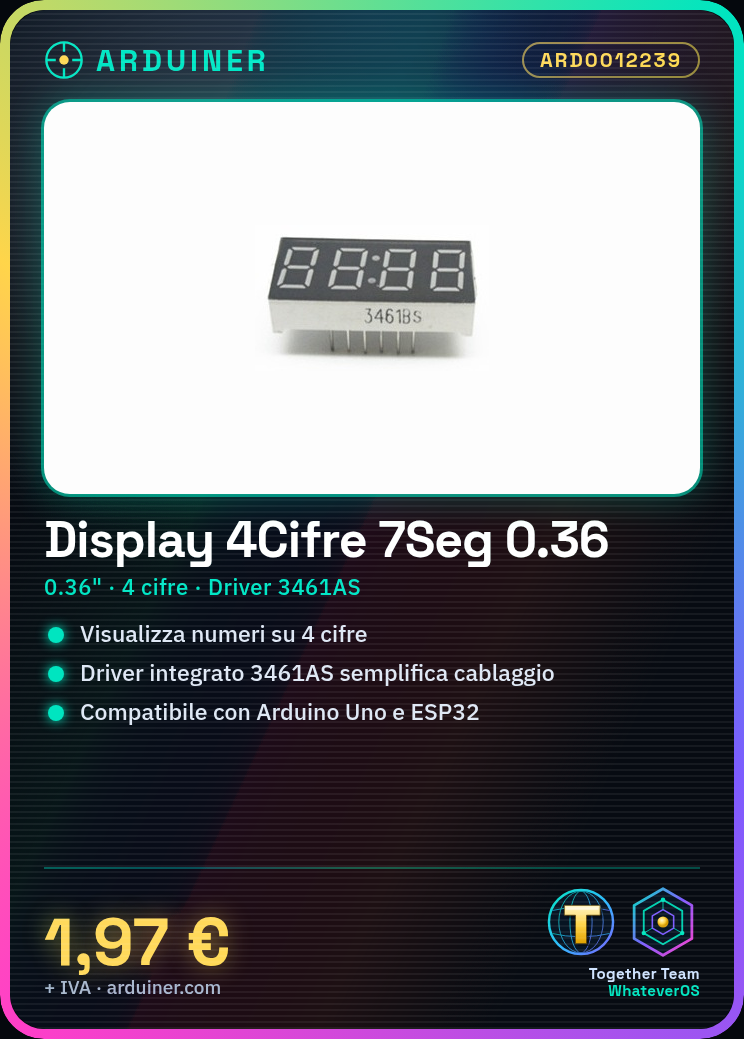
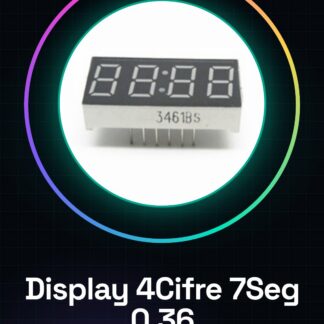
The 4-digit 7-segment display with 0.36 inch digits and 3461AS driver is an electronic component used to display numbers and data in electronic projects. This display is ideal for projects requiring clear and simple visualization, such as counters, timers, or temperature monitors.
Features
- 4-digit 7-segment display
- Size of each digit: 0.36 inch
- Integrated driver
- Common cathode
- SKU: ARD0012239
- Price: 1.97 €
What it is for
This display is suitable for Arduino projects and general electronics. It can be used to create a step counter that displays the number of steps taken, or to monitor data such as temperature or event counts. It is compatible with Arduino and ESP32, making it easy to integrate into electronic programming projects.
Tutorial: How to Use 4-digit 7-segment Display with 0.36 Inch Digits
This 4-digit 7-segment display is ideal for displaying numbers and data in electronic projects such as counters, timers, or temperature monitors. It is suitable for beginner and intermediate makers who want to add clear visual feedback to their devices.
What you need
- Arduino Uno
- USB cable
- Test leads
- Batteries or power supply
- Driver 3461AS
- Power cable
Steps
- Connect the display to the driver 3461AS following the pin mapping.
- Connect the driver 3461AS to the Arduino.
- Check the proper power supply of the display (check the datasheet).
- Write the Arduino sketch to control the display.
- Compile and upload the sketch to the Arduino.
- Verify that the display shows the correct numbers.
- Modify the sketch to update the displayed numbers.
- Test the display with different data and configurations.
Example code
void setup() {
  Serial.begin(9600);
}

void loop() {
  displayNumber(1234);
  delay(1000);
}

void displayNumber(int number) {
  // Codice per visualizzare il numero sul display
}
Mini project
Create a step counter that displays the number of steps taken on a 4-digit display. Use a motion sensor or a button to count the steps and update the display in real time.
Common mistakes
- Connect the display to the driver with incorrect polarity.
- Do not power the display correctly.
- Write the sketch without considering the 3461AS driver.
- Do not update the numbers on the display correctly.
Recommended accessories
- PIR motion sensor
- Push button
- Pull-up resistors
- USB power supply cable
Frequently asked questions
How can I change the brightness of the display?
Check the 3461AS driver datasheet to control the display brightness.
The display shows only zeros, what can I do?
Check the connection of the display and the driver, also check the Arduino sketch.
Can it display letters or special characters?
Check the datasheet to see which characters can be displayed.
Reviews
There are no reviews yet.