 EN
EN IT Italiano
 ES Español
 FR Français
 DE Deutsch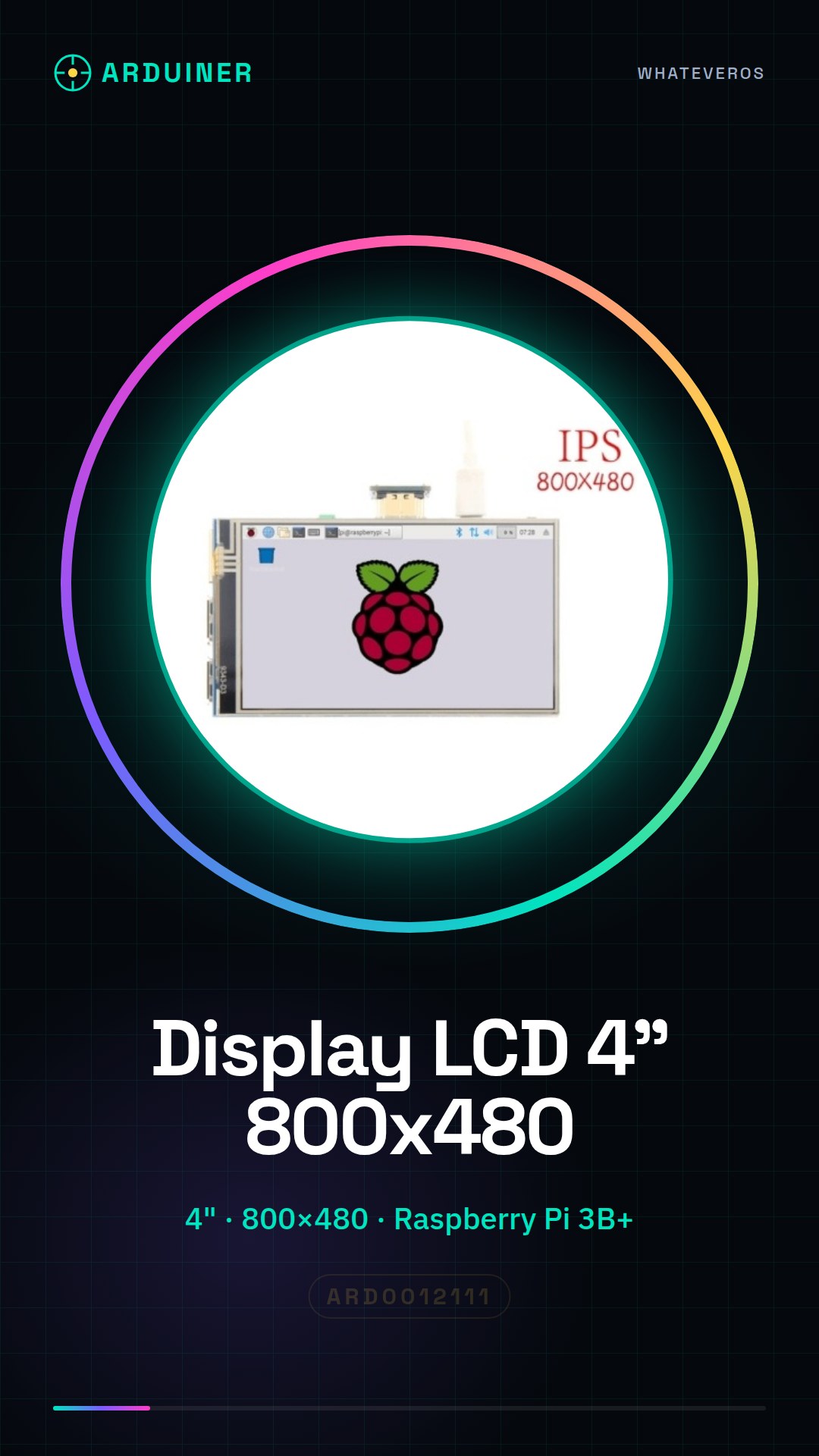
Description
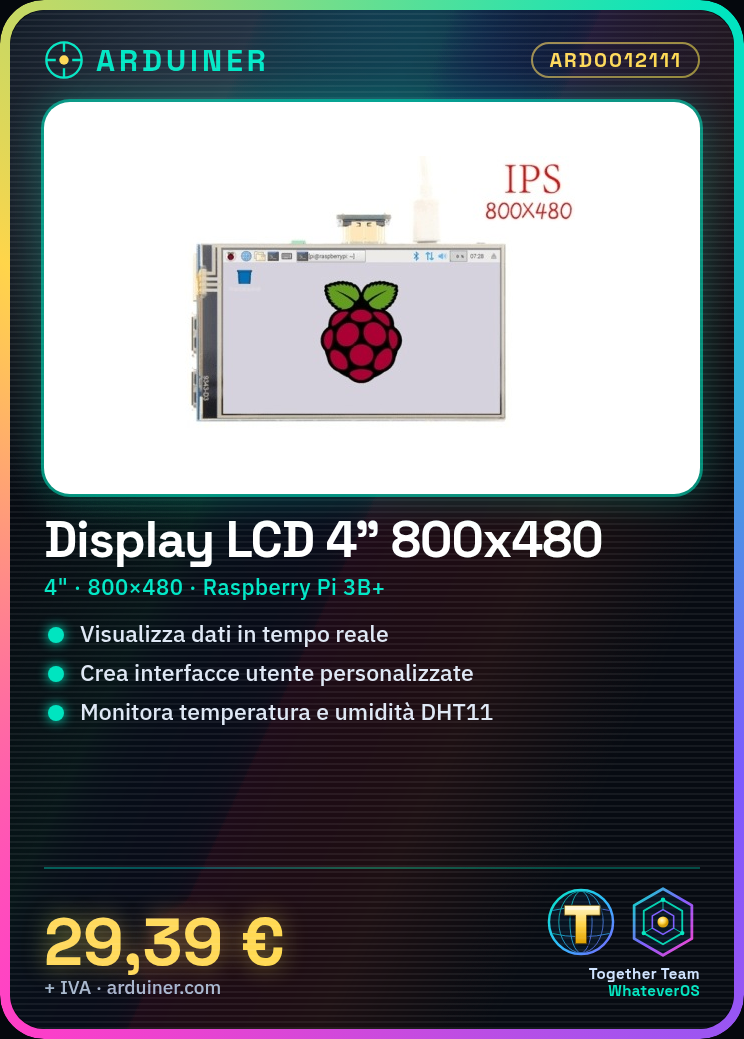
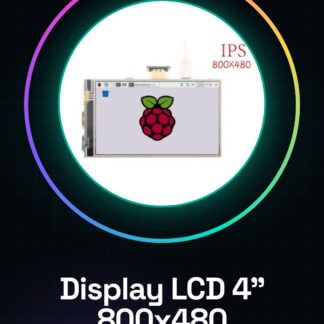
What is the 4″ 800×480 LCD Screen for Raspberry Pi 3B+? This 4-inch LCD screen with a resolution of 800×480 pixels is specifically designed to work with the Raspberry Pi 3B+. Features: Screen size: 4 inches Resolution: 800×480 pixels Compatibility: Raspberry Pi 3B+ What is it used for? This display is ideal for adding a graphical screen to your Raspberry Pi 3B+. You can use it to display data, create custom user interfaces, and develop monitoring applications. For example, you could use this display to show temperature and humidity data collected from a DHT11 sensor. How to use the 4″ 800×480 LCD Screen for Raspberry Pi 3B+ The 4″ 800×480 LCD screen is an ideal component for those who want to add a graphical screen to their Raspberry Pi 3B+. It is perfect for data visualization projects, custom user interfaces, and monitoring applications. What do you need? Raspberry Pi 3B+ Micro SD Card with Raspbian HDMI cable (optional for initial configuration) 4″ 800×480 LCD Screen Power Supply Steps: Connect the LCD screen to the Raspberry Pi 3B+ following the product documentation. Ensure the Raspberry Pi is powered and the LCD screen is turned on. Install the necessary LCD screen drivers (check the datasheet). Configure the LCD screen via the SSH terminal or directly on the Raspberry Pi. Test the display of an image or video to verify proper functionality. Install a graphical interface like LXDE or XFCE (check the datasheet). Configure the graphical interface to use the LCD screen as the main display. Verify the stability of the LCD screen during use of graphical applications. Example code: sudo apt-get install fbcp sudo apt-get install fbi sudo apt-get install feh Small project: Create a custom graphical interface to monitor temperature and humidity data using a DHT11 sensor and the LCD screen. Common errors: Power supply issues for the LCD screen. Incorrectly installed drivers. Incorrectly configured graphical settings. Synchronization issues between Raspberry Pi and LCD screen. Recommended accessories: DHT11 Sensor 3D Printer to produce a support for the LCD screen Ethernet cable for direct connection to the Raspberry Pi LCD screen test kit Frequently asked questions: How do I configure the LCD screen for the first time?
Reviews
There are no reviews yet.