 EN
 IT Italiano
 ES Español
 FR Français
 DE Deutsch
Description
What it is
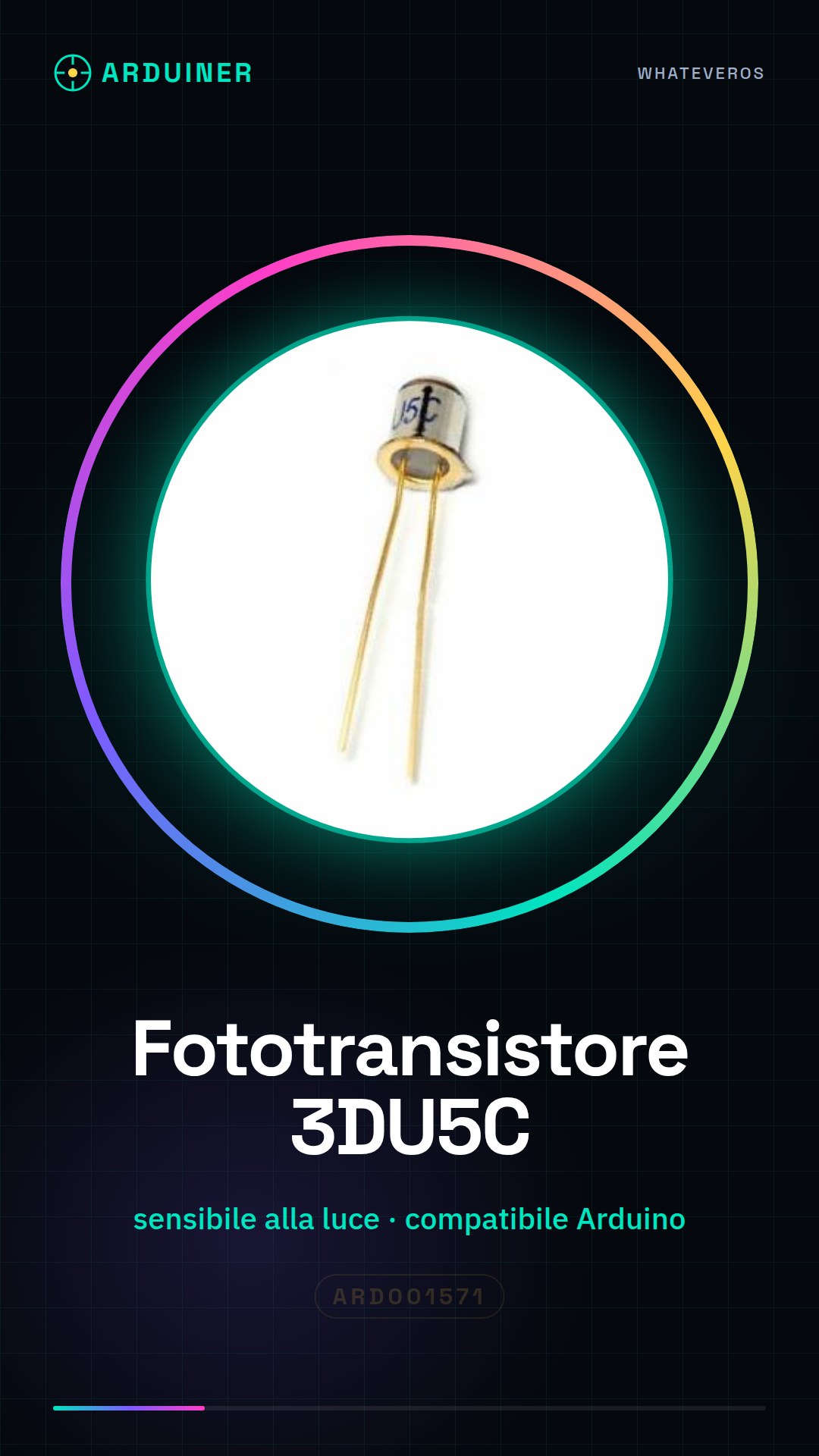
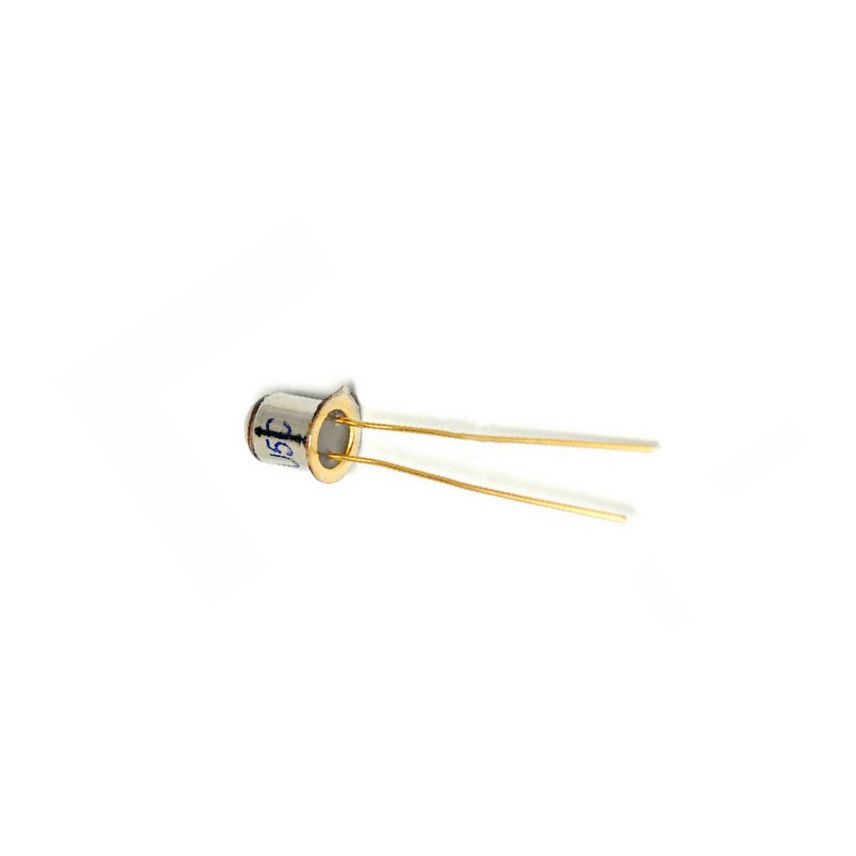
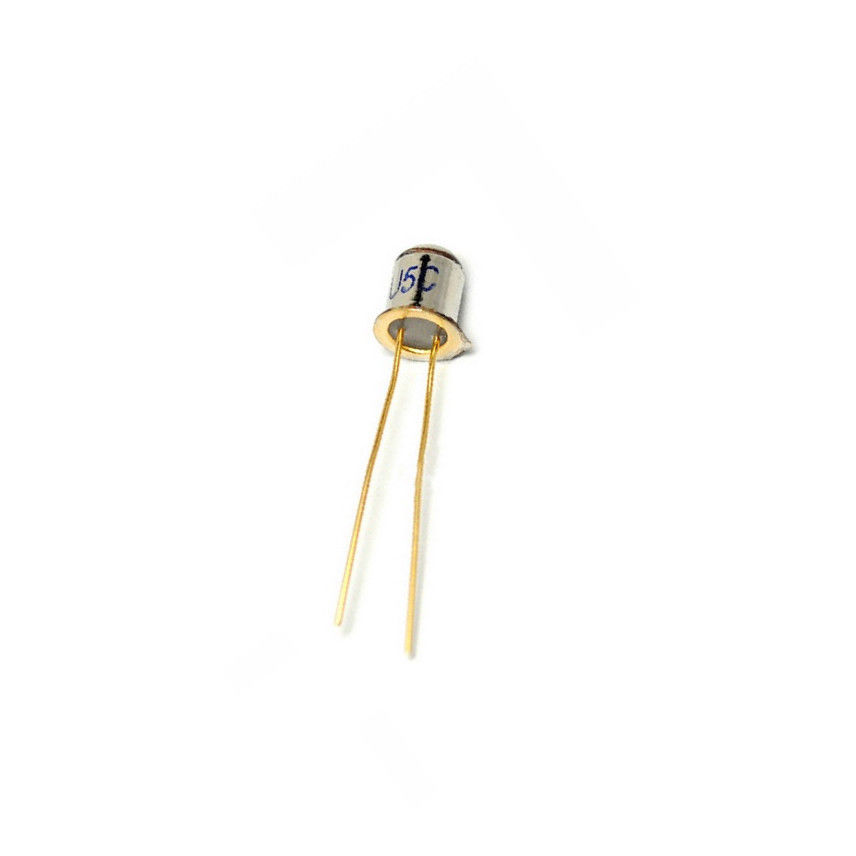
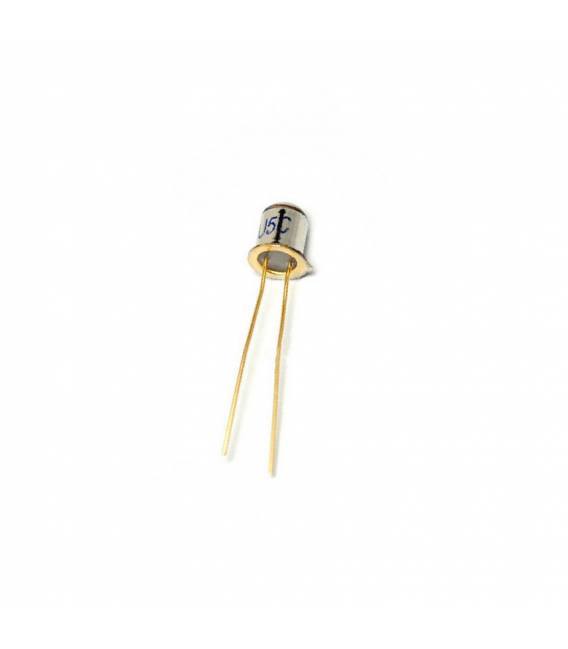
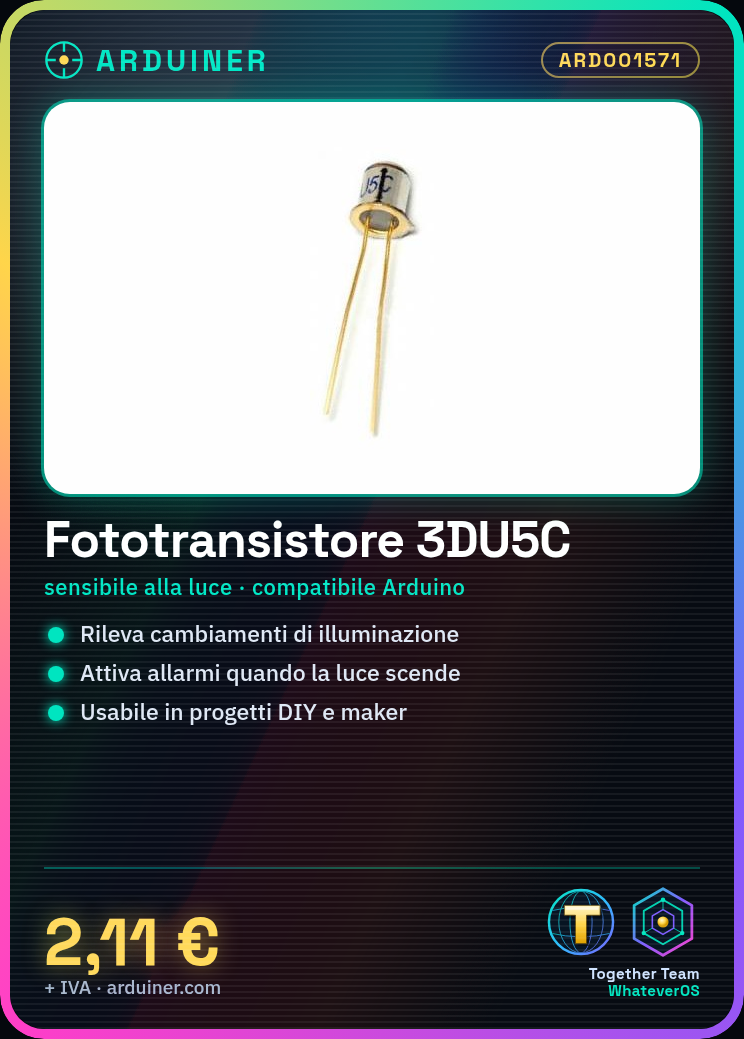
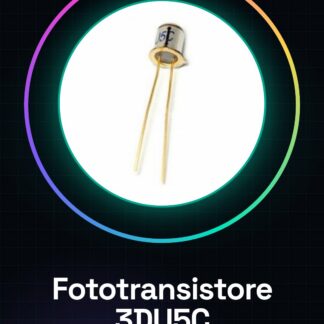
The 3DU5C is a metal-silicon phototransistor used for optical detection and light control. This component is suitable for Arduino projects and other electronic systems that require light level detection.
Features
- Light sensitive for optical detection
- Ideally suited for DIY and maker projects
What it is for
The 3DU5C can be used to build automatic alarm systems that activate when the light level in a room drops below a certain threshold. It is compatible with Arduino and other microcontrollers.
Tutorial: How to use the 3DU5C photodetector
The 3DU5C photodetector is a light-sensitive device that can be used to detect the presence of objects or changes in light levels. It is ideal for DIY and maker projects that require optical detection.
What you need
- Arduino Uno
- Jumper Connections (various colors)
- Breadboard
Steps
- Connect the phototransistor to the breadboard. Check the datasheet for the correct pins.
- Connect one end of the phototransistor to the Arduino power supply (5V or 3.3V).
- Connect the second pin of the phototransistor to the GND of the Arduino.
- Connect the remaining end of the phototransistor to a digital pin of the Arduino (for example, pin 2).
- Open Arduino IDE and upload a sketch that reads the value from the phototransistor.
- Verify the sensor reading through Serial Monitor in Arduino IDE.
- Modify the sketch to activate an LED or relay if the light exceeds a certain level of intensity.
- Test the circuit and make necessary adjustments.
Example code
void setup() {
  Serial.begin(9600);
  pinMode(2, INPUT);
}

void loop() {
  int sensorValue = digitalRead(2);
  Serial.println(sensorValue);
}
Mini project
Build an automatic alarm system that activates when the light level in the room drops below a certain level.
Common mistakes
- Do not connect the phototransistor correctly to the breadboard or the Arduino.
- Ignore the difference between input and output pins.
- Do not check sensor values through Serial Monitor.
- Omit overcurrent protection.
Recommended accessories
- RGB LED
- Single gang relay
- Portable USB battery for Arduino
- USB A-Micro B cable
Frequently asked questions
What is the sensitivity of the phototransducer?
Check the datasheet.
Can I use the phototransducer with a Raspberry Pi?
Yes, but a voltage adapter may be necessary.
Reviews
There are no reviews yet.