 EN
EN IT Italiano
 ES Español
 FR Français
 DE Deutsch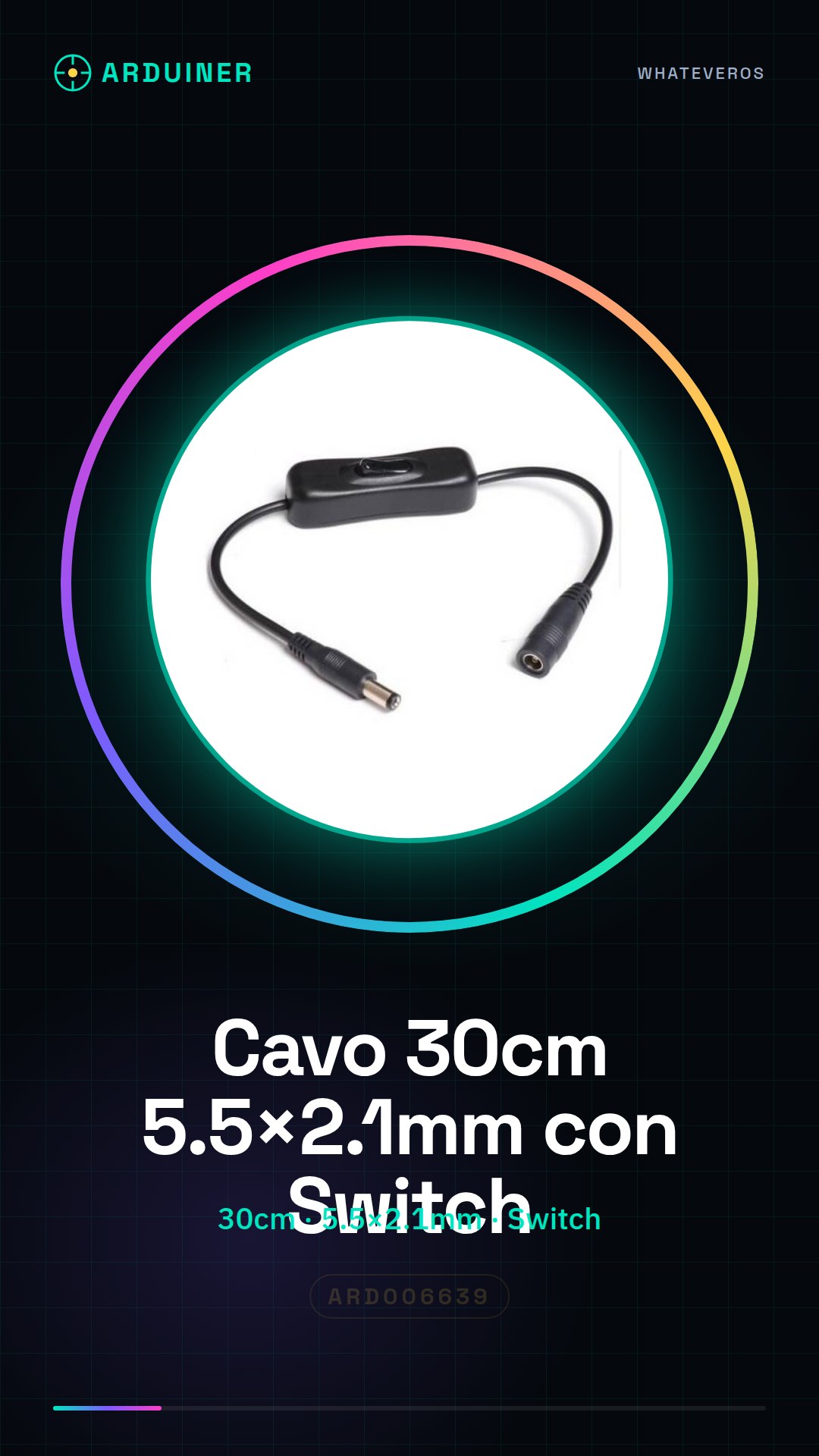
Description
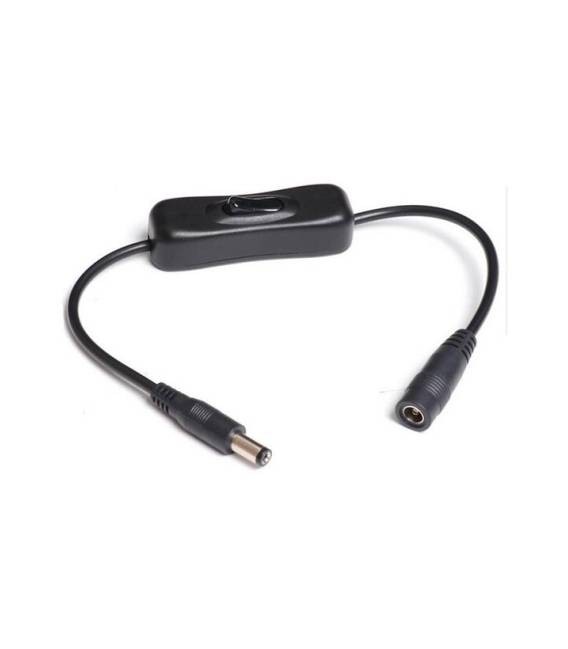
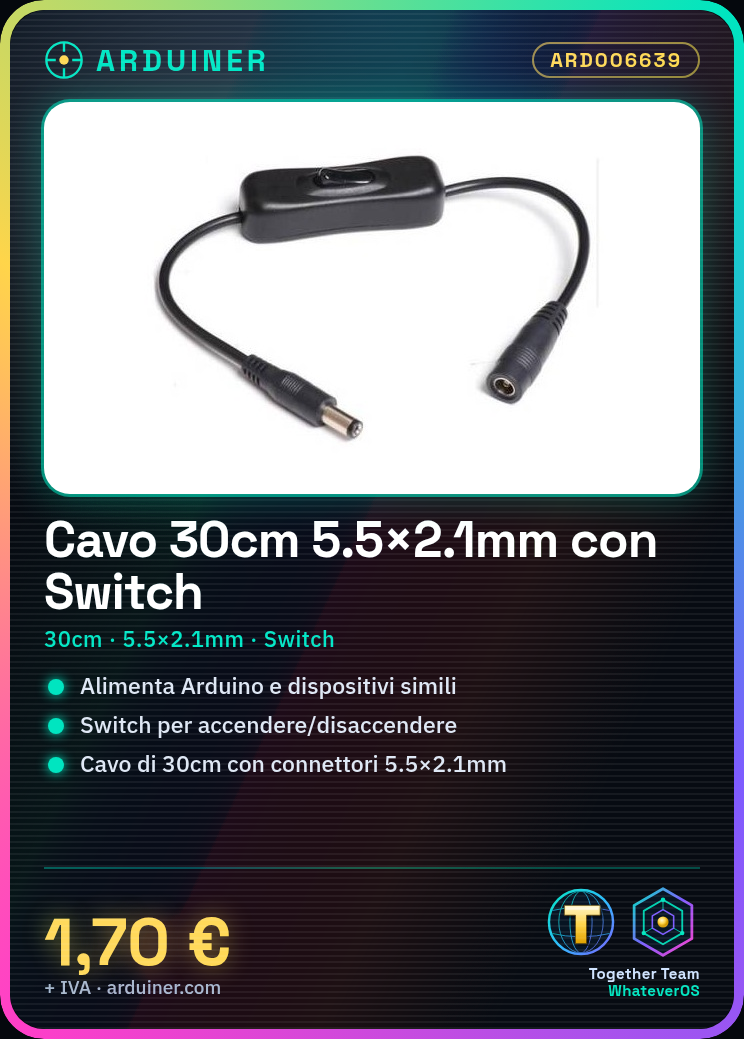
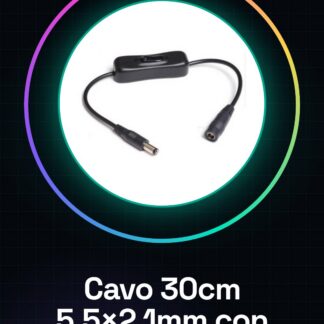
30CM Power Cable with Switch, 5.5×2.1mm Tutorial: How to use the 30CM Power Cable with Switch This cable is used to power your Arduino projects and similar devices. Useful for beginners and intermediates. What you need 30CM Power Cable with Switch DC Power Supply for Arduino or similar device Multimeter (optional) Steps Check the datasheet specifications for correct powering. Connect the cable to the DC power supply. Plug the cable into the power port of your Arduino. Turn on the power source and verify the correct powering with a multimeter. Select the switch to activate/deactivate the power. Verify the stability of the power supply with your device. If necessary, adjust the switch for optimal operation. Check the correct current with the multimeter. Mini-project Create a simple lighting circuit with an LED and a button. Connect the LED to the cable and adjust the switch to control the lighting. Common mistakes Do not use a power source higher than specified. Do not connect the cable to a device that does not support DC powering. Do not forget to regulate the switch for powering. Always verify correct powering with a multimeter. Recommended accessories DC Power Supply for Arduino LED Button Frequently Asked Questions Does this cable work with all DC sources? Check the compatibility of your power source on the datasheet. Can I use this cable with a microcontroller? Yes, but make sure that the supply voltage is compatible. How can I adjust the switch? Follow the instructions in the datasheet to regulate the switch.
Reviews
There are no reviews yet.