 EN
EN IT Italiano
 ES Español
 FR Français
 DE Deutsch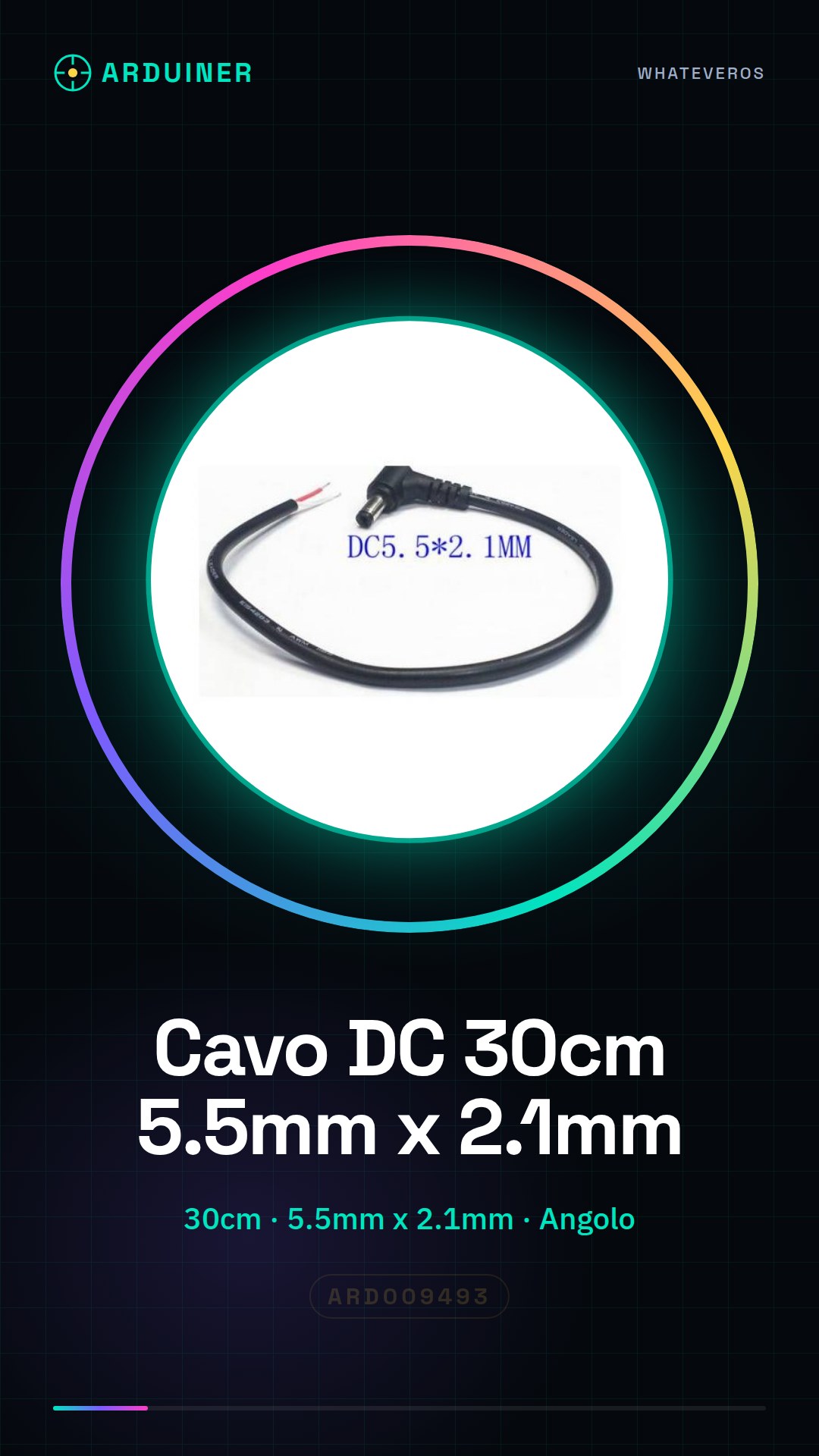
Description
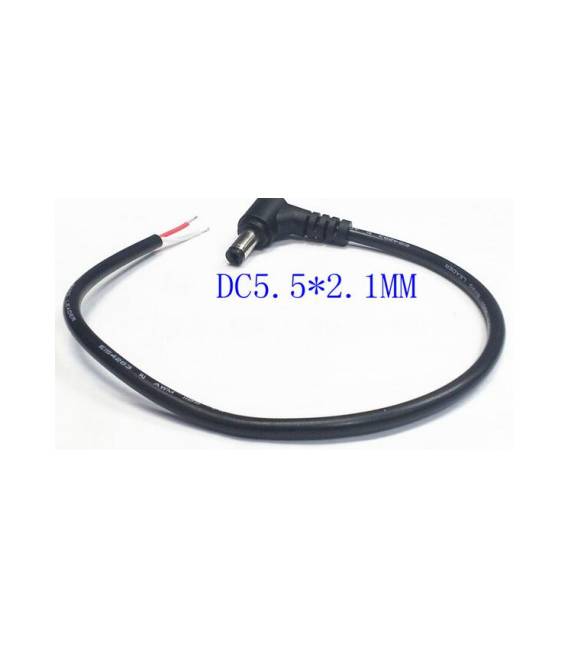
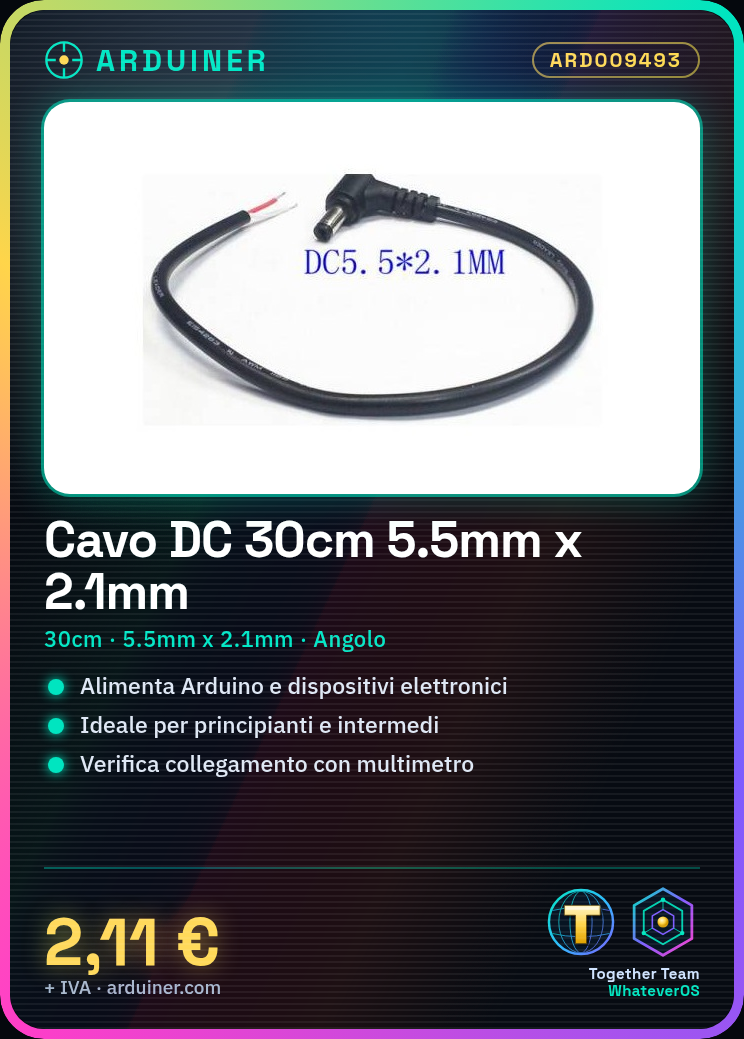
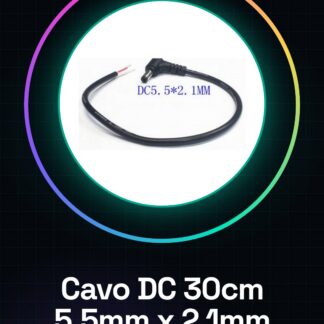
Tutorial: How to use 30cm DC Power Connector Cable 5.5mm x 2.1mm Male Right Angle This cable is perfect for powering your Arduino projects and electronic devices. Suitable for beginners and intermediates. What you need: 30cm DC Power Connector Cable 5.5mm x 2.1mm Male Right Angle DC Power Source Arduino or electronic device with female DC connector Multimeter (optional) Steps: Check the datasheet for the power source specifications. Prepare the cable and the Arduino or electronic device. Position the cable to avoid disrupting work. Connect the cable to the power source. Connect the cable to the DC connector of the device. Verify the connection with a multimeter (if available). Ensure the device is functioning correctly. If necessary, cut the cable with a cable cutter. Mini-project: Build a simple LED lighting circuit with a resistor. Connect the cable to the circuit and observe the lighting. Common errors: Connecting the cable to the power source without verifying the voltage. Not using a multimeter to check the connection. Ignoring the right-angle position of the connector. Not cutting the cable with a cable cutter. Recommended accessories: DC power source LED Resistor Multimeter (optional) Frequently asked questions: Can I use this cable with any DC power source? Check the datasheet for voltage and maximum current. How can I verify the connection? Use a multimeter to check the current and voltage. Can this cable be used for AC power? No, use it only for DC power. Can I use this cable to connect two devices? No, the cable is a unidirectional power cable.
Reviews
There are no reviews yet.