 EN
EN IT Italiano
 ES Español
 FR Français
 DE Deutsch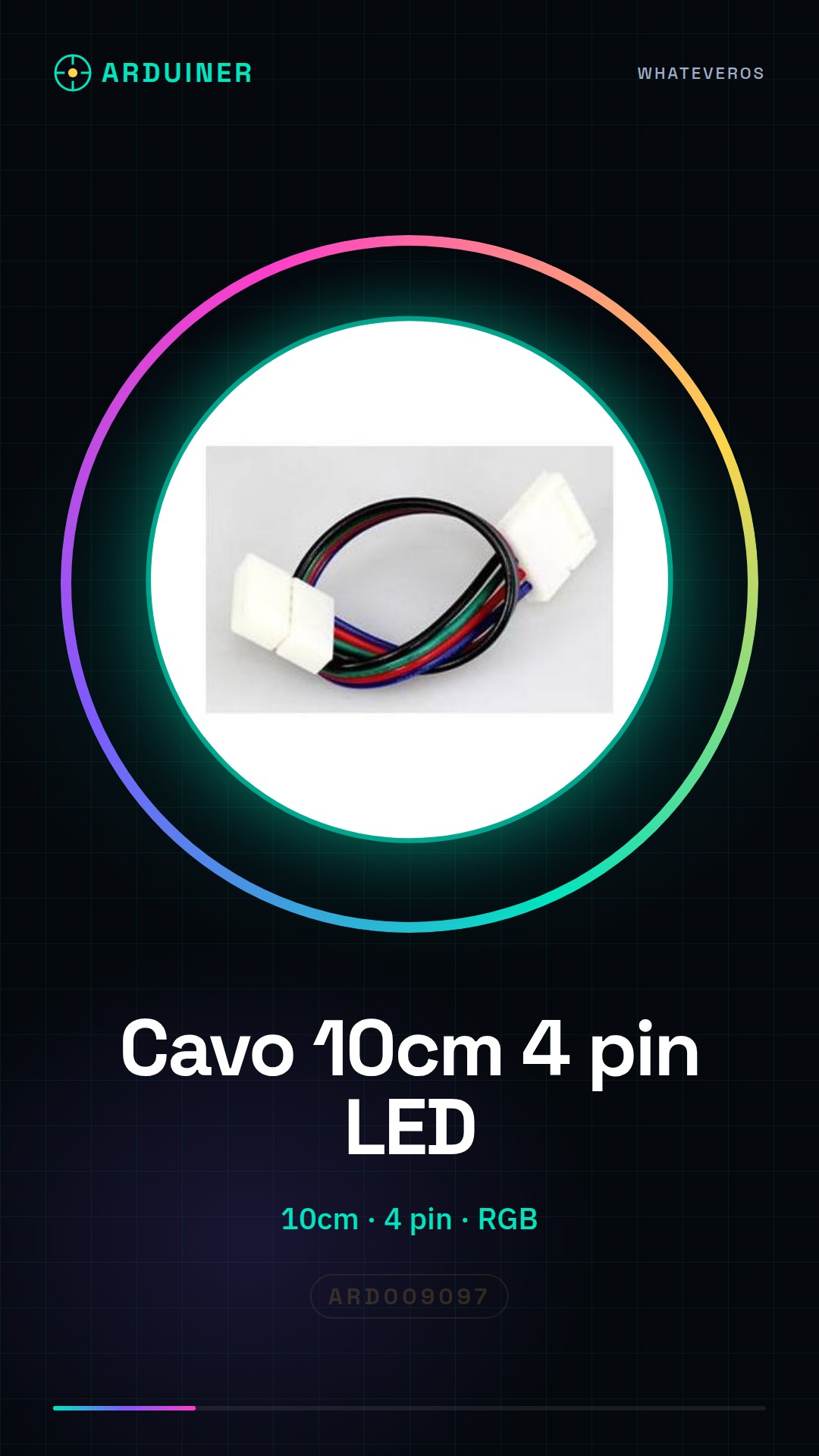
Description
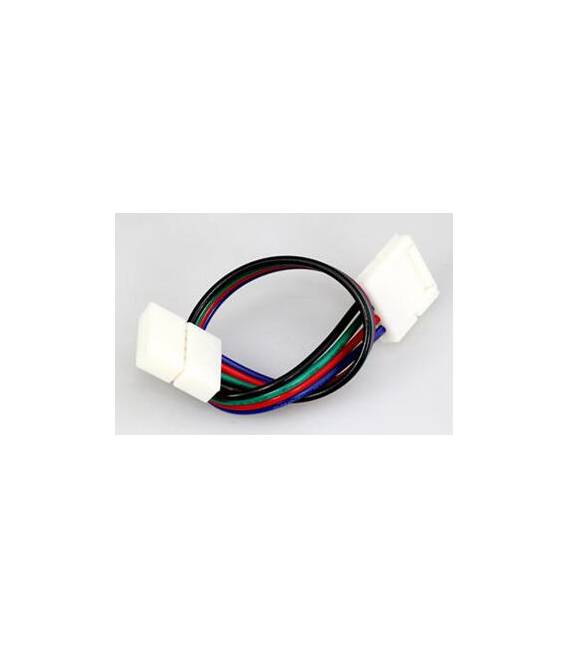
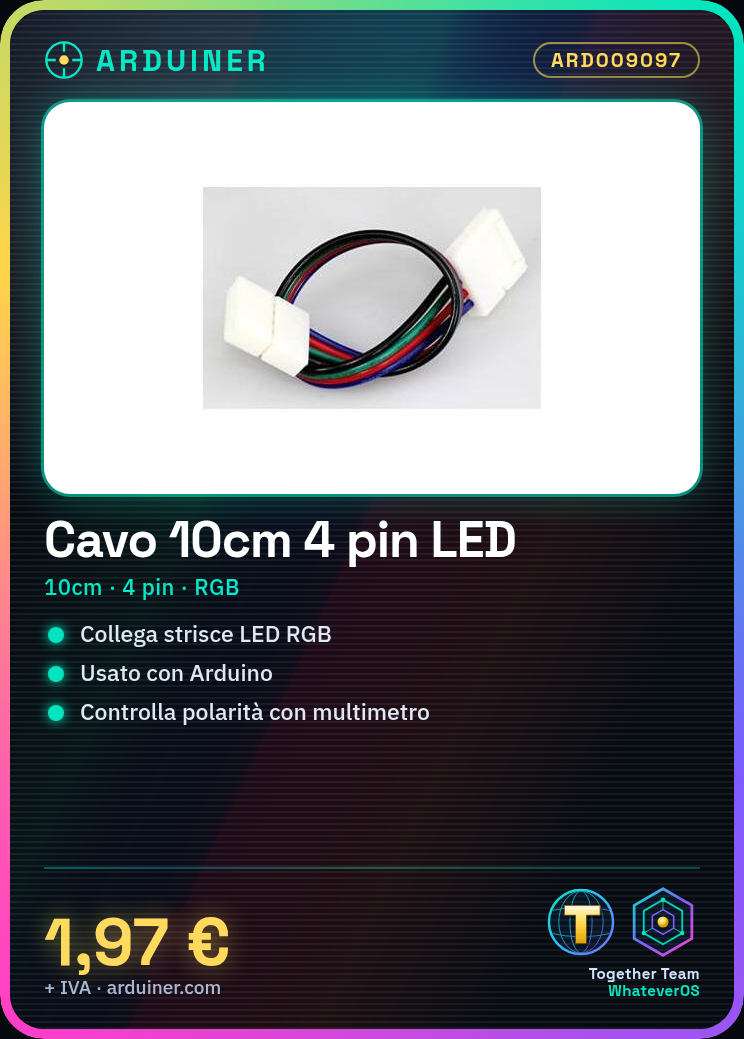
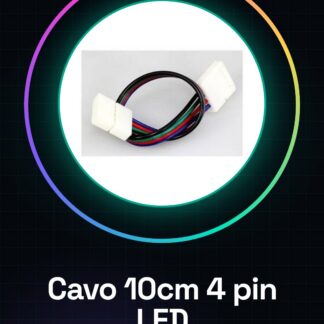
Cable and connector for RGB LED strips. Tutorial: How to use 10CM Cable with 4 Pin Connector for 5055 3528 RGB LED Strips. This cable is designed to connect RGB LED strips to an Arduino or another device. Useful for lighting and display projects. What you need: 5055 3528 RGB LED strips, Arduino or another microcontroller, multimeter (for verification), and a knife (for cutting the cable if needed). Steps: 1. Check the cable specifications in the datasheet. 2. Cut the cable if needed, using the knife. 3. Connect the cable to the microcontroller using the correct pins. 4. Verify the correct polarity with the multimeter. 5. Upload a sample code to Arduino. 6. Test the LEDs to ensure they are all lit. 7. Modify the code to customize the LED effect. 8. Test the system to ensure it works correctly. Mini-project: Create an RGB desk light using 5055 3528 LED strips and an Arduino. Common errors: Connecting the wrong pins, omitting polarity verification, not using a multimeter for verification, not customizing the code for the desired effect. Recommended accessories: 5055 3528 RGB LED strips, Arduino Nano, multimeter, knife. Frequently asked questions: Can I use this cable with other LED strips? Check the cable and LED strip specifications before use. How long does it take to install the cable? On average, around 10-15 minutes. Does the cable work with all microcontrollers? Connect the correct pins based on the microcontroller used. How do I verify the correct polarity? Use the multimeter to measure the voltage between the pins.
Reviews
There are no reviews yet.