 EN
 IT Italiano
 ES Español
 FR Français
 DE Deutsch
Description
What it is
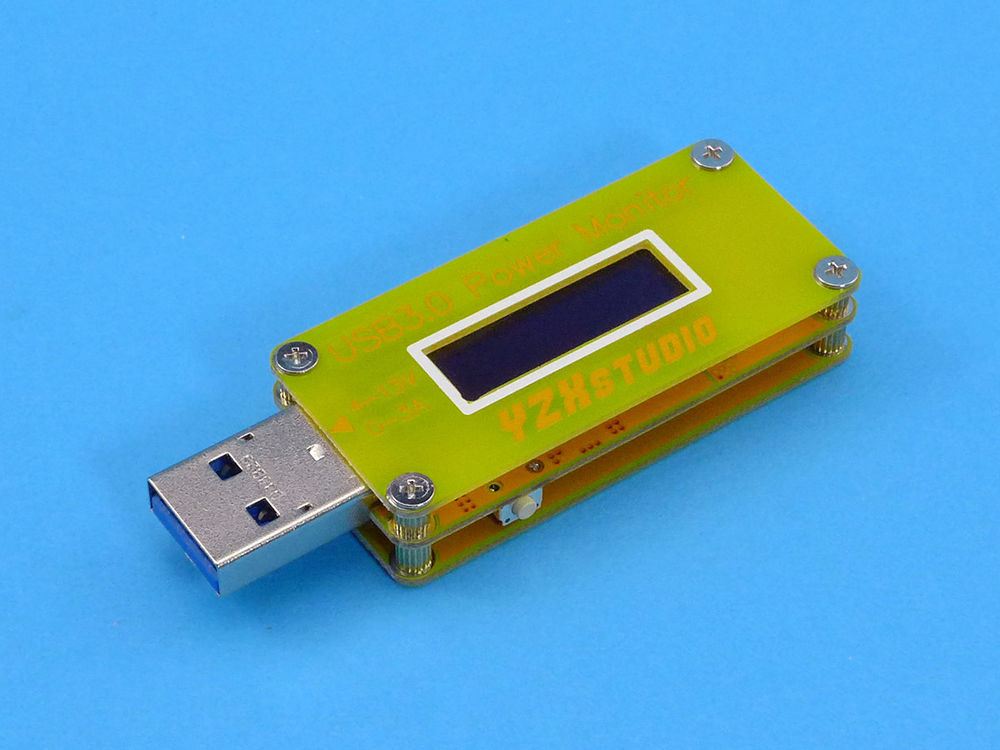
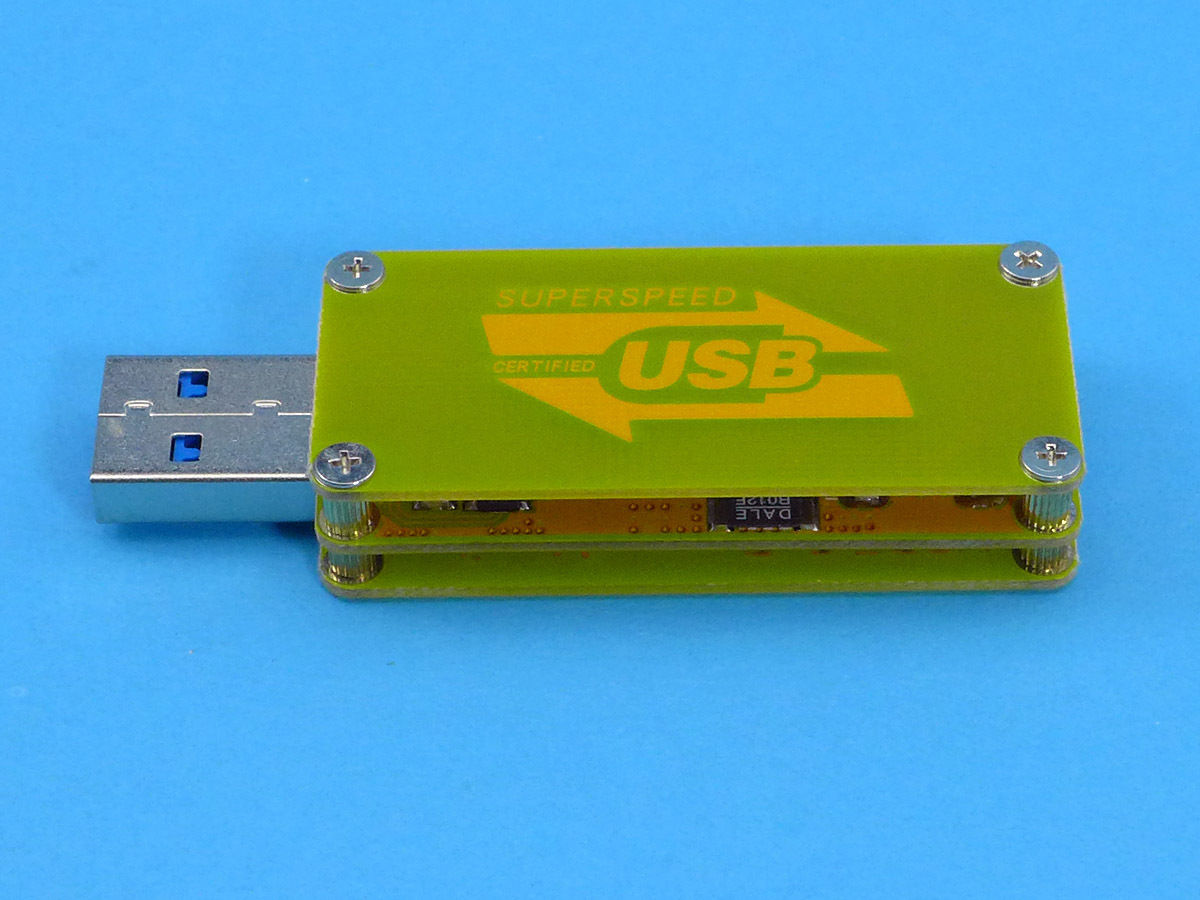
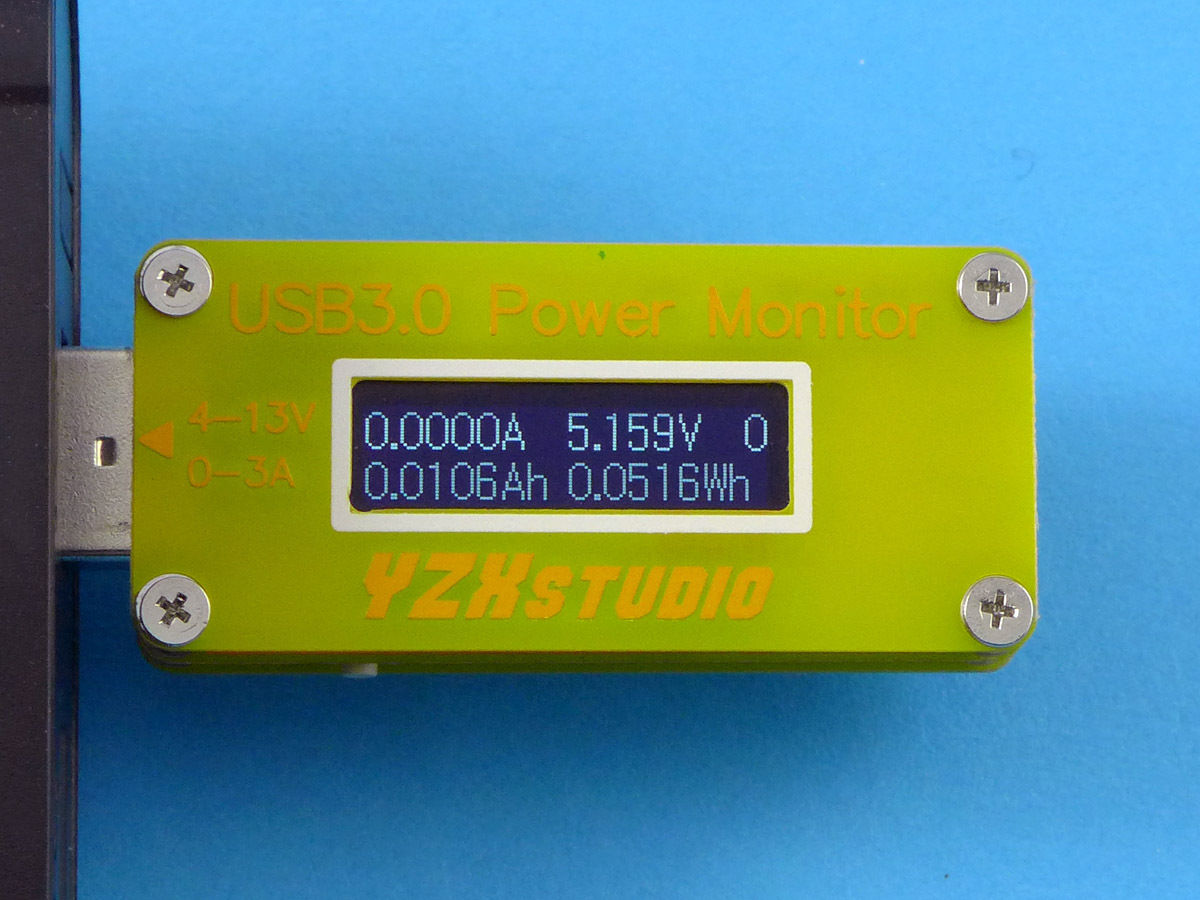
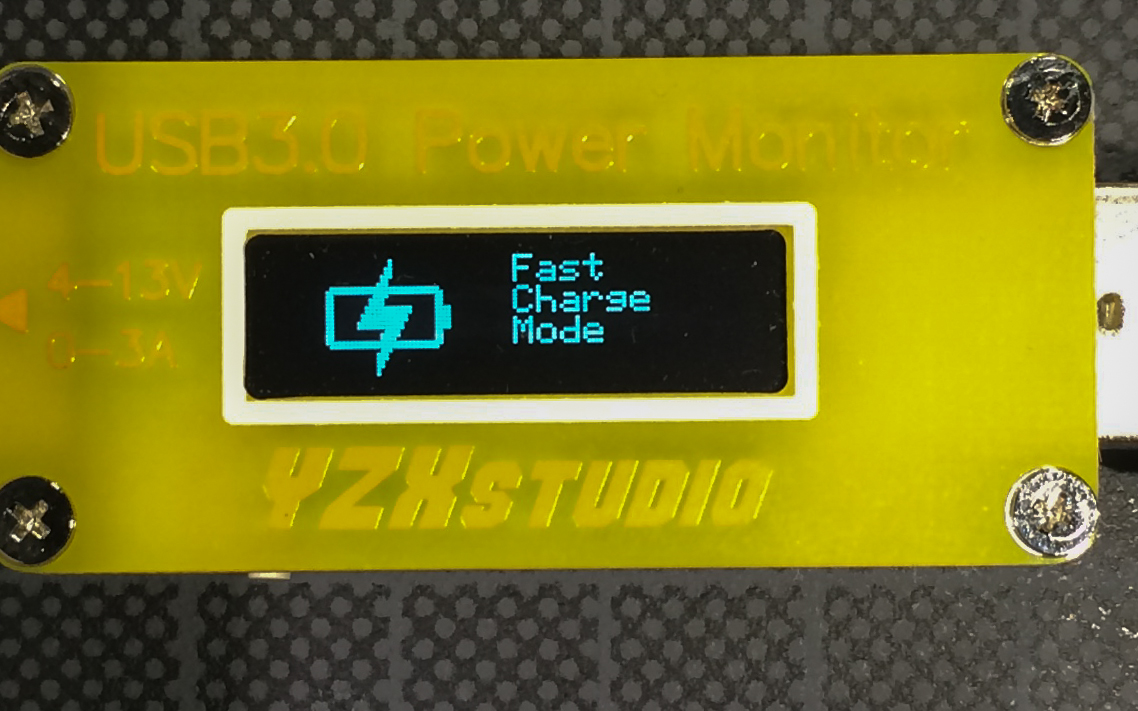
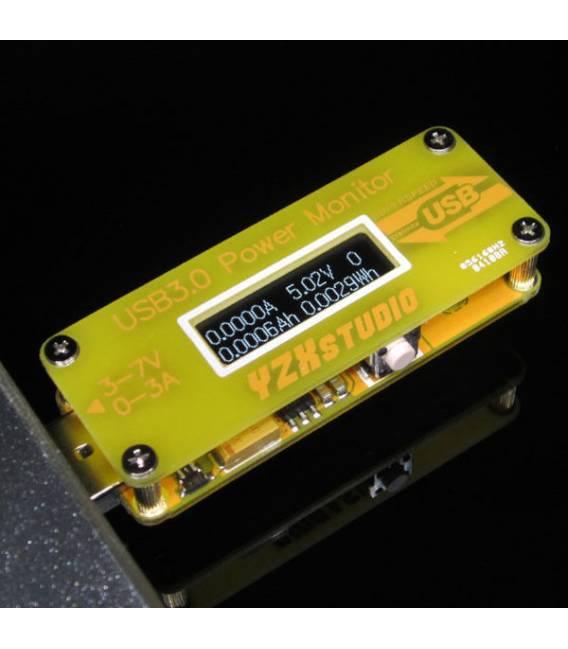
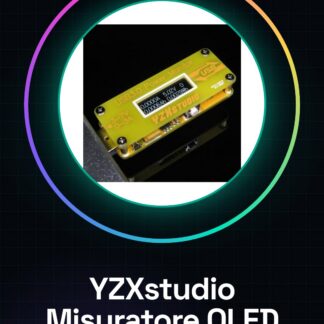
The USB 3.0 Voltage and Current Meter with high-resolution OLED display is a useful device for monitoring voltage and current values in various electronics projects, including those based on Arduino.
Features
- USB 3.0 Voltage and Current Meter
- High-resolution OLED Display (Yellow)
What it is for
This device is ideal for electronics projects, drones, and control systems. It can be used to create a drone battery monitoring system in 30 minutes.
Tutorial: How to use the USB 3.0 Voltage Current Meter with High-resolution OLED (Yellow) YZXstudio
This meter is ideal for electronics projects, drones, and control systems, allowing for accurate voltage and current measurements.
What you need
- YZXstudio Meter
- Arduino or compatible microcontroller
- USB cable
- Power supply (optional)
Steps
- 1. Check the datasheet for the meter specifications.
- 2. Connect the meter to the USB power supply.
- 3. Verify the OLED connection: it should light up.
- 4. Connect the meter to the Arduino via the specified pins.
- 5. Check the electrical connections.
- 6. Load the provided Arduino code.
- 7. Run the code and check the readings on the OLED display.
- 8. Verify the accuracy of the measurements.
Mini project
Build a drone battery control system in 30 minutes.
Common mistakes
- Connect the meter to a non-USB power supply.
- Ignore the power supply specifications in the datasheet.
- Do not check the connections before running the code.
- Omit the measurement verification.
Recommended accessories
- Arduino Nano
- LiPo battery
- USB A-B cable
- Multimeter
Frequently asked questions
How can I verify the OLED connection?
Make sure the display lights up when connected to the USB power source.
Which Arduino pins should I use?
Check the datasheet for connection specifications.
Does the meter work with batteries?
Check the datasheet to see if it supports battery power.
How can I calibrate the meter?
Check the datasheet to see if it offers calibration features.

Reviews
There are no reviews yet.