 EN
 IT Italiano
 ES Español
 FR Français
 DE Deutsch
Description
What it is
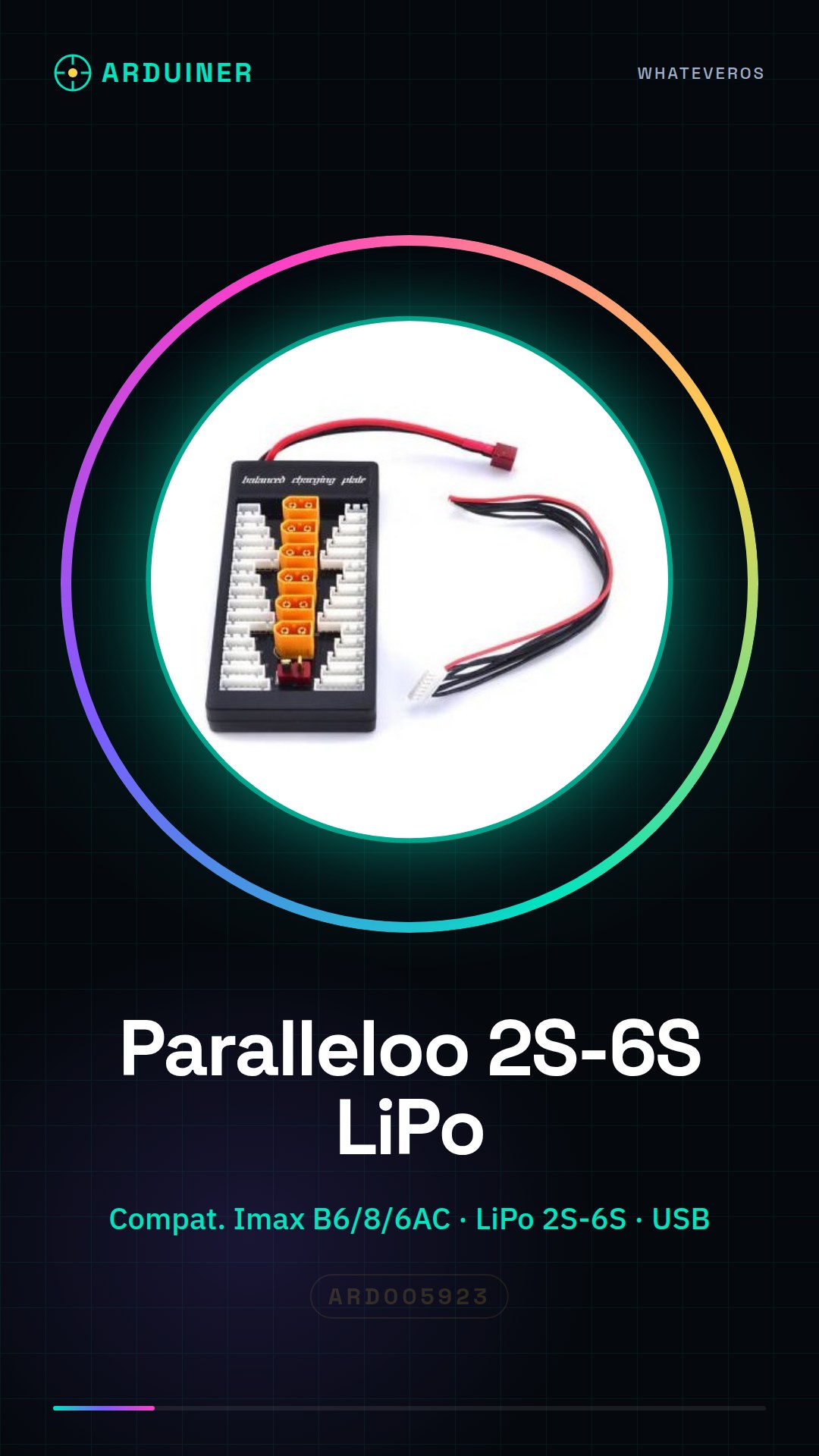
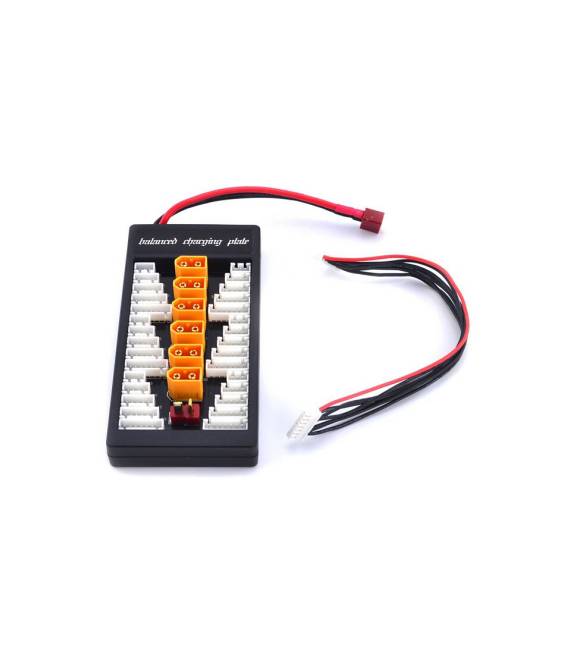
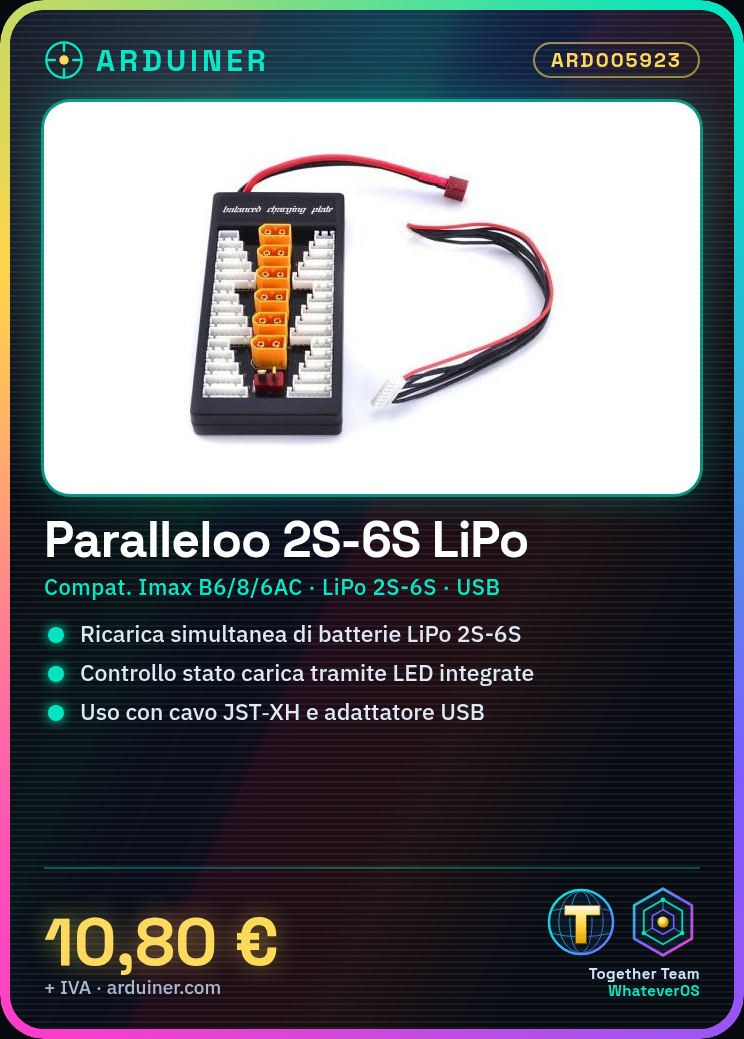
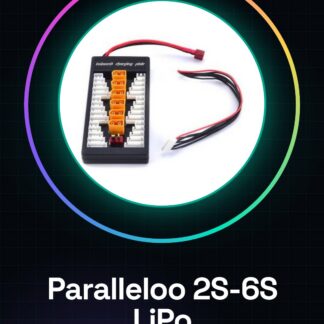
The parallel LiPo charger board 2S-6S is a device designed for simultaneous charging of LiPo batteries from 2S to 6S. This tool is compatible with Imax B6, B8, and B6AC boards, offering an efficient solution for makers and radio-controlled model enthusiasts.
Features
- Parallel LiPo charger board for 2S to 6S batteries
- Compatible with Imax B6, B8, and B6AC
What it is for
Ideal for simultaneous charging of multiple batteries in drone projects and other devices that use LiPo batteries. Also useful for makers working with Arduino or ESP, providing an efficient method to manage battery charging.
Tutorial: How to use Parallel LiPo charger board 2S-6S
The parallel LiPo 2S-6S charger board is an essential device for makers and RC model enthusiasts working with LiPo batteries. This tool allows simultaneous charging of multiple batteries, greatly improving the efficiency of the process.
What you need
- LiPo Batteries 2S-6S
- USB Adapter for Power Supply
- JST-XH Cable
Steps
- Check that the board is compatible with LiPo batteries from 2 to 6 cells.
- Connect the USB adapter to the power supply port on the board.
- Connect the JST-XH cables to the batteries and the board to establish the connection.
- Verify that all connections are secure before starting the charging process.
- Select the desired charging current using the buttons on the board (check the datasheet).
- Activate the charging process by pressing the START button on the board.
- Monitor the charging status of the batteries through the integrated LEDs on the board.
- Once the charging is complete, turn off the board and gently remove the JST-XH cables.
Mini project
Charge simultaneously 4 LiPo batteries from 3 cells for a drone.
Common mistakes
- Do not check connections before starting the charging process.
- Set a charging current too high.
- Ignore the signals from the LEDs during the charging process.
- Remove the JST-XH cables without turning off the board.
Recommended accessories
- LiPo Batteries 3S
- USB-C to micro-USB adapter
- JST-XH cable
Frequently asked questions
How do I set the charging current?
Use the buttons on the board to select the desired value (check the datasheet).
Which LiPo batteries are compatible?
The board supports batteries from 2 to 6 cells. Check the datasheet for specific details.
How can I monitor the charging status of the batteries?
The LEDs on the board indicate the charge status and safety during the process.
Reviews
There are no reviews yet.