 EN
 IT Italiano
 ES Español
 FR Français
 DE Deutsch
Description
What it is
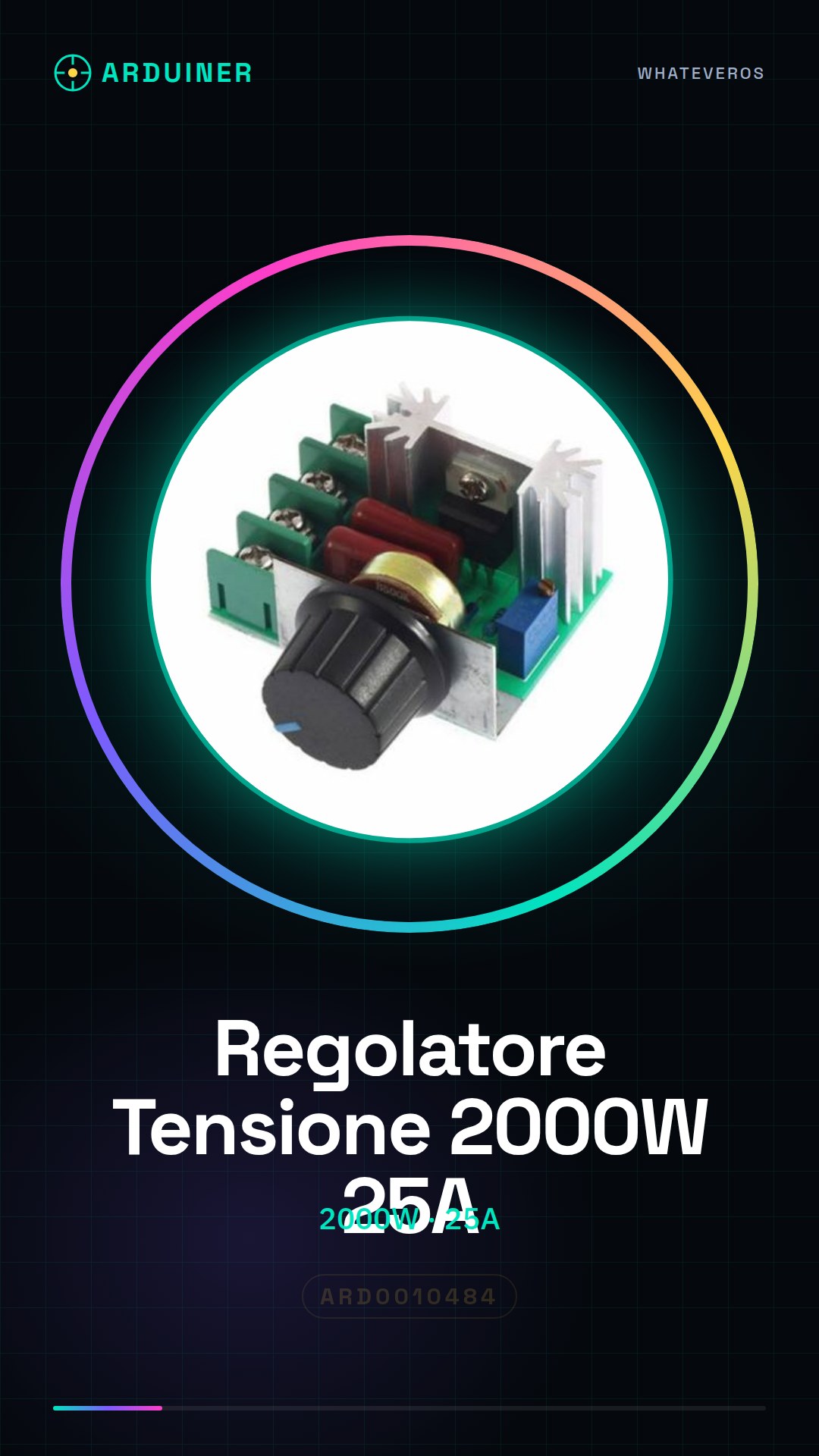
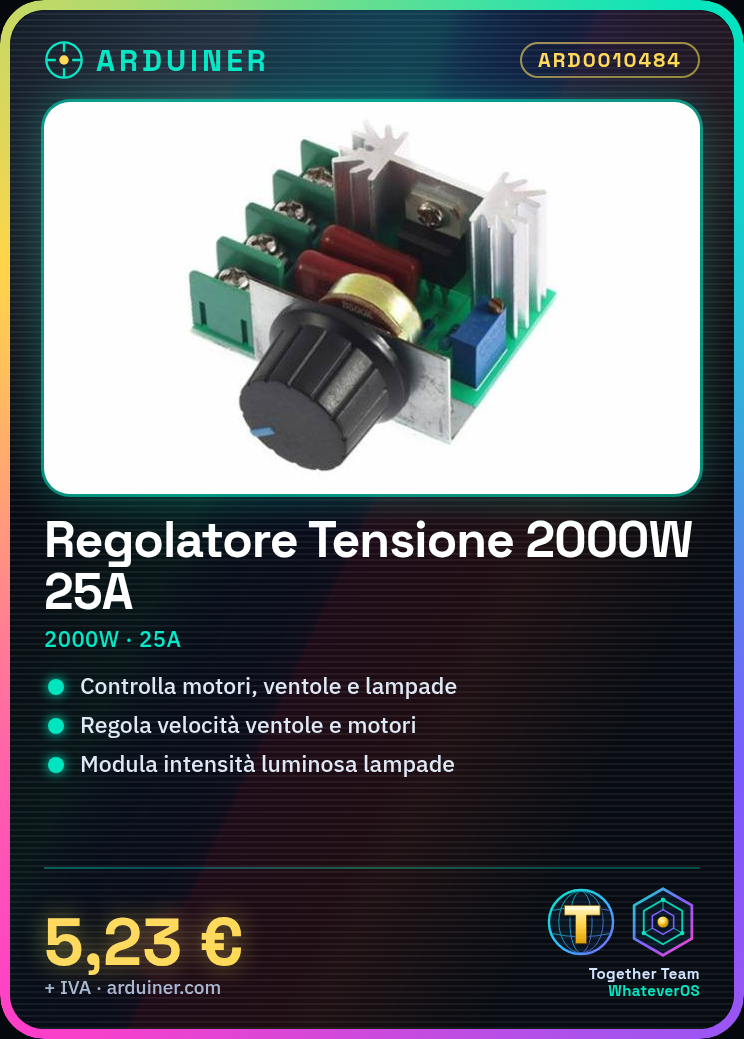
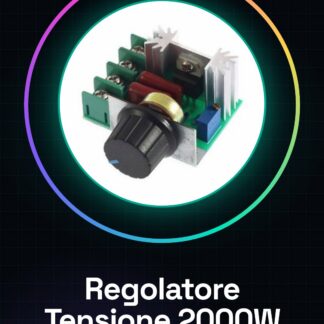
The ARD0010484 voltage regulator is a device designed to manage electrical flow in systems requiring precise power regulation. With a capacity of 2000W, this component offers the flexibility to control motors, fans, and lights.
Features
- Maximum Power: 2000W
- Maximum Current: 25A
- Speed control for motors and fans
- Light intensity control for lamps
What it is for
Ideal for both DIY projects and professional applications, the ARD0010484 voltage regulator can be used to create controllable lighting systems via Arduino. It can also manage the speed of fans and motors in various devices.
Tutorial: How to use 2000W 25A Voltage Regulator
The ARD0010484 voltage regulator is an essential component for anyone who wants to precisely control the speed of motors, fans, or the intensity of light. Ideal for both DIY projects and professional applications.
What you need
- Arduino Uno
- USB cable
- Ground connection (GND)
- Compatible external power supply
Steps
- Connect the regulator to the power source and verify the maximum allowed voltage.
- Connect the Arduino to the computer via USB cable to upload the sketch.
- Configure the Arduino’s digital pins to control the current intensity of the regulator.
- Load an Arduino sketch that modulates speed or intensity based on received commands.
- Test the system by connecting a motor, fan, or light bulb to the regulator.
- Adjust the sketch parameters to optimize the device’s performance.
- Check heat dissipation and add heat sinks if necessary (check the datasheet).
- Proceed with the final project once all features have been verified.
Example code
void setup() {
  pinMode(9, OUTPUT);
}

void loop() {
  analogWrite(9, 128); // Imposta l'intensità alla metà
}
Mini project
Create a controllable lighting system with Arduino. Connect a lamp to the regulator and adjust the brightness using a simple sketch.
Common mistakes
- Do not verify the maximum voltage of the regulator before installation.
- Omit the addition of thermal heat sinks to manage heat.
- Configure digital pins incorrectly, preventing the regulator from functioning properly.
- Do not fully test the system before the final project.
Recommended accessories
- Large heat sink
- Digital thermometer
- Resistor to limit current
- Light sensors
Frequently asked questions
How can I control the speed of the fan?
Adjust the value of analogWrite() in your sketch.
What is the difference between a dimmer and this regulator?
A dimmer is specific for lighting, while this can handle motors and fans as well as lights.
Can I connect multiple devices to the regulator?
Yes, but make sure not to exceed the maximum power of the regulator (check on the datasheet).
Reviews
There are no reviews yet.