 EN
EN IT Italiano
 ES Español
 FR Français
 DE Deutsch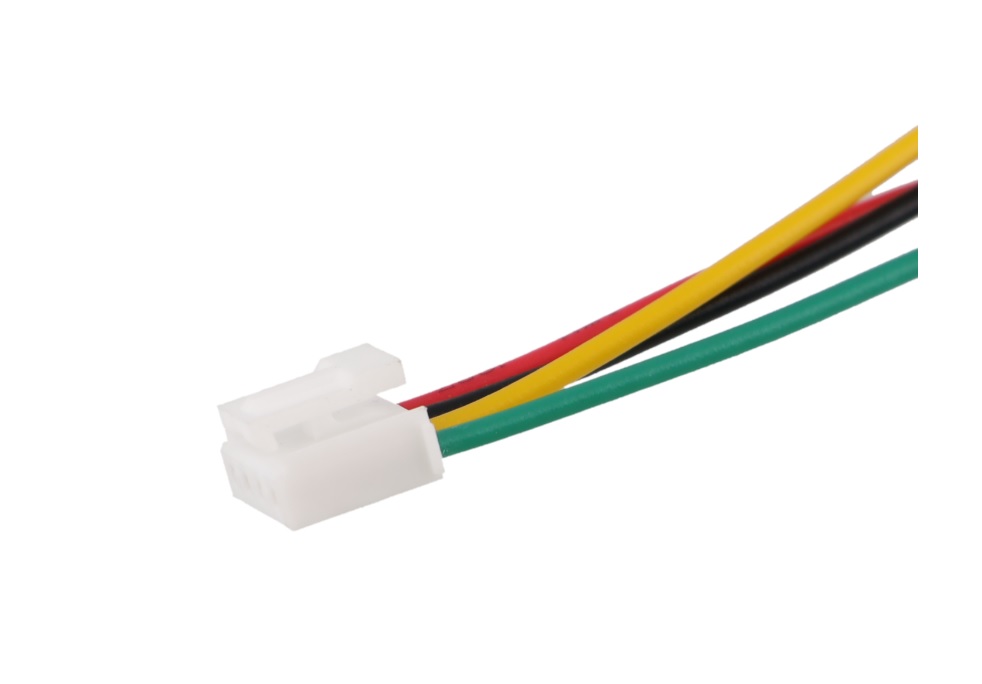
Description
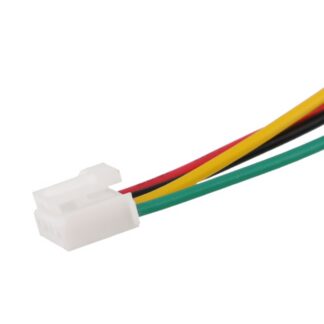
Tutorial: How to Use Grove HY2.0-4P 50cm Cable The Grove HY2.0-4P cable is essential for connecting various Grove modules or to a mother board circuit. It’s ideal for low-profile and easy assembly electronics projects, suitable for beginners and intermediate makers.
What You Need:
Module Grove
Mother Board Circuit
Connection Between Modules
Steps:
Check the compatibility of the cable with module connectors or motherboard.
Connect one end of the cable to a module or mother board circuit.
Connect the other end of the cable to another module or mother board circuit.
Verify electrical connection with a multimeter or tester.
If necessary, repeat the process for additional modules or circuits.
Mini Project:
Connect a Grove temperature sensor to a Grove LCD display using a HY2.0-4P cable to display real-time temperature data.
Common Errors:
Unstable connection due to damaged cable.
Damaged or incompatible connector.
Incorrect pin connections between modules.
Cable too long or short for required connection.
Recommended Accessories:
Grove module for temperature sensor
Grove module for LCD display
Additional Grove connectors
Electrical Text:
Frequently Asked Questions:
What other types of Grove cables are there?
There are various types of Grove cables such as 2P, 3P, 4P, 5P and 6P, each with specific connectors for different applications.
How do you clean connectors?
Use a soft and clean cloth to remove dust and moisture from the connectors.
Reviews
There are no reviews yet.