 EN
 IT Italiano
 ES Español
 FR Français
 DE Deutsch
Description
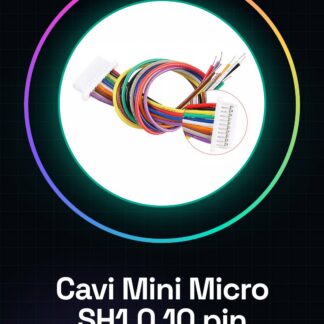
Tutorial: How to Use Mini Micro SH1.0 10 Pin JST Single Ended Cable 100mm
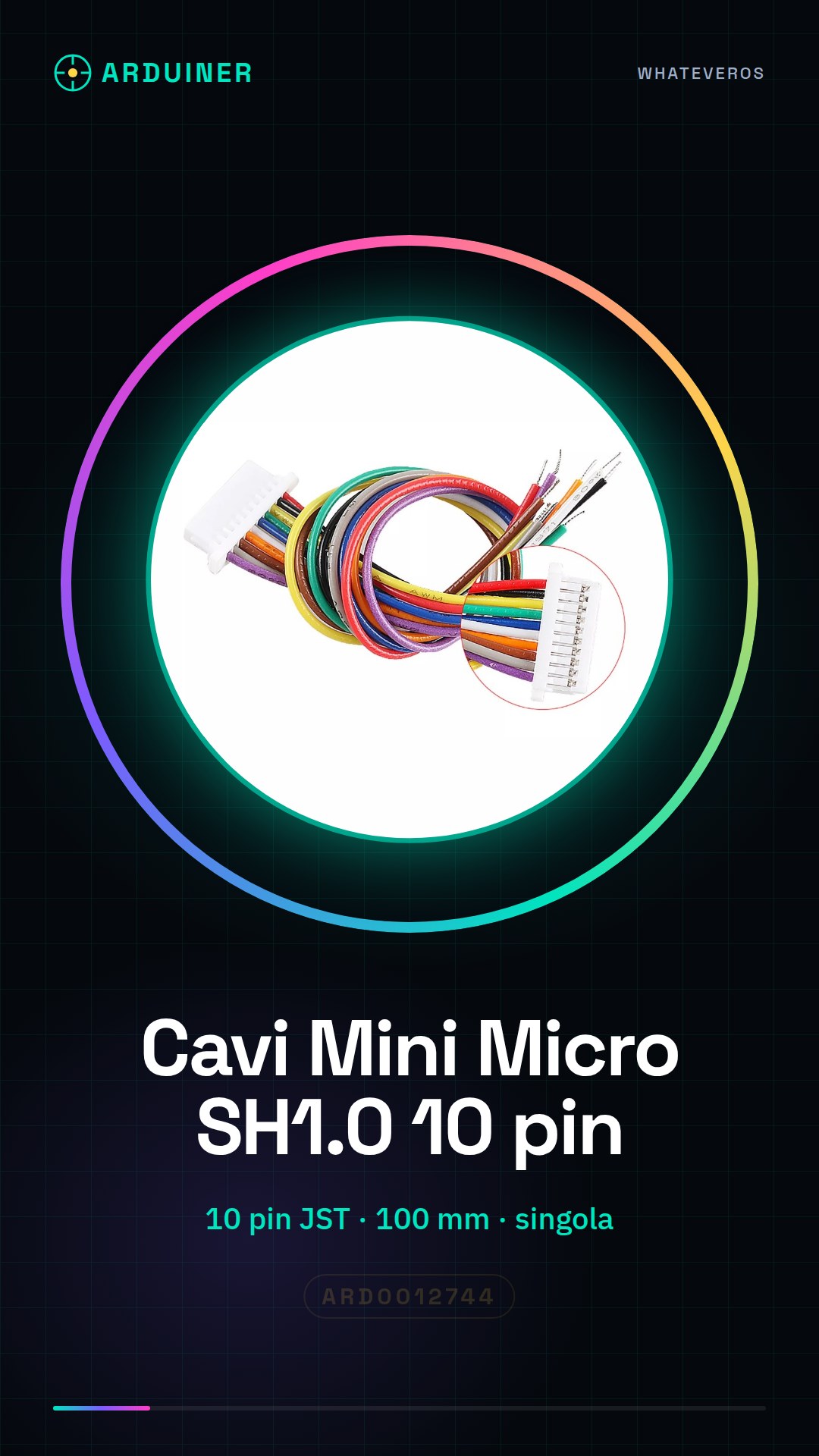
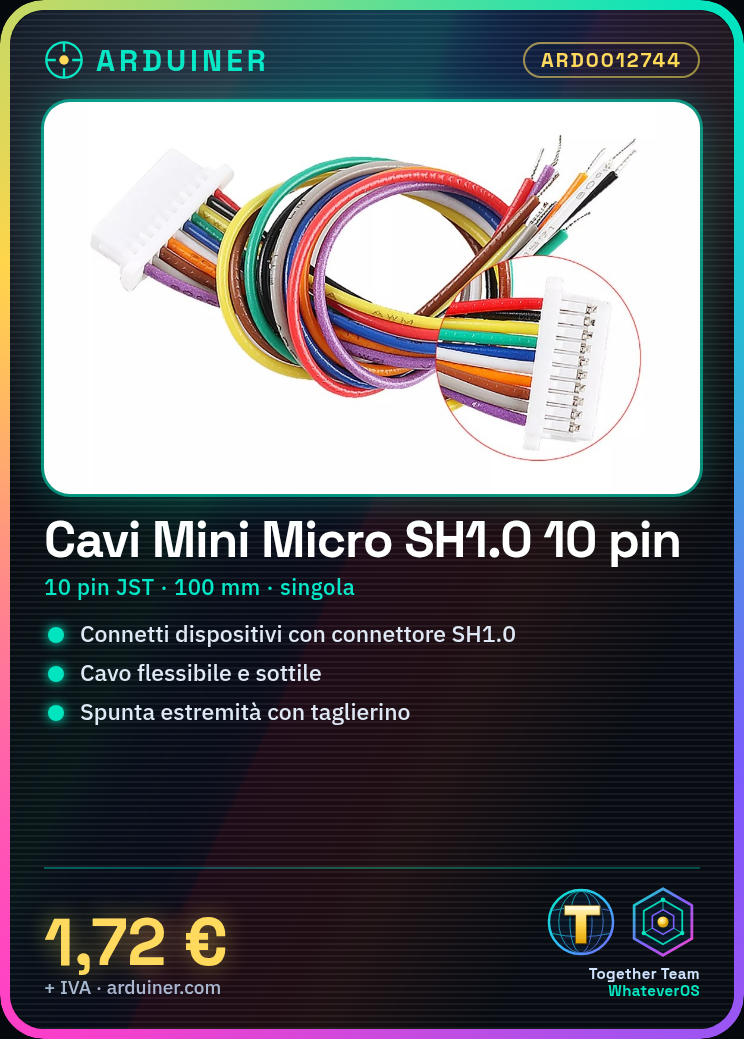
These JST cables are ideal for connecting electronic devices that use JST SH1.0 connectors. They are particularly useful for Arduino and 3D printing projects where a thin and flexible connection is required.
What you need
- Arduino or compatible device
- device with JST SH1.0 connector
- wire stripper tool
Steps
- Check the compatibility of the JST SH1.0 connector with your device.
- Unwind the JST cable up to 100mm and ensure the wires are intact.
- If necessary, cut the wires and trim the ends with a wire cutter.
- Insert the wires into the JST SH1.0 connector and press to lock.
- Connect the JST cable to your device and check the connection.
- If necessary, repeat the process for the second JST SH1.0 cable.
Mini project
Connect a JST SH1.0 temperature sensor to an Arduino to measure real-time temperature.
Common mistakes
- Do not check connector compatibility before installation.
- Do not cut wires too short.
- Do not properly secure the JST SH1.0 connector.
- Insert wires into the JST SH1.0 connector in the wrong order.
Recommended accessories
- JST SH1.0 connector
- Wire stripper tool
- Multimeter tester
- Wire pliers
Frequently asked questions
Which pins to use for connection?
Check your device’s datasheet to determine the correct pins.
How to replace a damaged cable?
Remove damaged wires from the connector and insert new ones.
Reviews
There are no reviews yet.