 EN
 IT Italiano
 ES Español
 FR Français
 DE Deutsch
Description
What it is
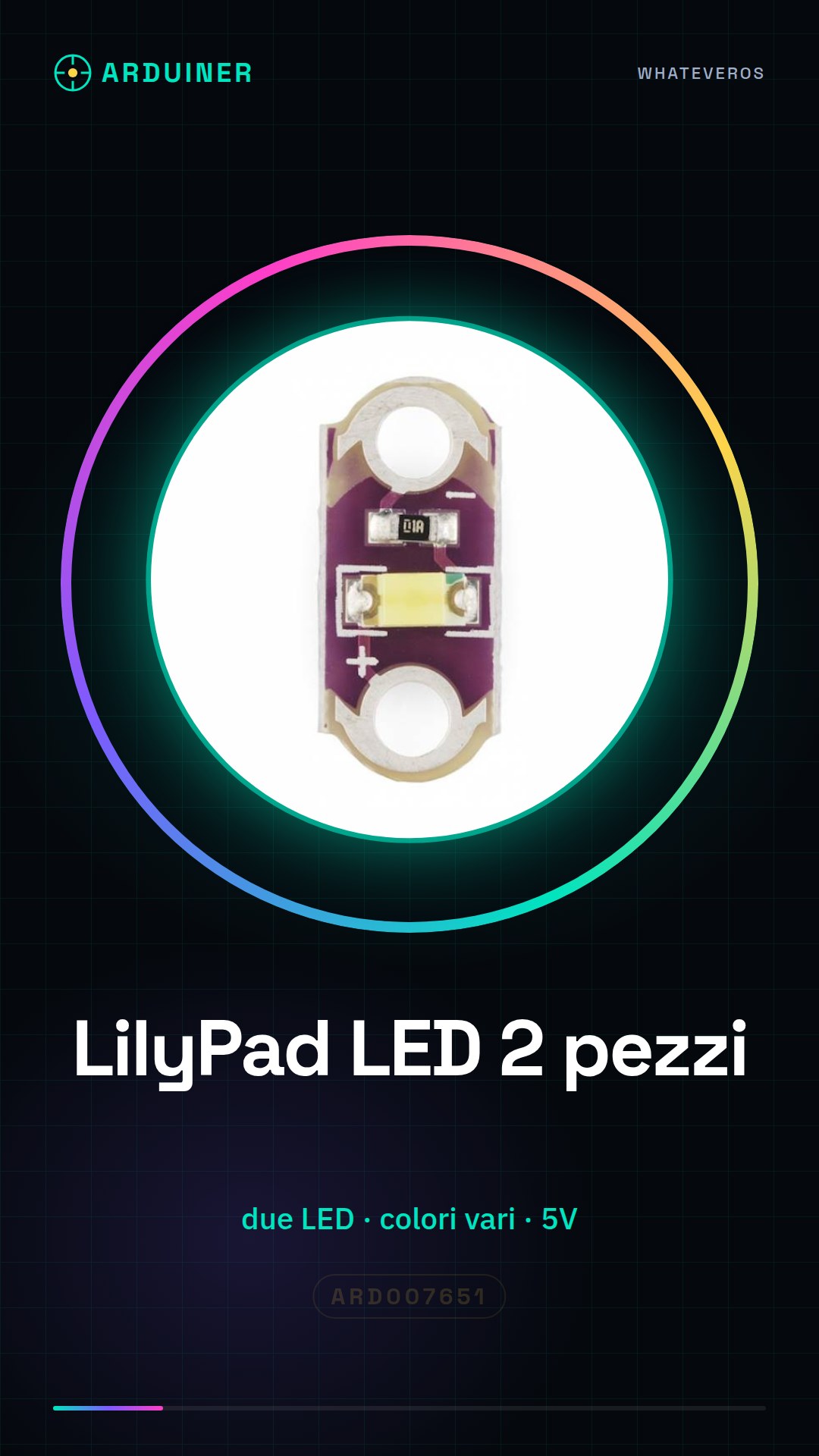
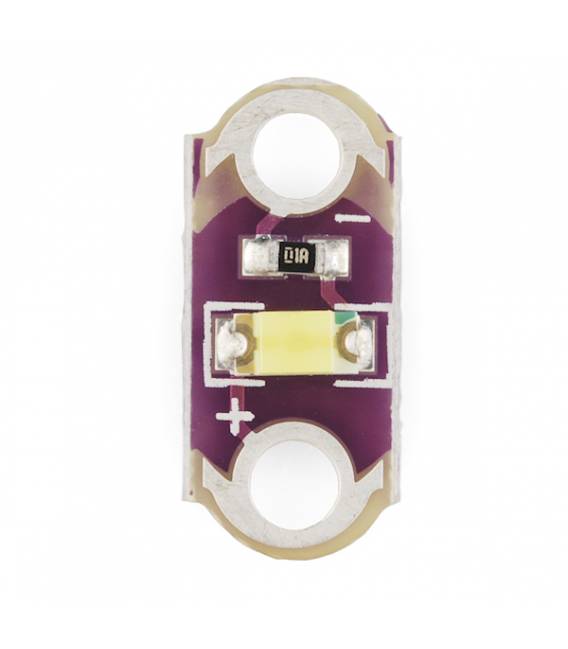
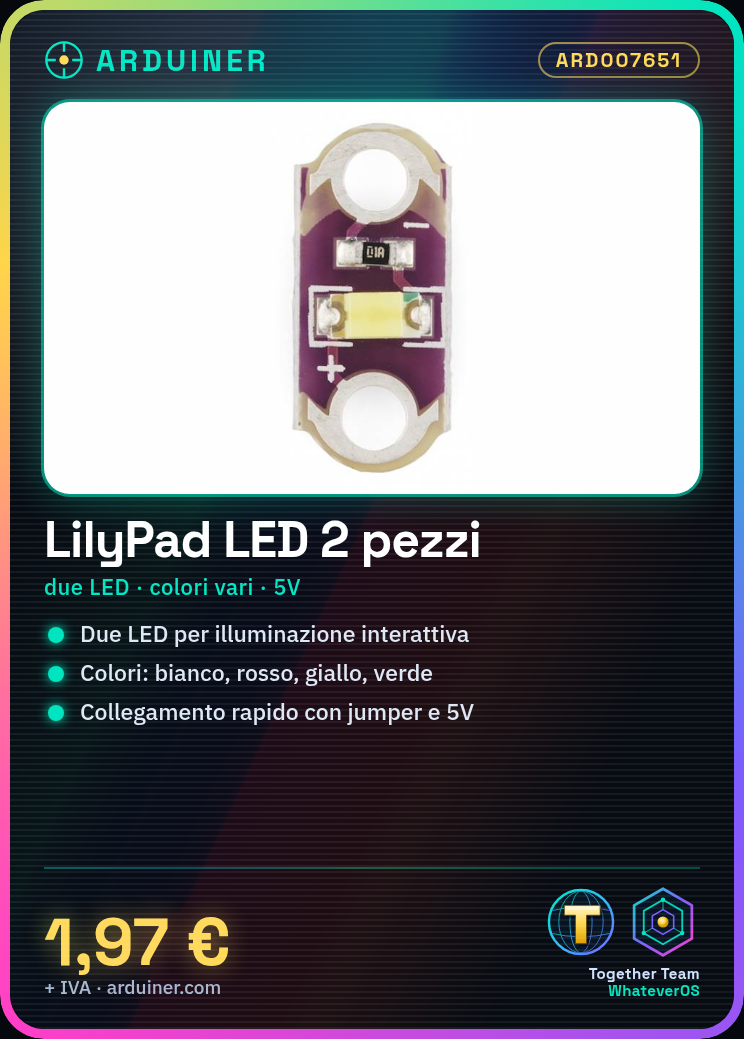
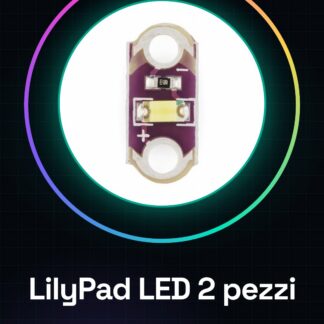
The LilyPad LEDs are small electronic components designed to be integrated into clothing or other textile items. This product includes two pieces of LilyPad LEDs available in various colors: white, red, yellow, orange, green, and blue.
Features
- 2 pieces of LilyPad LEDs
- Available colors: white, red, yellow, orange, green, blue
What it is for
The LilyPad LEDs are ideal for interactive projects with Arduino and 3D printing. They are useful for creating interactive clothing or other objects that require customized lighting based on sensors.
Tutorial: How to use LilyPad LEDs
This tutorial will guide you on how to install and use the LilyPad LEDs to create customized lighting projects. Ideal for both beginners and more experienced makers.
What you need
- Arduino Uno or compatible
- USB cable
- 5V power supply
- jumper wires
Steps
- Connect the LilyPad LED to the chosen Arduino pin using a jumper wire.
- Connect the 5V power supply to the circuit to provide power to the LEDs.
- Write and upload the Arduino sketch that sequentially or simultaneously turns on the LEDs.
- Verify the proper functioning of the LEDs by checking their illumination.
- Modify the sketch to change the brightness level or add special effects such as fade-in and fade-out.
Example code
void setup() {
  pinMode(13, OUTPUT);
}

void loop() {
  digitalWrite(13, HIGH);
  delay(500);                       // Accende il LED per 500ms
  digitalWrite(13, LOW);
  delay(500);                      // Spegne il LED per 500ms
}
Mini project
Create an interactive garment with LilyPad LEDs: connect various LEDs to different sensors and create lighting effects based on movements or sounds.
Common mistakes
- Connect the LED to the circuit without providing power.
- Use voltage higher than the LED’s tolerance.
- Do not verify the correct polarity of the LEDs during installation.
Recommended accessories
- Arduino Uno
- Motion or sound sensors
- Portable 5V battery
Frequently asked questions
What is the electrical consumption of these LEDs?
Check the datasheet to obtain precise data.
Can I connect more LEDs in series?
No, use an additional resistor or connect the LEDs in parallel.


Reviews
There are no reviews yet.