 EN
 IT Italiano
 ES Español
 FR Français
 DE Deutsch
Description
What it is
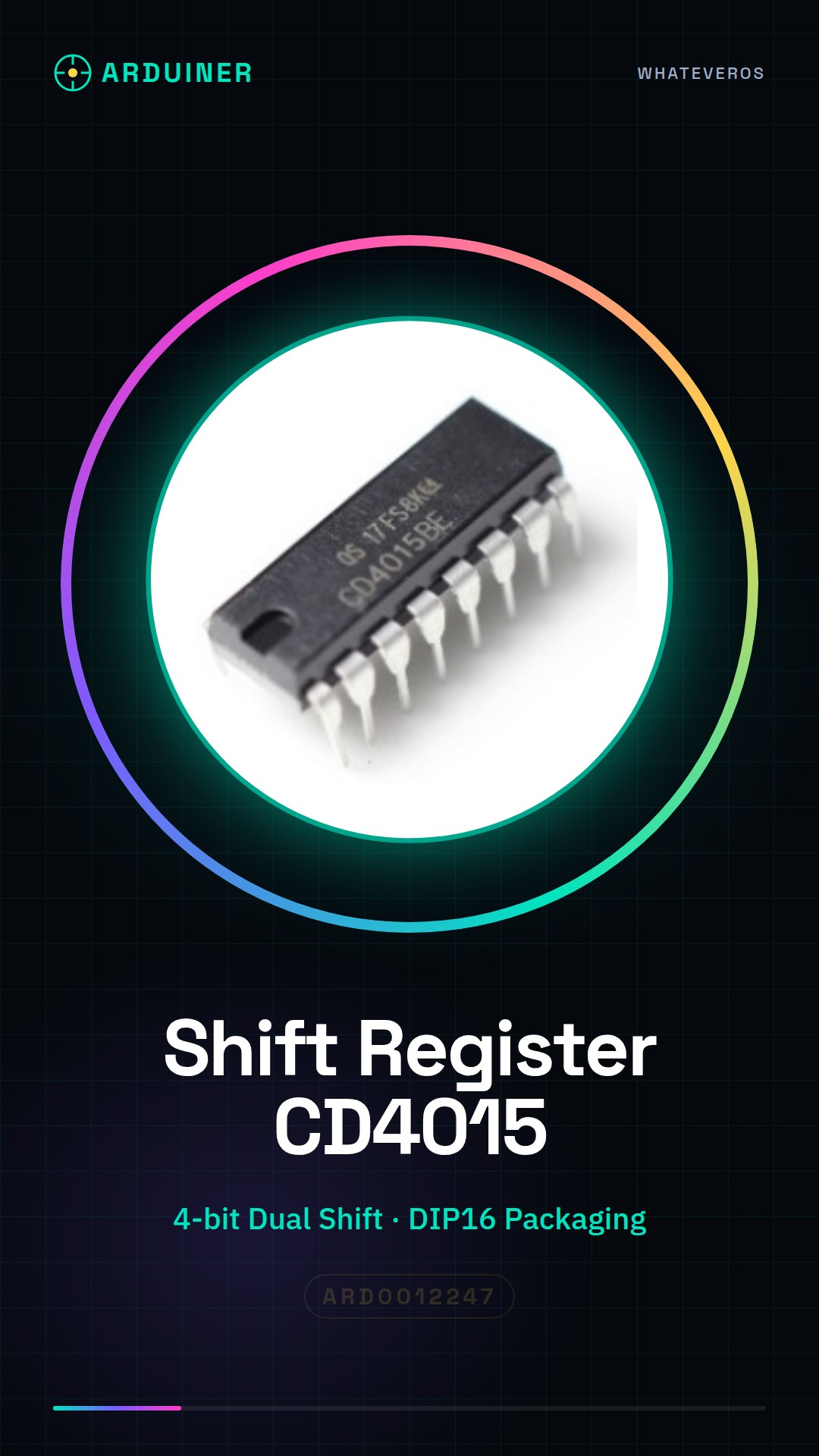
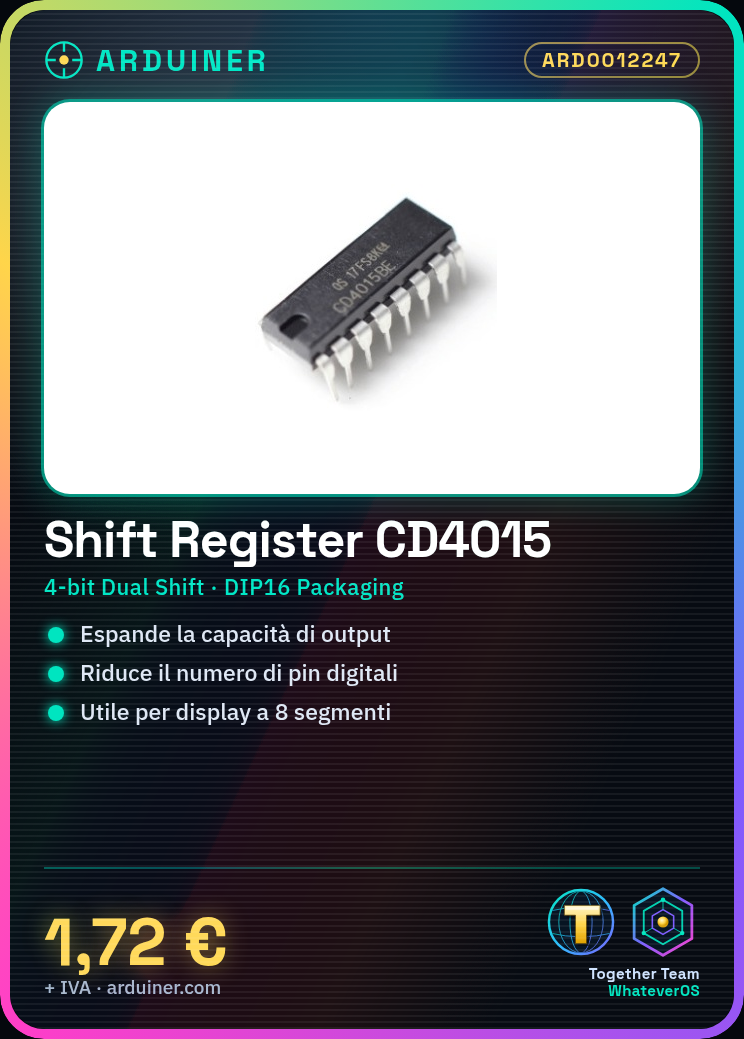
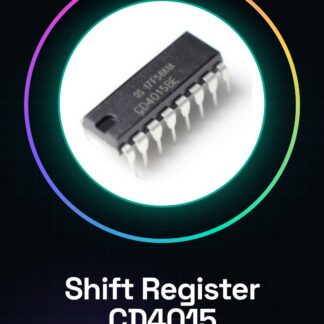
The Dual Serial/Parallel 4-Bit Shift Register CD4015BE in DIP16 is an electronic component used to expand the functionality of Arduino-based projects. This device allows managing multiple output signals through a single pin, reducing the need for many digital pins.
Features
- Type: Dual Serial/Parallel 4-Bit Shift Register
- Role: Data transmission capacity expansion in Arduino circuits
- Packaging: DIP16
What it is for
The Shift Register CD4015 is useful for projects requiring a high number of output signals, such as managing 8-segment displays or other devices that require multiple connections. They are compatible with Arduino and ESP32/ESP8266.
Tutorial: How to use Shift Register CD4015
The CD4015 Shift Register is a component used to expand the data transmission capacity in Arduino circuits. Useful for projects that require many output signals.
What you need
- 2 pieces Shift Register CD4015
- Arduino
- Resistors (10kΩ)
- Power supply cable
Steps
- 1. Installation: Download the driver for the CD4015 from GitHub.
- 2. Connection: Connect GND and 5V of the CD4015 to Arduino.
- 3. Connect 4 output pins of the CD4015 to 4 input pins of another CD4015.
- 4. Connect GND and 5V of the CD4015 to GND and 5V of Arduino.
- 5. Connect resistors (10kΩ) between the data pins and 5V.
- 6. Connect data pins of the CD4015 to digital pins of Arduino.
- 7. Download the Arduino code.
- 8. Upload the code to Arduino.
Example code
void loop() { for (int i = 0; i < 16; i++) { digitalWrite(i, HIGH); delay(100); digitalWrite(i, LOW); }}Mini project
Create an 8-segment display using 2 Shift Register CD4015.
Common mistakes
- Incorrectly connect power pins.
- Forget to add resistors.
- Connect data pins directly to Arduino without resistors.
- Do not upload the wrong code to Arduino.
Recommended accessories
- 8-segment display
- Resistors (10kΩ)
- Power supply cable
Frequently asked questions
How to connect the pins correctly?
Connect GND to GND, 5V to 5V, and data pins to digital pins of Arduino.
Why use resistors?
To protect Arduino pins from electrical overloads.
Can I use a power supply other than 5V?
Check the datasheet for supported voltage values.
How many data pins can I use?
You can use up to 8 pins per Shift Register.
Reviews
There are no reviews yet.