 EN
 IT Italiano
 ES Español
 FR Français
 DE Deutsch
Description
What it is
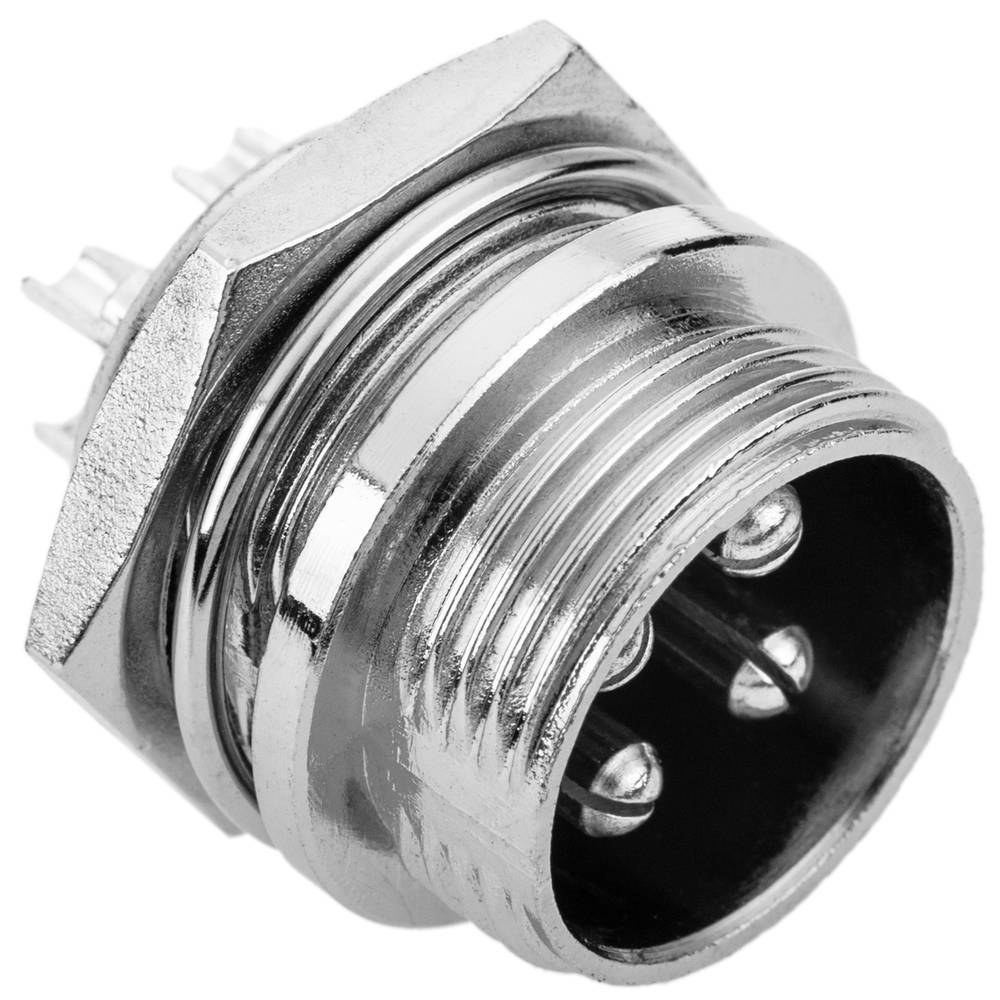
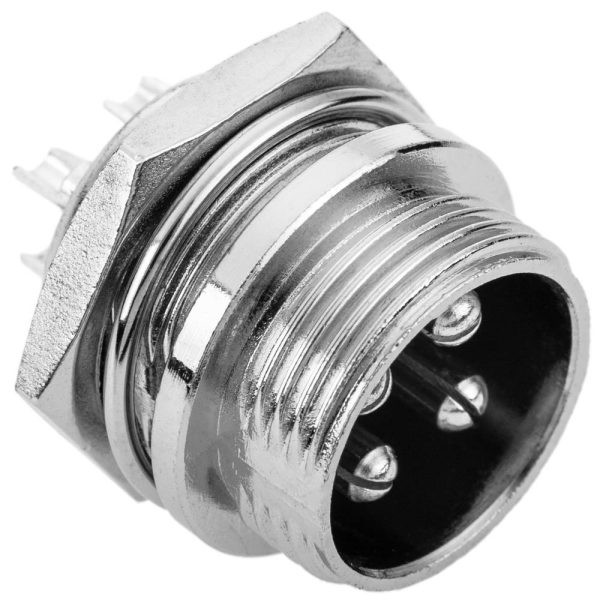
The aviation GX16 4P connector is an electronic component used to quickly and safely connect various electronic devices. This connector is particularly suitable for projects that require a robust and easy-to-use connector.
Features
- Type: Aviation GX16 4P Connector
- Plates: 4
- Compatible with Arduino and electronic projects
What it is for
Aviation GX16 4P connectors are ideal for drone and model airplane projects, but can be used in any project that requires a robust and easy-to-use connector. For example, they can be used to connect a joystick to a microcontroller, or to connect a microcontroller to the control system of a model airplane.
Tutorial: How to Use Male Aviation GX16 4P Connector
Aviation GX16 4P connectors are ideal for quickly and safely connecting electronic components. They are particularly useful for drone and model airplane projects, but can be used in any project that requires a robust and easy-to-use connector.
What you need
- Drone projects
- Model airplanes
- Mobile electronics projects
- Temporary connections between circuits
- 3D printing projects
- Arduino projects
Steps
- Check the type of connector corresponding to the female GX16 4P.
- Position the male GX16 4P connector on the side of the circuit or device where you want to make the connection.
- Insert the wires into the correct positions of the connector, respecting the pin layout.
- Secure the wires with a crimp or electrical tape to prevent them from disconnecting.
- Check the connection with a multimeter or Arduino debug software.
- If necessary, apply a little silicone or other insulator to protect the connectors externally.
- Test the connection with a simple test project.
- If everything works, the connector is ready to be used in the final project.
Mini project
Create a remote control system for an aircraft: connect a joystick to a microcontroller and use the GX16 4P connector to connect the microcontroller to the aircraft control system.
Common mistakes
- Insert the wires into the connector incorrectly.
- Do not secure the wires properly, causing intermittent contact.
- Use an incompatible connector.
- Do not test the connection before using it in the final project.
Recommended accessories
- Insulated wires
- Wire nuts
- Electrical tape
- Aviation female GX16 4P connector
Frequently asked questions
What is the difference between GX16 and GX14?
The GX16 has 4 positions, while the GX14 has 3 positions.
Can I use these connectors to power a circuit?
Yes, but check the load capacity and maximum voltage on the connector’s datasheet.
Are these connectors water resistant?
They are not designed to be water resistant, but can be protected with silicone or insulation.
Reviews
There are no reviews yet.