 EN
 IT Italiano
 ES Español
 FR Français
 DE Deutsch
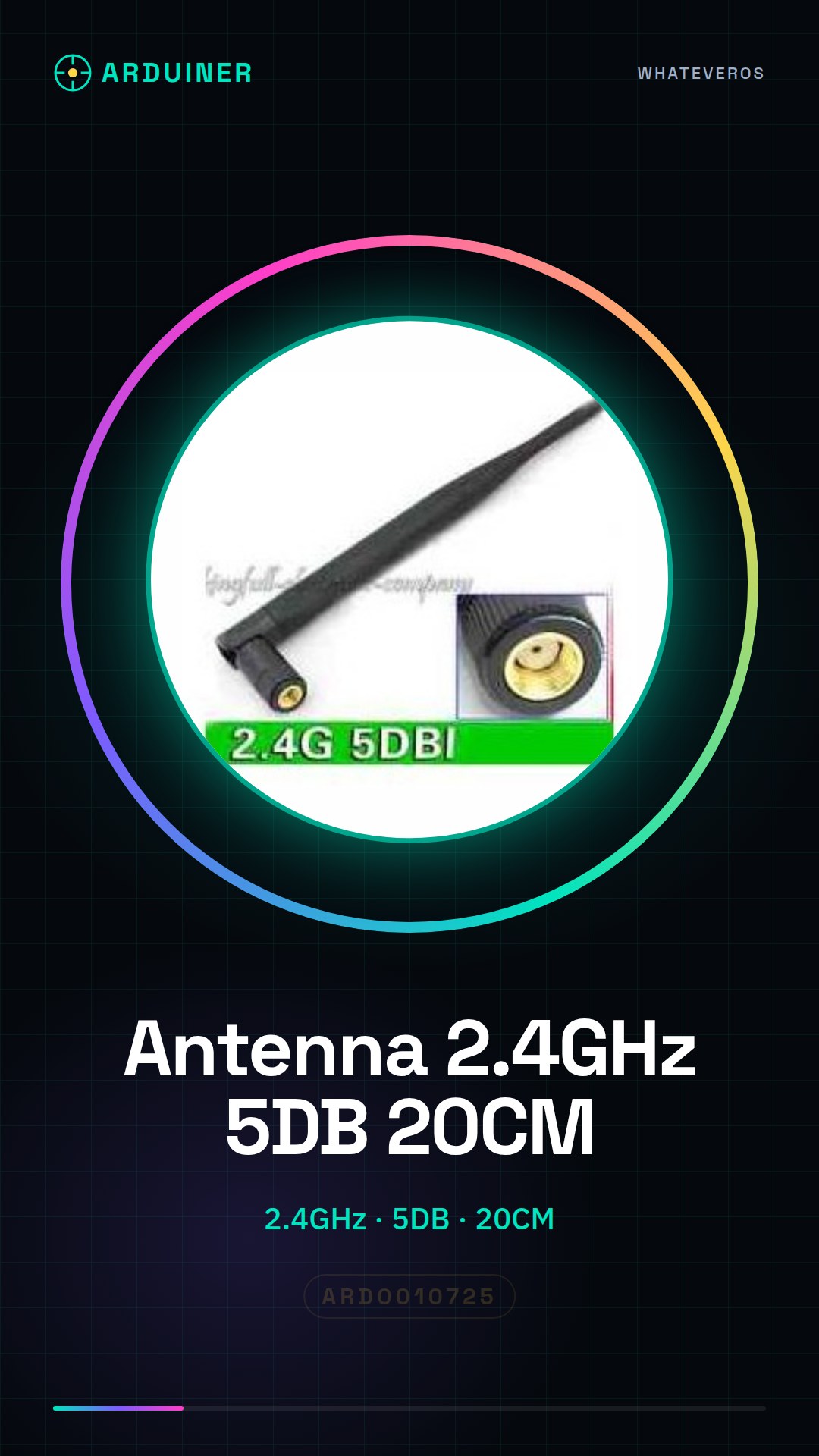
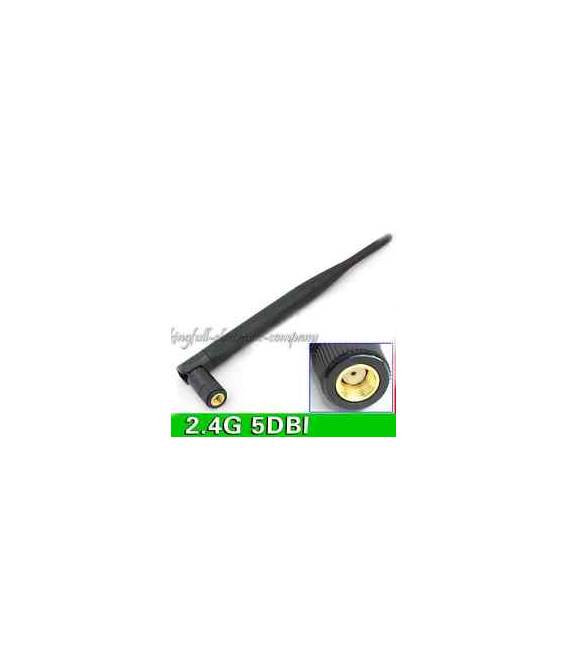
Description
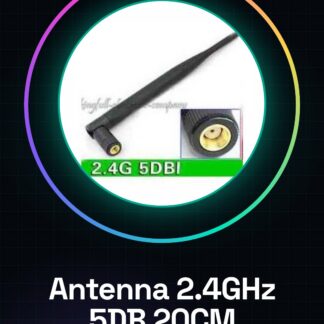
Tutorial: How to Use 2.4GHz 5DB 20CM with RP – SMA Male Connector
The 2.4GHz antenna helps improve the quality of your Wi-Fi connection or radio communication system. Useful for Arduino and maker projects.
What you need
- 2.4GHz 5DB 20CM with RP – SMA Male Connector
- RP male connector
- SMA female connector
- Arduino or Wi-Fi module
Steps
- Check the datasheet for antenna specifications.
- Prepare the RP male connector and the SMA female connector.
- Connect the RP male connector to the antenna.
- Connect the SMA female connector to the Arduino or Wi-Fi module.
- Check the connection and mounting.
- Verify the connection with a connectivity test.
Mini project
Build a radio communication system based on Arduino using the 2.4GHz antenna.
Common mistakes
- Do not check the specifications on the datasheet.
- Connect the antenna without properly preparing the connectors.
- Do not test the connection after the connection.
- Do not follow the assembly instructions.
Recommended accessories
- SMA female connector
- RP male connector
- Arduino
- Wi-Fi module
Frequently asked questions
Is the 2.4GHz antenna compatible with all devices?
Check the datasheet for compatibility with your device.
What is the lifespan of the antenna?
Check the datasheet for the lifespan of the antenna.
Can I use the antenna with a different type of connector?
Check the datasheet to see if the antenna supports different connectors.
Reviews
There are no reviews yet.